ログインが必要
iOSGodsアカウントでサインインして続けてください。

Hack Features:
- PREMIUM
Recolor - Adult Coloring Book Modded modded IPAを上のリンクからダウンロードします。インストールボタンをタップし、画面の指示に従ってiPhone、iPad、Apple SiliconにこのiOSアプリハックをインストールします。
さらにヘルプが必要ですか? 詳しい回答とトラブルシューティングはiOSGodsアプリ よくある質問をご覧ください。
* Number 1 in over 60 countries on the App Store * Featured by Apple in over 50 countries *
“It’s both relaxing and energizing – a form of creative expression that gives a zen-like zone-out” – Apple
The world’s FAVORITE adult coloring book with over 50 million downloads worldwide! Color your stress away and become a member of the happiest coloring book community in the world! Join millions of people in the most relaxing coloring book experience available on the App store.
Color over 5000 unique adult coloring pages like mandalas, flowers, dogs and cats, created by our professional artists or upload and bring your own pictures and drawings to life!
Create your own masterpiece or get inspiration and browse through thousands of beautiful coloring pages in our gallery created by our awesome Recolor community!
Relieve your stress and unleash your creativity with Recolor’s stunning coloring pages – it’s fun, easy and only a click away! You can enjoy the FREE version or subscribe to get access to all the amazing premium features.
FEATURES:
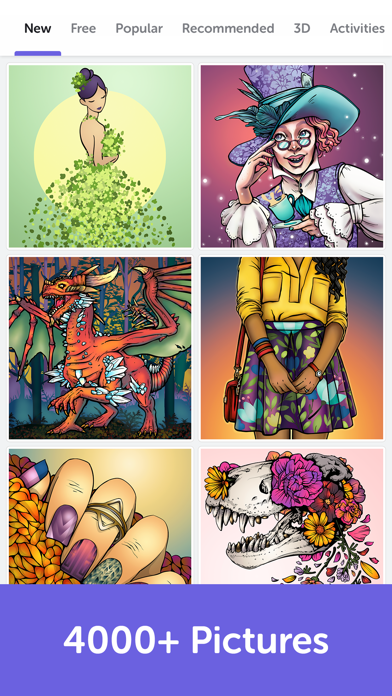
- 5000+ unique and professional coloring pages (and more every day!) from dozens of categories including: mandalas, cats, dogs, hair, portraits, fantasy, animals, romance, florals, fashion, famous movies, and many more.
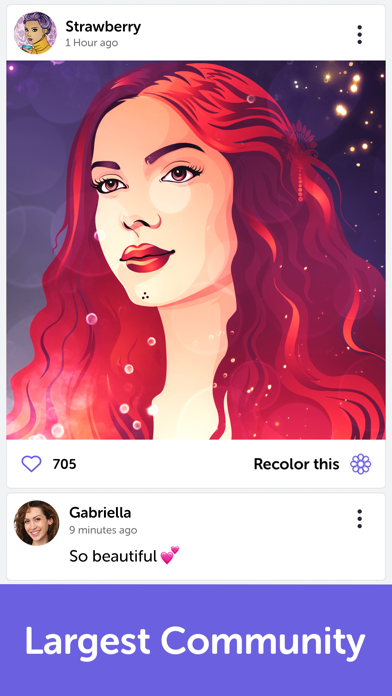
- The largest coloring community with millions of members to share and view drawings from all around the world
- Import your own photos and drawings, color them and share with your friends
- Hundreds of available colors
- 3 FREE new coloring images every day!
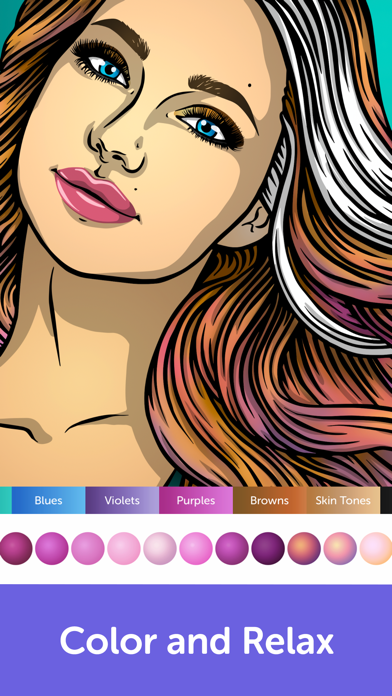
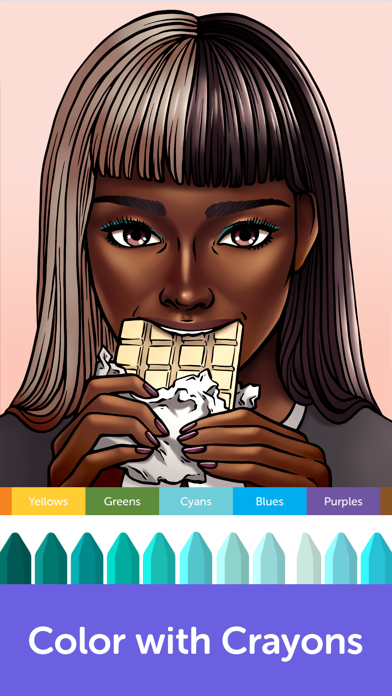
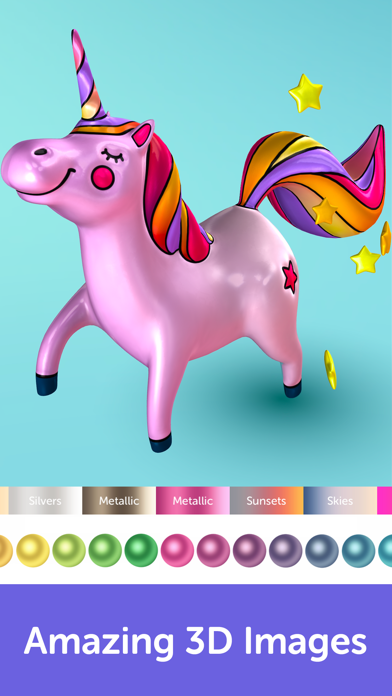
- Over 70 palettes and dozens of coloring options to choose from – solid and live colors, gradients, and crayons. You can also create your very own palettes!
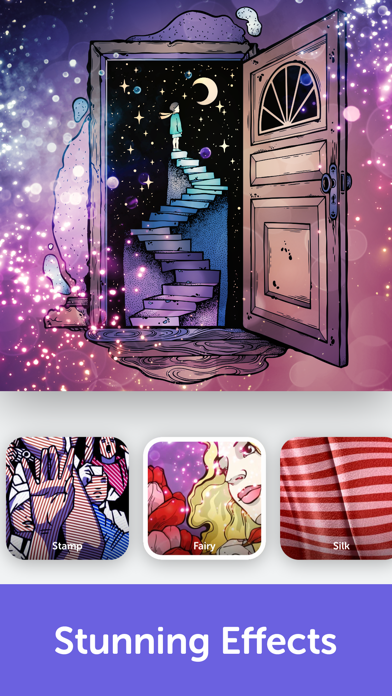
- More than 80 stunning effects, filters and outlines to finalize and personalize your art
- Join fun and challenging events and color images to get featured in our app!
- Share your masterpiece with friends on your favorite social networks
Recolor Unlimited Subscription
- Unlimited access to all Recolor features including the entire gallery of 5000+ pictures, all color palettes, hundreds of colors, cool filters & effects, and a completely ad-free experience for the duration of the subscription. You can choose yourself which subscription suits you best and can manage your settings via your iTunes account.
- You may cancel a subscription or free-trial anytime via the subscription setting through your iTunes account. This must be done 24 hours before the end of the free-trial or subscription period to avoid being charged.
- Subscription automatically renews unless auto-renew is turned off at least 24-hours before the end of the current period. No cancellation of the current subscription is allowed during active subscription period. Any unused portion of a free-trial period, will be forfeited when the user purchases a Recolor Unlimited Subscription.
Terms of use: http://recolor.com/terms
Privacy policy: https://recolor.com/privacy
- 脱獄/Jailed済みまたは脱獄済みのiPhoneまたはiPad。
- Sideloadlyまたは代替手段。
- iTunesがインストールされているWindows/macOS/Linuxを実行しているコンピュータ。
ステップ1: 上のリンクから事前にハックされた.IPAファイルをコンピュータにダウンロードします。iOSGodsアプリからダウンロードする方法は、ビデオ例付きのiOSGodsアプリIPAダウンロードチュートリアルをご覧ください。
ステップ2: SideloadlyをダウンロードしてWindowsまたはMacにインストールします。
ステップ3: コンピュータでSideloadlyを開き、iOSデバイスを接続して、デバイス名がSideloadlyに表示されるまで待ちます。
ステップ4: iDeviceが認識されたら、ダウンロードしたModされた.IPAファイルをSideloadlyアプリにドラッグ&ドロップします。
ステップ5: Apple Accountのメールアドレスを入力し、「Start」を押します。次にパスワードの入力を求められます。必要な情報を入力してください。
ステップ6: Sideloadlyがハックされたipaのサイドロード/インストールを完了するのを待ちます。インストール中に問題が発生した場合は、以下の注意事項をお読みください。
ステップ7: インストールが完了し、ホーム画面にアプリが表示されたら、設定 → 一般 → プロファイル / VPNとデバイス管理に移動する必要があります。そこで、ステップ6で入力したメールをタップし、「Trust [email protected]」をタップします。
ステップ8: ホーム画面に戻り、新しくインストールされたアプリを開けば、すべて正常に動作するはずです。ゲーム内のハックのポップアップで、アプリごとの追加指示に従う必要がある場合があります。
注意: iOS/iPadOS 16以降では、デベロッパモードを有効にするが必要です。無料のApple Developerアカウントの場合、このプロセスを7日ごとに繰り返す必要があります。質問や問題がある場合は、トピックのSideloadly FAQセクションをお読みください。