Connexion requise
Connectez-vous avec votre compte iOSGods pour continuer.
Connectez-vous avec votre compte iOSGods pour continuer.
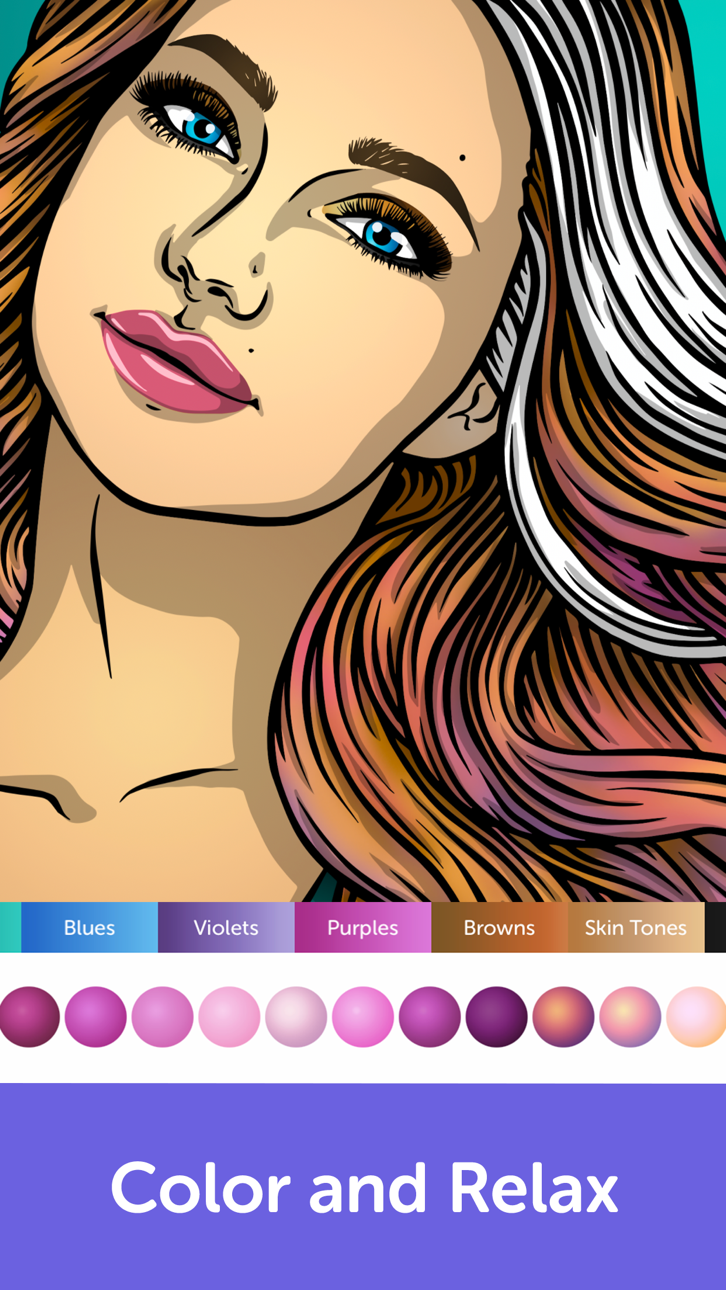
Détendez-vous et créez dans Recolor, le livre de coloriage pour adultes préféré au monde avec plus de 5000 pages uniques, maintenant déverrouillé avec ce Mod IPA modifié. Accédez aux fonctionnalités premium et colorez sans limites dans cette expérience créative zen aimée par des millions de personnes dans le monde.
- Premium Déverrouillé → accédez à toutes les fonctionnalités premium
Cette app est également livrée avec iGameGod, qui vous donne accès à Auto Touch pour automatiser les tâches répétitives, App Speed Manager pour ajuster la vitesse de jeu, à l'édition de valeurs avec Memory Engine, et à d'autres outils puissants pour les jeux iOS.
Téléchargez Recolor - Adult Coloring Book Modded modded IPA depuis les liens ci-dessus. Appuyez sur le bouton d'installation et suivez les instructions pour installer ce hack iOS sur votre iPhone, iPad ou Apple Silicon.
Besoin de plus d'aide ? Consultez notre FAQ de l'app iOSGods pour des réponses détaillées et des conseils de dépannage.
* O 1º em mais de 60 países na App Store * Apresentado pela Apple em mais de 50 países *
“Relaxa e estimula, é uma maneira de se expressar com criatividade que coloca você em um transe zen” — Apple
O livro de colorir para adultos FAVORITO de todos, com mais de 50 milhões de downloads no mundo todo!
Tire o estresse colorindo e seja um membro da comunidade de colorir livros mais feliz do mundo! Participe com milhões de pessoas da experiência mais relaxante de livros para colorir já disponível no App Store.
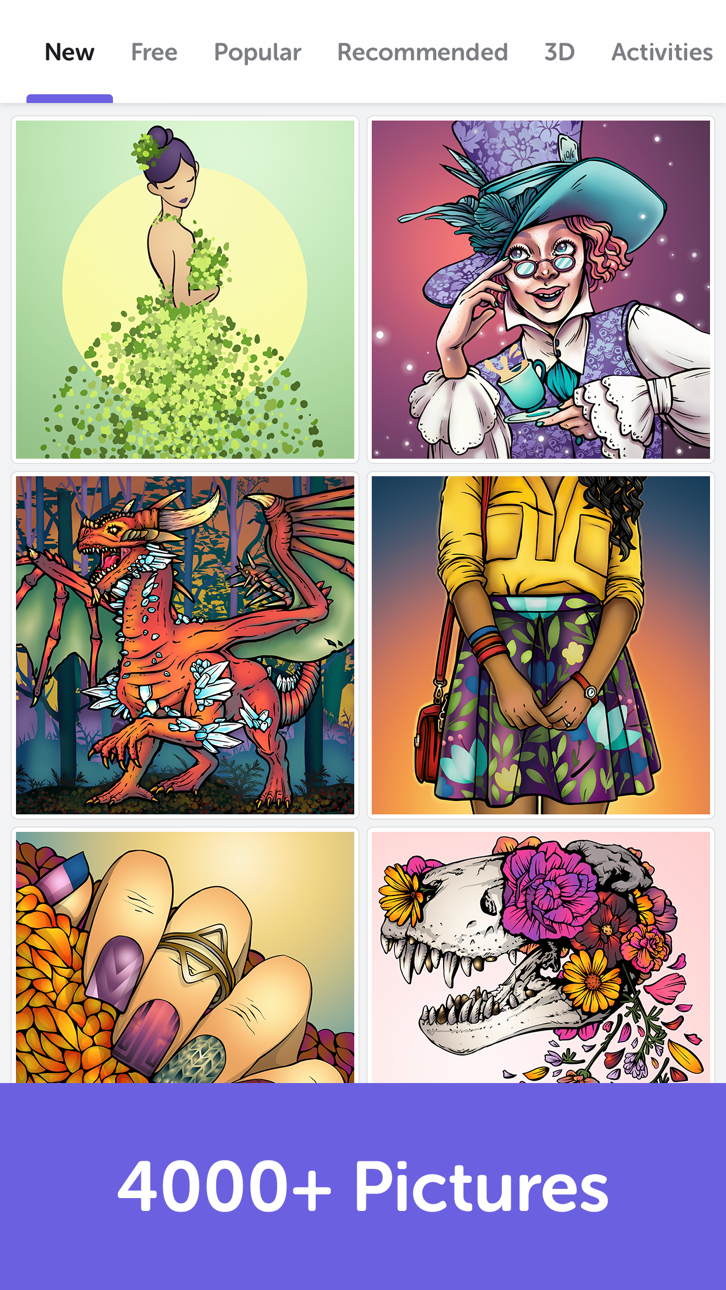
Pinte mais de 5.000 páginas de colorir para adultos, como mandalas, flores, cães e gatos, criadas pelos nossos artistas profissionais, ou faça upload e deixe suas próprias imagens e desenhos ganhar vida!
Crie sua própria obra-prima ou se inspire e navegue por milhares de páginas deslumbrantes para colorir em nossa galeria criada pela fantástica comunidade do Recolor!
Alivie o estresse e dê asas à sua criatividade com as incríveis páginas para colorir do Recolor. É divertido, fácil e basta apenas um clique! Você pode aproveitar a versão GRÁTIS ou fazer a assinatura para acessar todos os recursos premium.
DESTAQUES:
- Mais de 5.000 páginas únicas e profissionais para colorir (com muito mais a cada dia!) que variam em dezenas de categorias, inclusive mandalas, gatos, cachorros, cabelos, retratos, fantasia, animais, romance, florais, moda, Barbie, filmes famosos e muito mais.""
- A maior comunidade de colorir com milhões de membros para compartilhar e ver desenhos do mundo todo
- Importe suas próprias imagens e desenhos. Pinte e compartilhe-os com seus amigos
- Centenas de cores disponíveis
- 4 imagens GRÁTIS para colorir todos os dias!
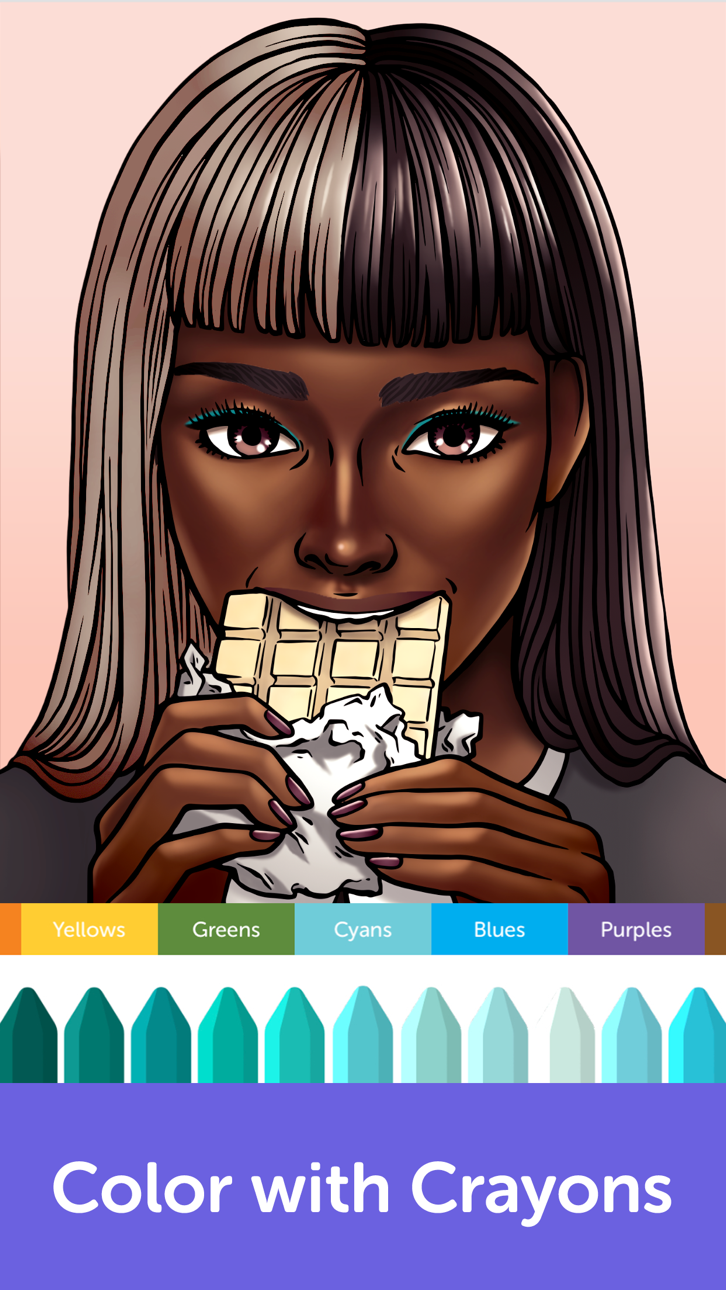
- Mais de 70 paletas e dezenas de opções para colorir à sua escolha: cores sólidas e vivazes, gradientes e creions. Você também pode criar suas paletas exclusivas!
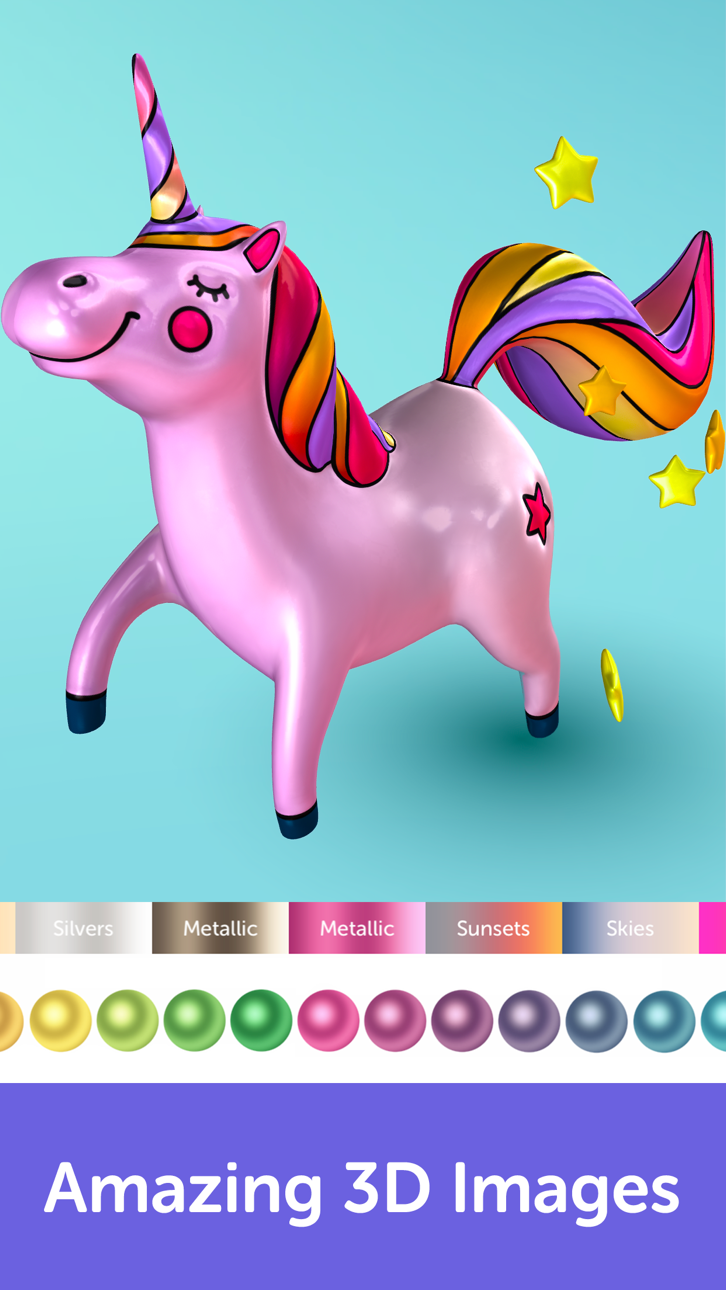
- Mais de 80 efeitos, filtros e contornos deslumbrantes para finalizar e personalizar sua arte
- Participe de eventos divertidos e desafiadores e pinte imagens para ficar em destaque no app!
- Compartilhe sua obra-prima com amigos em suas redes sociais favoritas
Assinatura Ilimitada do Recolor
- Acesso ilimitado a todos os recursos do Recolor, inclusive toda a galeria de mais de 5.000 imagens, todas as paletas de cores, centenas de cores, filtros e efeitos legais, além de uma experiência sem nenhum anúncio durante a assinatura. Você pode escolher qual é a melhor modalidade e gerenciar suas configurações pela conta do iTunes.
- Você pode cancelar uma assinatura ou teste grátis sempre que quiser configurando a assinatura em sua conta do iTunes. Isso deve ser feito 24 horas antes do fim do período da assinatura ou teste grátis para evitar a cobrança.
- A assinatura renova automaticamente a menos que a renovação automática seja desativada 24 horas ou mais antes do fim do período atual. Não é permitido cancelar a assinatura atual durante o período ativo. Qualquer período não utilizado de um teste grátis será perdido quando o usuário fizer uma assinatura ilimitada do Recolor.
Captures © leurs propriétaires respectifs · App Store


iOSGods n'est ni affilié à Apple Inc., Google LLC ou aux développeurs des applications listées ici, ni approuvé ou sponsorisé par eux. Apple, iOS et App Store sont des marques d'Apple Inc. Android et Google Play sont des marques de Google LLC. Tous les autres noms d'applications, icônes, visuels et marques appartiennent à leurs propriétaires respectifs.
- iPhone ou iPad avec ou sans Jailbreak.
- Sideloadly ou alternatives.
- Ordinateur sous Windows/macOS/Linux avec iTunes installé.
ÉTAPE 1: Téléchargez le fichier .IPA pré-modifié depuis le lien ci-dessus sur votre ordinateur. Pour le télécharger depuis l'iOSGods App, consultez notre Tutoriel de téléchargement de l'IPA depuis l'iOSGods App qui comprend un exemple en vidéo.
ÉTAPE 2: Téléchargez Sideloadly et installez-le sur votre Windows ou Mac.
ÉTAPE 3: Ouvrez Sideloadly sur votre ordinateur, connectez votre appareil iOS et attendez que le nom de votre appareil apparaisse dans Sideloadly.
ÉTAPE 4: Une fois votre iDevice reconnu, glissez le fichier .IPA modifié que vous avez téléchargé et déposez-le dans l'application Sideloadly.
ÉTAPE 5: Saisissez l'adresse e-mail de votre Apple Account, puis appuyez sur « Start ». Il vous sera ensuite demandé d'entrer votre mot de passe. Fournissez les informations requises.
ÉTAPE 6: Attendez que Sideloadly termine le sideloading/l'installation de l'IPA modifié. En cas de problème durant l'installation, veuillez lire la remarque ci-dessous.
ÉTAPE 7: Une fois l'installation terminée et l'app visible sur votre écran d'accueil, vous devez aller dans Réglages → Général → Profils / VPN et gestion de l'appareil. Là, appuyez sur l'adresse e-mail saisie à l'étape 6, puis appuyez sur « Faire confiance à [email protected] ».
ÉTAPE 8: Allez maintenant sur votre écran d'accueil et ouvrez l'app nouvellement installée ; tout devrait fonctionner correctement. Vous devrez peut-être suivre des instructions supplémentaires propres à chaque app, dans la fenêtre du hack en jeu.
REMARQUE : À partir d'iOS/iPadOS 16, vous devez activer le mode Développeur. Pour les comptes Apple Developer gratuits, vous devrez répéter ce processus tous les 7 jours. Pour toute question ou problème, lisez notre section FAQ Sideloadly du sujet.
Game Name iOS Mod IPA is an action adventure game enhanced with powerful gameplay boosts and quality-of-life improvements. Win battles faster, earn rewards quicker, and enjoy uninterrupted play without ads.
- Unlimited Gold - spend freely to unlock premium content
- Damage Multiplier - deal significantly more damage in combat
- Defense Multiplier - take less damage and survive longer
- Reward Multiplier - earn more loot from every battle
- Max Level - instantly reach the highest player rank
- No Ads - play without interruptions or advertisements
This app also comes with iGameGod, giving you access to Auto Touch to automate repetitive tasks, App Speed Manager for adjustable gameplay speed, Memory Engine value editing, and more powerful iOS game tools.
Téléchargez Game Name Mod IPA depuis les liens ci-dessus. Appuyez sur le bouton d'installation et suivez les instructions pour installer ce hack iOS sur votre iPhone, iPad ou Apple Silicon.
Besoin de plus d'aide Consultez notre FAQ de l'app iOSGods pour des réponses détaillées et des conseils de dépannage.
----------------------------------------------------------
--------------------------------------------------