需要登入
請使用您的 iOSGods 帳戶登入以繼續。
Hack Features:
- PREMIUM
從上方連結下載 Peak - Brain Training Modded modded IPA。點選安裝按鈕並依照畫面指示在 iPhone、iPad 或 Apple Silicon 上安裝此 iOS 應用程式修改版。
需要更多協助?請查看我們的 iOSGods 應用程式常見問題 以獲得詳細解答與疑難排解。

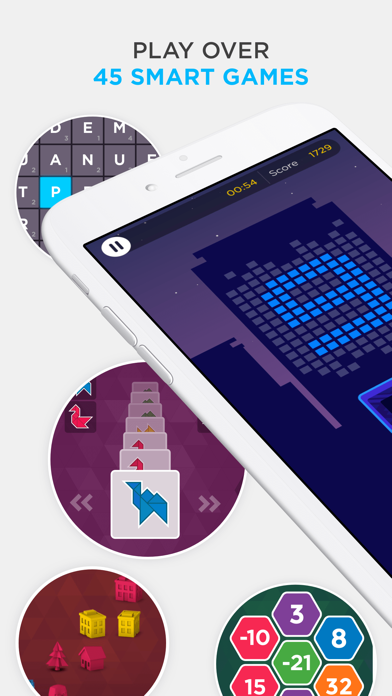
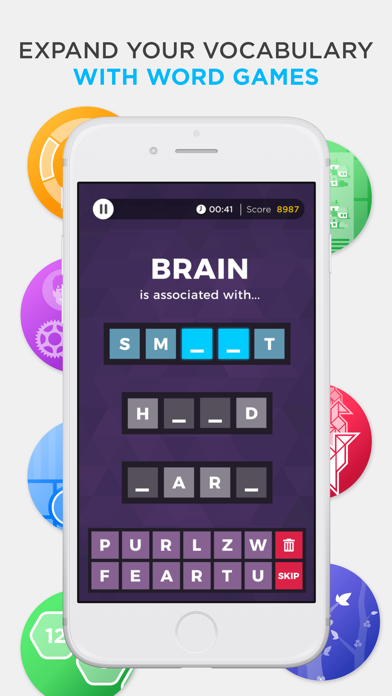
Maximize your full potential by challenging yourself with Peak, designed to help you expand your mental skills with 45+ fun and rewarding games.
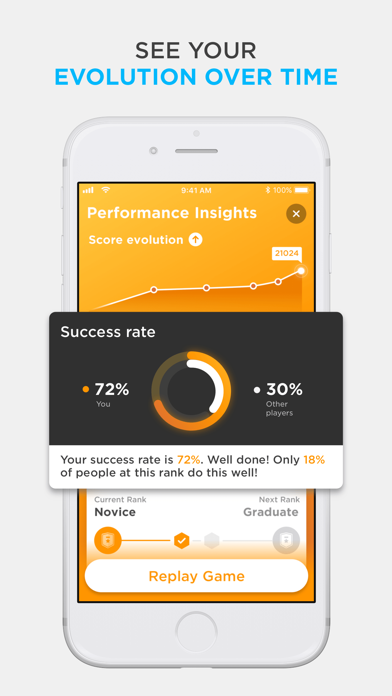
Peak has 45+ games covering six categories, carefully developed with you in mind. Choose from our catalog of games or challenge yourself with our versatile Daily Workouts. Short on time? Don’t worry, play Coffee Break, for when you need that extra pep in your step in under five minutes. We'll also show you insights about your performance to help you support your growth, development and provide you with data-orientated feedback.
So what are you waiting for? Join millions of brain trainers worldwide and start challenging your brain today!
Download and play our basic version for free or upgrade to Pro to unleash the full brain training experience.
Workouts:
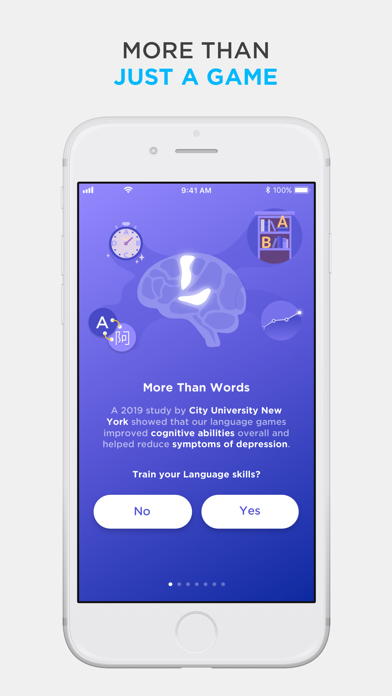
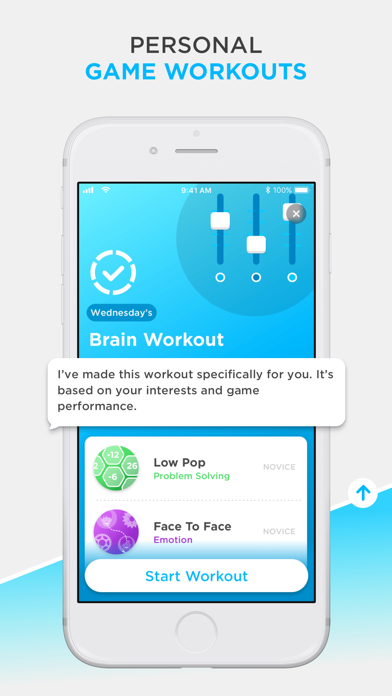
- Daily brain workouts to sharpen your Memory, Attention, Problem-Solving, - Mental Agility, Language, Coordination and Emotion Control
- Play skill based workouts such as Coffee Break, Weakest Link, Low Rank and The Total Workout
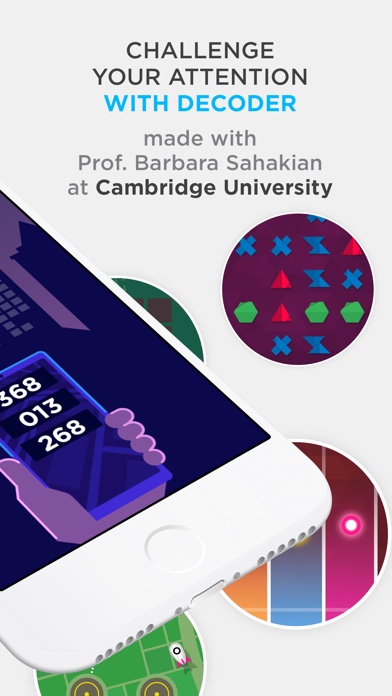
- Access our Advanced Training modules, developed in collaboration with scientists and universities.
Insights:
- Compete with friends
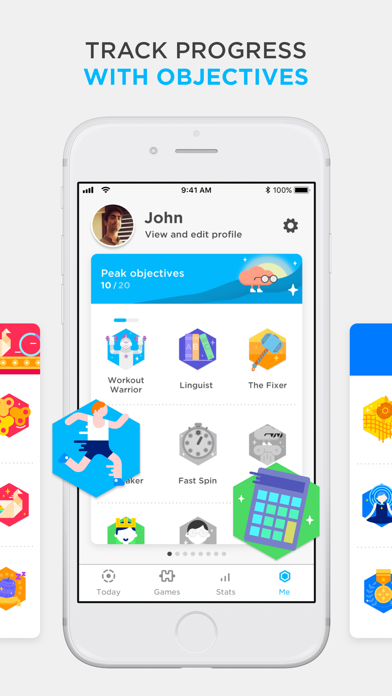
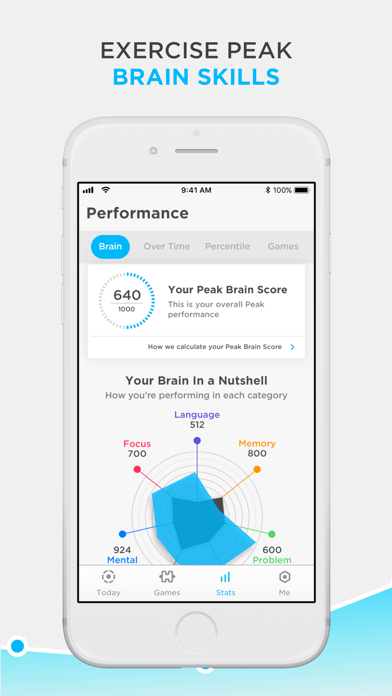
- Track your progress with in-depth insights and statistics
- Compare your scores with others in your age range and profession
PEAK PRO TERMS
Payment will be charged to your iTunes account at confirmation of purchase.
Subscription automatically renews unless auto-renew is turned off at least 24 hours before the end of the current period.
Account will be charged for renewal within 24 hours of the end of the current period, and the cost of the renewal will be provided.
Subscriptions may be managed by the user. Auto-renewal may be turned off by going to the user’s Account Settings after purchase.
No cancellation of the current subscription is allowed during active subscription period.
Any unused portion of a free trial period, if offered, will be forfeited when the user purchases a subscription to that publication.
For more information:
Terms of Use - http://www.peak.net/terms-and-conditions/
Privacy Policy - http://www.peak.net/privacy-policy/
Payment Policy - http://www.peak.net/payment-policy/
- 未越獄/受限或已越獄的 iPhone 或 iPad。
- Sideloadly 或替代方案。
- 執行 Windows/macOS/Linux 且已安裝 iTunes 的電腦。
步驟 1: 透過上方連結將已破解的 .IPA 檔案下載到您的電腦。若要從 iOSGods App 下載,請參閱我們的 iOSGods App IPA 下載教學,其中包含影片範例。
步驟 2: 下載 Sideloadly 並將其安裝在您的 Windows 或 Mac 上。
步驟 3: 在電腦上開啟 Sideloadly,連接您的 iOS 裝置,並等待裝置名稱出現在 Sideloadly 中。
步驟 4: 當 Sideloadly 辨識到您的 iOS 裝置後,將下載好的修改版 .IPA 檔案拖曳並放到 Sideloadly 應用程式中。
步驟 5: 輸入您的 Apple Account 電子郵件,然後按下「Start」。系統會要求您輸入密碼,請依指示提供所需資訊。
步驟 6: 等待 Sideloadly 完成已破解 IPA 的旁載/安裝。如果安裝過程中發生問題,請閱讀下方的注意事項。
步驟 7: 安裝完成並在主畫面上看到該應用程式後,您需要前往 設定 → 一般 → 描述檔 / VPN 與裝置管理。進入後,點選您在步驟 6 中輸入的電子郵件,然後點選「信任 [email protected]」。
步驟 8: 現在回到主畫面並開啟新安裝的應用程式,一切應該都能正常運作。您可能需要依照遊戲內破解彈出視窗中的進一步指示操作。
注意: 在 iOS/iPadOS 16 及更新版本上,您必須 啟用開發者模式。若使用免費的 Apple Developer 帳號,您將需要每 7 天重複此程序。如有任何疑問或問題,請閱讀我們的 主題中的 Sideloadly 常見問題區段。