تسجيل الدخول مطلوب
سجّل الدخول بحساب iOSGods للمتابعة.
سجّل الدخول بحساب iOSGods للمتابعة.
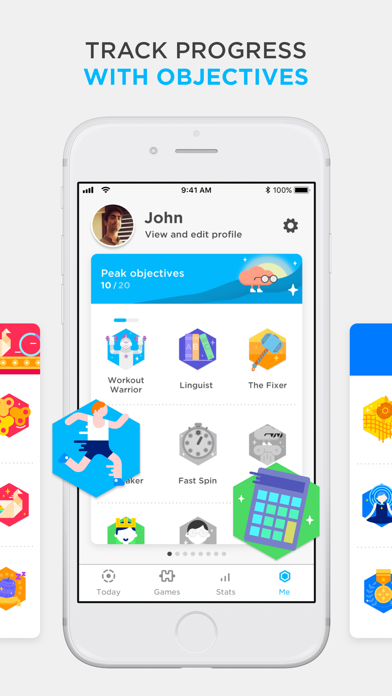
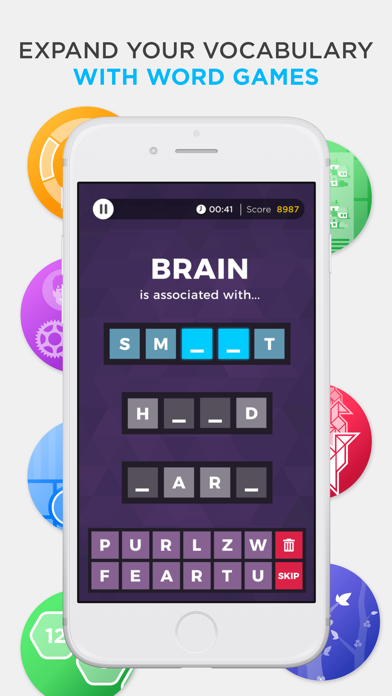
افتح ميزات التدريب الدماغي المتقدمة في Peak من خلال هذا التطبيق المعدل لـ iOS، مما يمنحك وصولاً فورياً إلى أكثر من 45 لعبة وجلسات تدريب يومية بدون اشتراك. Peak - Brain Training Modded يزيل الحواجز المالية حتى تتمكن من تحدي نفسك عبر ست فئات من ألعاب المهارات العقلية، وتتبع تقدمك المعرفي من خلال رؤى الأداء التفصيلية، والاستمتاع بجلسات فترة القهوة السريعة كلما احتجت إلى دفعة عقلية.
- الوصول المتقدم مفتوح → الوصول إلى جميع الألعاب والميزات بدون اشتراك
يأتي هذا التطبيق أيضًا مع iGameGod، مما يتيح لك الوصول إلى Auto Touch لأتمتة المهام المتكررة، وApp Speed Manager لضبط سرعة اللعب، وتعديل القيم عبر Memory Engine، والمزيد من أدوات ألعاب iOS القوية.
قم بتنزيل Peak - Brain Training Modded modded IPA من الروابط أعلاه. اضغط على زر التثبيت واتبع التعليمات لتثبيت هذا التعديل لـ iOS على iPhone أو iPad أو Apple Silicon.
هل تحتاج إلى مزيد من المساعدة؟ راجع الأسئلة الشائعة لتطبيق iOSGods للحصول على إجابات مفصلة ونصائح لاستكشاف الأخطاء.
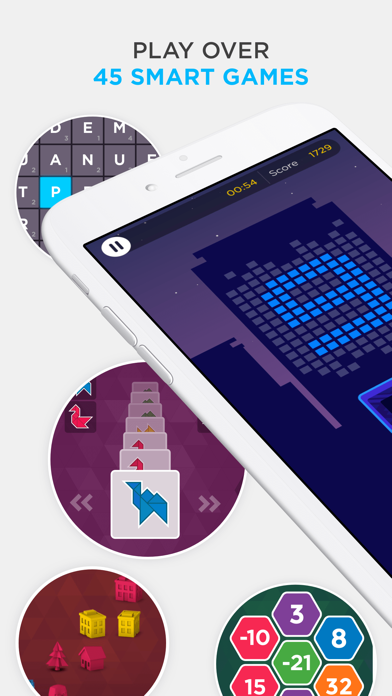
Maximize your full potential by challenging yourself with Peak, designed to help you expand your mental skills with 45+ fun and rewarding games.
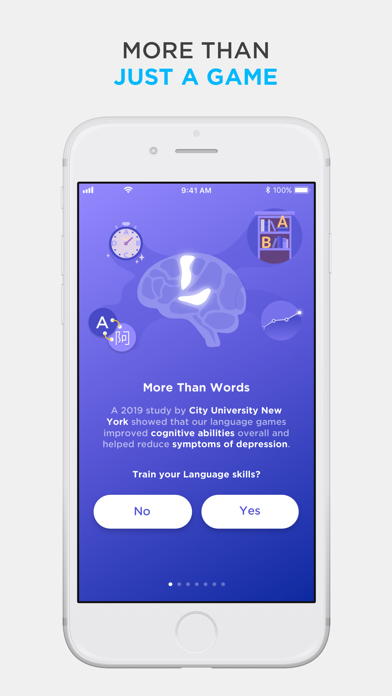
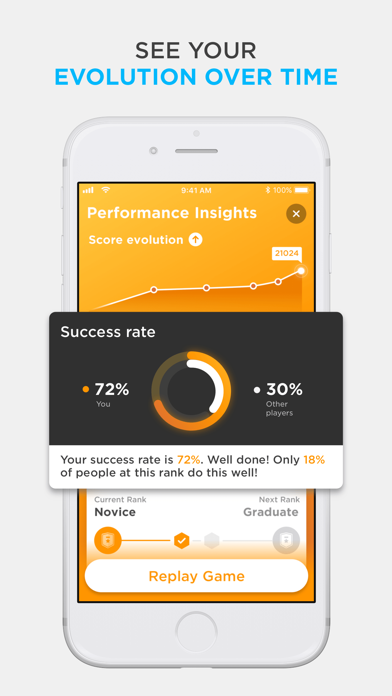
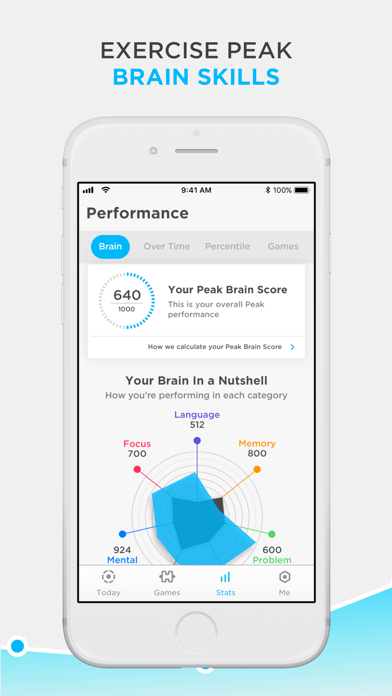
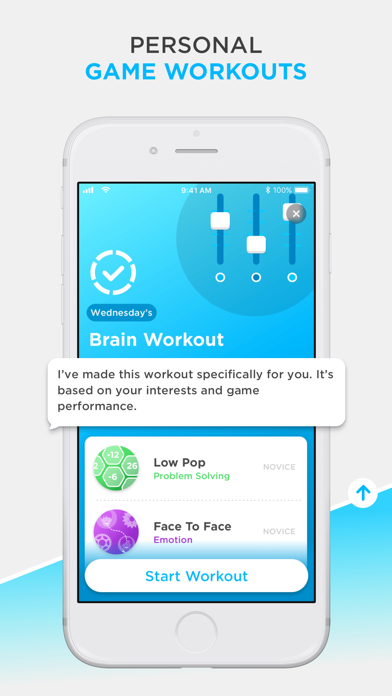
Peak has 45+ games covering six categories, carefully developed with you in mind. Choose from our catalog of games or challenge yourself with our versatile Daily Workouts. Short on time? Don’t worry, play Coffee Break, for when you need that extra pep in your step in under five minutes. We'll also show you insights about your performance to help you support your growth, development and provide you with data-orientated feedback.
So what are you waiting for? Join millions of brain trainers worldwide and start challenging your brain today!
Download and play our basic version for free or upgrade to Pro to unleash the full brain training experience.
Workouts:
- Daily brain workouts to sharpen your Memory, Attention, Problem-Solving, - Mental Agility, Language, Coordination and Emotion Control
- Play skill based workouts such as Coffee Break, Weakest Link, Low Rank and The Total Workout
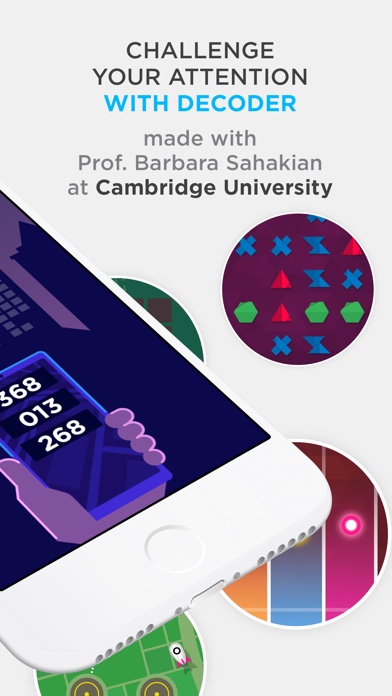
- Access our Advanced Training modules, developed in collaboration with scientists and universities.
Insights:
- Compete with friends
- Track your progress with in-depth insights and statistics
- Compare your scores with others in your age range and profession
PEAK PRO TERMS
Payment will be charged to your iTunes account at confirmation of purchase.
Subscription automatically renews unless auto-renew is turned off at least 24 hours before the end of the current period.
Account will be charged for renewal within 24 hours of the end of the current period, and the cost of the renewal will be provided.
Subscriptions may be managed by the user. Auto-renewal may be turned off by going to the user’s Account Settings after purchase.
No cancellation of the current subscription is allowed during active subscription period.
Any unused portion of a free trial period, if offered, will be forfeited when the user purchases a subscription to that publication.
For more information:
Terms of Use - https://www.synapticlabs.uk/termsofservice/
Privacy Policy - https://www.synapticlabs.uk/privacypolicy/

- iPhone أو iPad بجيلبريك أو بدون جيلبريك.
- Sideloadly أو بدائلها.
- كمبيوتر يعمل بنظام Windows/macOS/Linux مع تثبيت iTunes.
الخطوة 1: قم بتنزيل ملف .IPA المعدّل مسبقًا من الرابط أعلاه إلى الكمبيوتر الخاص بك. للتنزيل من تطبيق iOSGods App، اطلع على دليل تنزيل IPA من تطبيق iOSGods App الذي يتضمن مثالًا بالفيديو.
الخطوة 2: قم بتنزيل Sideloadly وتثبيته على جهاز Windows أو Mac.
الخطوة 3: افتح Sideloadly على الكمبيوتر، ووصّل جهاز iOS الخاص بك، وانتظر حتى يظهر اسم جهازك داخل Sideloadly.
الخطوة 4: بمجرد التعرّف على جهاز iDevice الخاص بك، اسحب ملف .IPA المعدّل الذي قمت بتنزيله وأفلِته داخل تطبيق Sideloadly.
الخطوة 5: أدخل البريد الإلكتروني لحساب Apple Account الخاص بك، ثم اضغط على «Start». سيُطلب منك بعد ذلك إدخال كلمة المرور. تابع وأدخل المعلومات المطلوبة.
الخطوة 6: انتظر حتى ينتهي Sideloadly من تحميل/تثبيت ملف IPA المعدّل. في حال واجهت أي مشاكل أثناء التثبيت، يرجى قراءة الملاحظة أدناه.
الخطوة 7: بعد اكتمال التثبيت ورؤية التطبيق على الشاشة الرئيسية، انتقل إلى Settings → General → Profiles / VPN & Device Management. ثم اضغط على البريد الإلكتروني الذي أدخلته في الخطوة 6، ثم اضغط على «الوثوق بـ [email protected]».
الخطوة 8: الآن انتقل إلى الشاشة الرئيسية وافتح التطبيق الذي تم تثبيته للتو وسيعمل كل شيء بشكل صحيح. قد تحتاج إلى اتباع تعليمات إضافية خاصة بكل تطبيق داخل النافذة المنبثقة للتعديل أثناء اللعب.
ملاحظة: بدءًا من iOS/iPadOS 16 وما بعده، يجب تفعيل وضع المطور (Developer Mode). بالنسبة لحسابات Apple Developer المجانية، ستحتاج إلى تكرار هذه العملية كل 7 أيام. إذا كانت لديك أي أسئلة أو مشاكل، يرجى قراءة قسم الأسئلة الشائعة حول Sideloadly في الموضوع.