Login necessário
Entre com sua conta iOSGods para continuar.

Hack Features:
- PREMIUM
Este app vem com iGameGod, oferecendo acesso ao Auto Touch para automatizar tarefas repetitivas, App Speed Manager para ajustar a velocidade do jogo, edição de valores com Memory Engine e outras ferramentas avançadas para jogos iOS.
Baixe Flightradar24 | Flight Tracker Modded modded IPA dos links acima. Toque no botão de instalação e siga as instruções para instalar este hack iOS no seu iPhone, iPad ou Apple Silicon.
Precisa de mais ajuda? Confira nossas Perguntas frequentes sobre o app iOSGods para respostas detalhadas e dicas de solução de problemas.
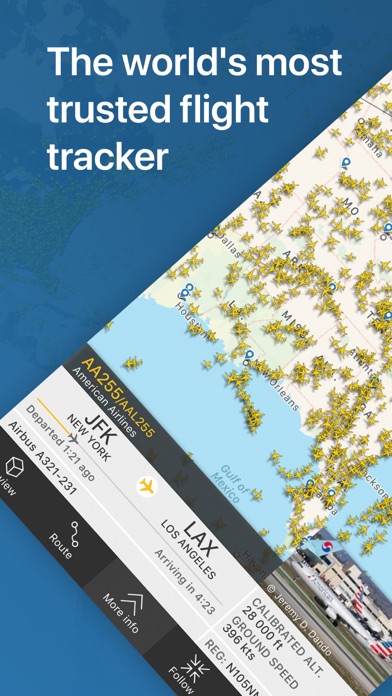
The world's most popular flight tracker - #1 Travel app in over 150 countries.
Turn your iPhone or iPad into a live flight tracker and see planes around the world move in real-time on a detailed map. Or point your device at a plane to find out where it’s going and what kind of aircraft it is. Download for free today and discover why millions are already tracking flights and checking flight status with Flightradar24.
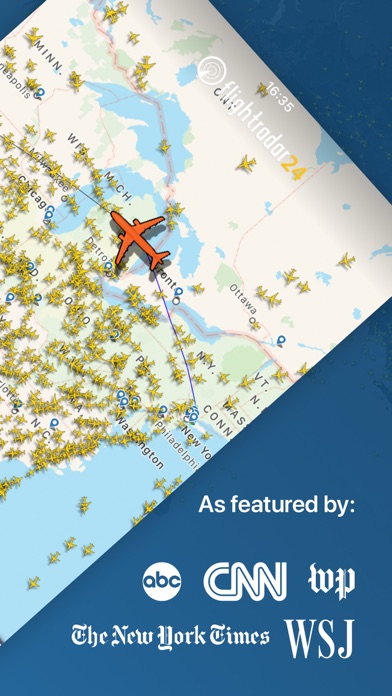
•Watch aircraft move around the world in real-time
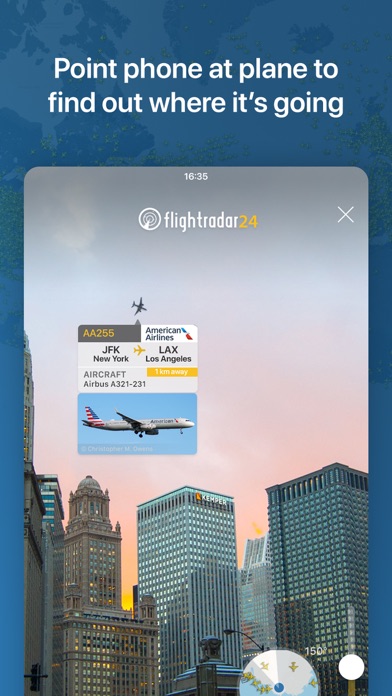
•Identify flights overhead & see flight information—including a photo of the actual aircraft—by simply pointing your device at the sky
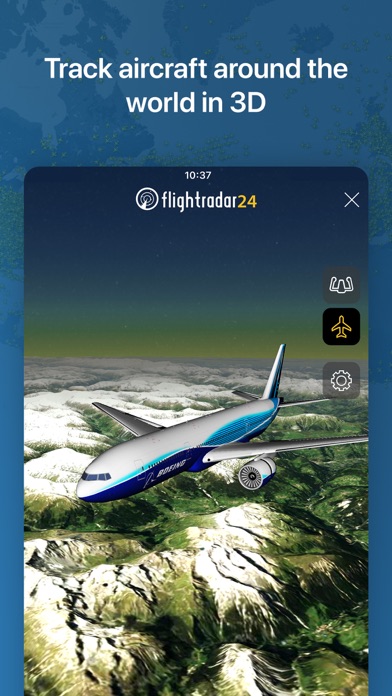
•See what the pilot of an aircraft sees in 3D
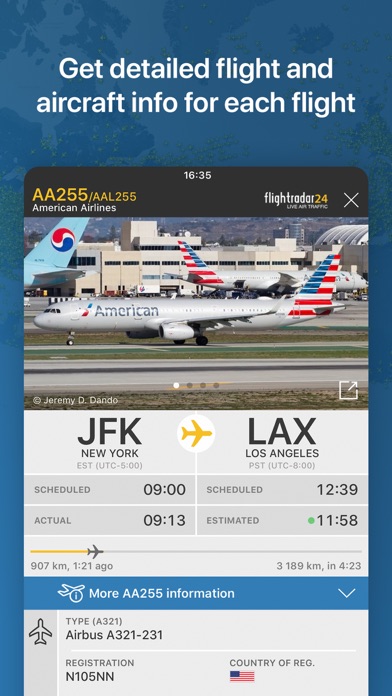
•Tap on a plane for flight details such as route, estimated time of arrival, actual time of departure, aircraft type, speed, altitude, high-resolution photos of the actual aircraft & more.
•See historical data & watch playback of past flights
•Tap on an airport icon for arrival & departure boards, flight status, aircraft on the ground, current delay stats, & detailed weather conditions
•Search for individual flights using flight number, airport, or airline
•Filter flights by airline, aircraft, altitude, speed, & more
•Get a detailed list of all flights in the air in your area on your Apple Watch
Flightradar24 is a free app and includes all the above features. If you want even more great features from Flightradar24 | Flight Tracker there are two upgrade options—Silver & Gold—and each comes with a free trial.
Silver
•90 days of flight history
•More aircraft details, like serial number & age
•More flight details, like vertical speed & squawk
•Filters and alerts to find and track the flights you’re interested in
•Current weather at 3,000+ airports overlaid on the map
Gold
•All the features included in Flightradar24 Silver +
•365 days of flight history
•Detailed live map weather layers for clouds & precipitation
•Aeronautical charts & oceanic tracks showing the pathways flights follow across the sky
•Air traffic control boundaries that show which controllers are responsible for a flight
•Extended Mode S data— even more information about a flight’s altitude, speed, and wind & temperature conditions during flight, when available
If you choose to upgrade to a Silver or Gold subscription, a payment will be charged to your iTunes account at the end of the free trial period. Your account will be charged for renewal within 24 hours prior to the end of the current period. Auto-renewal may be turned off at any time by going to your account settings in the iTunes Store. Silver and Gold upgrade prices are listed in the app as they vary depending on your country and currency. Any unused portion of a free trial period, if offered, will be forfeited when the user purchases a subscription to that publication, where applicable.
HOW IT WORKS
Most aircraft today are equipped with ADS-B transponders that transmit positional data. Flightradar24 has a rapidly growing network of 20,000 ground stations to receive this data that then shows up as aircraft moving on a map in the app. In an expanding number of regions, with the help of multilateration, we’re able to calculate the positions of aircraft that don’t have ADS-B transponders. Coverage is subject to change at any time.
CONNECT WITH FLIGHTRADAR24
We love getting feedback on FR24. Since we’re unable to respond directly to reviews, contact us directly and we’ll be happy to assist if you’re having any issues.
• email ([email protected])
• twitter (@flightradar24)
• Facebook (https://www.facebook.com/Flightradar24)
DISCLAIMER
The use of this app is strictly limited to entertainment purposes. This specifically excludes activities that might endanger yourself or the lives of others. Under no circumstances will the developer of this app be held responsible for incidents resulting from the use of the data or its interpretation or its use contrary to this agreement.
- iPhone ou iPad sem jailbreak/jailed ou com jailbreak.
- Sideloadly ou alternativas.
- Computador com Windows/macOS/Linux e iTunes instalado.
PASSO 1: Baixe o arquivo .IPA pré-hackeado do link acima para o seu computador. Para baixar pelo iOSGods App, veja nosso Tutorial de download de IPA do iOSGods App, que inclui um exemplo em vídeo.
PASSO 2: Baixe o Sideloadly e instale-o no seu Windows ou Mac.
PASSO 3: Abra o Sideloadly no seu computador, conecte seu dispositivo iOS e aguarde até que o nome do dispositivo apareça no Sideloadly.
PASSO 4: Assim que seu iDevice for reconhecido, arraste o arquivo .IPA modificado que você baixou e solte-o no aplicativo Sideloadly.
PASSO 5: Digite o e-mail da sua Apple Account e pressione “Start”. Em seguida, será solicitada a sua senha. Prossiga e forneça as informações solicitadas.
PASSO 6: Aguarde o Sideloadly finalizar o sideload/instalação do IPA hackeado. Se houver problemas durante a instalação, leia a observação abaixo.
PASSO 7: Quando a instalação estiver concluída e você vir o app na Tela de Início, será necessário acessar Ajustes → Geral → Perfis / Gerenciamento de VPN e Dispositivo. Lá, toque no e-mail que você inseriu no passo 6 e, em seguida, toque em “Confiar em [email protected]”.
PASSO 8: Agora vá para a Tela de Início e abra o app recém-instalado; tudo deve funcionar normalmente. Você pode precisar seguir instruções adicionais específicas no popup do hack dentro do jogo.
OBSERVAÇÃO: No iOS/iPadOS 16 e versões posteriores, você deve ativar o Modo de Desenvolvedor. Para contas Apple Developer gratuitas, será necessário repetir este processo a cada 7 dias. Se tiver dúvidas ou problemas, leia nossa seção de FAQ do Sideloadly no tópico.