Inicio de sesión requerido
Inicia sesión con tu cuenta de iOSGods para continuar.
Inicia sesión con tu cuenta de iOSGods para continuar.
Desbloquea las compras premium dentro de la aplicación de forma gratuita con este Back Wars HD Mod IPA, dándote acceso instantáneo a todas las mejoras sin gastar dinero real. Comanda tu ejército a través del tiempo con control total sobre tu experiencia estratégica y disfruta del juego completo sin muros de pago.
- PREMIUM (Compras dentro de la aplicación gratuitas) → todas las compras dentro de la aplicación desbloqueadas sin costo
Esta app también incluye iGameGod, que te ofrece acceso a Auto Touch para automatizar tareas repetitivas, App Speed Manager para ajustar la velocidad del juego, edición de valores con Memory Engine y más potentes herramientas para juegos de iOS.
Descarga Back Wars HD iOS Mod IPA desde los enlaces de arriba. Toca el botón de instalación y sigue las instrucciones para instalar este hack iOS en tu iPhone, iPad o Mac con Apple Silicon.
¿Necesitas más ayuda? Consulta nuestras Preguntas frecuentes de la app iOSGods para respuestas detalladas y consejos de solución de problemas.
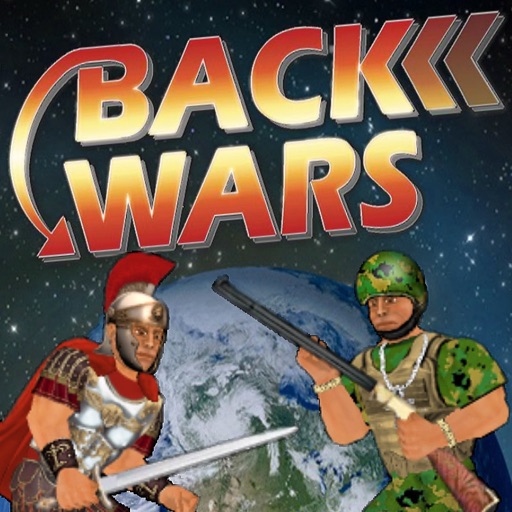
When an army travels back in time to rule the world 1,000 years in advance, they get more than they bargained for from their primitive counterparts! Lead the resistance with hundreds of warriors from different cultures all over the world. Focus on one individual or step back to command an entire army at your fingertips. Combining world-dominating strategy with fully interactive battles, this game offers the best of both worlds! And just when you think it's over, history might just repeat itself...
UPGRADES
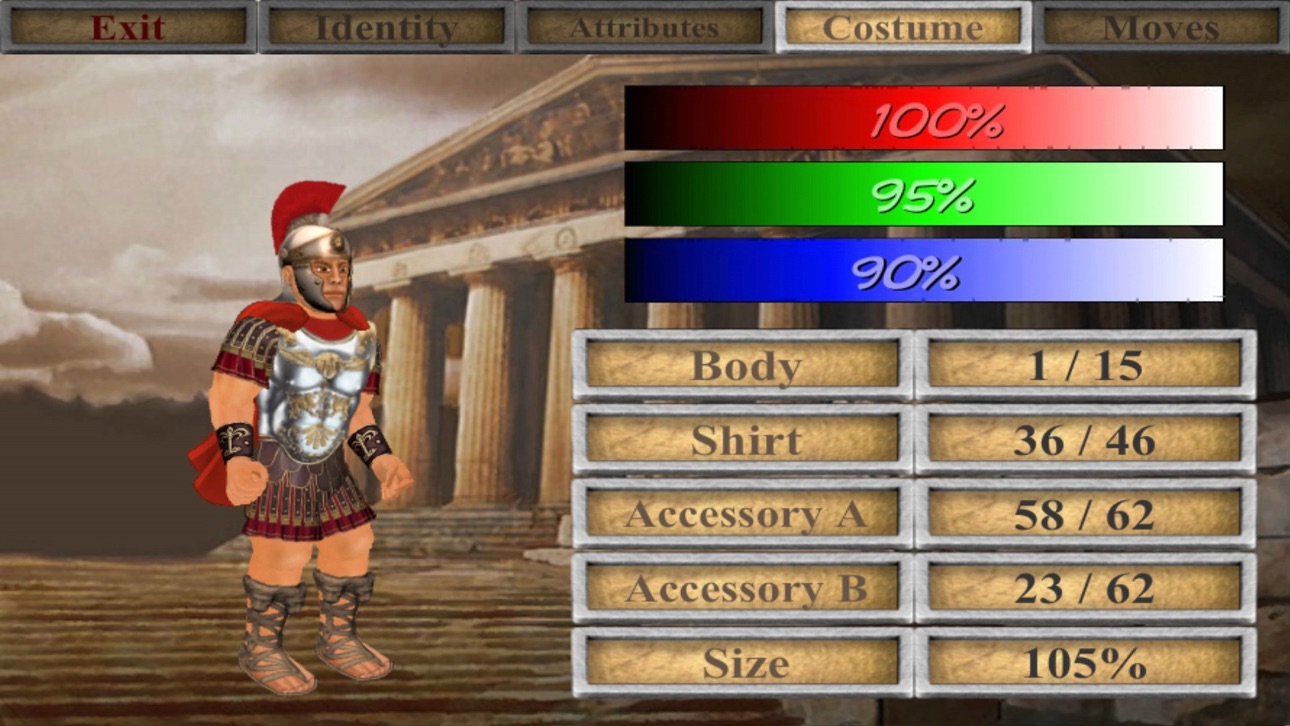
The game is mostly free to play, but you can upgrade to take control of your experience - choosing which side and how much territory to start with. You can also blow off steam with fantasy battles between any 2 cultures - and as many warriors as your device can handle! For what it's worth, you can also edit every character in the world - but please note that this game uses up to 1,000 of them that are regularly replaced.
CONTROLS
When controlling a specific character, this game offers either the "Classic" 1-handed control system or "Dual Wield" where each hand is controlled separately. If you are not already familiar with these from previous games in the series, you can pause the action at any time by hitting the dateline and then study the "Controls" guide. Also look out for in-game hints from scrolls or books that you can read.
In this game, you can change which member of the team you are controlling at any time by either tapping the health meter or literally pointing to them on the battlefield. By tapping the arrows at the bottom of the screen, you can also activate "Commander" mode where you step back and direct any active member of your team by simply swiping from their location to another. Whether you intend them to relocate, fight an enemy, or pick up an object, they will try to make sense of your instructions. But please bear in mind that they can only do so at their convenience and may have other priorities!
Whatever device or control method you are using, you can always zoom in or out by pinching at the centre of the screen.
MAP
The main "Campaign" game mode requires you to increase your territory by moving units from one area to any connected one. You can either "fortify" an existing territory or attempt to seize a rival territory. Note that only 50% of the units in a territory will be available to travel - which necessarily makes it harder to invade than it is to defend.
The population of any inhabited territory may grow after each round, so it is important to control as many as possible. Notice that units will also gradually heal over time, so it is a good idea to work with different locations each turn.
PERFORMANCE
Please note that this is the largest scale game I have made yet, and may require a high-end device to run at 100%. Consider keeping the "Population" low to reduce the number of characters on screen, or tone down other features in the "Display" options.
I regret there is more to this game than I could ever explain here, so I hope you enjoy figuring some things out for yourself!
Capturas © sus respectivos dueños · App Store


iOSGods no está afiliado, avalado ni patrocinado por Apple Inc., Google LLC ni por los desarrolladores de las apps que aparecen aquí. Apple, iOS y App Store son marcas comerciales de Apple Inc. Android y Google Play son marcas comerciales de Google LLC. Todos los demás nombres de apps, iconos, imágenes y marcas pertenecen a sus respectivos dueños.
- iPhone o iPad con o sin Jailbreak.
- Sideloadly u otras alternativas.
- Ordenador con Windows/macOS/Linux e iTunes instalado.
PASO 1: Descargue el archivo .IPA pre-modificado desde el enlace de arriba a su ordenador. Para descargarlo desde la iOSGods App, consulte nuestro Tutorial de descarga del IPA desde la iOSGods App, que incluye un ejemplo en vídeo.
PASO 2: Descargue Sideloadly e instálelo en su Windows o Mac.
PASO 3: Abra Sideloadly en su ordenador, conecte su dispositivo iOS y espere hasta que el nombre del dispositivo aparezca en Sideloadly.
PASO 4: Una vez que su iDevice sea reconocido, arrastre el archivo .IPA modificado que descargó y suéltelo en la aplicación Sideloadly.
PASO 5: Introduzca el correo electrónico de su Apple Account y, a continuación, pulse «Start». Le pedirá que introduzca su contraseña. Proporcione la información solicitada.
PASO 6: Espere a que Sideloadly termine de hacer sideload/instalar el IPA modificado. Si surgen problemas durante la instalación, por favor lea la nota a continuación.
PASO 7: Una vez completada la instalación y al ver la app en la pantalla de inicio, deberá ir a Ajustes → General → Perfiles / VPN y Gestión de Dispositivos. Una vez allí, toque el correo electrónico que introdujo en el paso 6 y, después, toque en «Confiar en [email protected]».
PASO 8: Ahora vaya a la pantalla de inicio y abra la app recién instalada; todo debería funcionar correctamente. Es posible que tenga que seguir instrucciones adicionales específicas de cada app dentro del popup del hack en el juego.
NOTA: En iOS/iPadOS 16 y posteriores, debe activar el Modo Desarrollador. Para cuentas gratuitas de Apple Developer, deberá repetir este proceso cada 7 días. Si tiene alguna pregunta o problema, lea nuestra sección de Preguntas Frecuentes de Sideloadly del tema.
Hack Features:
- Inf Coins (Spend)
App Installation Instructions:
---------------------------------------------------------
----------------------------------------------------------
If you require more information or help, please read our Frequently Asked Questions topic on iOSGods.com.
----------------------------------------------------------
--------------------------------------------------




![[The Battle Cats JP] にゃんこ大戦争 iOS Mod IPA](https://is1-ssl.mzstatic.com/image/thumb/Purple221/v4/21/75/38/21753822-1174-a5eb-254a-6812ffbe4e95/AppIcon-0-0-1x_U007epad-0-1-85-220.png/100x100bb.jpg)