Login Required
Sign in with your iOSGods account to continue.
Sign in with your iOSGods account to continue.
Free iAP (In-App Purchases) unlocks premium purchases instantly in this free Mod IPA of VolleyCraft, the fast-paced PvP strategy game where you build armies, craft defenses, and battle opponents in turn-based shootouts. Draft units wisely, place fortifications strategically, and outmaneuver enemies across dynamic rounds without spending real money.
- Free iAP → unlock premium purchases without payment
Download VolleyCraft iOS Mod IPA from the links above. Tap the install button and follow the on-screen instructions to install this iOS app hack on your iPhone, iPad, or Apple Silicon.
Need more help? Check out our iOSGods App Frequently Asked Questions for detailed answers and troubleshooting tips.
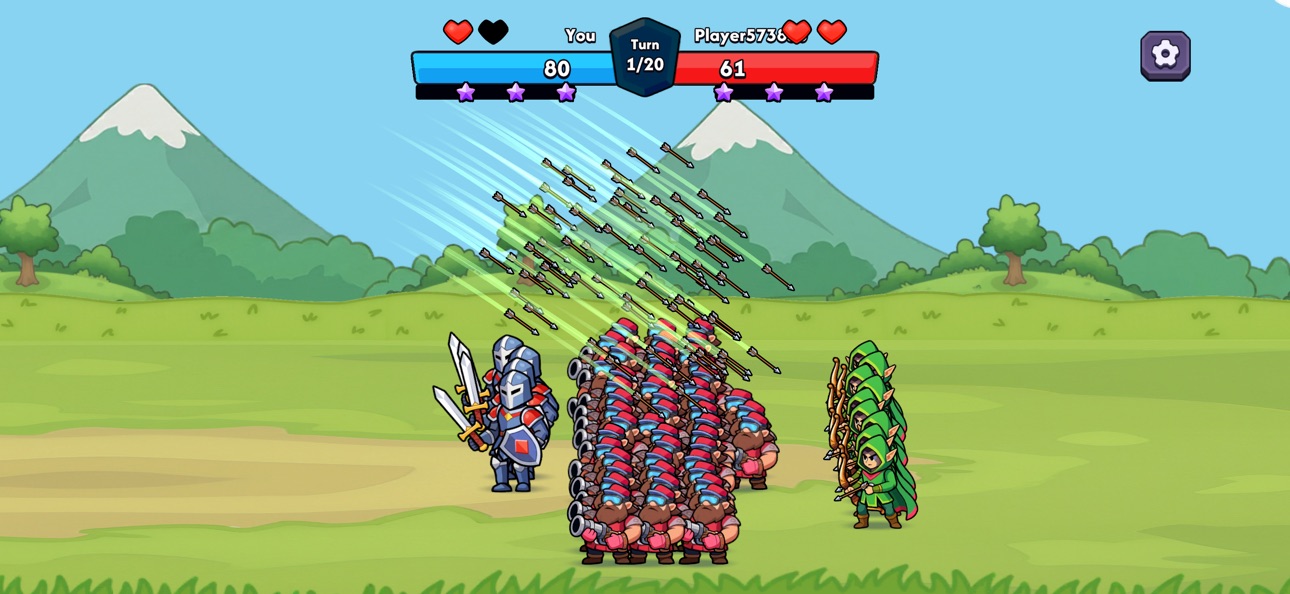
VolleyCraft is a fast-paced PvP strategy game where you build your army, craft your defenses, and battle opponents in intense turn-based shootouts. Plan your squad, place fortifications, and aim your shots with precision to outsmart your enemy across dynamic rounds.
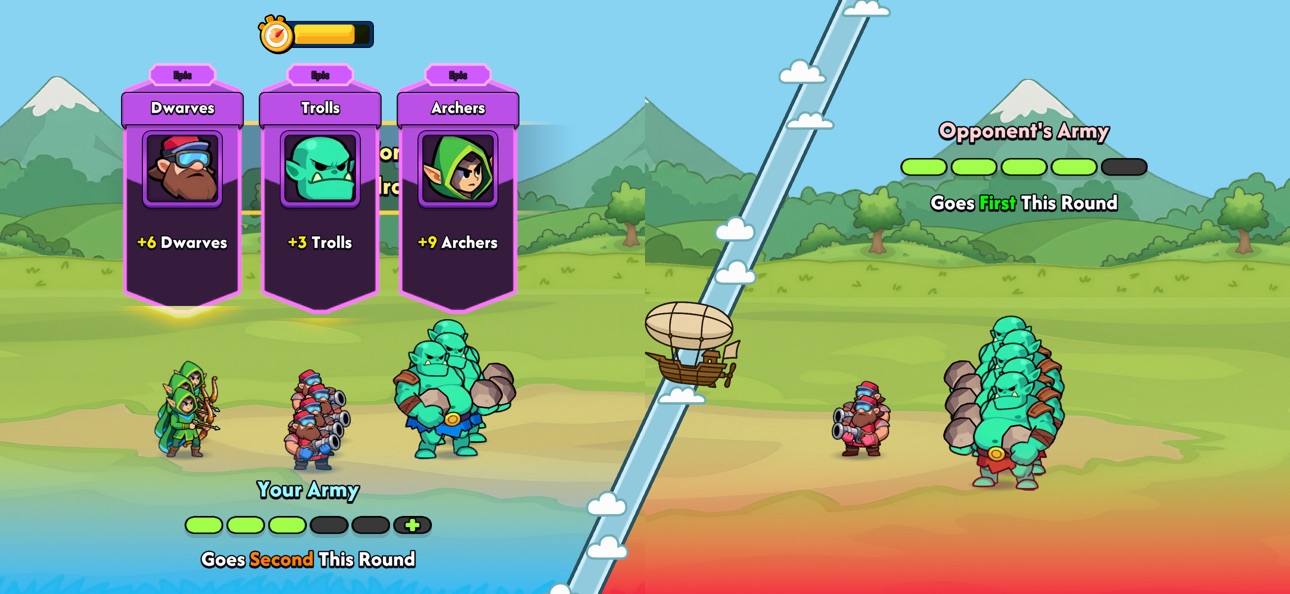
Each match begins with a quick draft phase where you unlock new units and defenses. Choose wisely, place your troops in key positions, and prepare for battle. Ranged units fire, melee units advance, and each round brings new opportunities to adapt your tactics.
Designed for competitive play with strategic depth and short matches, VolleyCraft blends tactical planning with satisfying combat mechanics. Whether you prefer sharpshooting from a distance or overwhelming your opponent with brute force, the path to victory is yours to forge.
Download now and lead your army to victory in VolleyCraft.
Screenshots © their respective owners · App Store


iOSGods is not affiliated with, endorsed by, or sponsored by Apple Inc., Google LLC, or the developers of the apps listed here. Apple, iOS and App Store are trademarks of Apple Inc. Android and Google Play are trademarks of Google LLC. All other app names, icons, artwork and trademarks belong to their respective owners.

- Non-Jailbroken/Jailed or Jailbroken iPhone or iPad.
- Sideloadly or alternatives.
- Computer running Windows/macOS/Linux with iTunes installed.
STEP 1: Download the pre-hacked .IPA file from the link above to your computer. To download from the iOSGods App, see our iOSGods App IPA Download Tutorial which includes a video example.
STEP 2: Download Sideloadly and install it on your Windows or Mac.
STEP 3: Open Sideloadly on your computer, connect your iOS device, and wait until your device name appears in Sideloadly.
STEP 4: Once your iDevice is recognized, drag the modded .IPA file you downloaded and drop it into the Sideloadly application.
STEP 5: Enter your Apple Account email, then press “Start.” You’ll then be asked to enter your password. Go ahead and provide the required information.
STEP 6: Wait for Sideloadly to finish sideloading/installing the hacked IPA. If there are issues during installation, please read the note below.
STEP 7: Once the installation is complete and you see the app on your Home Screen, you will need to go to Settings → General → Profiles / VPN & Device Management. Once there, tap on the email you entered from step 6, and then tap on “Trust [email protected]”.
STEP 8: Now go to your Home Screen and open the newly installed app and everything should work fine. You may need to follow further per app instructions inside the hack's popup in-game.
NOTE: iOS/iPadOS 16 and later, you must enable Developer Mode. For free Apple Developer accounts, you will need to repeat this process every 7 days. If you have any questions or problems, read our Sideloadly FAQ section of the topic.
Hack Features:
- Inf Coins (Spend)
App Installation Instructions:
---------------------------------------------------------
----------------------------------------------------------
If you require more information or help, please read our Frequently Asked Questions topic on iOSGods.com.
----------------------------------------------------------
--------------------------------------------------