تسجيل الدخول مطلوب
سجّل الدخول بحساب iOSGods للمتابعة.
سجّل الدخول بحساب iOSGods للمتابعة.
Hack Features:
- PREMIUM
How to unlock PREMIUM:
- Open Nicegram -> Look at Nicegram Assistant at the bottom bar -> Click on it, choose Create Nicegram Profile/ User/ Nickname -> Chat with the bot, bot will provide you an option, click Continue option provided by BOT. Done
Author: langkhach
يأتي هذا التطبيق أيضًا مع iGameGod، مما يتيح لك الوصول إلى Auto Touch لأتمتة المهام المتكررة، وApp Speed Manager لضبط سرعة اللعب، وتعديل القيم عبر Memory Engine، والمزيد من أدوات ألعاب iOS القوية.
قم بتنزيل Nicegram: AI Chat for Telegram Modded modded IPA من الروابط أعلاه. اضغط على زر التثبيت واتبع التعليمات لتثبيت هذا التعديل لـ iOS على iPhone أو iPad أو Apple Silicon.
هل تحتاج إلى مزيد من المساعدة؟ راجع الأسئلة الشائعة لتطبيق iOSGods للحصول على إجابات مفصلة ونصائح لاستكشاف الأخطاء.
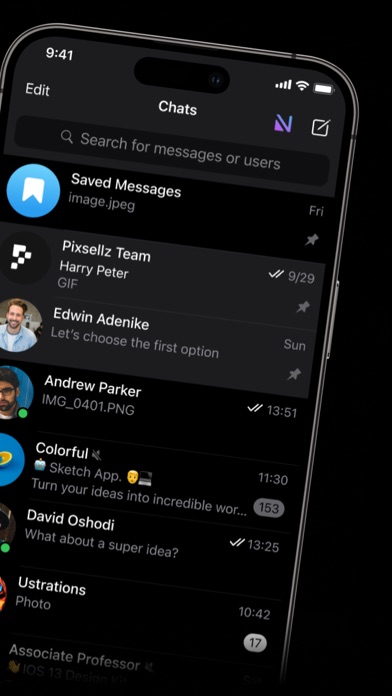
The all-in-one messaging companion for Telegram elevating your conversations!
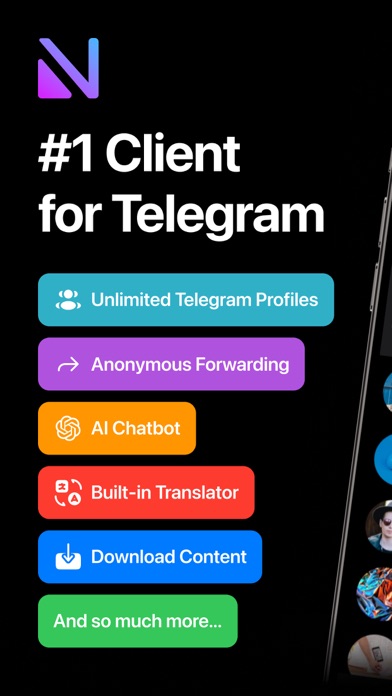
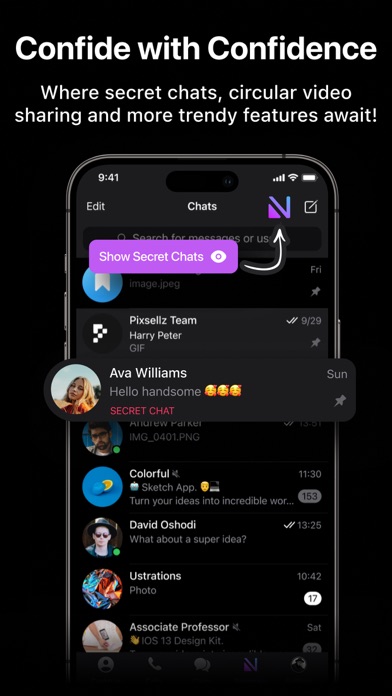
Nicegram is the #1 Telegram companion, equipped with a set of innovative AI-driven features to advance your daily communication:
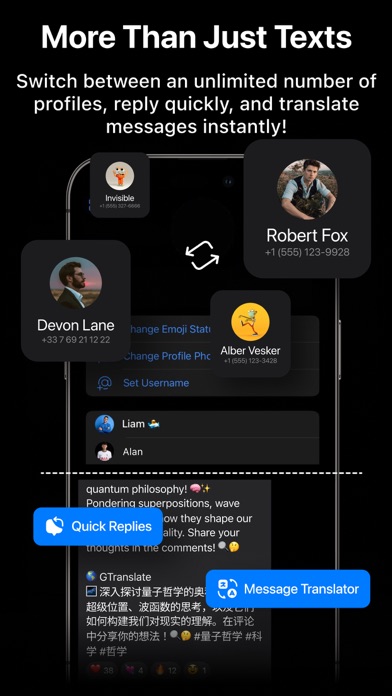
– Unlimited Accounts: Sign in and switch between an unlimited number of accounts on a single device.
– Nicegram Wallet: Your personal non-custodial Web3 wallet simplifies managing digital assets with comprehensive security features. Effortlessly send and receive tokens to and from your contacts in-chat, process crypto transactions with ease, and navigate through a broad spectrum of decentralized apps.
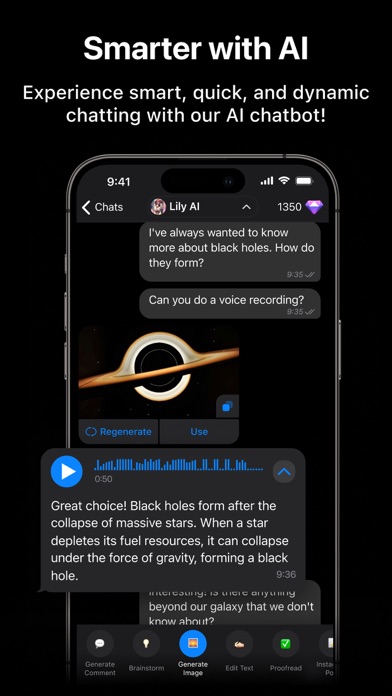
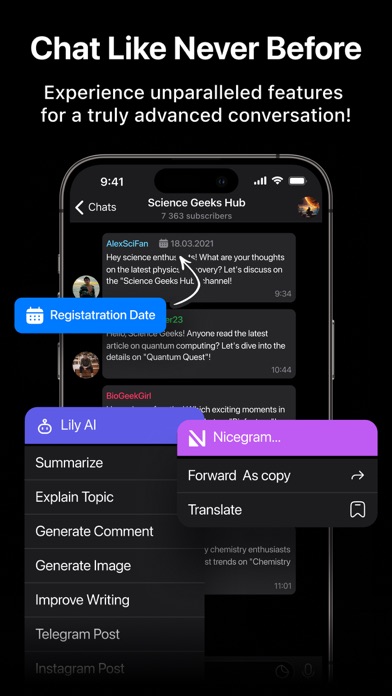
– AI Assistance: With the Lily AI chatbot built-in and ready to answer any query, utilize AI shortcuts powered by GPT-5, DeepSeek, Gemini, and Claude to instantly streamline messaging with summaries, translations, comments, visual tools and topic explanations.
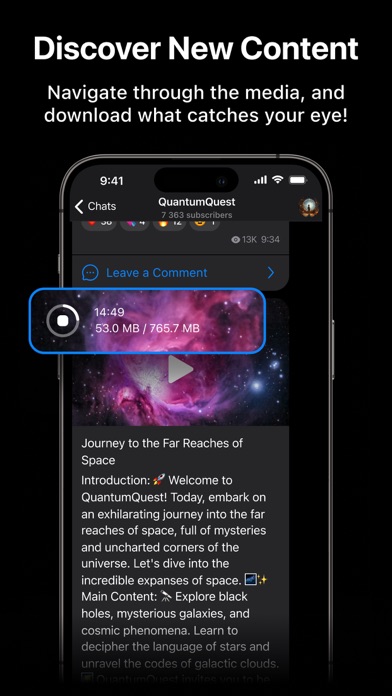
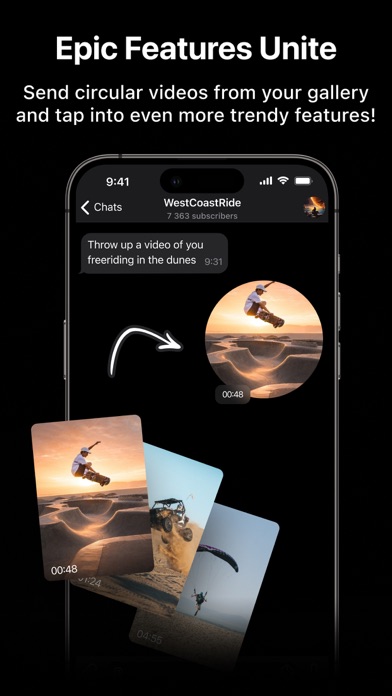
– Upgrade your Telegram with Unique Features: Private Chats, Double Bottom, save media for offline viewing, In-chat Translator, interface story hiding, circular video messaging directly from your gallery, and so much more introduced on Nicegram’s official website at https://nicegram.app/features!
Download Nicegram now and experience messaging like never before!
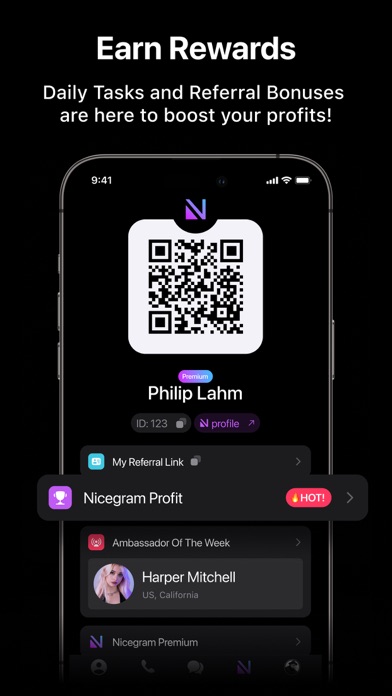
Access advanced capabilities with Nicegram Premium, featuring AI Assistance, Mention All, and a Built-in Translator, all available through subscription or simple in-app purchases.
For any assistance or feedback, our dedicated support team is just a click away. Contact us on Telegram at @nicegram_support_manager or via email at [email protected].
Privacy Policy: https://nicegram.app/privacy-policy
Terms of Use: https://nicegram.app/terms-of-use
Website: https://nicegram.app
Wiki: https://wiki.nicegram.app
Telegram: https://t.me/nicegramapp
GitHub: https://github.com/Nicegram
- iPhone أو iPad بجيلبريك أو بدون جيلبريك.
- Sideloadly أو بدائلها.
- كمبيوتر يعمل بنظام Windows/macOS/Linux مع تثبيت iTunes.
الخطوة 1: قم بتنزيل ملف .IPA المعدّل مسبقًا من الرابط أعلاه إلى الكمبيوتر الخاص بك. للتنزيل من تطبيق iOSGods App، اطلع على دليل تنزيل IPA من تطبيق iOSGods App الذي يتضمن مثالًا بالفيديو.
الخطوة 2: قم بتنزيل Sideloadly وتثبيته على جهاز Windows أو Mac.
الخطوة 3: افتح Sideloadly على الكمبيوتر، ووصّل جهاز iOS الخاص بك، وانتظر حتى يظهر اسم جهازك داخل Sideloadly.
الخطوة 4: بمجرد التعرّف على جهاز iDevice الخاص بك، اسحب ملف .IPA المعدّل الذي قمت بتنزيله وأفلِته داخل تطبيق Sideloadly.
الخطوة 5: أدخل البريد الإلكتروني لحساب Apple Account الخاص بك، ثم اضغط على «Start». سيُطلب منك بعد ذلك إدخال كلمة المرور. تابع وأدخل المعلومات المطلوبة.
الخطوة 6: انتظر حتى ينتهي Sideloadly من تحميل/تثبيت ملف IPA المعدّل. في حال واجهت أي مشاكل أثناء التثبيت، يرجى قراءة الملاحظة أدناه.
الخطوة 7: بعد اكتمال التثبيت ورؤية التطبيق على الشاشة الرئيسية، انتقل إلى Settings → General → Profiles / VPN & Device Management. ثم اضغط على البريد الإلكتروني الذي أدخلته في الخطوة 6، ثم اضغط على «الوثوق بـ [email protected]».
الخطوة 8: الآن انتقل إلى الشاشة الرئيسية وافتح التطبيق الذي تم تثبيته للتو وسيعمل كل شيء بشكل صحيح. قد تحتاج إلى اتباع تعليمات إضافية خاصة بكل تطبيق داخل النافذة المنبثقة للتعديل أثناء اللعب.
ملاحظة: بدءًا من iOS/iPadOS 16 وما بعده، يجب تفعيل وضع المطور (Developer Mode). بالنسبة لحسابات Apple Developer المجانية، ستحتاج إلى تكرار هذه العملية كل 7 أيام. إذا كانت لديك أي أسئلة أو مشاكل، يرجى قراءة قسم الأسئلة الشائعة حول Sideloadly في الموضوع.