ログインが必要
iOSGodsアカウントでサインインして続けてください。
iOSGodsアカウントでサインインして続けてください。
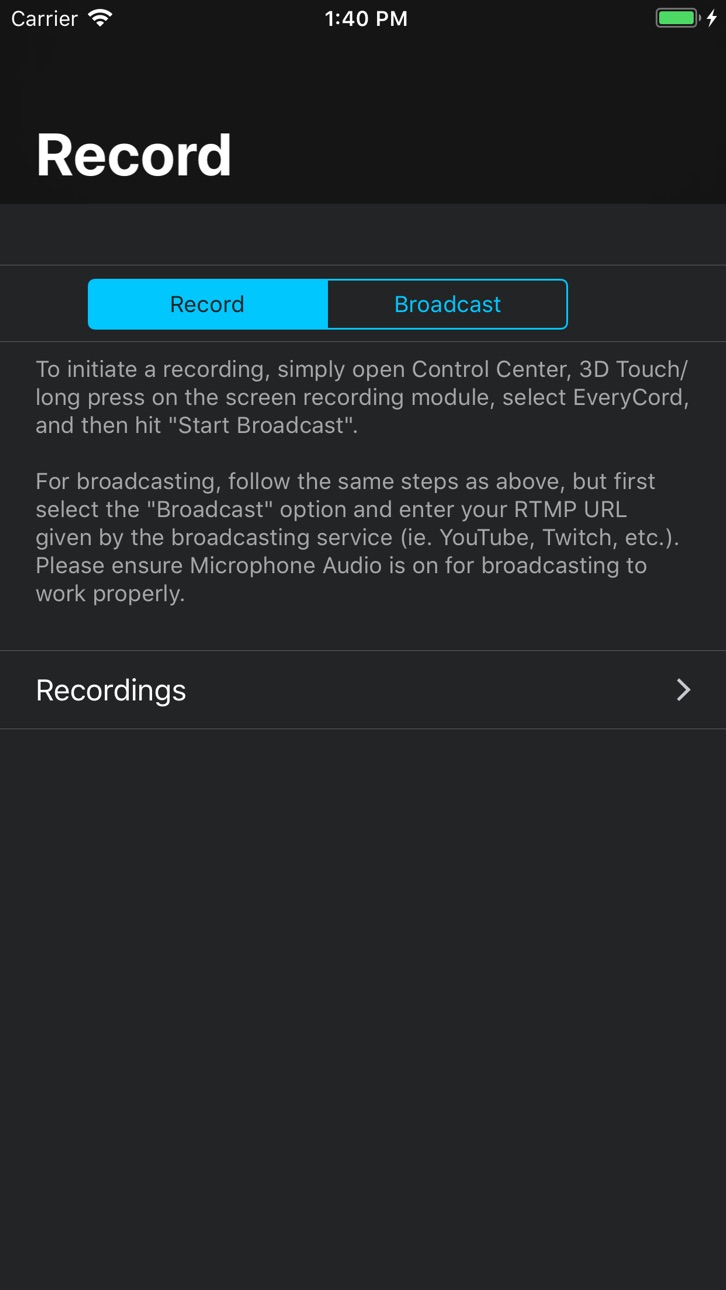
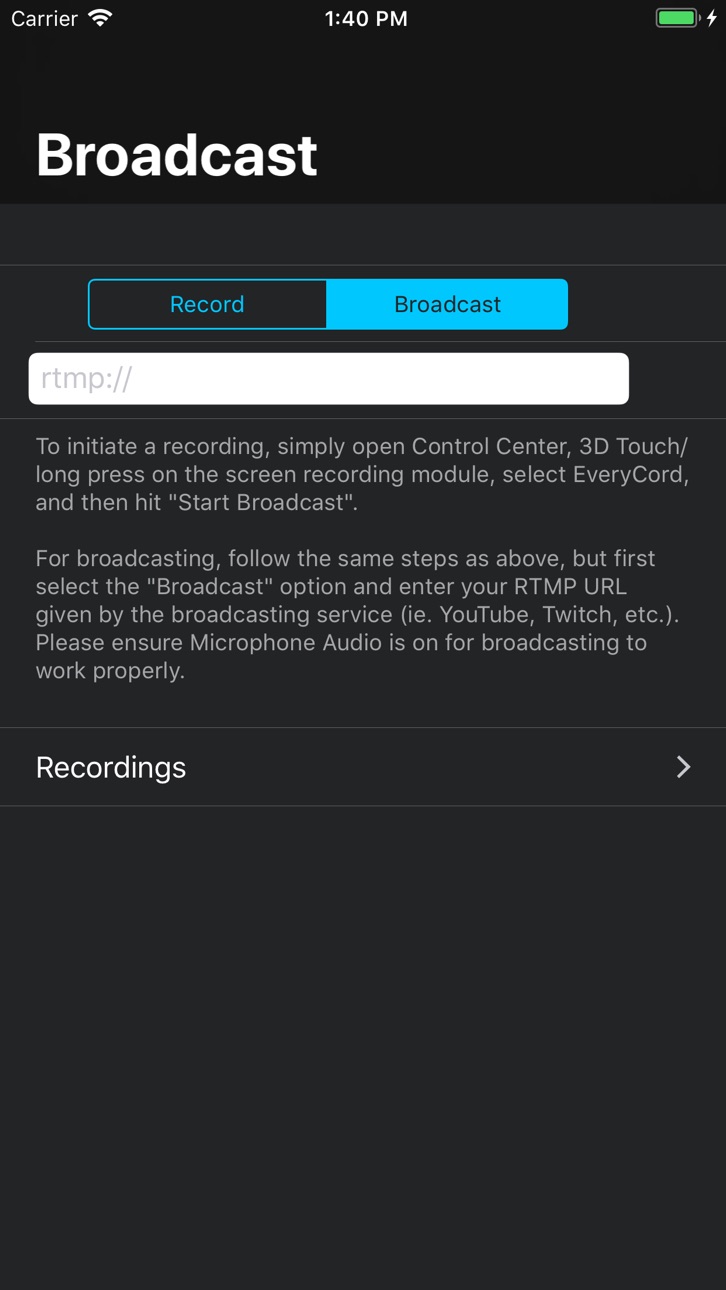
EveryCord, Record & Broadcastを使用して、iOSスクリーンを高品質で記録しましょう。フルHD、60FPSでゲーム、アプリ、ライブモーメントをデバイスに直接キャプチャできる強力なMod IPAです。このHackはプレミアム配信機能をアンロックし、YouTube、Twitch、RTMP対応サービスへの制限なしのライブ配信を実現します。録画のあらゆる側面をカスタマイズでき、すべてのアプリで途切れのないデバイス全体のキャプチャをお楽しみください。
このアプリにはiGameGodも搭載されており、繰り返し作業を自動化するAuto Touch、ゲーム速度を調整できるApp Speed Manager、Memory Engineによる値の編集など、強力なiOSゲーム用ツールをご利用いただけます。
EveryCord – Record & Broadcast modded IPAを上のリンクからダウンロードします。インストールボタンをタップし、画面の指示に従ってiPhone、iPad、Apple SiliconにこのiOSアプリハックをインストールします。
さらにヘルプが必要ですか? 詳しい回答とトラブルシューティングはiOSGodsアプリ よくある質問をご覧ください。
EveryCordで画面を録画し、友達とライブ配信して、ベストな瞬間をシェアしましょう。iPhoneやiPadの画面をキャプチャし、カメラ付きの共同ホストと一緒に配信し、誰でも見られるクリップを投稿できます。
【EveryCord Social】
• カメラで共同ホスト:最大3人の友達が、それぞれのiPhoneからあなたの配信に参加できます。招待リンクを送って、誰でも招待することもできます。友達のカメラ映像がバブルとして配信に表示され、一緒にライブで会話できます。EveryCordを持っていない友達にはApp Storeのリンクが案内され、あなたのリンクから誰かが参加すると通知が届きます。
• 自分のカメラを表示:プレイしながら自分の配信に登場できます。ゲームに切り替えても、カメラは小さなフローティングウインドウで動き続けます(iOS 18以降)。
• ライブ中:配信を公開してフォロワーに見つけてもらえます。フォロー中の人がライブを始めると通知が届きます。
• ライブチャットとリアクション:視聴者とリアルタイムでチャットできます。ホストとモデレーターは、メッセージの削除、タイムアウト、BAN、スローモードの有効化、NGワードの設定ができます。
• クリップ:誰でも開けるリンク付きでクリップを公開できます。視聴者は「いいね」やコメントができ、クリップは削除するまでプロフィールに残ります。
• プロフィールとフォロー:クリエイターをフォローし、自分のフォロワーを確認し、「いいね」やコメントを「アクティビティ」でチェックできます。
• 検索と発見:Socialタブで人、クリップ、ライブ配信を検索できます。「おすすめ」には、共通のフォローなどおすすめの理由とともに知り合いかもしれない人が表示され、「すべて表示」から一覧で確認できます。
【録画・編集・配信】
• 画面録画:ゲームプレイなど、画面上の操作を高画質で録画できます。
• どこでも配信:YouTube、Twitch、または任意のRTMPサービスで、最大3つの出力先に同時にライブ配信できます。
• フェイスカメラを追加:フロントカメラで顔と声を一緒に録画できます。
• AI字幕を作成:録音した音声を動画の字幕に変換できます。
• クリップを編集:内蔵エディタで動画をトリミングし、エフェクトを適用できます。
• そのまま共有:録画したファイルをほかのアプリやSNSに直接送れます。
【Sparks】
• ライブチャットでSparksを送って、視聴している配信者を応援できます。メッセージはハイライト表示され、大きな金額はしばらくピン留めされることがあります。
• 配信者は、送られたSparksについてEveryCordがAppleから受け取る金額の半分を受け取ります。残りの半分は、サーバーを含むEveryCordの運営に充てられます。
• サポーターバッジ、名前の色、フレームは見た目のためだけのものです。
• 米国在住の18歳以上の配信者は、Stripeを通じて収益の支払いを申請できます。
【安心・安全の設計】
すべてのプロフィール、クリップ、コメント、チャットメッセージ、ライブ配信は通報またはブロックでき、通報は24時間以内に確認されます。Apple、Google、またはメールで届くコードでサインインできます。録画、編集、配信はアカウントなしでも利用できます。
録画、配信、共同ホスト、チャット、クリップは誰でも無料で利用でき、外部の広告主による広告やサブスクリプションはありません。Sparksは任意のアプリ内課金で、現金としての価値はありません。
今すぐEveryCordをダウンロードして、友達とライブ配信を始めましょう。
スクリーンショット © 各権利者 · App Store


iOSGods は Apple Inc.、Google LLC、および掲載アプリの開発者と提携しておらず、承認や協賛も受けていません。Apple、iOS、App Store は Apple Inc. の商標です。Android および Google Play は Google LLC の商標です。その他のアプリ名、アイコン、画像、商標はすべて各権利者に帰属します。

- 脱獄/Jailed済みまたは脱獄済みのiPhoneまたはiPad。
- Sideloadlyまたは代替手段。
- iTunesがインストールされているWindows/macOS/Linuxを実行しているコンピュータ。
ステップ1: 上のリンクから事前にハックされた.IPAファイルをコンピュータにダウンロードします。iOSGodsアプリからダウンロードする方法は、ビデオ例付きのiOSGodsアプリIPAダウンロードチュートリアルをご覧ください。
ステップ2: SideloadlyをダウンロードしてWindowsまたはMacにインストールします。
ステップ3: コンピュータでSideloadlyを開き、iOSデバイスを接続して、デバイス名がSideloadlyに表示されるまで待ちます。
ステップ4: iDeviceが認識されたら、ダウンロードしたModされた.IPAファイルをSideloadlyアプリにドラッグ&ドロップします。
ステップ5: Apple Accountのメールアドレスを入力し、「Start」を押します。次にパスワードの入力を求められます。必要な情報を入力してください。
ステップ6: Sideloadlyがハックされたipaのサイドロード/インストールを完了するのを待ちます。インストール中に問題が発生した場合は、以下の注意事項をお読みください。
ステップ7: インストールが完了し、ホーム画面にアプリが表示されたら、設定 → 一般 → プロファイル / VPNとデバイス管理に移動する必要があります。そこで、ステップ6で入力したメールをタップし、「Trust [email protected]」をタップします。
ステップ8: ホーム画面に戻り、新しくインストールされたアプリを開けば、すべて正常に動作するはずです。ゲーム内のハックのポップアップで、アプリごとの追加指示に従う必要がある場合があります。
注意: iOS/iPadOS 16以降では、デベロッパモードを有効にするが必要です。無料のApple Developerアカウントの場合、このプロセスを7日ごとに繰り返す必要があります。質問や問題がある場合は、トピックのSideloadly FAQセクションをお読みください。
Game Name iOS Mod IPA is an action adventure game enhanced with powerful gameplay boosts and quality-of-life improvements. Win battles faster, earn rewards quicker, and enjoy uninterrupted play without ads.
- Unlimited Gold - spend freely to unlock premium content
- Damage Multiplier - deal significantly more damage in combat
- Defense Multiplier - take less damage and survive longer
- Reward Multiplier - earn more loot from every battle
- Max Level - instantly reach the highest player rank
- No Ads - play without interruptions or advertisements
This app also comes with iGameGod, giving you access to Auto Touch to automate repetitive tasks, App Speed Manager for adjustable gameplay speed, Memory Engine value editing, and more powerful iOS game tools.
Game Name Mod IPAを上のリンクからダウンロードします。インストールボタンをタップし、画面の指示に従ってiPhone、iPad、Apple SiliconにこのiOSアプリハックをインストールします。
さらにヘルプが必要ですか 詳しい回答とトラブルシューティングはiOSGodsアプリ よくある質問をご覧ください。
----------------------------------------------------------
--------------------------------------------------