ログインが必要
iOSGodsアカウントでサインインして続けてください。
iOSGodsアカウントでサインインして続けてください。
無制限のクレジットとリワードポイントにより、Torque Burnout - Free Hackは、すべてのバーンアウトで莫大な通貨ボーストを獲得でき、グラインドや実際のお金を使わずに乗り物をアップグレードおよびカスタマイズできる無料チートに変わります。
RPを獲得するにつれて車のレベルを即座に最大化し、プレミアムアプリ内購入を無料でロック解除し、進行ゲートをスキップして、ドーナツ、ドリフト、リーダーボードでの支配を完璧にし、究極のバーンアウトキングになることに集中できます。
- 無制限クレジット → 獲得するたびに大量に増加
- 無制限リワードポイント → 獲得するたびに大量に増加
- 最大車レベル → その車のRPが獲得されると車は最大レベルになります
- 最大レベル → いくつかのRPを獲得することで最大レベルに到達
- 無料IAP → アプリ内購入をタップしてアイテムを無料で受け取ります
このアプリにはiGameGodも搭載されており、繰り返し作業を自動化するAuto Touch、ゲーム速度を調整できるApp Speed Manager、Memory Engineによる値の編集など、強力なiOSゲーム用ツールをご利用いただけます。
Torque Burnout - Free Hack modded IPAを上のリンクからダウンロードします。インストールボタンをタップし、画面の指示に従ってiPhone、iPad、Apple SiliconにこのiOSアプリハックをインストールします。
さらにヘルプが必要ですか? 詳しい回答とトラブルシューティングはiOSGodsアプリ よくある質問をご覧ください。
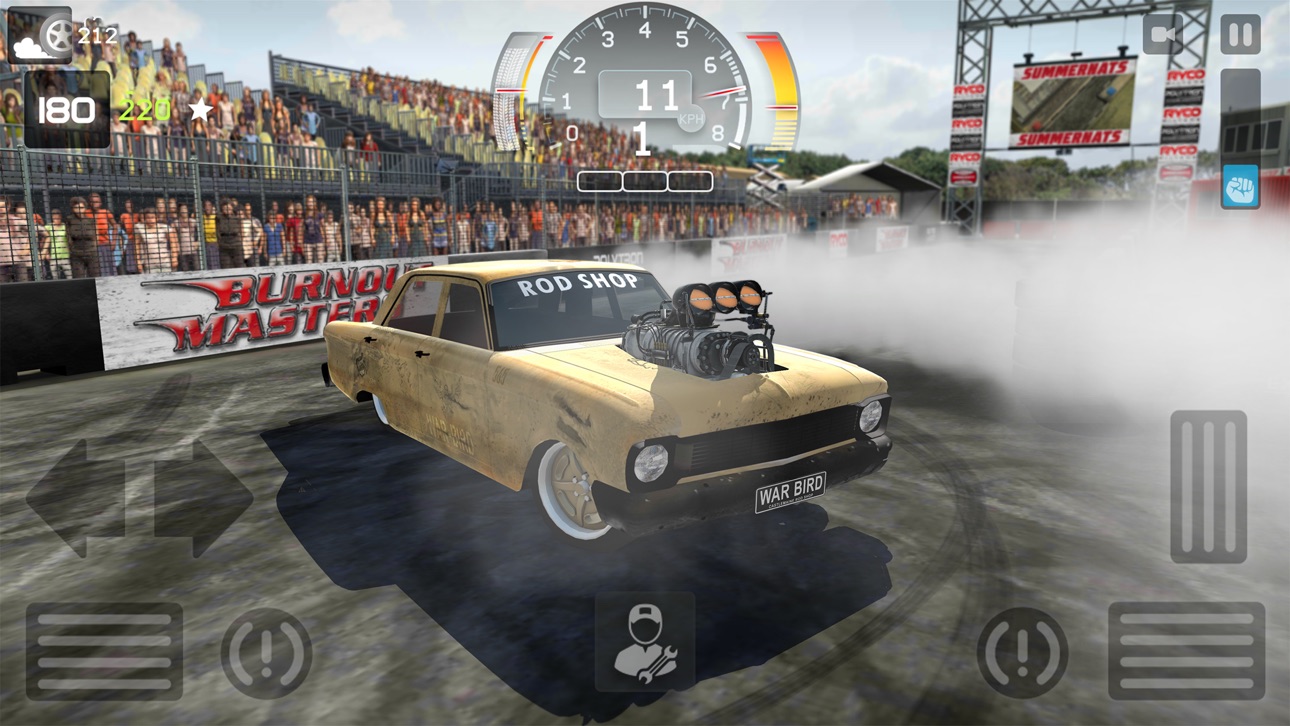
Torque Burnout is an unashamedly over the top 'driving' game which combines the best parts of every racing game!
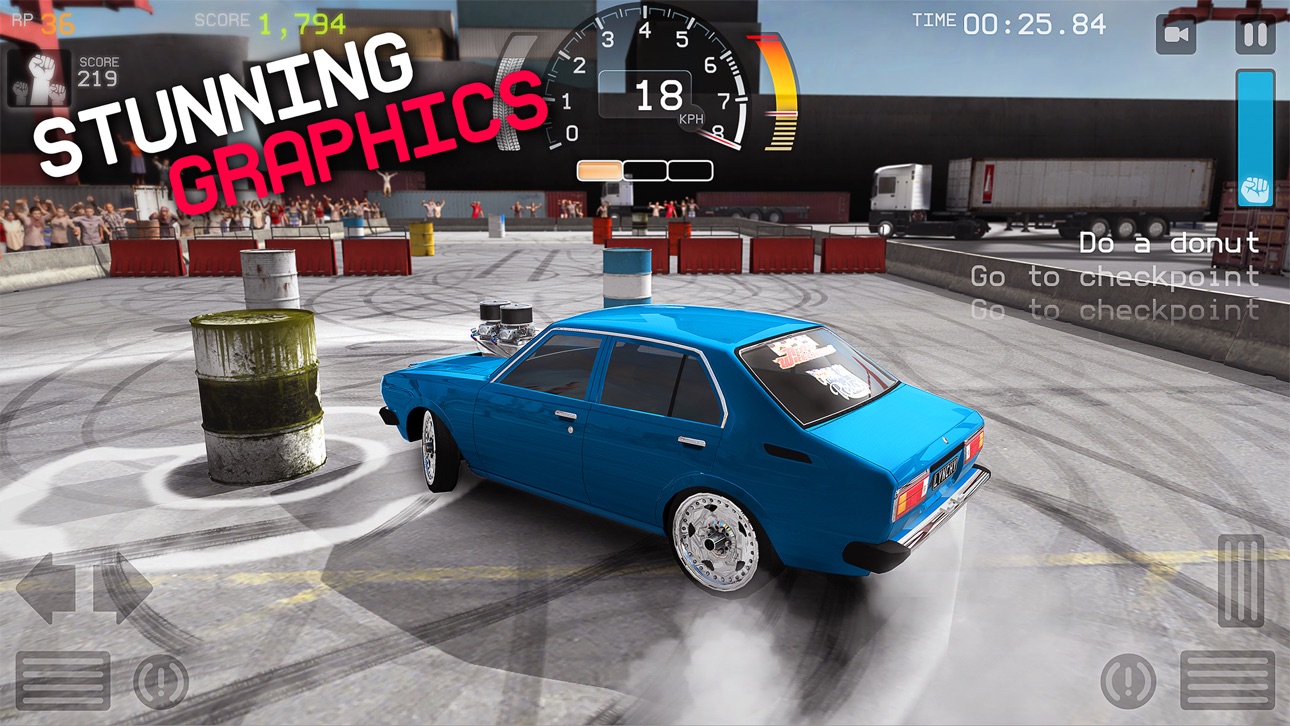
Grip the wheel, put your foot to the floor and drive, completing donuts and drifts like a champion. Evolve your ride and push it to it's limits, rally the crowd into a frenzy and then push it some more to reign supreme as the BURNOUT KING!
Features:
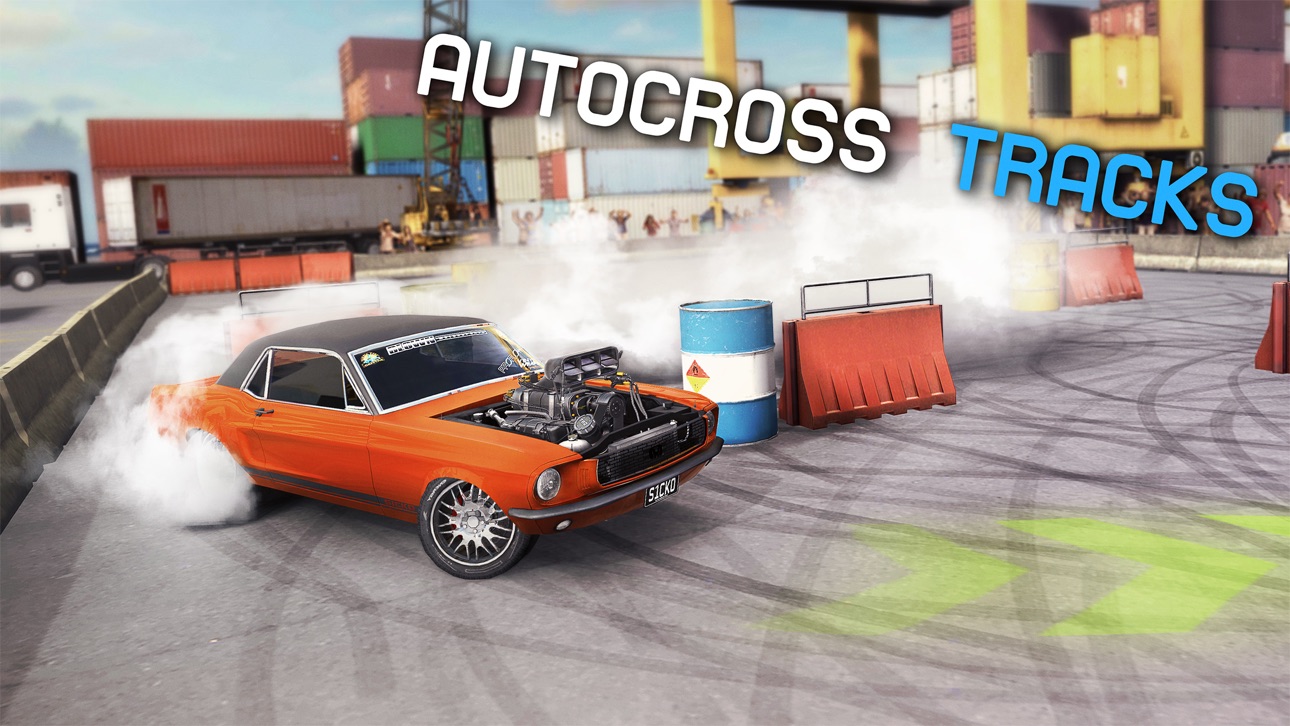
- Realistic burnout simulation complete with gorgeous smoke, bursting tires and flaming engines!
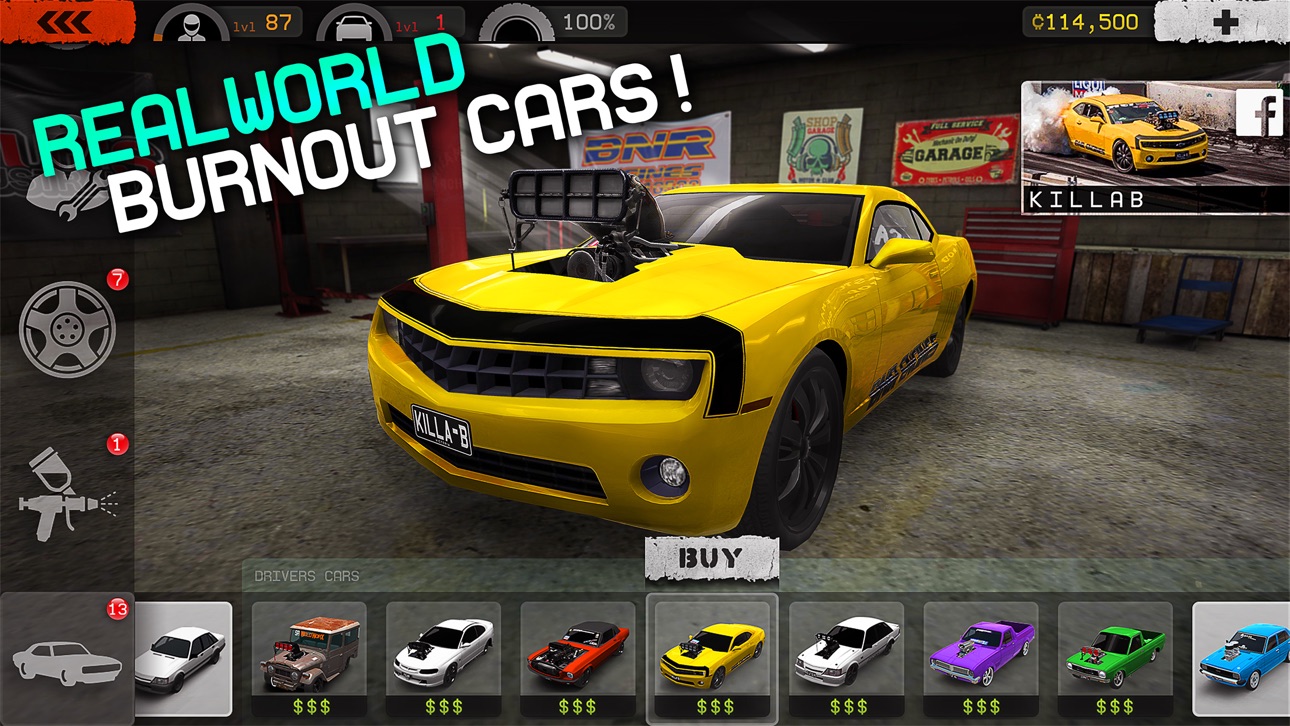
- A wide variety of cars each with unique handling and customization.
- Thundering engine sounds that will send chills down your spine.
- 3D Touch driving controls on supported devices.
Coming Soon:
- More cars and engines.
- More challenges.
Notes:
- iPhone 5, iPad 3, iPad Mini 2, iPod Touch 6th Generation or newer device is required to play.
- A network connection is recommended but not required to play.
- Torque Burnout is free to play. In game credits can be purchased using real money via in-app purchases.
Any problems? Any questions? Any suggestions? We'd love to hear from you!
FACEBOOK: http://www.facebook.com/torqueburnout
TWITTER: http://twitter.com/leagueofmonkeys
YOUTUBE: http://youtube.com/theleagueofmonkeys
HOMEPAGE: http://leagueofmonkeys.com
FAQ: http://leagueofmonkeys.com/support/torqueburnout
スクリーンショット © 各権利者 · App Store



iOSGods は Apple Inc.、Google LLC、および掲載アプリの開発者と提携しておらず、承認や協賛も受けていません。Apple、iOS、App Store は Apple Inc. の商標です。Android および Google Play は Google LLC の商標です。その他のアプリ名、アイコン、画像、商標はすべて各権利者に帰属します。

- 脱獄/Jailed済みまたは脱獄済みのiPhoneまたはiPad。
- Sideloadlyまたは代替手段。
- iTunesがインストールされているWindows/macOS/Linuxを実行しているコンピュータ。
ステップ1: 上のリンクから事前にハックされた.IPAファイルをコンピュータにダウンロードします。iOSGodsアプリからダウンロードする方法は、ビデオ例付きのiOSGodsアプリIPAダウンロードチュートリアルをご覧ください。
ステップ2: SideloadlyをダウンロードしてWindowsまたはMacにインストールします。
ステップ3: コンピュータでSideloadlyを開き、iOSデバイスを接続して、デバイス名がSideloadlyに表示されるまで待ちます。
ステップ4: iDeviceが認識されたら、ダウンロードしたModされた.IPAファイルをSideloadlyアプリにドラッグ&ドロップします。
ステップ5: Apple Accountのメールアドレスを入力し、「Start」を押します。次にパスワードの入力を求められます。必要な情報を入力してください。
ステップ6: Sideloadlyがハックされたipaのサイドロード/インストールを完了するのを待ちます。インストール中に問題が発生した場合は、以下の注意事項をお読みください。
ステップ7: インストールが完了し、ホーム画面にアプリが表示されたら、設定 → 一般 → プロファイル / VPNとデバイス管理に移動する必要があります。そこで、ステップ6で入力したメールをタップし、「Trust [email protected]」をタップします。
ステップ8: ホーム画面に戻り、新しくインストールされたアプリを開けば、すべて正常に動作するはずです。ゲーム内のハックのポップアップで、アプリごとの追加指示に従う必要がある場合があります。
注意: iOS/iPadOS 16以降では、デベロッパモードを有効にするが必要です。無料のApple Developerアカウントの場合、このプロセスを7日ごとに繰り返す必要があります。質問や問題がある場合は、トピックのSideloadly FAQセクションをお読みください。
Game Name iOS Mod IPA is an action adventure game enhanced with powerful gameplay boosts and quality-of-life improvements. Win battles faster, earn rewards quicker, and enjoy uninterrupted play without ads.
- Unlimited Gold - spend freely to unlock premium content
- Damage Multiplier - deal significantly more damage in combat
- Defense Multiplier - take less damage and survive longer
- Reward Multiplier - earn more loot from every battle
- Max Level - instantly reach the highest player rank
- No Ads - play without interruptions or advertisements
This app also comes with iGameGod, giving you access to Auto Touch to automate repetitive tasks, App Speed Manager for adjustable gameplay speed, Memory Engine value editing, and more powerful iOS game tools.
Game Name Mod IPAを上のリンクからダウンロードします。インストールボタンをタップし、画面の指示に従ってiPhone、iPad、Apple SiliconにこのiOSアプリハックをインストールします。
さらにヘルプが必要ですか 詳しい回答とトラブルシューティングはiOSGodsアプリ よくある質問をご覧ください。
----------------------------------------------------------
--------------------------------------------------