Connexion requise
Connectez-vous avec votre compte iOSGods pour continuer.
Connectez-vous avec votre compte iOSGods pour continuer.
Les crédits illimités et les points de récompense illimités transforment Torque Burnout - Free Hack en un jeu gratuit où chaque dérapage vous rapporte des boosts de devises massifs, vous permettant de mettre à niveau et de personnaliser votre véhicule sans faire de grind ni dépenser d'argent réel.
Maximisez instantanément le niveau de votre voiture en gagnant des RP, déverrouillez les achats intégrés premium gratuitement, et contournez les portes de progression pour vous concentrer sur la perfection des dérapages, des dérives et la domination des classements en tant que roi ultime du burnout.
- Crédit Illimité → augmente énormément à chaque fois qu'il est gagné
- Points de Récompense Illimités → augmentent énormément à chaque fois qu'ils sont gagnés
- Niveau Voiture Maximum → la voiture atteint le niveau maximum une fois que les RP pour cette voiture ont été gagnés
- Niveau Maximum → atteindre le niveau maximum en gagnant des RP
- Achat Intégré Gratuit → appuyez sur un Achat Intégré pour recevoir l'article gratuitement
Cette app est également livrée avec iGameGod, qui vous donne accès à Auto Touch pour automatiser les tâches répétitives, App Speed Manager pour ajuster la vitesse de jeu, à l'édition de valeurs avec Memory Engine, et à d'autres outils puissants pour les jeux iOS.
Téléchargez Torque Burnout - Free Hack modded IPA depuis les liens ci-dessus. Appuyez sur le bouton d'installation et suivez les instructions pour installer ce hack iOS sur votre iPhone, iPad ou Apple Silicon.
Besoin de plus d'aide ? Consultez notre FAQ de l'app iOSGods pour des réponses détaillées et des conseils de dépannage.
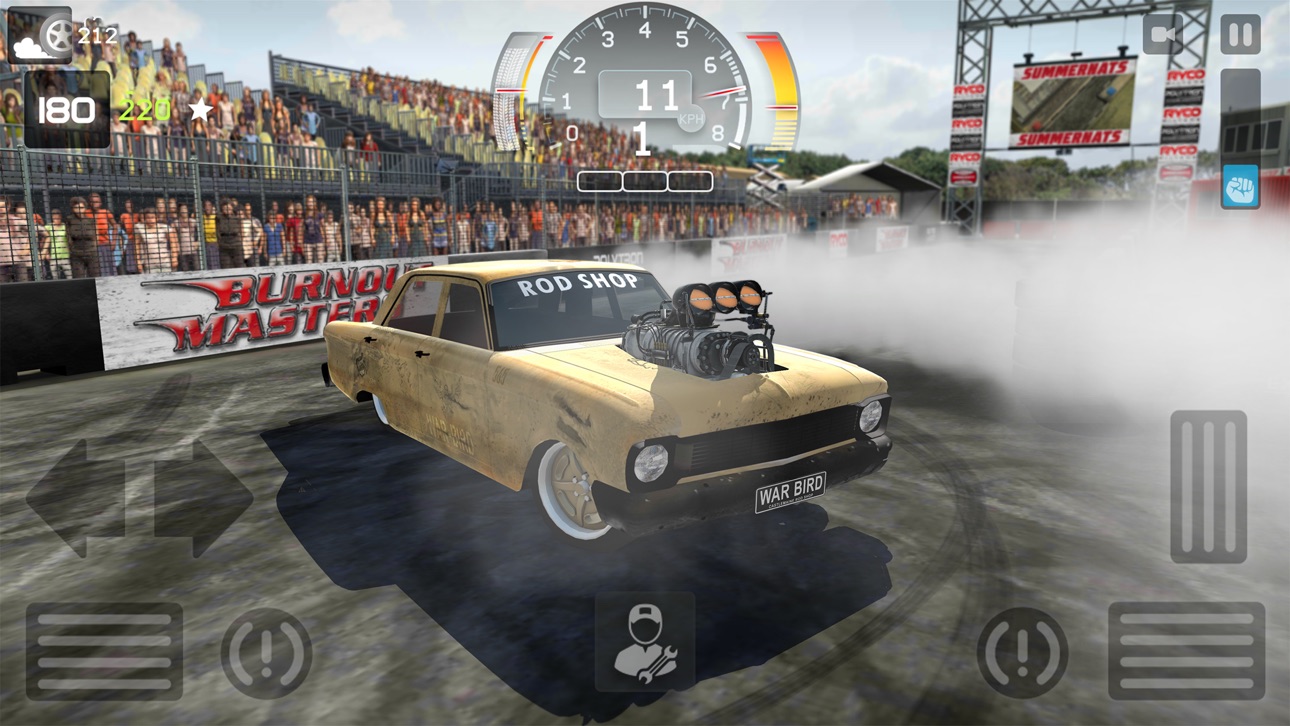
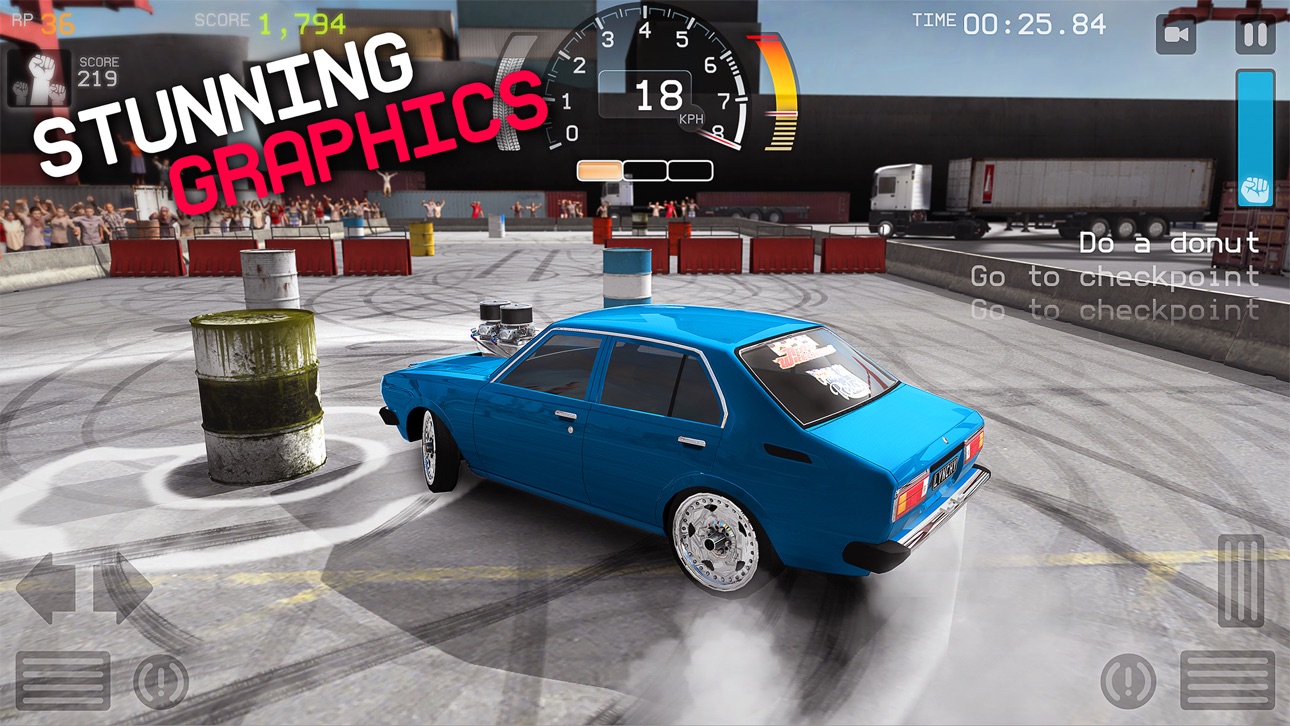
Torque Burnout est un jeu de "conduite" totalement extrême qui combine le meilleur de tous les jeux de course !
Prenez le volant, mettez le pied au plancher et réalisez des donuts et des drifts comme un champion. Améliorez votre véhicule et repoussez ses limites, captivez le public et faites-en des caisses pour vous asseoir sur le trône du ROI DU BURN !
Caractéristiques :
● Une simulation de burn réaliste avec des nuages de fumée, des pneus qui éclatent et des moteurs en feu !
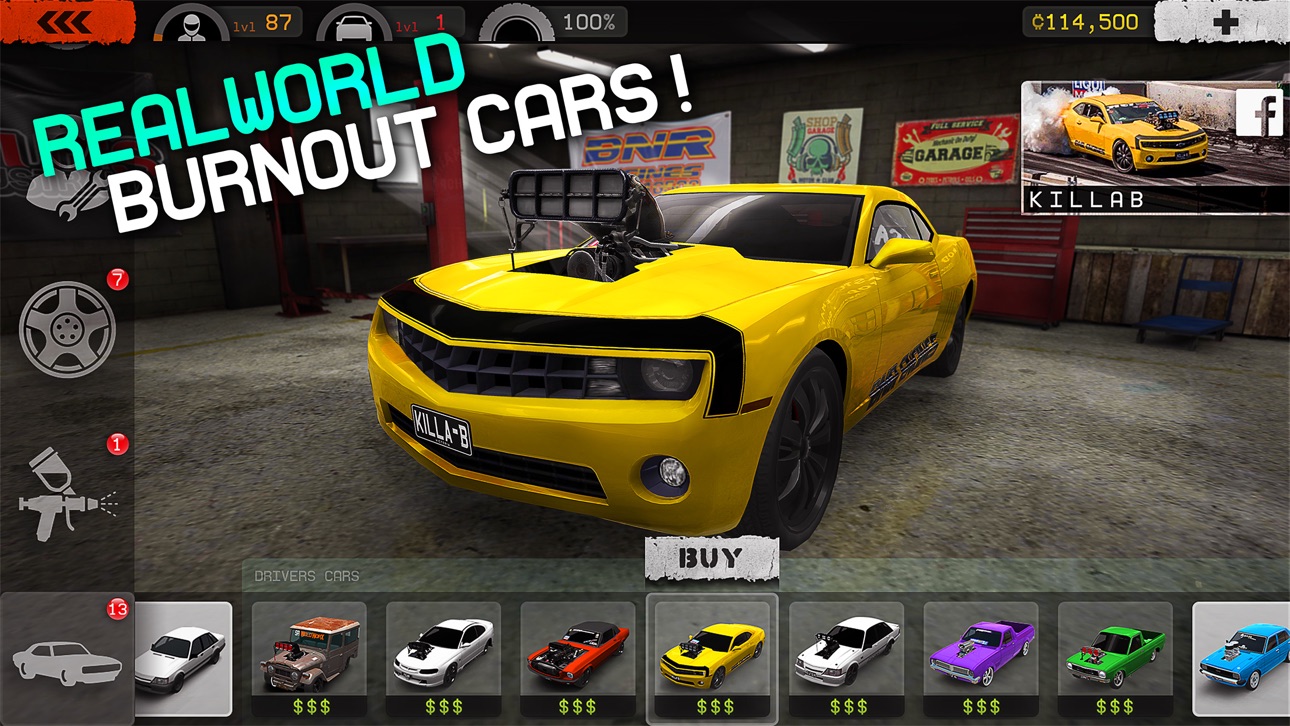
● Un large éventail de voitures bénéficiant toutes de leurs propres spécificités de pilotage et de personnalisation.
● Des rugissements de moteur qui vous donneront la chair de poule.
● Des commandes 3D Touch sur les appareils compatibles.
Remarques :
● Une connexion Internet est recommandée mais non requise pour jouer.
● Torque Burnout est gratuit. Des crédits peuvent être achetés dans le jeu avec de l'argent réel via des achats intégrés.
FACEBOOK : http://facebook.com/leagueofmonkeys.lom
TWITTER : http://twitter.com/leagueofmonkeys
YOUTUBE : http://youtube.com/theleagueofmonkeys
FORUM : http://leagueofmonkeys.com/forum
SITE WEB : http://leagueofmonkeys.com
FAQ: http://leagueofmonkeys.com/support/torqueburnout
Captures © leurs propriétaires respectifs · App Store



iOSGods n'est ni affilié à Apple Inc., Google LLC ou aux développeurs des applications listées ici, ni approuvé ou sponsorisé par eux. Apple, iOS et App Store sont des marques d'Apple Inc. Android et Google Play sont des marques de Google LLC. Tous les autres noms d'applications, icônes, visuels et marques appartiennent à leurs propriétaires respectifs.

- iPhone ou iPad avec ou sans Jailbreak.
- Sideloadly ou alternatives.
- Ordinateur sous Windows/macOS/Linux avec iTunes installé.
ÉTAPE 1: Téléchargez le fichier .IPA pré-modifié depuis le lien ci-dessus sur votre ordinateur. Pour le télécharger depuis l'iOSGods App, consultez notre Tutoriel de téléchargement de l'IPA depuis l'iOSGods App qui comprend un exemple en vidéo.
ÉTAPE 2: Téléchargez Sideloadly et installez-le sur votre Windows ou Mac.
ÉTAPE 3: Ouvrez Sideloadly sur votre ordinateur, connectez votre appareil iOS et attendez que le nom de votre appareil apparaisse dans Sideloadly.
ÉTAPE 4: Une fois votre iDevice reconnu, glissez le fichier .IPA modifié que vous avez téléchargé et déposez-le dans l'application Sideloadly.
ÉTAPE 5: Saisissez l'adresse e-mail de votre Apple Account, puis appuyez sur « Start ». Il vous sera ensuite demandé d'entrer votre mot de passe. Fournissez les informations requises.
ÉTAPE 6: Attendez que Sideloadly termine le sideloading/l'installation de l'IPA modifié. En cas de problème durant l'installation, veuillez lire la remarque ci-dessous.
ÉTAPE 7: Une fois l'installation terminée et l'app visible sur votre écran d'accueil, vous devez aller dans Réglages → Général → Profils / VPN et gestion de l'appareil. Là, appuyez sur l'adresse e-mail saisie à l'étape 6, puis appuyez sur « Faire confiance à [email protected] ».
ÉTAPE 8: Allez maintenant sur votre écran d'accueil et ouvrez l'app nouvellement installée ; tout devrait fonctionner correctement. Vous devrez peut-être suivre des instructions supplémentaires propres à chaque app, dans la fenêtre du hack en jeu.
REMARQUE : À partir d'iOS/iPadOS 16, vous devez activer le mode Développeur. Pour les comptes Apple Developer gratuits, vous devrez répéter ce processus tous les 7 jours. Pour toute question ou problème, lisez notre section FAQ Sideloadly du sujet.
Game Name iOS Mod IPA is an action adventure game enhanced with powerful gameplay boosts and quality-of-life improvements. Win battles faster, earn rewards quicker, and enjoy uninterrupted play without ads.
- Unlimited Gold - spend freely to unlock premium content
- Damage Multiplier - deal significantly more damage in combat
- Defense Multiplier - take less damage and survive longer
- Reward Multiplier - earn more loot from every battle
- Max Level - instantly reach the highest player rank
- No Ads - play without interruptions or advertisements
This app also comes with iGameGod, giving you access to Auto Touch to automate repetitive tasks, App Speed Manager for adjustable gameplay speed, Memory Engine value editing, and more powerful iOS game tools.
Téléchargez Game Name Mod IPA depuis les liens ci-dessus. Appuyez sur le bouton d'installation et suivez les instructions pour installer ce hack iOS sur votre iPhone, iPad ou Apple Silicon.
Besoin de plus d'aide Consultez notre FAQ de l'app iOSGods pour des réponses détaillées et des conseils de dépannage.
----------------------------------------------------------
--------------------------------------------------