Inicio de sesión requerido
Inicia sesión con tu cuenta de iOSGods para continuar.

Hack Features
- PREMIUM
Esta app incluye iGameGod, que te ofrece acceso a Auto Touch para automatizar tareas repetitivas, App Speed Manager para ajustar la velocidad del juego, edición de valores con Memory Engine y más potentes herramientas para juegos de iOS.
Descarga SnapEdit: Photo Editor AI Modded modded IPA desde los enlaces de arriba. Toca el botón de instalación y sigue las instrucciones para instalar este hack iOS en tu iPhone, iPad o Mac con Apple Silicon.
¿Necesitas más ayuda? Consulta nuestras Preguntas frecuentes de la app iOSGods para respuestas detalladas y consejos de solución de problemas.
SnapEdit is one of the best photo editing apps using AI with a mission to make your editing easy, smooth and fun.
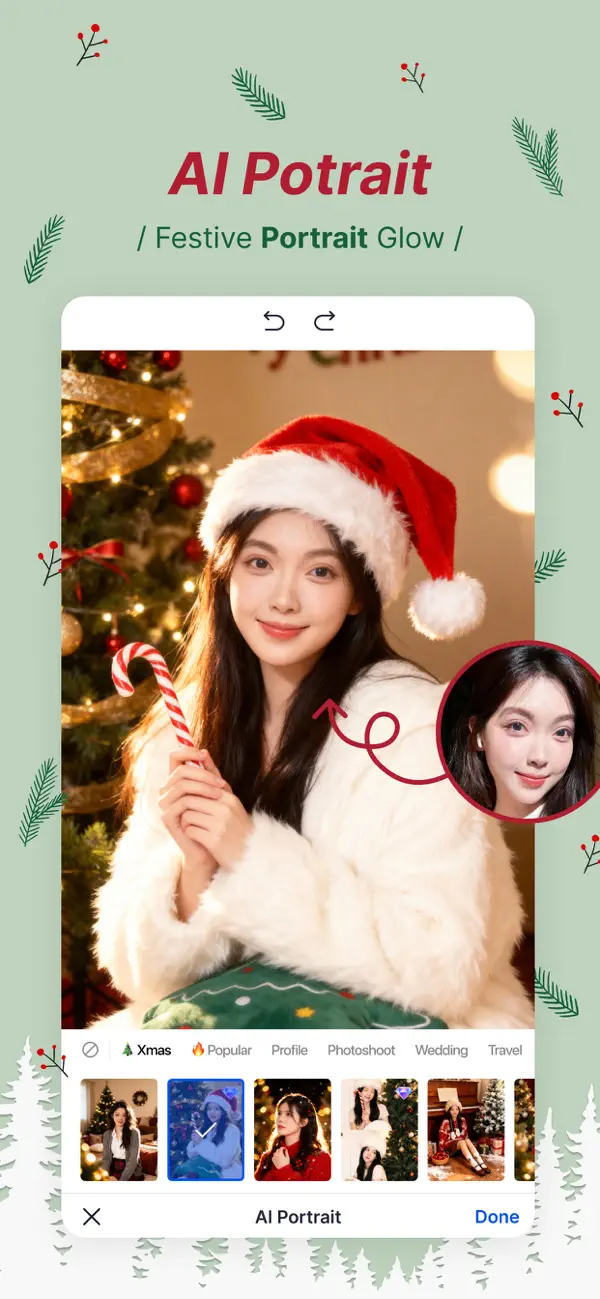
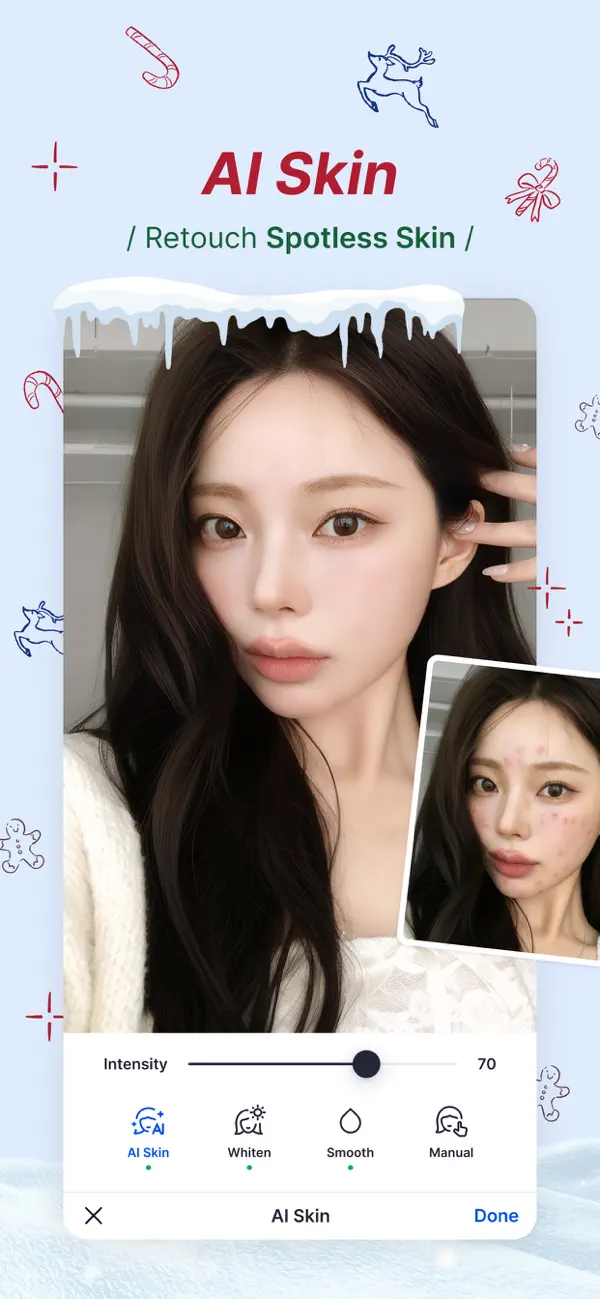
Transform your photos like never before with SnapEdit, the ultimate photo editing app designed to effortlessly remove unwanted objects, enhance image quality, and create stunning visual masterpieces. Download SnapEdit now and unlock a world of possibilities for your photos!
KEY FEATURES:
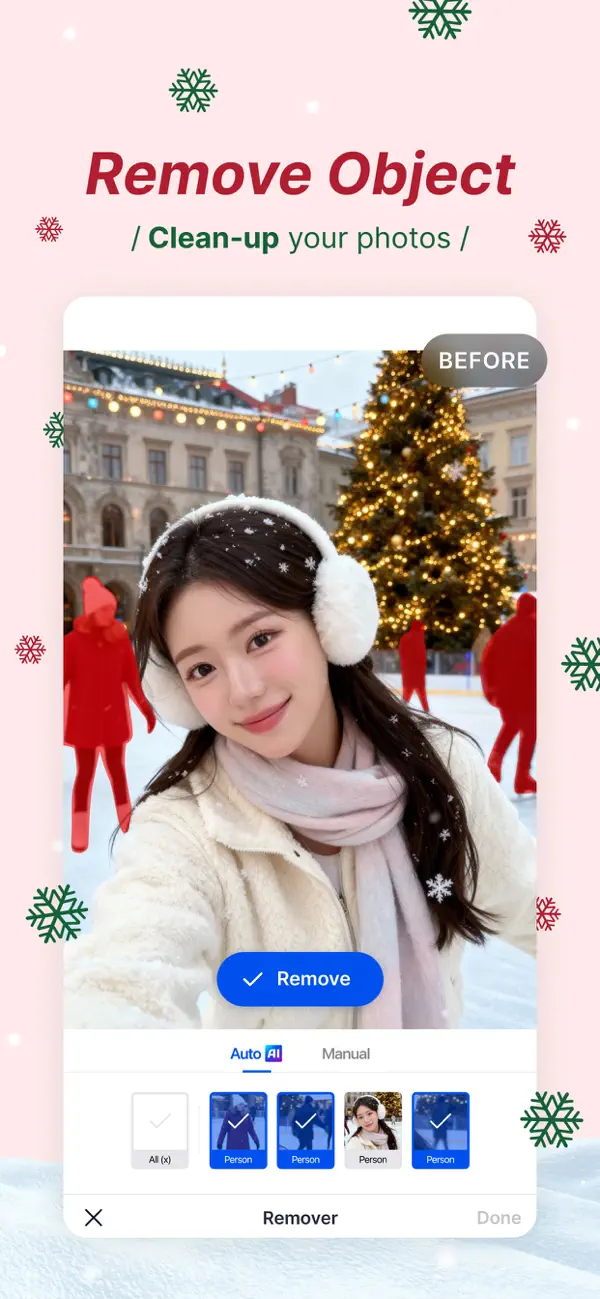
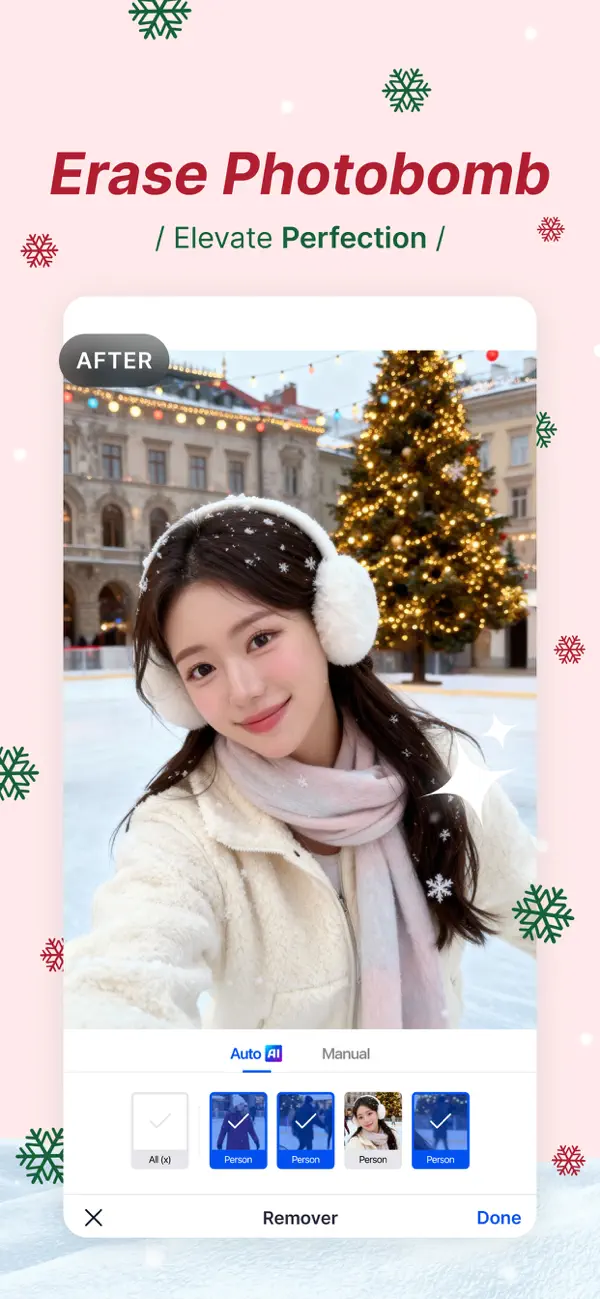
ONE-TOUCH OBJECT REMOVAL: Say goodbye to photobombers, unwanted elements, or distracting objects in your pictures. With just a single touch, SnapEdit intelligently analyzes your photo and seamlessly removes any undesired elements, leaving behind a clean and polished image.
SUPER ERASE (PRO required): Specialized model designed to remove larger distractions. Makes them vanish in a flash, leaving your photos sleek, clean, and distraction-free.
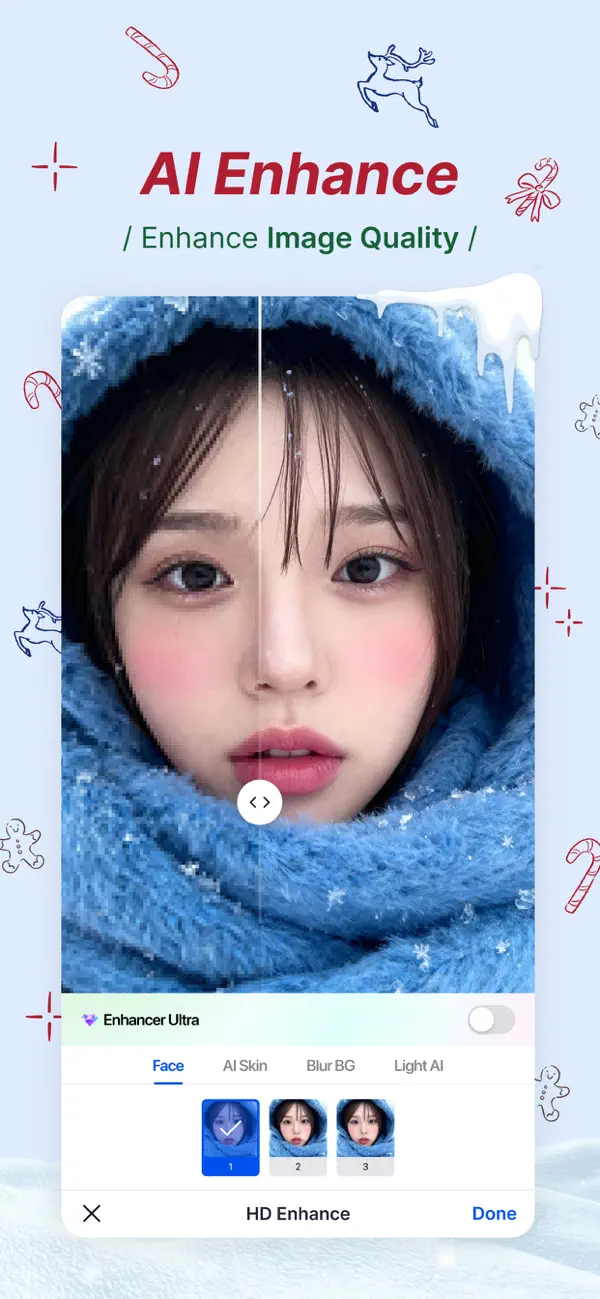
IMAGE ENHANCEMENT: Elevate your photo quality with SnapEdit’s powerful image enhancement tools. Adjust brightness, contrast, saturation, and more to bring out the hidden details and make your images truly captivating. Enhance colors, sharpen edges, and create a professional finish with ease.
AI Expand: Let you fix your limited framing in one tap. AI Expand will widen backgrounds, fill missing areas, or adjust photo sizes for social media. Create perfectly balanced images that look natural and complete every time.
VIDEO ENHANCER: Feel free to record your memories without worrying about blurry or low quality videos, SnapEdit will be the solution you are looking for to enhance videos in seconds.
SKY REPLACEMENT: The gloomy weather is just not what you want? Bring the best out of your picture with our sky replacement. Replace the gray, boring sky in your photo with a brand new sky. Choose from clear blue sky, sunny, sunset, storm and even fantasies skies.
BACKGROUND REMOVAL MADE EASY: Need to change the backdrop of your photo? No problem! SnapEdit offers a seamless background removal feature that allows you to isolate the main subject with incredible precision. Replace the background with a solid color, a custom image, or a transparent background for endless creative possibilities.
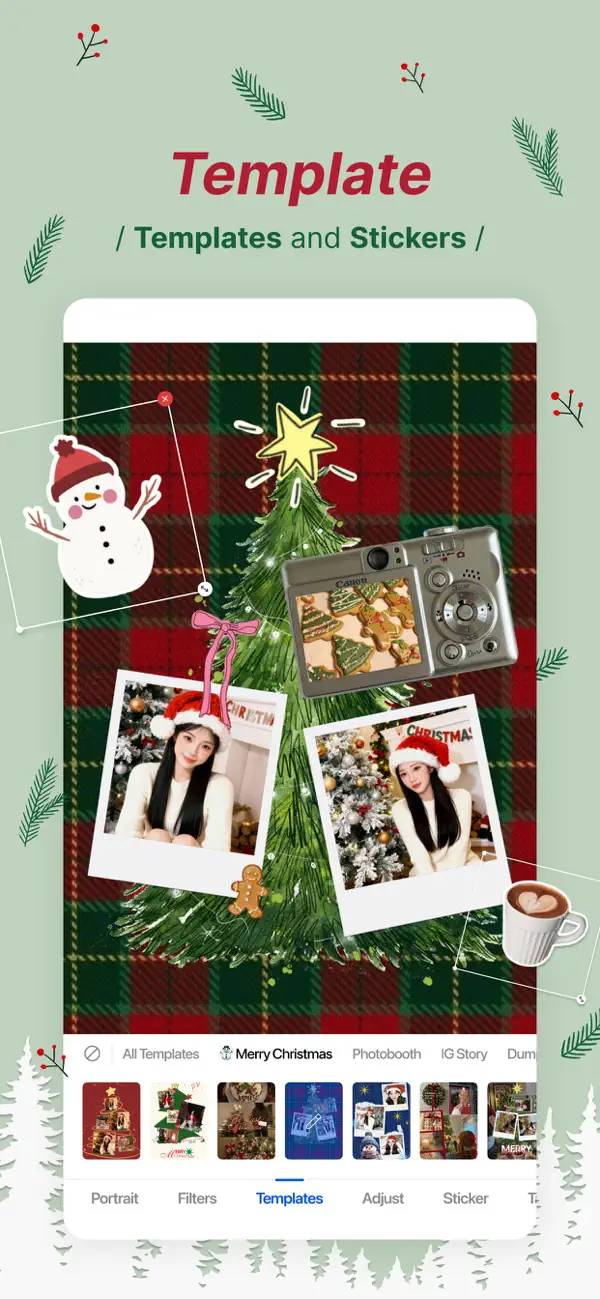
ARTISTIC FILTERS and ANIME EFFECTS: Unleash your artistic side with a wide range of filters and effects. Transform your photos into stunning works of art with a single tap. From vintage to modern, black and white to vibrant colors, SnapEdit offers a plethora of options to suit your unique style.
EASY-TO-USE: SnapEdit’s user-friendly interface ensures a seamless editing experience for both beginners and professionals. Effortlessly navigate through the app’s features, apply edits, and instantly preview changes. The intuitive design ensures that editing your photos becomes a breeze.
HIGH-QUALITY RESULTS: SnapEdit utilizes cutting-edge algorithms to deliver high-quality results without compromising on detail or resolution. Your edited photos will retain their clarity and sharpness, ensuring that every detail shines through.
SAVE AND SHARE WITH EASE: Once you’re satisfied with your masterpiece, save your edited photos in high resolution to your device’s gallery. Share your creations directly from the app to social media platforms like Instagram, Facebook, and more, and impress your friends and followers with your stunning imagery.
Unlock the true potential of your photos with SnapEdit. Download now and experience the power of one-touch object removal, image enhancement, background removal, and an array of artistic filters. Create captivating visuals that leave a lasting impression and showcase your unique vision. Get SnapEdit today and start transforming your photos like a pro!
Terms of use: https://www.apple.com/legal/internet-services/itunes/dev/stdeula/
- iPhone o iPad con o sin Jailbreak.
- Sideloadly u otras alternativas.
- Ordenador con Windows/macOS/Linux e iTunes instalado.
PASO 1: Descargue el archivo .IPA pre-modificado desde el enlace de arriba a su ordenador. Para descargarlo desde la iOSGods App, consulte nuestro Tutorial de descarga del IPA desde la iOSGods App, que incluye un ejemplo en vídeo.
PASO 2: Descargue Sideloadly e instálelo en su Windows o Mac.
PASO 3: Abra Sideloadly en su ordenador, conecte su dispositivo iOS y espere hasta que el nombre del dispositivo aparezca en Sideloadly.
PASO 4: Una vez que su iDevice sea reconocido, arrastre el archivo .IPA modificado que descargó y suéltelo en la aplicación Sideloadly.
PASO 5: Introduzca el correo electrónico de su Apple Account y, a continuación, pulse «Start». Le pedirá que introduzca su contraseña. Proporcione la información solicitada.
PASO 6: Espere a que Sideloadly termine de hacer sideload/instalar el IPA modificado. Si surgen problemas durante la instalación, por favor lea la nota a continuación.
PASO 7: Una vez completada la instalación y al ver la app en la pantalla de inicio, deberá ir a Ajustes → General → Perfiles / VPN y Gestión de Dispositivos. Una vez allí, toque el correo electrónico que introdujo en el paso 6 y, después, toque en «Confiar en [email protected]».
PASO 8: Ahora vaya a la pantalla de inicio y abra la app recién instalada; todo debería funcionar correctamente. Es posible que tenga que seguir instrucciones adicionales específicas de cada app dentro del popup del hack en el juego.
NOTA: En iOS/iPadOS 16 y posteriores, debe activar el Modo Desarrollador. Para cuentas gratuitas de Apple Developer, deberá repetir este proceso cada 7 días. Si tiene alguna pregunta o problema, lea nuestra sección de Preguntas Frecuentes de Sideloadly del tema.