Login Required
Sign in with your iOSGods account to continue.
Hack Features
- PREMIUM
Download SnapEdit: Photo Editor AI Modded modded IPA from the links above. Tap the install button and follow the on-screen instructions to install this iOS app hack on your iPhone, iPad, or Apple Silicon.
Need more help? Check out our iOSGods App Frequently Asked Questions for detailed answers and troubleshooting tips.
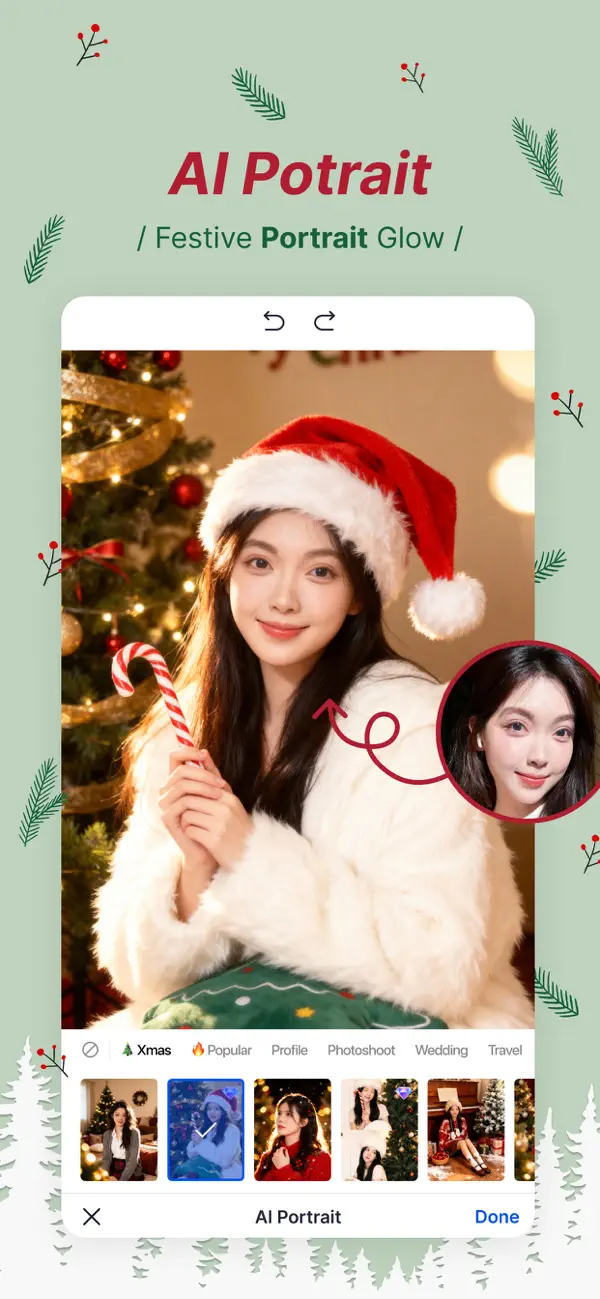
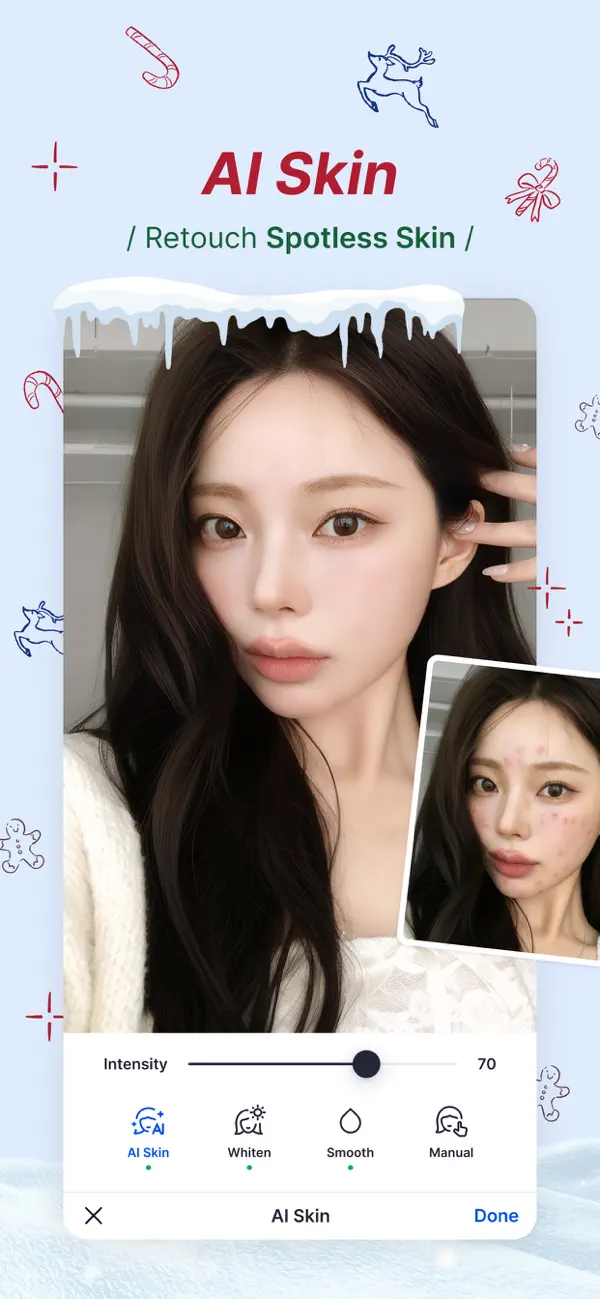
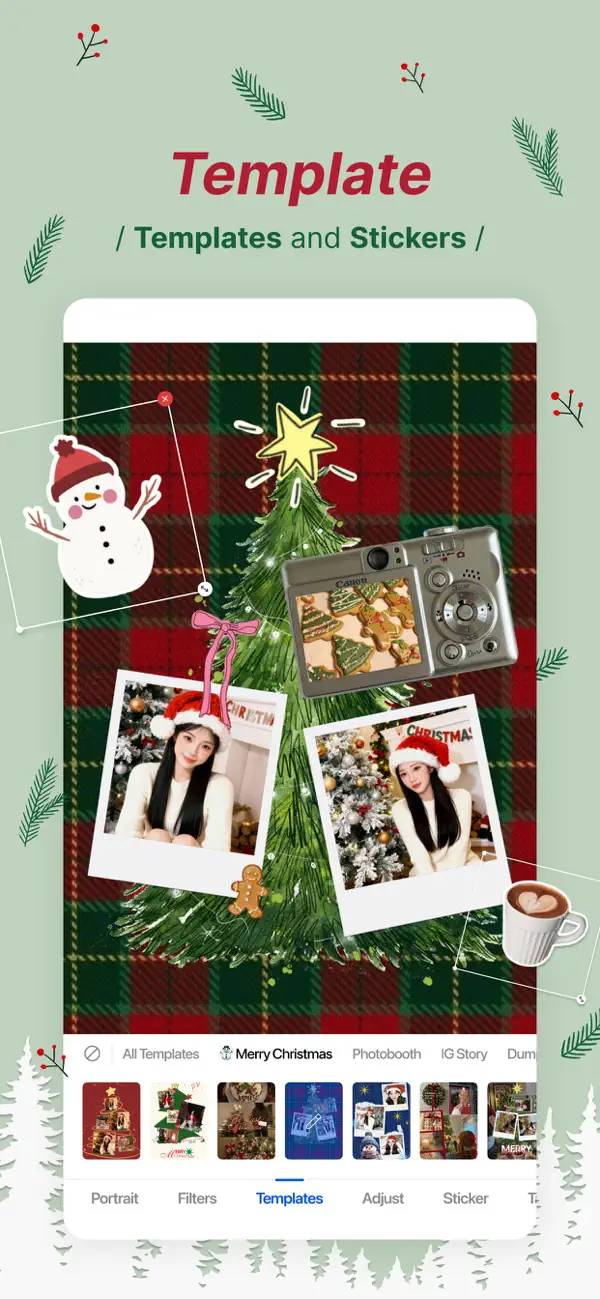
SnapEdit est l'une des meilleures applications de retouche photo par IA, conçue pour rendre vos modifications simples, fluides et amusantes.
Transformez vos photos comme jamais auparavant avec SnapEdit, l'outil ultime pour supprimer les objets indésirables, améliorer la qualité d'image et créer des chefs-d'œuvre visuels. Téléchargez SnapEdit dès maintenant et libérez tout le potentiel de vos photos !
PRINCIPALES FONCTIONNALITÉS :
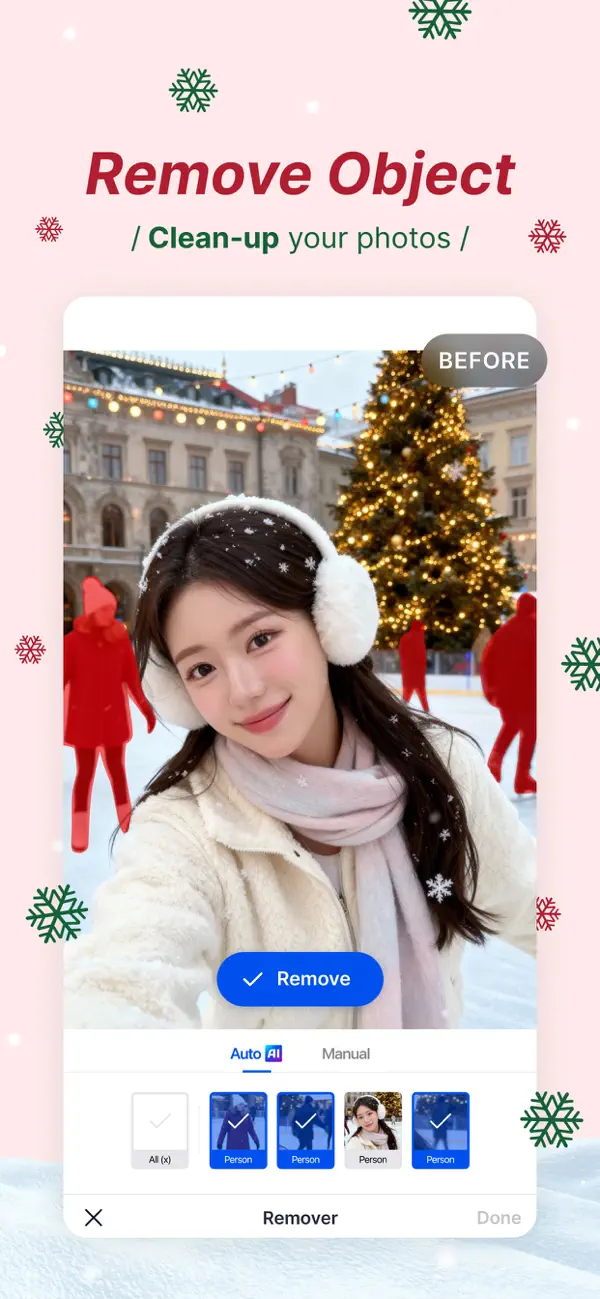
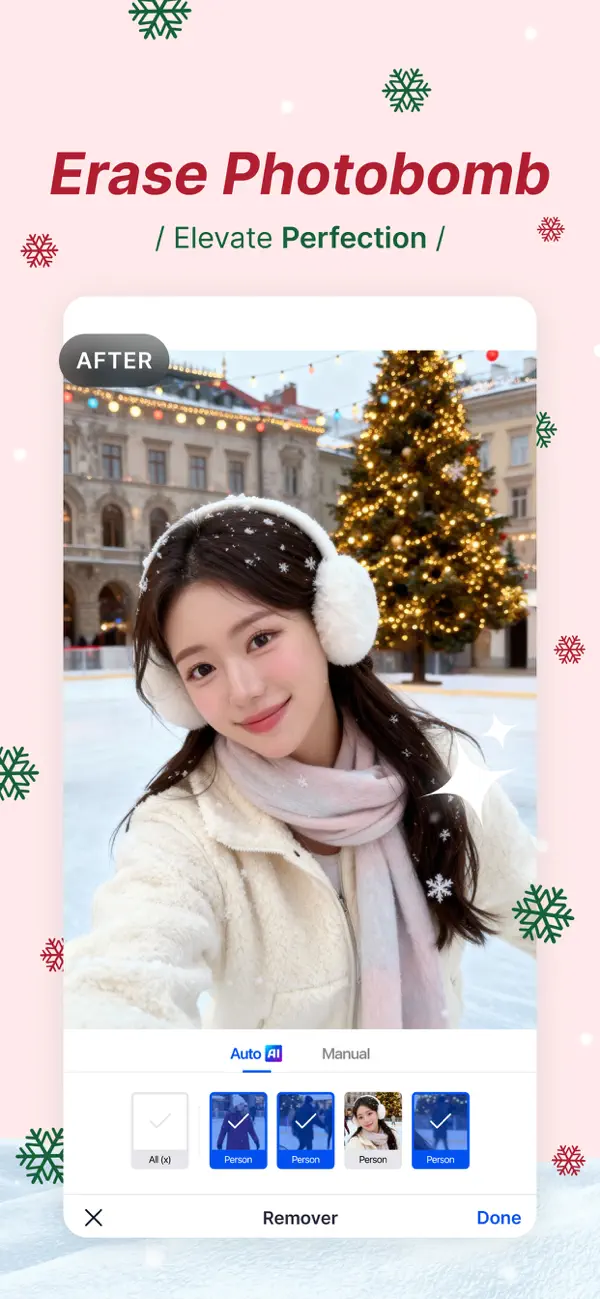
SUPPRESSION D'OBJETS EN UN CLIC : Dites adieu aux intrus, éléments gênants ou objets indésirables. SnapEdit analyse intelligemment votre photo et efface tout élément parasite en un instant pour un résultat impeccable.
SUPER GOMME (PRO) : Un modèle spécialisé pour effacer les distractions plus imposantes. Faites-les disparaître en un clin d'œil pour des photos parfaitement épurées.
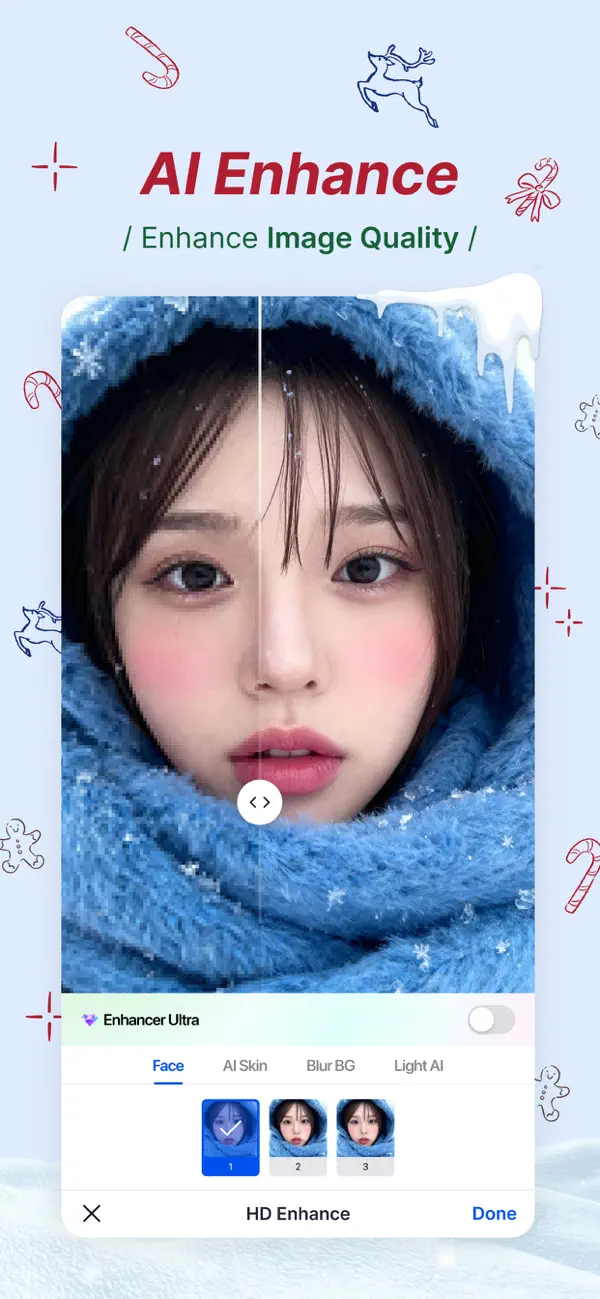
AMÉLIORATION D'IMAGE : Boostez la qualité de vos clichés. Ajustez la luminosité, le contraste et la saturation pour révéler les détails cachés et obtenir un rendu professionnel.
IA EXPAND : Corrigez vos cadrages limités. Élargissez les arrière-plans, comblez les zones manquantes ou ajustez les formats pour vos réseaux sociaux.
AMÉLIORATION VIDÉO : Ne craignez plus les vidéos floues ou de basse qualité. SnapEdit est la solution pour sublimer vos souvenirs en quelques secondes.
REMPLACEMENT DE CIEL : Le temps est gris ? Remplacez un ciel terne par un ciel bleu éclatant, un coucher de soleil ou une ambiance fantastique.
SUPPRESSION DE FOND FACILE : Isolez votre sujet avec une précision incroyable. Remplacez l'arrière-plan par une couleur unie, une image personnalisée ou créez un fond transparent.
FILTRES ARTISTIQUES ET EFFETS ANIME : Libérez votre créativité avec une vaste gamme de filtres. Du vintage au moderne, transformez vos photos en œuvres d'art d'un simple geste.
FACILE À UTILISER : Une interface intuitive pensée pour les débutants comme pour les experts. La retouche devient un jeu d'enfant.
RÉSULTATS HAUTE QUALITÉ : Grâce à des algorithmes de pointe, vos photos conservent toute leur clarté et leur netteté, sans compromis sur la résolution.
ENREGISTREMENT ET PARTAGE : Sauvegardez vos créations en haute résolution et partagez-les directement sur Instagram, Facebook ou TikTok pour impressionner vos abonnés.
Libérez le potentiel de vos photos avec SnapEdit. Téléchargez dès aujourd'hui et commencez à retoucher comme un pro !
Conditions d'utilisation: https://www.apple.com/legal/internet-services/itunes/dev/stdeula/
- Non-Jailbroken/Jailed or Jailbroken iPhone or iPad.
- Sideloadly or alternatives.
- Computer running Windows/macOS/Linux with iTunes installed.
STEP 1: Download the pre-hacked .IPA file from the link above to your computer. To download from the iOSGods App, see our iOSGods App IPA Download Tutorial which includes a video example.
STEP 2: Download Sideloadly and install it on your Windows or Mac.
STEP 3: Open Sideloadly on your computer, connect your iOS device, and wait until your device name appears in Sideloadly.
STEP 4: Once your iDevice is recognized, drag the modded .IPA file you downloaded and drop it into the Sideloadly application.
STEP 5: Enter your Apple Account email, then press “Start.” You’ll then be asked to enter your password. Go ahead and provide the required information.
STEP 6: Wait for Sideloadly to finish sideloading/installing the hacked IPA. If there are issues during installation, please read the note below.
STEP 7: Once the installation is complete and you see the app on your Home Screen, you will need to go to Settings → General → Profiles / VPN & Device Management. Once there, tap on the email you entered from step 6, and then tap on “Trust [email protected]”.
STEP 8: Now go to your Home Screen and open the newly installed app and everything should work fine. You may need to follow further per app instructions inside the hack's popup in-game.
NOTE: iOS/iPadOS 16 and later, you must enable Developer Mode. For free Apple Developer accounts, you will need to repeat this process every 7 days. If you have any questions or problems, read our Sideloadly FAQ section of the topic.