Cần đăng nhập
Đăng nhập bằng tài khoản iOSGods để tiếp tục.
Đăng nhập bằng tài khoản iOSGods để tiếp tục.
Hãy dừng việc xem tài nguyên Basketball Club Story của bạn cạn kiệt, IPA được chỉnh sửa này sẽ đóng băng tiền tệ, điểm nghiên cứu và vật phẩm tiêu hao của bạn để bạn có thể xây dựng đội mơ ước mà không cần phải luyện tập. Quản lý sự phát triển của đội hình theo thời gian của riêng bạn, giữ mọi đồng tiền và vật phẩm bạn kiếm được ở nguyên trạng.
Cho dù bạn đang hoàn thiện chiến lược huấn luyện, thử nghiệm các đội hình cầu thủ khác nhau, hay đơn giản là tận hưởng trải nghiệm xây dựng đội theo tốc độ của riêng bạn, hack này loại bỏ áp lực quản lý tài nguyên và cho phép bạn tập trung vào những gì quan trọng: tạo ra một đội hình vô địch và thống trị cuộc thi đấu.
- Đóng Băng Tiền Tệ → bảo tồn đồng tiền và tiền mặt của bạn
- Đóng Băng Điểm Nghiên Cứu → khóa tiến độ nâng cấp của bạn
- Đóng Băng Năng Lượng Tiêu Thụ → giữ nguyên sức bền hoặc năng lượng của bạn
- Đóng Băng Vật Phẩm → duy trì kho đồ của bạn không thay đổi
Ứng dụng này cũng đi kèm với iGameGod, cho phép bạn truy cập Auto Touch để tự động hóa các thao tác lặp lại, App Speed Manager để điều chỉnh tốc độ chơi game, chỉnh sửa giá trị bằng Memory Engine, và nhiều công cụ mạnh mẽ khác cho game iOS.
Tải Basketball Club Story Hack modded IPA từ các liên kết ở trên. Nhấn nút cài đặt và làm theo hướng dẫn để cài bản hack iOS lên iPhone, iPad hoặc Apple Silicon.
Cần thêm trợ giúp? Hãy xem Câu hỏi thường gặp ứng dụng iOSGods để có câu trả lời chi tiết và mẹo khắc phục sự cố.
Make your very own world-class basketball team!
Specialize in one skill? Be a jack-of-all-trades? Or something in between?
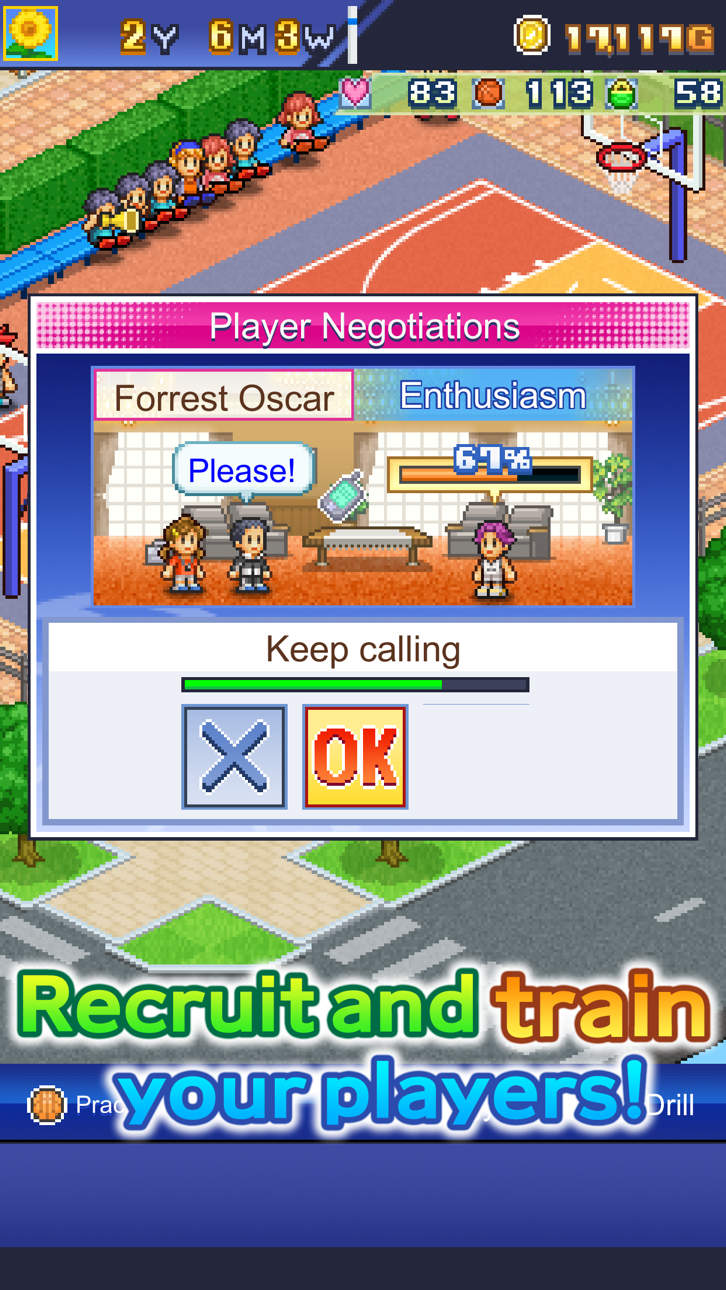
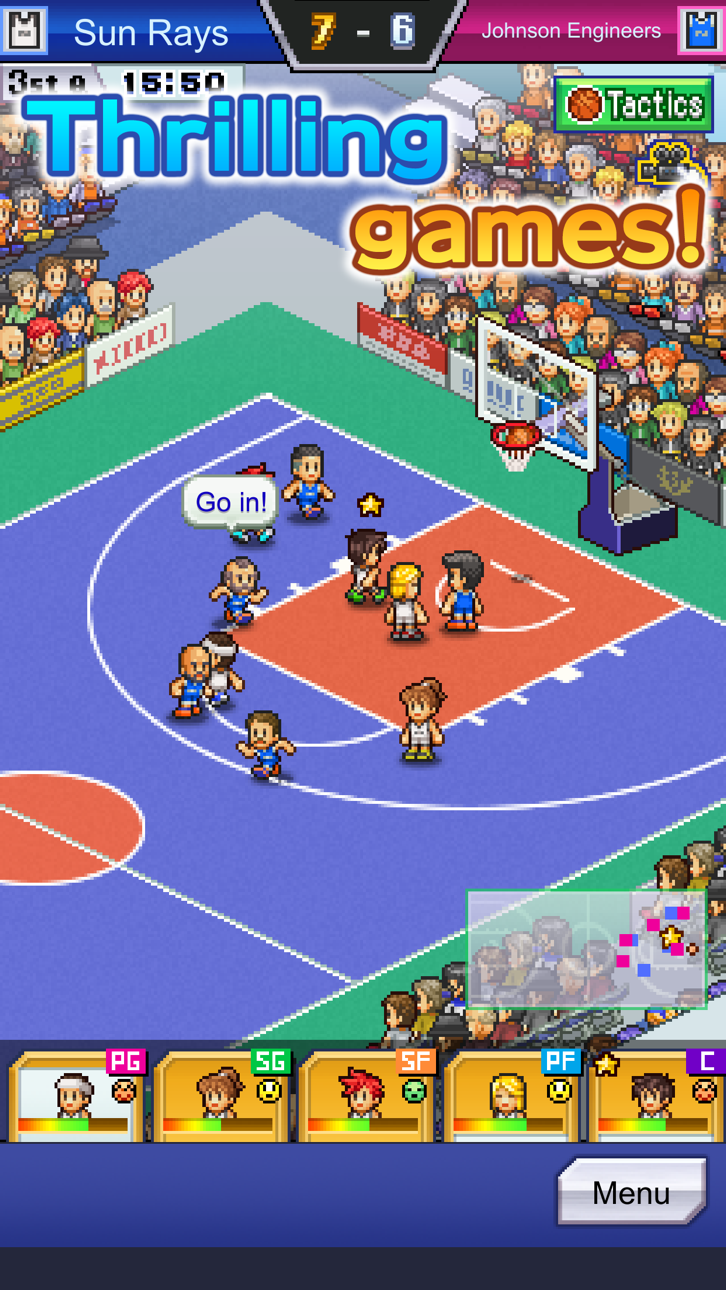
Create your own basketball team, recruit a cast of zany players, and compete against other teams. It's up to YOU to coach them to victory!
Plus, build facilities for your clubhouse for your players and visitors to enjoy. Mix, match, and position them however you like!
Sign with sponsors to gain impressive monetary support. Foster them alongside the rest of your team for even more rewards!
Don't forget to connect with your local fans through community outreach. The more they learn about basketball, the more passionate they'll become!
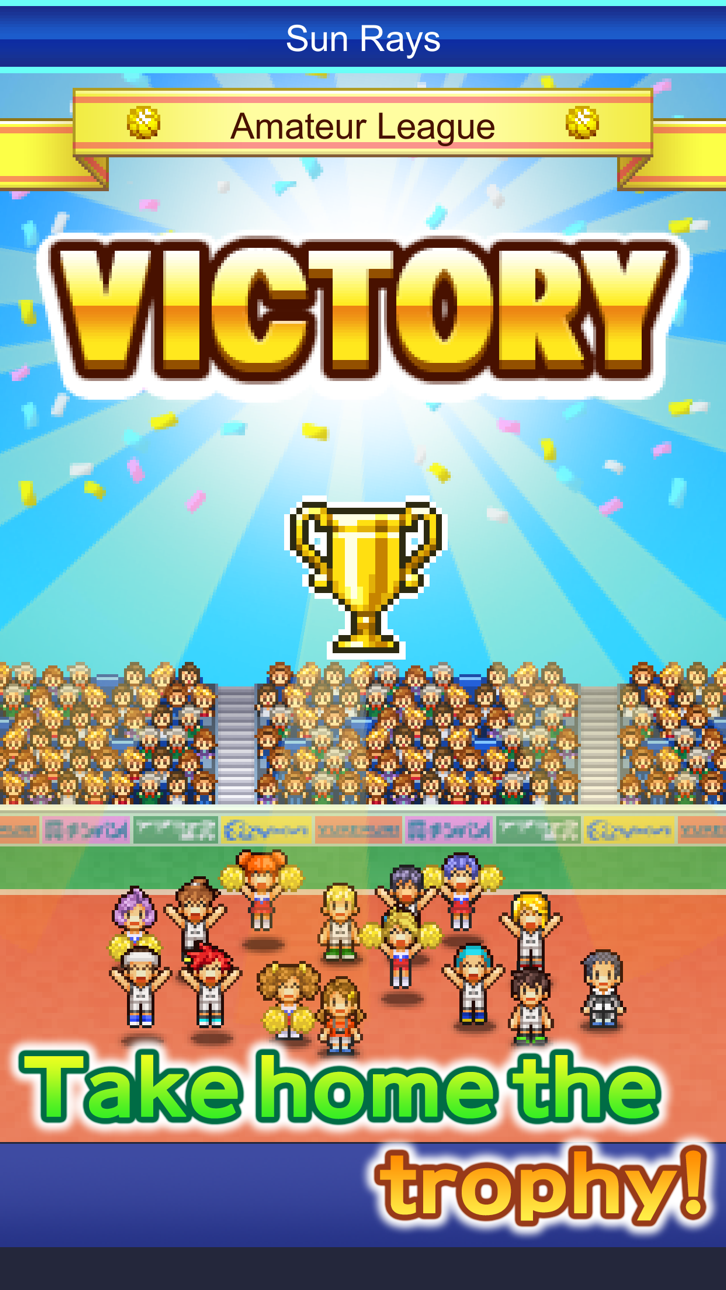
With the help of your players, sponsors, and spectators, you'll create the world's best basketball team!
All game progress is stored on your device.
Save data cannot be restored after deleting or reinstalling the app. Transferring data to another device is not supported.
Try searching for "Kairosoft" to see all of our games, or visit us at https://kairopark.jp
Be sure to check out both our free-to-play and our paid games!
Kairosoft's pixel art game series continues!
Follow us on Twitter for the latest Kairosoft news and information.
https://twitter.com/kairokun2010

- iPhone hoặc iPad chưa jailbreak/đã đóng hoặc đã jailbreak.
- Sideloadly hoặc các lựa chọn thay thế.
- Máy tính chạy Windows/macOS/Linux đã cài iTunes.
BƯỚC 1: Tải tệp .IPA đã được hack sẵn từ liên kết phía trên về máy tính của bạn. Để tải từ iOSGods App, hãy xem Hướng dẫn tải IPA bằng iOSGods App của chúng tôi, có kèm ví dụ bằng video.
BƯỚC 2: Tải Sideloadly và cài đặt trên Windows hoặc Mac của bạn.
BƯỚC 3: Mở Sideloadly trên máy tính, kết nối thiết bị iOS của bạn và chờ cho đến khi tên thiết bị hiển thị trong Sideloadly.
BƯỚC 4: Khi thiết bị iOS của bạn đã được nhận diện, hãy kéo tệp .IPA đã chỉnh sửa mà bạn tải về và thả vào ứng dụng Sideloadly.
BƯỚC 5: Nhập email Apple Account của bạn, sau đó nhấn "Start." Bạn sẽ được yêu cầu nhập mật khẩu. Hãy cung cấp các thông tin cần thiết.
BƯỚC 6: Chờ Sideloadly hoàn tất quá trình sideload/cài đặt tệp IPA đã hack. Nếu gặp sự cố trong quá trình cài đặt, vui lòng đọc lưu ý bên dưới.
BƯỚC 7: Khi cài đặt hoàn tất và bạn thấy ứng dụng trên Màn hình chính, bạn cần truy cập Cài đặt → Cài đặt chung → Hồ sơ / VPN & Quản lý thiết bị. Tại đó, nhấn vào email bạn đã nhập ở bước 6, rồi nhấn "Tin cậy [email protected]".
BƯỚC 8: Bây giờ hãy về Màn hình chính và mở ứng dụng vừa cài đặt, mọi thứ sẽ hoạt động bình thường. Bạn có thể cần làm theo hướng dẫn riêng của từng ứng dụng trong cửa sổ popup của bản hack trong game.
LƯU Ý: Trên iOS/iPadOS 16 trở lên, bạn phải bật Chế độ nhà phát triển. Với tài khoản Apple Developer miễn phí, bạn sẽ cần lặp lại quy trình này mỗi 7 ngày. Nếu bạn có thắc mắc hoặc gặp sự cố, hãy đọc mục FAQ về Sideloadly trong chủ đề của chúng tôi.
Hack Features:
- Inf Coins (Spend)
App Installation Instructions:
---------------------------------------------------------
----------------------------------------------------------
If you require more information or help, please read our Frequently Asked Questions topic on iOSGods.com.
----------------------------------------------------------
--------------------------------------------------