Inloggning krävs
Logga in med ditt iOSGods-konto för att fortsätta.
Logga in med ditt iOSGods-konto för att fortsätta.

Sluta se dina resurser i Basketball Club Story försvinna, denna modifierade IPA fryser dina valutor, forskningspoäng och förbrukningsvaror så att du kan bygga ditt drömlag utan slitningen. Hantera ditt lags tillväxt enligt din egen tidplan och behåll varje mynt och föremål du tjänar låst på plats.
Oavsett om du perfektionerar din tränarstrategi, experimenterar med olika spelaruppställningar eller helt enkelt njuter av lagbyggnadsupplevelsen i din egen takt, tar denna hack bort trycket från resurshantering och låter dig fokusera på det som betyder något: att skapa ett mästarlag och dominera konkurrensen.
- Frys valutor → bevara dina mynt och pengar
- Frys forskningspoäng → lås in dina framsteguppgraderingar
- Frys förbrukningsliv → behåll din uthållighet eller energi intakt
- Frys föremål → behåll ditt lager oförändrat
Den här appen levereras även med iGameGod, vilket ger dig tillgång till Auto Touch för att automatisera repetitiva uppgifter, App Speed Manager för justerbar spelhastighet, värdesredigering med Memory Engine och fler kraftfulla verktyg för iOS-spel.
Ladda ner Basketball Club Story Hack modded IPA från länkarna ovan. Tryck på installationsknappen och följ instruktionerna för att installera denna iOS-apphack på iPhone, iPad eller Apple Silicon.
Behöver du mer hjälp? Se våra iOSGods-appens vanliga frågor för detaljerade svar och felsökningstips.
夢のバスケクラブ経営シミュレーション
君の手で選手達を育成して頂点を目指そう。
世界の舞台でダンクシュートを決めようぜ!!
世界に名をはせる強豪バスケクラブを作ろう。
一点特化型?バランス型?それとも…
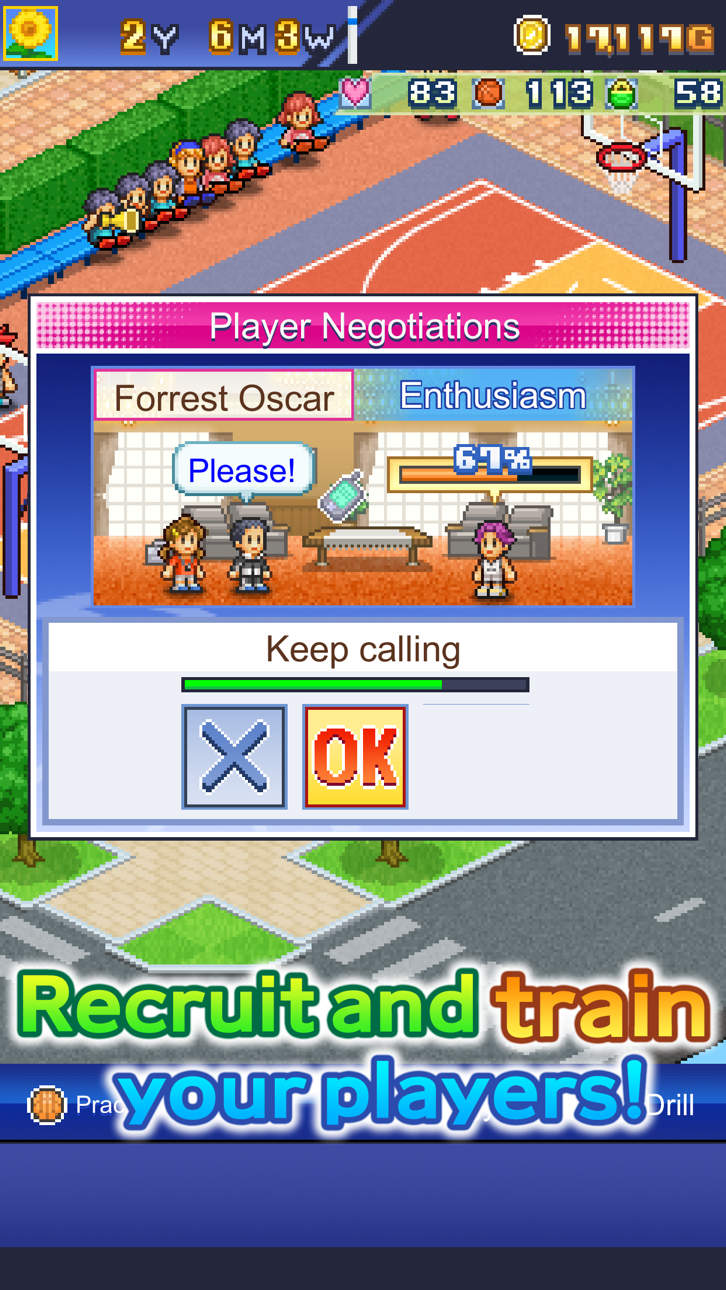
個性豊かな選手達を思い通りに育成して試合に挑もう。
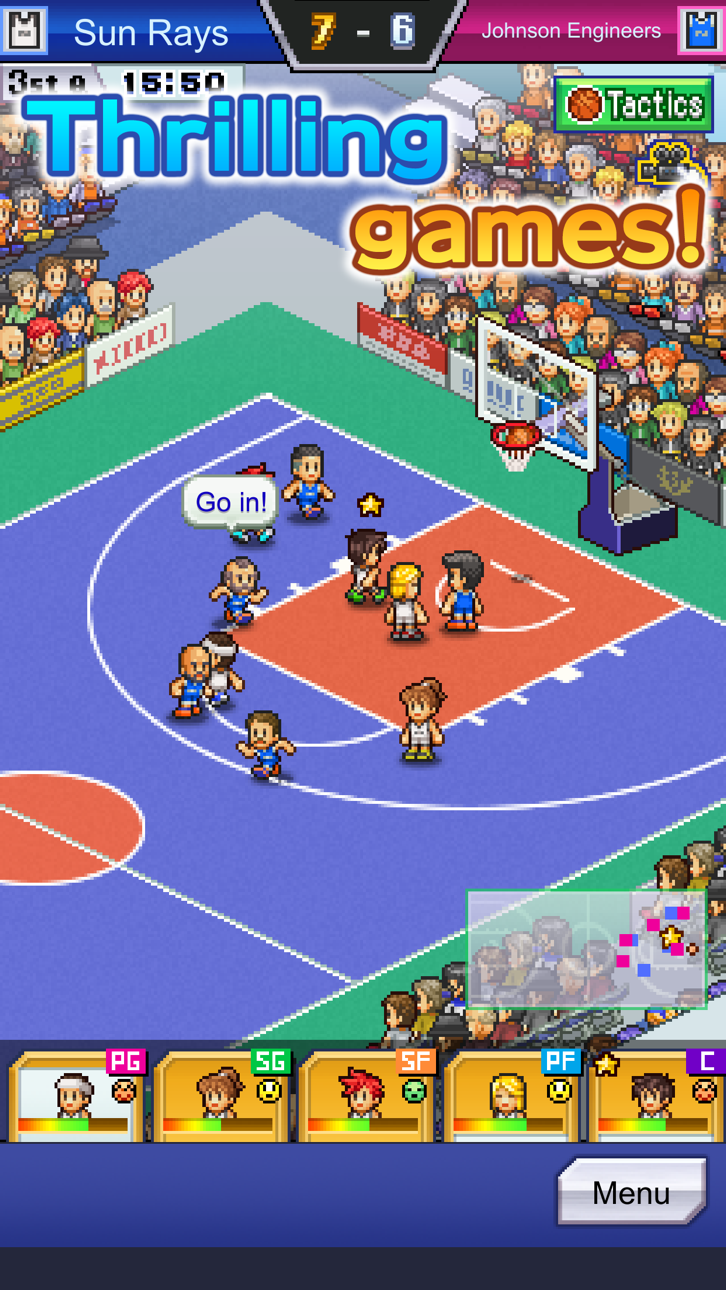
手塩にかけた選手達のつかんだ勝利は格別だ!
クラブハウス内の施設を充実させて選手達やお客さんに楽しんでもらおう。
自由に配置ができるので、どう並べるかは君しだい!
クラブに興味を持ったスポンサー候補と契約できれば強力なサポートが
期待できちゃう?スポンサーも選手たちと共に成長していくので仲良くしよう。
応援してくれるお客さんには地域の活動等のおもてなしも忘れずに。
バスケの楽しさを知ってもらえたら熱心なファンのブースターになってくれるかもね。
選手、スポンサー、お客さん一丸となって、世界にはばたくクラブを目指そう!
--
※ゲームデータは端末内に保存されます。
アプリ削除、再インストール時、機種変更のデータ移行は未対応だよ。
他のゲームは「カイロソフト」で検索してね。
https://kairopark.jp
遊んだことがあるかもしれないような無料ゲームや売り切りアプリが盛りだくさん!
2Dドット絵のカイロソフトゲームシリーズだよ。
最新情報はツイッターをフォローしてね。
https://twitter.com/kairokun2010
- iPhone eller iPad utan jailbreak/jailad eller med jailbreak.
- Sideloadly eller alternativ.
- Dator med Windows/macOS/Linux och iTunes installerat.
STEG 1: Ladda ner den förhackade .IPA-filen från länken ovan till din dator. För att ladda ner från iOSGods App, se vår Guide för att ladda ner IPA i iOSGods App som även innehåller ett videoexempel.
STEG 2: Ladda ner Sideloadly och installera det på din Windows eller Mac.
STEG 3: Öppna Sideloadly på din dator, anslut din iOS-enhet och vänta tills enhetens namn visas i Sideloadly.
STEG 4: När din iEnhet känns igen drar du den moddade .IPA-filen du laddat ner och släpper den i Sideloadly-programmet.
STEG 5: Ange e-postadressen till ditt Apple Account och tryck sedan på ”Start”. Du ombeds sedan ange ditt lösenord. Fyll i de uppgifter som krävs.
STEG 6: Vänta tills Sideloadly är klar med att sideloada/installera den hackade IPA-filen. Om problem uppstår under installationen, läs noten nedan.
STEG 7: När installationen är klar och du ser appen på din hemskärm behöver du gå till Inställningar → Allmänt → Profiler / VPN & enhetshantering. Tryck där på e-postadressen du angav i steg 6 och tryck sedan på ”Lita på [email protected]”.
STEG 8: Gå nu till din hemskärm och öppna den nyligen installerade appen — allt ska fungera som det ska. Du kan behöva följa ytterligare app-specifika instruktioner i hackets popup inne i spelet.
OBS: På iOS/iPadOS 16 och senare måste du aktivera Utvecklarläge. För gratis Apple Developer-konton behöver du upprepa processen var sjunde dag. Om du har frågor eller problem, läs vår Sideloadly FAQ-avsnitt i tråden.
Hack Features:
- Inf Coins (Spend)
App Installation Instructions:
---------------------------------------------------------
----------------------------------------------------------
If you require more information or help, please read our Frequently Asked Questions topic on iOSGods.com.
----------------------------------------------------------
--------------------------------------------------