Cần đăng nhập
Đăng nhập bằng tài khoản iOSGods để tiếp tục.
Đăng nhập bằng tài khoản iOSGods để tiếp tục.
Học 20 ngôn ngữ từ tiếng Hàn đến tiếng Tây Ban Nha với LingoDeer, một ứng dụng học ngôn ngữ có cấu trúc hiện đã có sẵn dưới dạng LingoDeer - Learn Languages iOS Mod IPA với các tính năng cao cấp được mở khóa. Hơn 20 triệu người học sử dụng các bài học tương tác của LingoDeer để tiến bộ từ những kiến thức cơ bản về bảng chữ cái đến sự thành thạo trong giao tiếp, và hack này loại bỏ tường phí để bạn có thể truy cập tất cả nội dung mà không có giới hạn đăng ký.
- Cao cấp → tất cả các tính năng trả phí được mở khóa
Tải LingoDeer - Learn Languages iOS Mod IPA từ các liên kết ở trên. Nhấn nút cài đặt và làm theo hướng dẫn để cài bản hack iOS lên iPhone, iPad hoặc Apple Silicon.
Cần thêm trợ giúp? Hãy xem Câu hỏi thường gặp ứng dụng iOSGods để có câu trả lời chi tiết và mẹo khắc phục sự cố.
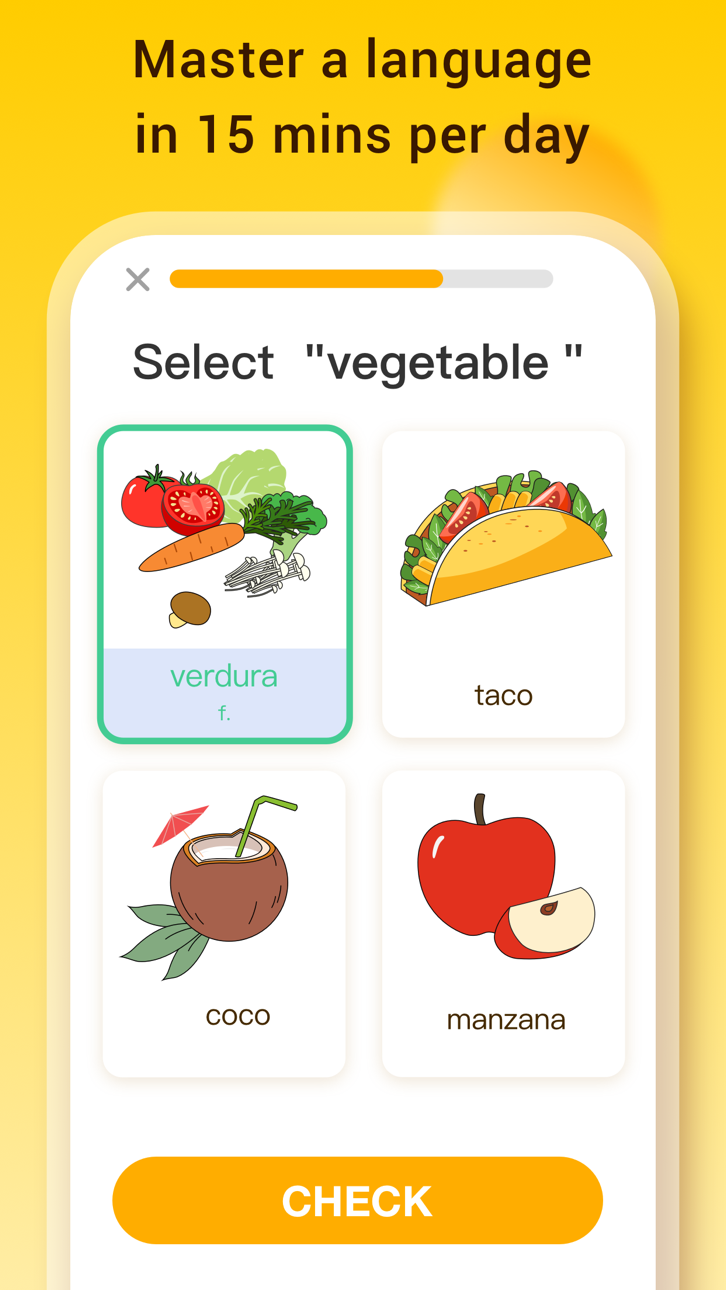
#1 app for learning Asian languages and more! Over 20 million people choose to learn with LingoDeer. Why? Our structured lessons created by language teachers make learning easy and effective.
From the alphabet, LingoDeer will get you to a conversational level in 12 languages: Korean, Japanese, Spanish, French, Italian, German, Portuguese, Chinese, Thai, Arabic, Russian, Vietnamese, and English.
Whether you want to study abroad, travel and make friends around the world, get better grades in language classes, or increase your career opportunities, LingoDeer will help your reach you goals faster.
DOWNLOAD LINGODEER TODAY AND TRY A FREE LESSON
⎓⎓⎓⎓⎓⎓⎓⎓⎓⎓⎓⎓⎓⎓⎓⎓⎓⎓⎓⎓
What will you get on LingoDeer?
※ Short, interactive lessons
Easy 5-min lessons that fit into your daily plan
※ Clear learning path
Each course is tailored to your target language
※ Customized for Asian languages
Read & write in a unique alphabet system like Korean or Japanese
※ Better understanding of the grammar
Tips & notes within lessons to help you build sentences confidently
※ Listen, imitate, and speak
Studio-recorded audio from native speakers
※ Reinforce what you learn
Flashcards, quizzes, target training, and more
※ Offline learning
Take lessons everywhere you go
Powerful features you'll love:
• Fluent: real-life conversations! Practice reading, writing, listening, speaking, and get cultural tips as you learn.
• Travel Phrasebook: audio phrasebook! Get ready for your trip to your dream country.
• Character Drill: writing practices for Japanese kanji and Chinese characters.
• Story: mini stories with captions! Expand what you learned in lessons.
• Knowledge Cards: printable grammar flashcards! Keep essential grammar concepts at your desk.
*Fluent is only available for Japanese, Korean, Chinese, Spanish, and French courses at the moment.
⎓⎓⎓⎓⎓⎓⎓⎓⎓⎓⎓⎓⎓⎓⎓⎓⎓⎓⎓⎓
Find tips, guides, and resources on language learning:
※ LingoDeer Blog: https://blog.lingodeer.com
※ YouTube: https://www.youtube.com/lingodeer
Come chat with us on social media! Follow us for language learning advice, support, and memes:
※ Instagram: https://www.instagram.com/lingodeerapp
※ Facebook: https://www.facebook.com/LingoDeer
※ Twitter: https://twitter.com/lingodeer
⎓⎓⎓⎓⎓⎓⎓⎓⎓⎓⎓⎓⎓⎓⎓⎓⎓⎓⎓⎓
You will need a subscription in order to get full access to all courses and features.
The subscription price starts at $14.99/month. Prices are in US dollars, may vary by country, can be converted to local currency depending on the country of residence, and are subject to change without notice.
Subscription automatically renews unless auto-renew is turned off at least 24 hours before the end of the current period. Your iTunes account will be automatically charged at the same price for renewal within the 24-hour period prior to the end of the current payment period unless you change your subscription preferences in your iTunes Account Settings. When a subscription is canceled, access to the app's courses and features will expire at the end of the current payment period. Any unused portion of a free trial period, if offered, will be forfeited when you purchase a LingoDeer subscription, where applicable.
- Terms of Use: https://www.lingodeer.com/terms-conditions-html
- Privacy Policy: https://www.lingodeer.com/privacypolicy-html
CONTACT US:
Got ideas you want to share or feedback for the app? Email us at [email protected]
⎓⎓⎓⎓⎓⎓⎓⎓⎓⎓⎓⎓⎓⎓⎓⎓⎓⎓⎓⎓
Real reviews from the LingoDeer community:
"This has been helping me study Japanese way better than any book can!"
"LingoDeer is worth every penny and more, it is an essential tool in the shed for anyone learning any of their offered languages, in or out of a classroom."
YOUR JOURNEY TO FLUENCY STARTS HERE:
• Learn Korean
• Learn Japanese
• Learn Chinese
• Learn Thai
• Learn Vietnamese
• Learn Spanish (Latin America or Spain)
• Learn French
• Learn Italian
• Learn German
• Learn Portuguese
• Learn Arabic
• Learn Russian
• Learn English
Ảnh chụp © chủ sở hữu tương ứng · App Store


iOSGods không liên kết, không được chứng thực hay tài trợ bởi Apple Inc., Google LLC hoặc các nhà phát triển của những ứng dụng được liệt kê ở đây. Apple, iOS và App Store là thương hiệu của Apple Inc. Android và Google Play là thương hiệu của Google LLC. Mọi tên ứng dụng, biểu tượng, hình ảnh và thương hiệu khác đều thuộc về chủ sở hữu tương ứng.

- iPhone hoặc iPad chưa jailbreak/đã đóng hoặc đã jailbreak.
- Sideloadly hoặc các lựa chọn thay thế.
- Máy tính chạy Windows/macOS/Linux đã cài iTunes.
BƯỚC 1: Tải tệp .IPA đã được hack sẵn từ liên kết phía trên về máy tính của bạn. Để tải từ iOSGods App, hãy xem Hướng dẫn tải IPA bằng iOSGods App của chúng tôi, có kèm ví dụ bằng video.
BƯỚC 2: Tải Sideloadly và cài đặt trên Windows hoặc Mac của bạn.
BƯỚC 3: Mở Sideloadly trên máy tính, kết nối thiết bị iOS của bạn và chờ cho đến khi tên thiết bị hiển thị trong Sideloadly.
BƯỚC 4: Khi thiết bị iOS của bạn đã được nhận diện, hãy kéo tệp .IPA đã chỉnh sửa mà bạn tải về và thả vào ứng dụng Sideloadly.
BƯỚC 5: Nhập email Apple Account của bạn, sau đó nhấn "Start." Bạn sẽ được yêu cầu nhập mật khẩu. Hãy cung cấp các thông tin cần thiết.
BƯỚC 6: Chờ Sideloadly hoàn tất quá trình sideload/cài đặt tệp IPA đã hack. Nếu gặp sự cố trong quá trình cài đặt, vui lòng đọc lưu ý bên dưới.
BƯỚC 7: Khi cài đặt hoàn tất và bạn thấy ứng dụng trên Màn hình chính, bạn cần truy cập Cài đặt → Cài đặt chung → Hồ sơ / VPN & Quản lý thiết bị. Tại đó, nhấn vào email bạn đã nhập ở bước 6, rồi nhấn "Tin cậy [email protected]".
BƯỚC 8: Bây giờ hãy về Màn hình chính và mở ứng dụng vừa cài đặt, mọi thứ sẽ hoạt động bình thường. Bạn có thể cần làm theo hướng dẫn riêng của từng ứng dụng trong cửa sổ popup của bản hack trong game.
LƯU Ý: Trên iOS/iPadOS 16 trở lên, bạn phải bật Chế độ nhà phát triển. Với tài khoản Apple Developer miễn phí, bạn sẽ cần lặp lại quy trình này mỗi 7 ngày. Nếu bạn có thắc mắc hoặc gặp sự cố, hãy đọc mục FAQ về Sideloadly trong chủ đề của chúng tôi.
Game Name iOS Mod IPA is an action adventure game enhanced with powerful gameplay boosts and quality-of-life improvements. Win battles faster, earn rewards quicker, and enjoy uninterrupted play without ads.
- Unlimited Gold - spend freely to unlock premium content
- Damage Multiplier - deal significantly more damage in combat
- Defense Multiplier - take less damage and survive longer
- Reward Multiplier - earn more loot from every battle
- Max Level - instantly reach the highest player rank
- No Ads - play without interruptions or advertisements
This app also comes with iGameGod, giving you access to Auto Touch to automate repetitive tasks, App Speed Manager for adjustable gameplay speed, Memory Engine value editing, and more powerful iOS game tools.
Tải Game Name Mod IPA từ các liên kết ở trên. Nhấn nút cài đặt và làm theo hướng dẫn để cài bản hack iOS lên iPhone, iPad hoặc Apple Silicon.
Cần thêm trợ giúp Hãy xem Câu hỏi thường gặp ứng dụng iOSGods để có câu trả lời chi tiết và mẹo khắc phục sự cố.
----------------------------------------------------------
--------------------------------------------------