Потрібен вхід
Увійдіть у свій обліковий запис iOSGods, щоб продовжити.
Увійдіть у свій обліковий запис iOSGods, щоб продовжити.

Вивчайте 20 мов від корейської до іспанської за допомогою LingoDeer - структурованого додатку для вивчення мов, тепер доступного як модифікований iOS Mod IPA з розблокованими преміум-функціями. Понад 20 мільйонів учнів використовують інтерактивні уроки LingoDeer для прогресу від основ алфавіту до розмовної вільності, а цей злам видаляє платіж, щоб ви могли отримати доступ до всього контенту без обмежень підписки.
- Преміум → усі платні функції розблоковані
Завантажте LingoDeer - Learn Languages iOS Mod IPA за посиланнями вище. Натисніть кнопку встановлення та дотримуйтесь інструкцій, щоб встановити цей хак iOS на iPhone, iPad або Apple Silicon.
Потрібна додаткова допомога? Перегляньте наш Поширені запитання про застосунок iOSGods для детальних відповідей та порад з усунення несправностей.
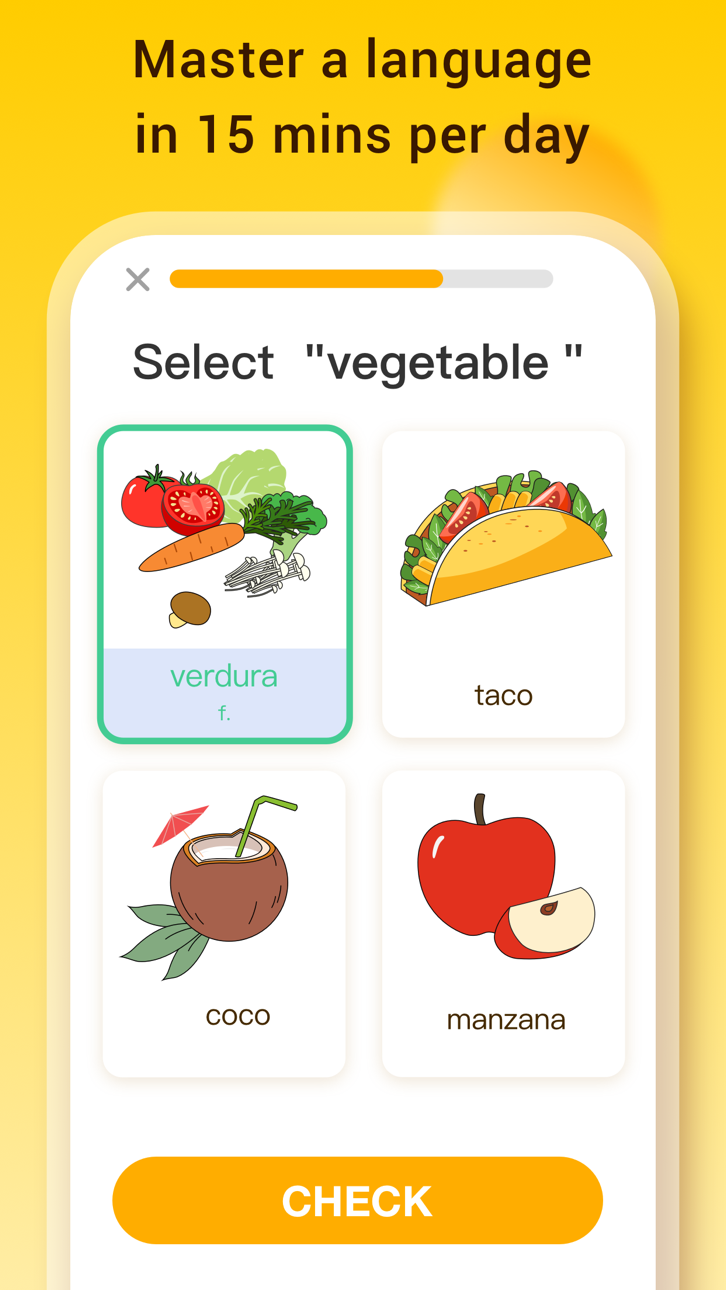
#1 app for learning Asian languages and more! Over 20 million people choose to learn with LingoDeer. Why? Our structured lessons created by language teachers make learning easy and effective.
From the alphabet, LingoDeer will get you to a conversational level in 12 languages: Korean, Japanese, Spanish, French, Italian, German, Portuguese, Chinese, Thai, Arabic, Russian, Vietnamese, and English.
Whether you want to study abroad, travel and make friends around the world, get better grades in language classes, or increase your career opportunities, LingoDeer will help your reach you goals faster.
DOWNLOAD LINGODEER TODAY AND TRY A FREE LESSON
⎓⎓⎓⎓⎓⎓⎓⎓⎓⎓⎓⎓⎓⎓⎓⎓⎓⎓⎓⎓
What will you get on LingoDeer?
※ Short, interactive lessons
Easy 5-min lessons that fit into your daily plan
※ Clear learning path
Each course is tailored to your target language
※ Customized for Asian languages
Read & write in a unique alphabet system like Korean or Japanese
※ Better understanding of the grammar
Tips & notes within lessons to help you build sentences confidently
※ Listen, imitate, and speak
Studio-recorded audio from native speakers
※ Reinforce what you learn
Flashcards, quizzes, target training, and more
※ Offline learning
Take lessons everywhere you go
Powerful features you'll love:
• Fluent: real-life conversations! Practice reading, writing, listening, speaking, and get cultural tips as you learn.
• Travel Phrasebook: audio phrasebook! Get ready for your trip to your dream country.
• Character Drill: writing practices for Japanese kanji and Chinese characters.
• Story: mini stories with captions! Expand what you learned in lessons.
• Knowledge Cards: printable grammar flashcards! Keep essential grammar concepts at your desk.
*Fluent is only available for Japanese, Korean, Chinese, Spanish, and French courses at the moment.
⎓⎓⎓⎓⎓⎓⎓⎓⎓⎓⎓⎓⎓⎓⎓⎓⎓⎓⎓⎓
Find tips, guides, and resources on language learning:
※ LingoDeer Blog: https://blog.lingodeer.com
※ YouTube: https://www.youtube.com/lingodeer
Come chat with us on social media! Follow us for language learning advice, support, and memes:
※ Instagram: https://www.instagram.com/lingodeerapp
※ Facebook: https://www.facebook.com/LingoDeer
※ Twitter: https://twitter.com/lingodeer
⎓⎓⎓⎓⎓⎓⎓⎓⎓⎓⎓⎓⎓⎓⎓⎓⎓⎓⎓⎓
You will need a subscription in order to get full access to all courses and features.
The subscription price starts at $14.99/month. Prices are in US dollars, may vary by country, can be converted to local currency depending on the country of residence, and are subject to change without notice.
Subscription automatically renews unless auto-renew is turned off at least 24 hours before the end of the current period. Your iTunes account will be automatically charged at the same price for renewal within the 24-hour period prior to the end of the current payment period unless you change your subscription preferences in your iTunes Account Settings. When a subscription is canceled, access to the app's courses and features will expire at the end of the current payment period. Any unused portion of a free trial period, if offered, will be forfeited when you purchase a LingoDeer subscription, where applicable.
- Terms of Use: https://www.lingodeer.com/terms-conditions-html
- Privacy Policy: https://www.lingodeer.com/privacypolicy-html
CONTACT US:
Got ideas you want to share or feedback for the app? Email us at [email protected]
⎓⎓⎓⎓⎓⎓⎓⎓⎓⎓⎓⎓⎓⎓⎓⎓⎓⎓⎓⎓
Real reviews from the LingoDeer community:
"This has been helping me study Japanese way better than any book can!"
"LingoDeer is worth every penny and more, it is an essential tool in the shed for anyone learning any of their offered languages, in or out of a classroom."
YOUR JOURNEY TO FLUENCY STARTS HERE:
• Learn Korean
• Learn Japanese
• Learn Chinese
• Learn Thai
• Learn Vietnamese
• Learn Spanish (Latin America or Spain)
• Learn French
• Learn Italian
• Learn German
• Learn Portuguese
• Learn Arabic
• Learn Russian
• Learn English
Знімки екрана © їхніх власників · App Store


iOSGods не пов’язана з Apple Inc., Google LLC або розробниками перелічених тут застосунків, не схвалена та не спонсорується ними. Apple, iOS і App Store — торгові марки Apple Inc. Android і Google Play — торгові марки Google LLC. Усі інші назви застосунків, іконки, зображення й торгові марки належать їхнім власникам.
- iPhone або iPad без джейлбрейку/у заводському стані або з джейлбрейком.
- Sideloadly або альтернативи.
- Комп'ютер під керуванням Windows/macOS/Linux із встановленим iTunes.
КРОК 1: Завантажте попередньо зламаний .IPA-файл за посиланням вище на свій комп'ютер. Щоб завантажити з iOSGods App, перегляньте наш Посібник із завантаження IPA в iOSGods App, який містить відеоприклад.
КРОК 2: Завантажте Sideloadly і встановіть його на своєму Windows або Mac.
КРОК 3: Відкрийте Sideloadly на комп'ютері, підключіть свій iOS-пристрій і зачекайте, поки назва пристрою з'явиться у Sideloadly.
КРОК 4: Коли ваш iDevice буде розпізнано, перетягніть завантажений модифікований .IPA-файл і відпустіть його в застосунок Sideloadly.
КРОК 5: Введіть електронну пошту вашого Apple Account, потім натисніть «Start». Після цього вас попросять ввести пароль. Введіть необхідні дані.
КРОК 6: Зачекайте, доки Sideloadly завершить sideload/встановлення зламаного IPA. Якщо під час встановлення виникнуть проблеми, прочитайте примітку нижче.
КРОК 7: Коли встановлення завершено й ви побачите застосунок на головному екрані, перейдіть до Налаштування → Загальні → Профілі / VPN і керування пристроєм. Там натисніть на електронну пошту, яку ви ввели на кроці 6, а потім натисніть «Довіряти [email protected]».
КРОК 8: Тепер перейдіть на головний екран і відкрийте щойно встановлений застосунок — усе має працювати належним чином. Можливо, доведеться виконати додаткові інструкції для конкретного застосунку в спливаючому вікні хака в грі.
ПРИМІТКА: У iOS/iPadOS 16 і пізніших версіях потрібно увімкнути режим розробника. Для безкоштовних облікових записів Apple Developer цей процес доведеться повторювати кожні 7 днів. Якщо у вас є запитання або проблеми, прочитайте наш розділ FAQ зі Sideloadly у темі.
Game Name iOS Mod IPA is an action adventure game enhanced with powerful gameplay boosts and quality-of-life improvements. Win battles faster, earn rewards quicker, and enjoy uninterrupted play without ads.
- Unlimited Gold - spend freely to unlock premium content
- Damage Multiplier - deal significantly more damage in combat
- Defense Multiplier - take less damage and survive longer
- Reward Multiplier - earn more loot from every battle
- Max Level - instantly reach the highest player rank
- No Ads - play without interruptions or advertisements
This app also comes with iGameGod, giving you access to Auto Touch to automate repetitive tasks, App Speed Manager for adjustable gameplay speed, Memory Engine value editing, and more powerful iOS game tools.
Завантажте Game Name Mod IPA за посиланнями вище. Натисніть кнопку встановлення та дотримуйтесь інструкцій, щоб встановити цей хак iOS на iPhone, iPad або Apple Silicon.
Потрібна додаткова допомога Перегляньте наш Поширені запитання про застосунок iOSGods для детальних відповідей та порад з усунення несправностей.
----------------------------------------------------------
--------------------------------------------------