需要登录
请使用您的 iOSGods 账户登录以继续。
请使用您的 iOSGods 账户登录以继续。
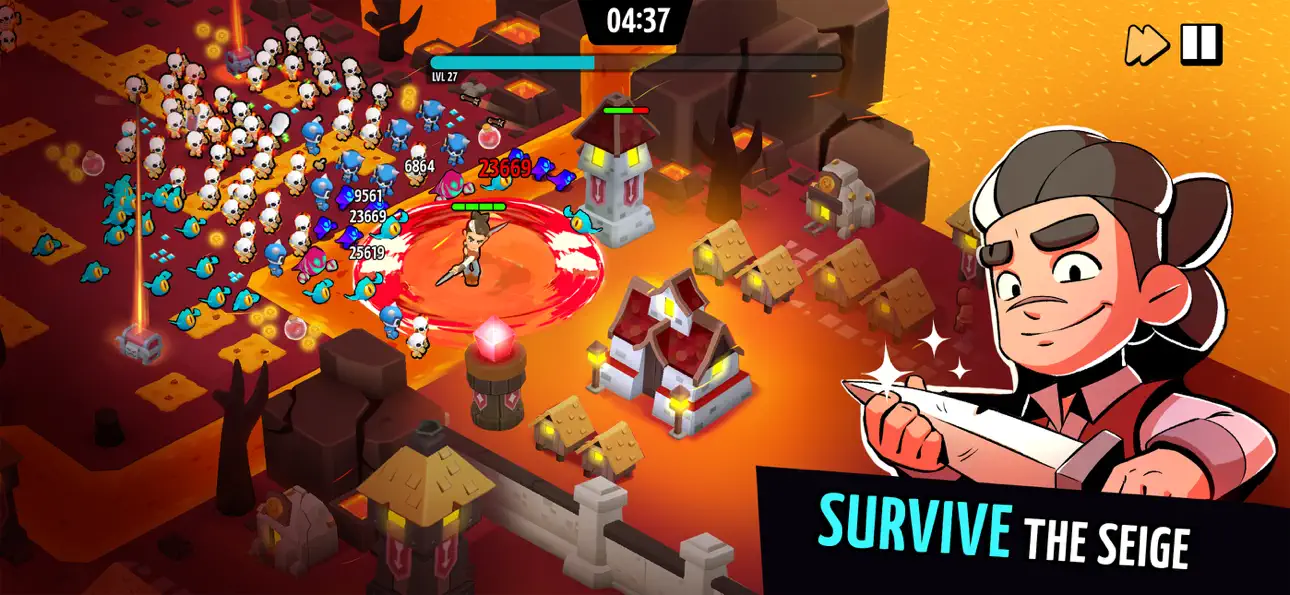
Vampirio: Defend & Survive是一款生存类Roguelike游戏,你可以在白天建造堡垒,在夜间与怪物战斗。这个iOS破解版本可以帮助你快速获取资源和货币。管理你的防御设施,升级城墙和防御塔,借助无限资源的帮助,在越来越激烈的袭击中生存下去。
- 货币最大化(获取后禁用) → 最大化你的游戏内资金
- 资源(仅使用资源 - 获取后禁用),因为与建造时的人口相关联,否则禁用会导致崩溃 → 用于堡垒升级的无限建筑材料
此应用还内置 iGameGod,让你能够使用 Auto Touch 自动执行重复操作、通过 App Speed Manager 调节游戏速度、使用 Memory Engine 修改内存数值,以及更多强大的 iOS 游戏工具。
从上方链接下载 Vampirio: Defend & Survive Hack modded IPA。点击安装按钮并按照屏幕提示在 iPhone、iPad 或 Apple Silicon 上安装此 iOS 应用修改版。
需要更多帮助?请查看我们的 iOSGods 应用常见问题解答 获取详细解答和故障排除技巧。
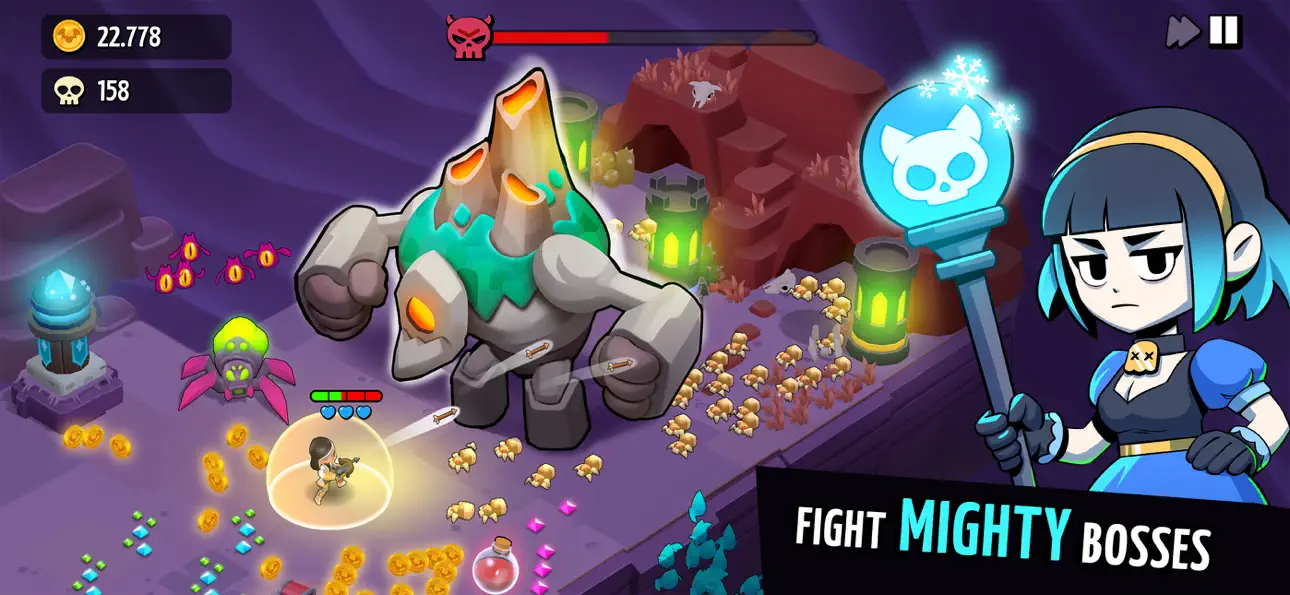
Vampirio 是一款日夜循環的 roguelike 生存遊戲:扮演 Vampirio 英雄,在白天建造堡壘,然後在夜間進行快速、技能本位的戰鬥,擊退怪物、活死人和龍。每次行進都會提供新的升級選擇,每晚考驗你的防禦能力。
建造你的堡壘(白天)
利用白天為下一場攻擊做好準備:
• 建造和升級圍牆、塔和關鍵防禦
• 隨著時間推移管理資源、擴展布局
• 在戰局更艱困的夜晚到來之前為弱點進行加強
夜晚求生(ROGUELIKE 戰鬥)
當黑暗降臨時,襲擊就開始了:
• 專為橫向遊戲模式設計的動作戰鬥
• 對抗一波波怪物、活死人和龍的生存遊戲
• 每次行進都有不同的隨機升級和技能選擇
英雄、裝備和戰力飆升
打造和你相得益彰的陣容:
• 招募和升級具有獨特能力的英雄
• 利用裝備和闖關系統自訂行進體驗
• 隨著你的進展升級英雄、改善裝備和解鎖技能
• 在你寡不敵眾的時候解鎖可以扭轉局勢的終極戰力
戰役進展
在挑戰愈加艱難的世界地圖推進,考驗你的堡壘升級和戰力。
在充滿使命的地圖上隨著德古拉家族的復仇故事行進。
客戶支援:[email protected]
截图 © 各自所有者 · App Store


iOSGods 与 Apple Inc.、Google LLC 及此处列出应用的开发者没有任何关联,也未获得其认可或赞助。Apple、iOS 和 App Store 是 Apple Inc. 的商标。Android 和 Google Play 是 Google LLC 的商标。其他所有应用名称、图标、图片和商标均归各自所有者所有。

- 未越狱/受限或已越狱的 iPhone 或 iPad。
- Sideloadly 或替代方案。
- 运行 Windows/macOS/Linux 且已安装 iTunes 的电脑。
步骤 1: 通过上方链接将已破解的 .IPA 文件下载到您的电脑。如需从 iOSGods App 下载,请参阅我们的 iOSGods App IPA 下载教程,其中包含视频示例。
步骤 2: 下载 Sideloadly 并将其安装到您的 Windows 或 Mac 上。
步骤 3: 在电脑上打开 Sideloadly,连接您的 iOS 设备,等待设备名称在 Sideloadly 中显示。
步骤 4: 当 Sideloadly 识别到您的 iOS 设备后,将下载好的修改版 .IPA 文件拖放到 Sideloadly 应用中。
步骤 5: 输入您的 Apple Account 邮箱,然后点击 "Start"。系统会提示您输入密码,请按要求填写信息。
步骤 6: 等待 Sideloadly 完成已破解 IPA 的旁加载/安装。如果安装过程中出现问题,请阅读下方的注意事项。
步骤 7: 安装完成并在主屏幕上看到该应用后,您需要前往 设置 → 通用 → 描述文件 / VPN 与设备管理。进入后,点击您在第 6 步中输入的邮箱,然后点击 "信任 [email protected]"。
步骤 8: 现在返回主屏幕并打开新安装的应用,一切应可正常运行。您可能需要按照游戏内修改弹窗中的具体说明执行进一步操作。
注意: 在 iOS/iPadOS 16 及更高版本上,您必须 启用开发者模式。对于免费的 Apple Developer 账户,您需要每 7 天重复一次此操作。如有任何疑问或问题,请阅读我们的 主题中的 Sideloadly 常见问题部分。
Hack Features:
- Inf Coins (Spend)
App Installation Instructions:
---------------------------------------------------------
----------------------------------------------------------
If you require more information or help, please read our Frequently Asked Questions topic on iOSGods.com.
----------------------------------------------------------
--------------------------------------------------