Inloggning krävs
Logga in med ditt iOSGods-konto för att fortsätta.
Logga in med ditt iOSGods-konto för att fortsätta.

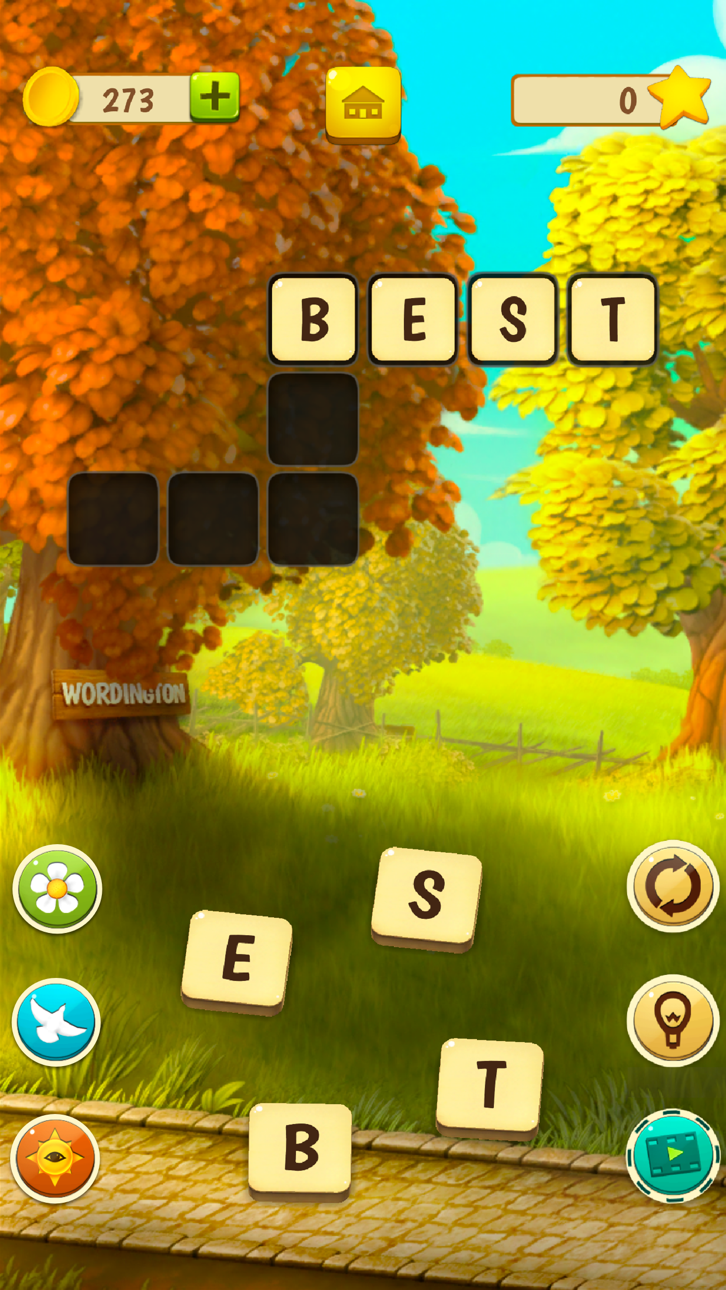
Designa och renovera ett storslaget herrgård medan du löser korsord i detta ordpussel-berättelsespel, nu med en Mod IPA-hack som tar bort slitaget. Wordington: Words & Design Hack kombinerar pussel-lösning med inredningsdesign när du hjälper Emma att återställa sitt morfars vackra gamla hem, låsa upp nya kapitel och avslöja dolda mysterier. Den här modifierade versionen ger dig obegränsade resurser och en reklamfri upplevelse så att du kan fokusera på berättelsen och kreativiteten.
- Obegränsade mynt → spendera fritt på renoveringar och uppgraderingar
- Obegränsade booster → ta dig igenom pussel utan gränser
- Ingen reklam → oavbruten spelupplevelse
Den här appen levereras även med iGameGod, vilket ger dig tillgång till Auto Touch för att automatisera repetitiva uppgifter, App Speed Manager för justerbar spelhastighet, värdesredigering med Memory Engine och fler kraftfulla verktyg för iOS-spel.
Ladda ner Wordington: Words & Design Hack modded IPA från länkarna ovan. Tryck på installationsknappen och följ instruktionerna för att installera denna iOS-apphack på iPhone, iPad eller Apple Silicon.
Behöver du mer hjälp? Se våra iOSGods-appens vanliga frågor för detaljerade svar och felsökningstips.
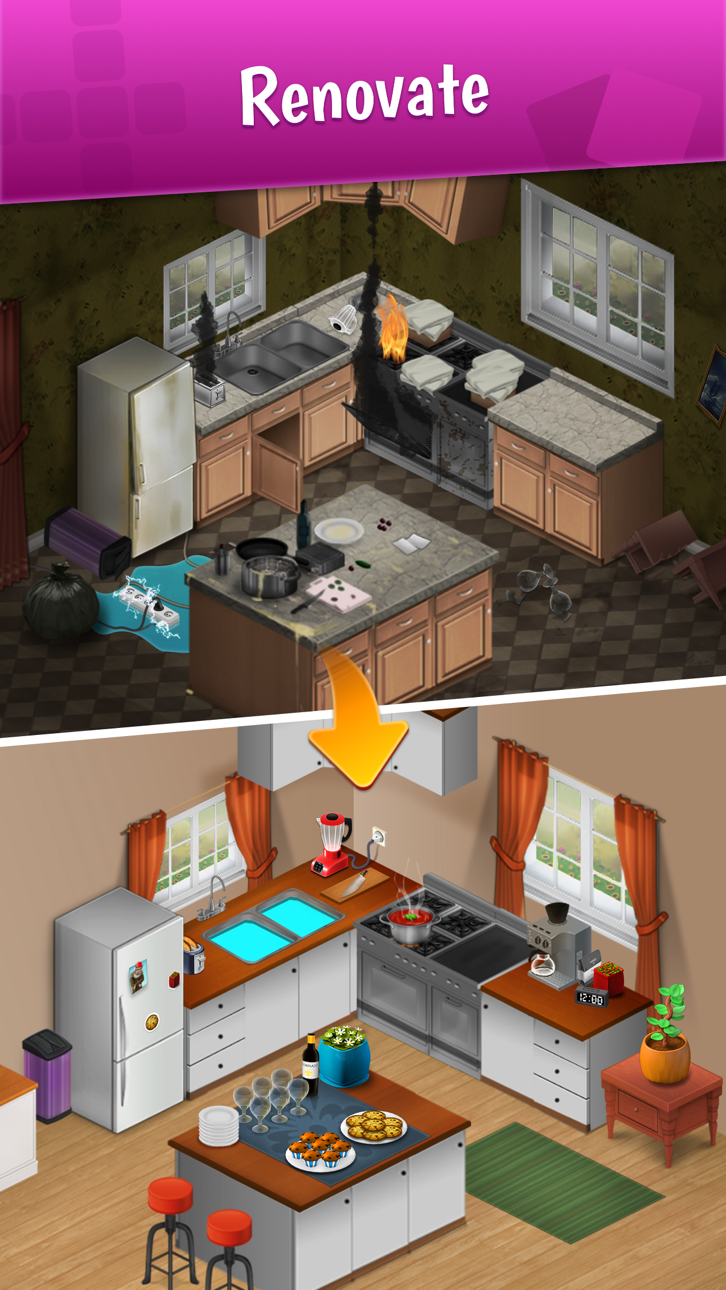
Help Emma renovate her Grandpa’s beautiful old mansion and follow her story as she tries to bring this manor together. Design the interior and exterior of the house and choose between elegant decorations to give a unique feel to the house!
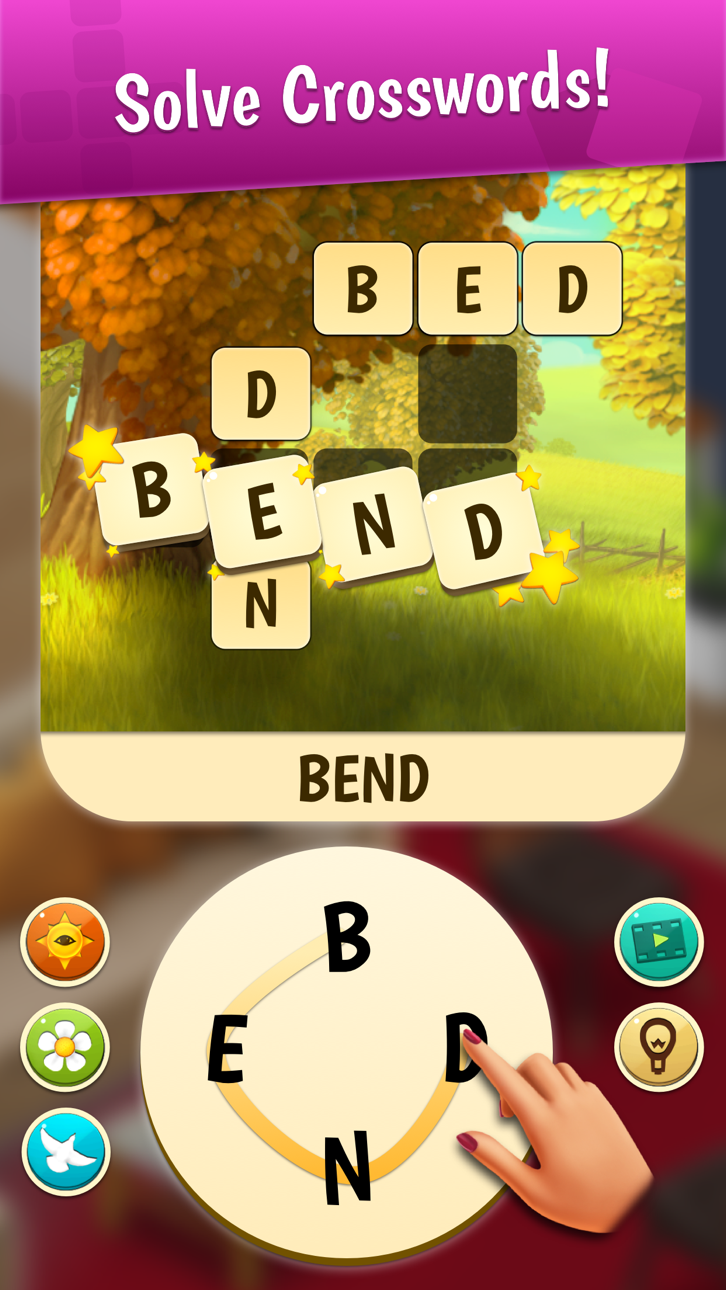
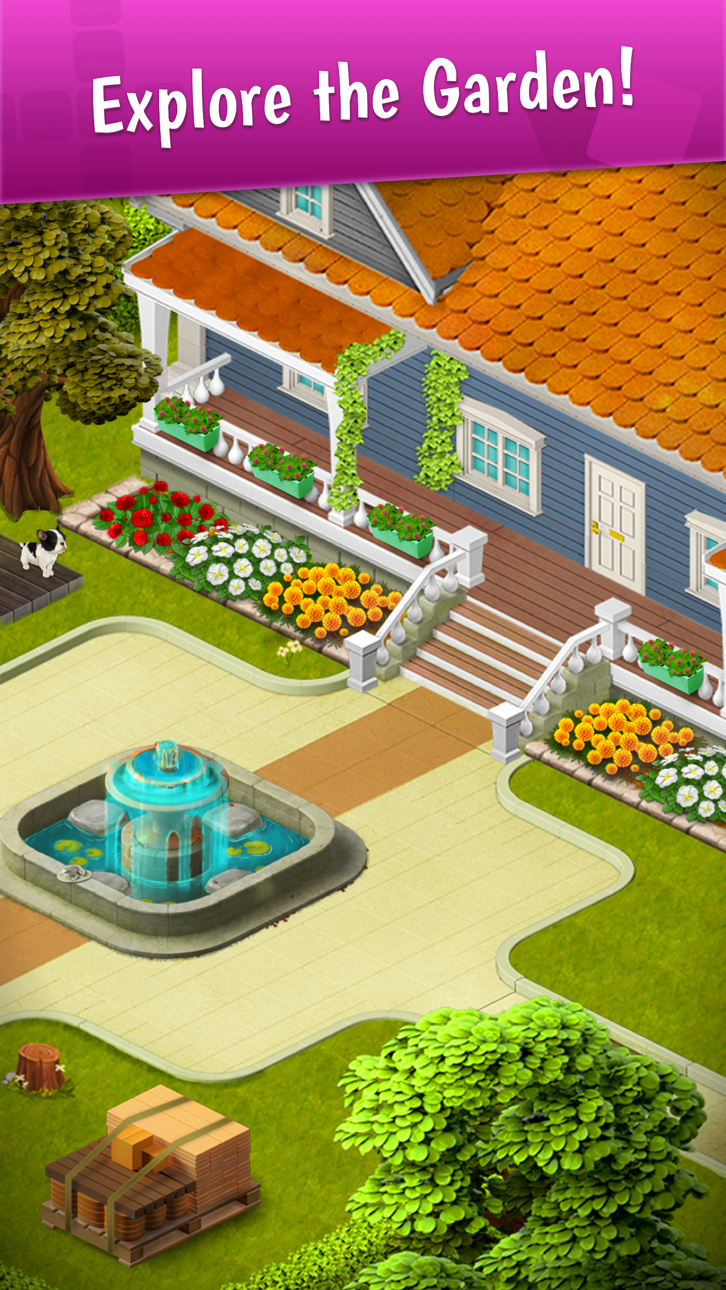
Solve crossword puzzles to progress in the story! Beat and complete these crossword levels to unlock new chapters and new rooms to renovate and decorate! Explore the manor’s garden or the garage, renovate the library and create your own party room to celebrate!
Adventures are around every turn, including a little bit of romance.
The game features all sorts of excitement:
- Fun Word Game: Solve challenging word puzzles by forming words from the given letters.
- Interior Design: Create your dream house! Repair the damage and renovate the old mansion!
- Multiple Decorations: Choose between different options and decide how the manor will look!
- Exciting crosswords: This game really needs a true word puzzle master, are you the one?
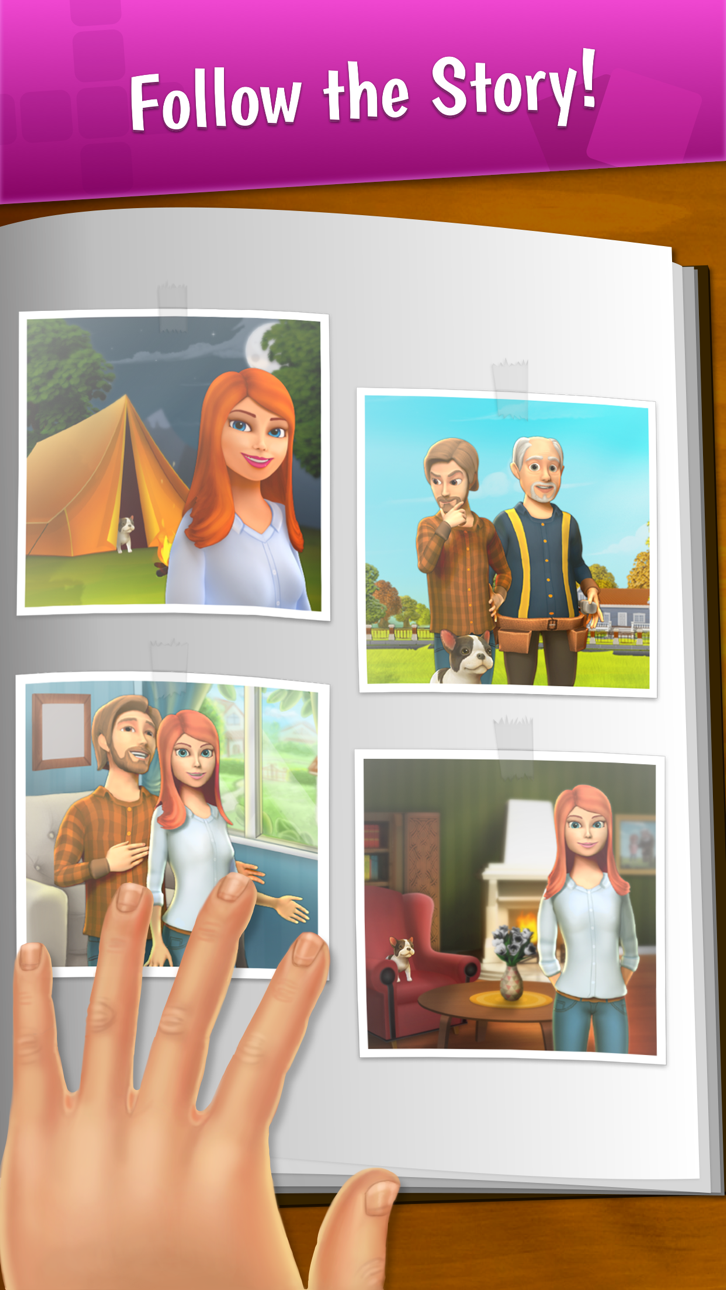
- Experience the Story: Discover Wordington’s story and all the secrets it holds!
- Amusing characters: Meet Pizza David, Handyman Bob and more. Is there possibly some romance going on between Emma and David?
- A cute pet: Meet the cute dog Max and see what adventures he brings.
The old mansion is in desperate need of a makeover. Emma can’t do it alone. You can show off your decorating skills by choosing various components for the bedroom, living room, kitchen, garden, and more. Maximize the fun by being in control of all of the design decisions. You’ll get to pick and choose many of the new items that go into the manor, ensuring that you have a say on the final appearance.
As soon as you solve your first crossword puzzle, you are on your way to help Emma fix up the old mansion and turn it into your dream house!
Learn more about the game on Facebook:
Wordington
Questions? Contact our support team by sending an email to [email protected]
Wordington VIP Membership Subscription:
Some items in the app require VIP Membership, such as free daily spins, ad free experience and free wordpass access. VIP Membership is a
auto-renewing subscription.
VIP Membership will renew within 24 hours before the subscription period ends, and you will be charged through your iTunes account. You can manage and cancel your subscription in your iTunes Account Settings at any time. If you purchase new VIP Membership subscription during a free trial you will forfeit any free trial period remaining from your first purchase.
Our privacy policy and terms of service can be found at http://www.qiiwi.com/user-data and Apple Standard EULA at https://www.apple.com/legal/internet-services/itunes/dev/stdeula/.
Skärmbilder © respektive ägare · App Store



iOSGods är inte anslutet till, godkänt av eller sponsrat av Apple Inc., Google LLC eller utvecklarna av apparna som listas här. Apple, iOS och App Store är varumärken som tillhör Apple Inc. Android och Google Play är varumärken som tillhör Google LLC. Alla övriga appnamn, ikoner, bilder och varumärken tillhör sina respektive ägare.
- iPhone eller iPad utan jailbreak/jailad eller med jailbreak.
- Sideloadly eller alternativ.
- Dator med Windows/macOS/Linux och iTunes installerat.
STEG 1: Ladda ner den förhackade .IPA-filen från länken ovan till din dator. För att ladda ner från iOSGods App, se vår Guide för att ladda ner IPA i iOSGods App som även innehåller ett videoexempel.
STEG 2: Ladda ner Sideloadly och installera det på din Windows eller Mac.
STEG 3: Öppna Sideloadly på din dator, anslut din iOS-enhet och vänta tills enhetens namn visas i Sideloadly.
STEG 4: När din iEnhet känns igen drar du den moddade .IPA-filen du laddat ner och släpper den i Sideloadly-programmet.
STEG 5: Ange e-postadressen till ditt Apple Account och tryck sedan på ”Start”. Du ombeds sedan ange ditt lösenord. Fyll i de uppgifter som krävs.
STEG 6: Vänta tills Sideloadly är klar med att sideloada/installera den hackade IPA-filen. Om problem uppstår under installationen, läs noten nedan.
STEG 7: När installationen är klar och du ser appen på din hemskärm behöver du gå till Inställningar → Allmänt → Profiler / VPN & enhetshantering. Tryck där på e-postadressen du angav i steg 6 och tryck sedan på ”Lita på [email protected]”.
STEG 8: Gå nu till din hemskärm och öppna den nyligen installerade appen — allt ska fungera som det ska. Du kan behöva följa ytterligare app-specifika instruktioner i hackets popup inne i spelet.
OBS: På iOS/iPadOS 16 och senare måste du aktivera Utvecklarläge. För gratis Apple Developer-konton behöver du upprepa processen var sjunde dag. Om du har frågor eller problem, läs vår Sideloadly FAQ-avsnitt i tråden.
Game Name iOS Mod IPA is an action adventure game enhanced with powerful gameplay boosts and quality-of-life improvements. Win battles faster, earn rewards quicker, and enjoy uninterrupted play without ads.
- Unlimited Gold - spend freely to unlock premium content
- Damage Multiplier - deal significantly more damage in combat
- Defense Multiplier - take less damage and survive longer
- Reward Multiplier - earn more loot from every battle
- Max Level - instantly reach the highest player rank
- No Ads - play without interruptions or advertisements
This app also comes with iGameGod, giving you access to Auto Touch to automate repetitive tasks, App Speed Manager for adjustable gameplay speed, Memory Engine value editing, and more powerful iOS game tools.
Ladda ner Game Name Mod IPA från länkarna ovan. Tryck på installationsknappen och följ instruktionerna för att installera denna iOS-apphack på iPhone, iPad eller Apple Silicon.
Behöver du mer hjälp Se våra iOSGods-appens vanliga frågor för detaljerade svar och felsökningstips.
----------------------------------------------------------
--------------------------------------------------