Accesso richiesto
Accedi con il tuo account iOSGods per continuare.
Accedi con il tuo account iOSGods per continuare.
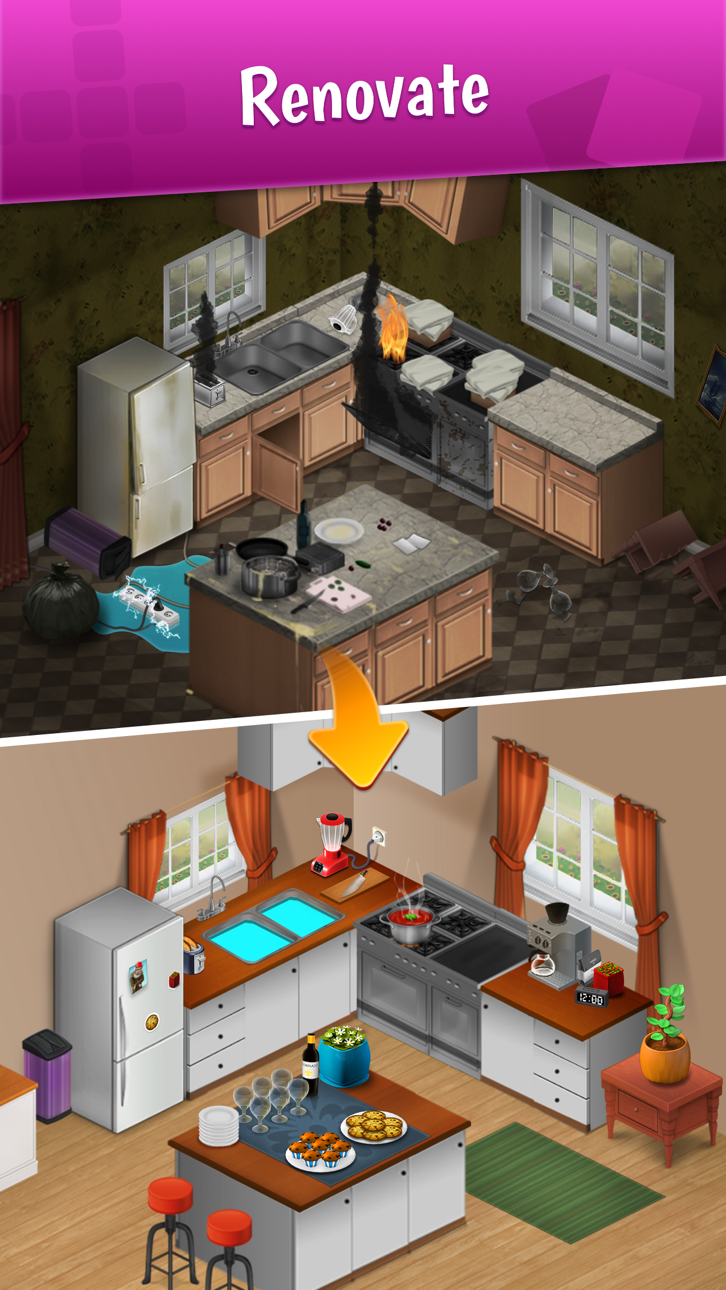
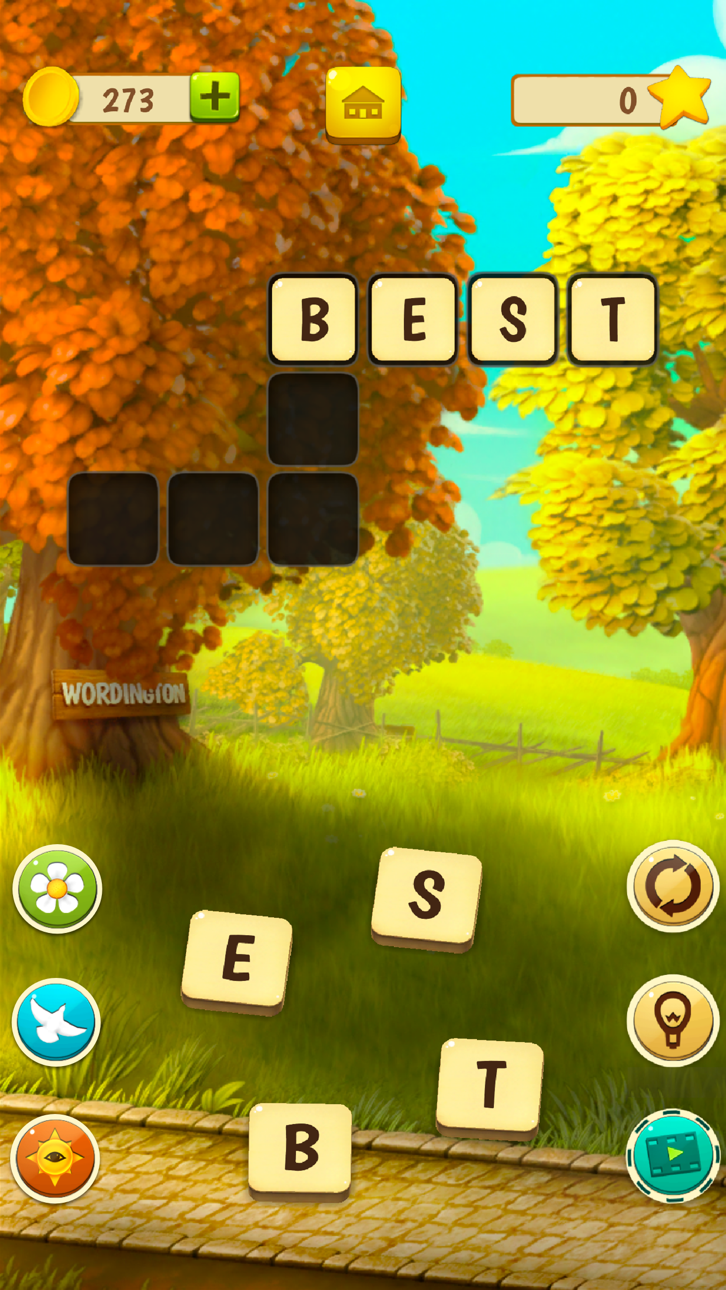
Progetta e rinnova una grande villa mentre risolvi cruciverba in questo gioco di parole narrativo, ora con un hack Mod IPA che elimina la monotonia. Wordington abbina la risoluzione di puzzle al design d'interni mentre aiuti Emma a restaurare la bellissima vecchia casa di suo nonno, sblocchi nuovi capitoli e scopri misteri nascosti. Questa versione modificata ti offre risorse illimitate e un'esperienza senza pubblicità, così puoi concentrarti sulla storia e sulla creatività.
- Monete illimitate → spendi liberamente per ristrutturazioni e miglioramenti
- Potenziamenti illimitati → affronta i puzzle senza limiti
- Nessuna pubblicità → gameplay ininterrotto
Questa app include anche iGameGod, che ti offre accesso ad Auto Touch per automatizzare attività ripetitive, App Speed Manager per regolare la velocità di gioco, modifica dei valori con Memory Engine e altri potenti strumenti per giochi iOS.
Scarica Wordington: Words & Design Hack modded IPA dai link sopra. Tocca il pulsante di installazione e segui le istruzioni per installare questo hack iOS sul tuo iPhone, iPad o Mac con Apple Silicon.
Hai bisogno di altro aiuto? Consulta le nostre Domande frequenti sull'app iOSGods per risposte dettagliate e consigli per la risoluzione dei problemi.
Begleite Emma durch eine unvergessliche Wortgeschichte! Hilf ihr, die schöne alte Villa ihres Großvaters zu renovieren. Gestalte das Innere und das Äußere des Hauses, indem du bereits Vorhandenes reparierst, neue Gegenstände hinzufügst, und vieles mehr.
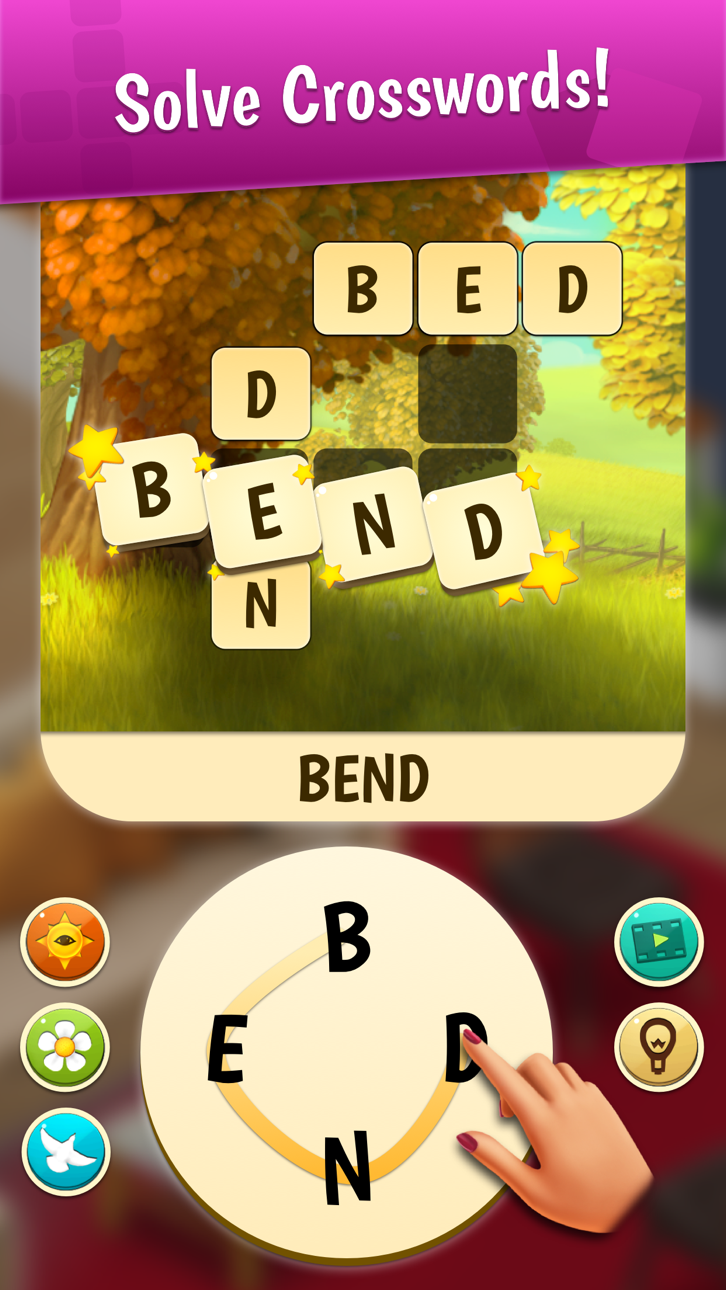
Um die Geschichte voranzubringen, musst du Kreuzworträtsel lösen. Vervollständige die Kreuzworträtsel-Level, um neue Kapitel der Geschichte, neue Räume zum Renovieren und ein paar verborgene Geheimnisse des Großvaters freizuschalten!
Es warten eine Menge Abenteuer und auch ein klein wenig Romantik auf dich.
Das Spiel bietet allerlei Aufregendes:
• Eine neue Art von Wortspiel: Löse Worträtsel, um Emma dabei zu helfen, die alte Villa zu renovieren.
• Inneneinrichtung: Gestalte dein Traumhaus! Entscheide, wie es aussehen wird!
• Aufregende Kreuzworträtsel: Dieses Spiel verlangt nach einem wahren Wortpuzzle-Meister.
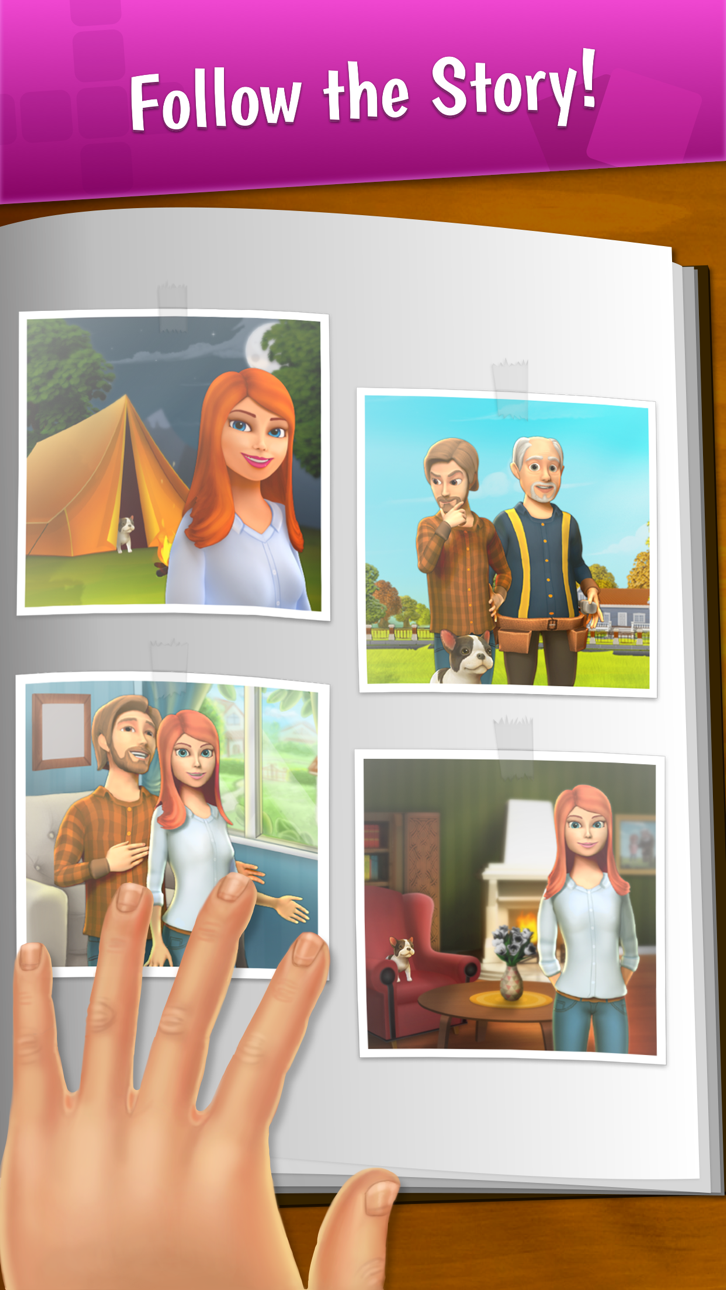
• Lustige Charaktere: Triff Pizza-David, Handwerker Bob und andere. Knistert es da nicht etwa zwischen Emma und David?
• Ein süßes Haustier: Lerne den niedlichen Hund Max kennen und sei gespannt, welche Abenteuer es mit ihm geben wird.
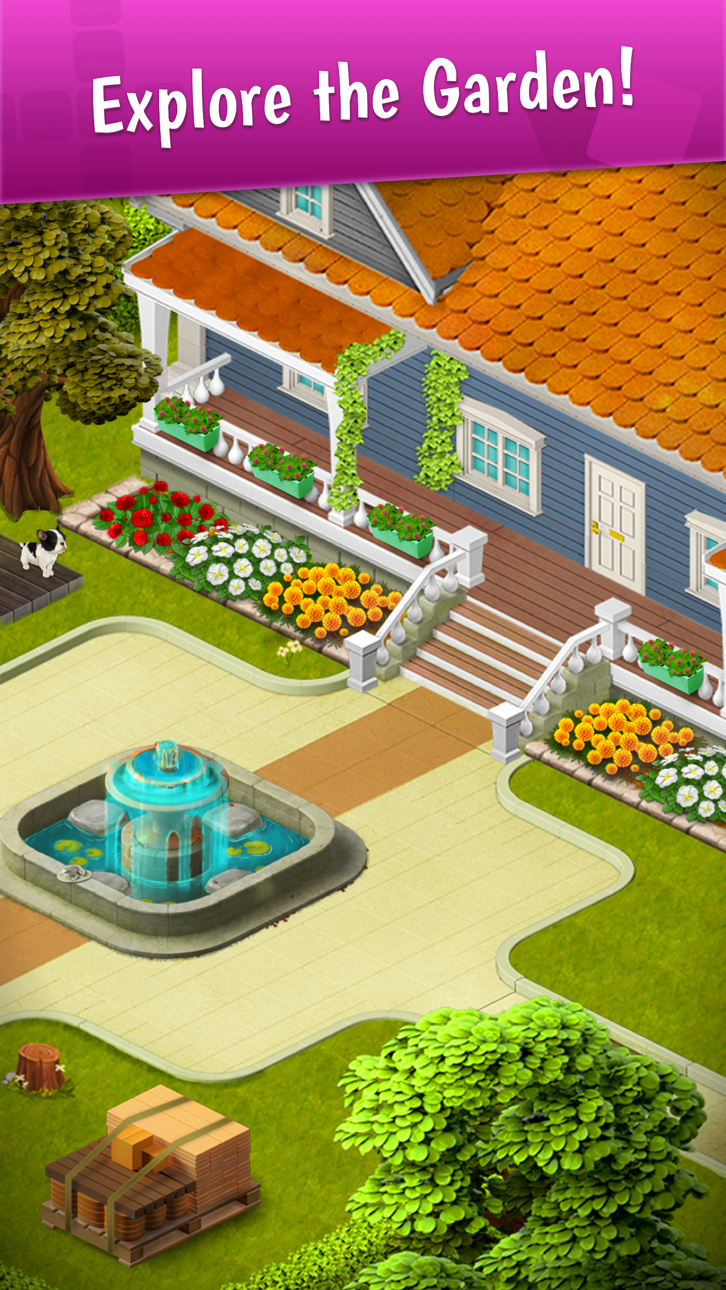
Die alte Villa braucht dringend eine Renovierung. Emma schafft es nicht alleine. Entfalte deine Deko-Künste, indem du verschiedene Komponenten für Schlafzimmer, Wohnzimmer, Küche, Garten usw. auswählst. Der Spaß erhöht sich, weil du alle Designentscheidungen selbst triffst. Du hast die Qual der Wahl und bestimmst das endgültige Erscheinungsbild des Hauses.
Sobald du dein erstes Kreuzworträtsel gelöst hast, kannst Emma zu helfen, die alte Villa aufzuräumen und dein Traumhaus zu erschaffen!
Weitere Informationen zum Spiel gibt es auch bei Facebook:
https://www.facebook.com/wordingtongame/
Fragen? Schreib unserem Support-Team: [email protected]
Wordington VIP Membership Subscription:
Some items in the app require VIP Membership, such as free daily spins, ad free experience and free wordpass access. VIP Membership is a
auto-renewing subscription.
VIP Membership will renew within 24 hours before the subscription period ends, and you will be charged through your iTunes account. You can manage and cancel your subscription in your iTunes Account Settings at any time. If you purchase new VIP Membership subscription during a free trial you will forfeit any free trial period remaining from your first purchase.
Our privacy policy and terms of service can be found at http://www.qiiwi.com/user-data and Apple Standard EULA at https://www.apple.com/legal/internet-services/itunes/dev/stdeula/.
Screenshot © rispettivi proprietari · App Store



iOSGods non è affiliata, approvata né sponsorizzata da Apple Inc., Google LLC o dagli sviluppatori delle app elencate qui. Apple, iOS e App Store sono marchi di Apple Inc. Android e Google Play sono marchi di Google LLC. Tutti gli altri nomi delle app, icone, immagini e marchi appartengono ai rispettivi proprietari.

- iPhone o iPad non jailbroken/jailed oppure jailbroken.
- Sideloadly o alternative.
- Computer con Windows/macOS/Linux con iTunes installato.
PASSO 1: Scarica il file .IPA pre-modificato dal link sopra sul tuo computer. Per scaricarlo dall'iOSGods App, consulta il nostro Tutorial download IPA dell'iOSGods App, che include un esempio video.
PASSO 2: Scarica Sideloadly e installalo sul tuo Windows o Mac.
PASSO 3: Apri Sideloadly sul tuo computer, collega il tuo dispositivo iOS e attendi finché il nome del dispositivo non appare in Sideloadly.
PASSO 4: Una volta riconosciuto il tuo iDevice, trascina il file .IPA moddato che hai scaricato e rilascialo nell'applicazione Sideloadly.
PASSO 5: Inserisci l'email del tuo Apple Account, poi premi “Start”. Ti verrà quindi chiesto di inserire la password. Procedi e fornisci le informazioni richieste.
PASSO 6: Attendi che Sideloadly completi il sideload/installazione dell'IPA modificata. Se ci sono problemi durante l'installazione, leggi la nota qui sotto.
PASSO 7: Una volta completata l'installazione e vista l'app sulla schermata Home, dovrai andare in Impostazioni → Generali → Profili / Gestione VPN e dispositivi. Una volta lì, tocca l'email inserita al passo 6 e poi tocca “Autorizza [email protected]”.
PASSO 8: Ora vai sulla schermata Home e apri l'app appena installata: tutto dovrebbe funzionare correttamente. Potrebbe essere necessario seguire ulteriori istruzioni specifiche all'interno del popup dell'hack nel gioco.
NOTA: Per iOS/iPadOS 16 e versioni successive, devi attivare la Modalità sviluppatore. Per gli account Apple Developer gratuiti, dovrai ripetere questa procedura ogni 7 giorni. Se hai domande o problemi, leggi la nostra sezione FAQ Sideloadly del topic.
Game Name iOS Mod IPA is an action adventure game enhanced with powerful gameplay boosts and quality-of-life improvements. Win battles faster, earn rewards quicker, and enjoy uninterrupted play without ads.
- Unlimited Gold - spend freely to unlock premium content
- Damage Multiplier - deal significantly more damage in combat
- Defense Multiplier - take less damage and survive longer
- Reward Multiplier - earn more loot from every battle
- Max Level - instantly reach the highest player rank
- No Ads - play without interruptions or advertisements
This app also comes with iGameGod, giving you access to Auto Touch to automate repetitive tasks, App Speed Manager for adjustable gameplay speed, Memory Engine value editing, and more powerful iOS game tools.
Scarica Game Name Mod IPA dai link sopra. Tocca il pulsante di installazione e segui le istruzioni per installare questo hack iOS sul tuo iPhone, iPad o Mac con Apple Silicon.
Hai bisogno di altro aiuto Consulta le nostre Domande frequenti sull'app iOSGods per risposte dettagliate e consigli per la risoluzione dei problemi.
----------------------------------------------------------
--------------------------------------------------