需要登入
請使用您的 iOSGods 帳戶登入以繼續。
請使用您的 iOSGods 帳戶登入以繼續。
- Free iAP (Turn on inside iOSGods Mod Menu first)
此應用程式也內建 iGameGod,讓你可以使用 Auto Touch 自動執行重複操作、透過 App Speed Manager 調整遊戲速度、使用 Memory Engine 修改記憶體數值,以及更多強大的 iOS 遊戲工具。
從上方連結下載 Drift Max Pro Drift Racing Hack modded IPA。點選安裝按鈕並依照畫面指示在 iPhone、iPad 或 Apple Silicon 上安裝此 iOS 應用程式修改版。
需要更多協助?請查看我們的 iOSGods 應用程式常見問題 以獲得詳細解答與疑難排解。
Favorite drifting game of more than 50,000,000 people around the world. One of the best racing game and it’s an addiction!
From the creators of the legendary drifting game Drift Max comes an epic new drifting game.
Featured globally numerous times; Drift Max Pro offers you the best drifting experience ever.
“A Fabulous Drift Racing Game” - Steemit.com
“Two Thumbs Up!” - Appgrooves.com
THE ULTIMATE REAL RACING SIMULATOR
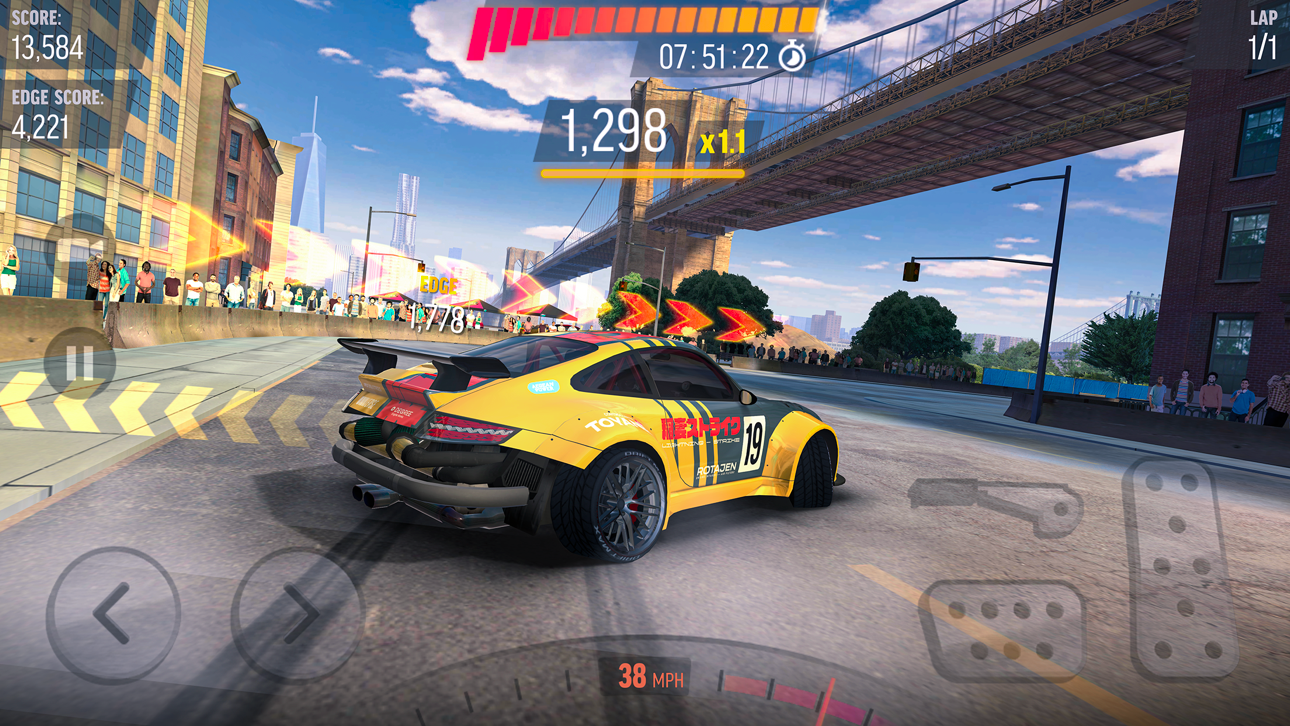
- Stunning and realistic drifting physics
- Next-Gen graphics
- Drive around breathtaking locations such as Tokyo - Japan, New York Brooklyn - United States, Red Square - Moscow during night or day time.
- You can get inside of every car and drive your racing car from the cockpit.
CAREER MODE
- Win gold & cash, collect upgrade cards to build your dream garage
- Get bundle packs
- 10 seasons in total
- 100’s of challenges
ONLINE MULTIPLAYER MODE (1v1 DUAL)
- Be the fastest one on the asphalt! Claim victory and become a real legend by racing against friends & players from all over the world
- Smash the leaderboards!
- With two different modes, best your opponent by drifting or racing
THE CONTENDER EVENTS
- Unique experience with limited time events
- Amazing drifting races for legendary cars
- Huge amount of gold and cash
BURN THE ASPHALT WITH DIFFERENT GAME MODES
- Daily Objectives to complete and claim stunning rewards
- Slalom Drifting for action lovers
- Cone Toppling for crash lovers
- Perfect Drift Racing
- Free Ride for recording your own best drifts and sharing with friends
CUSTOMIZE & CONFIGURE
- Design your dream drift car
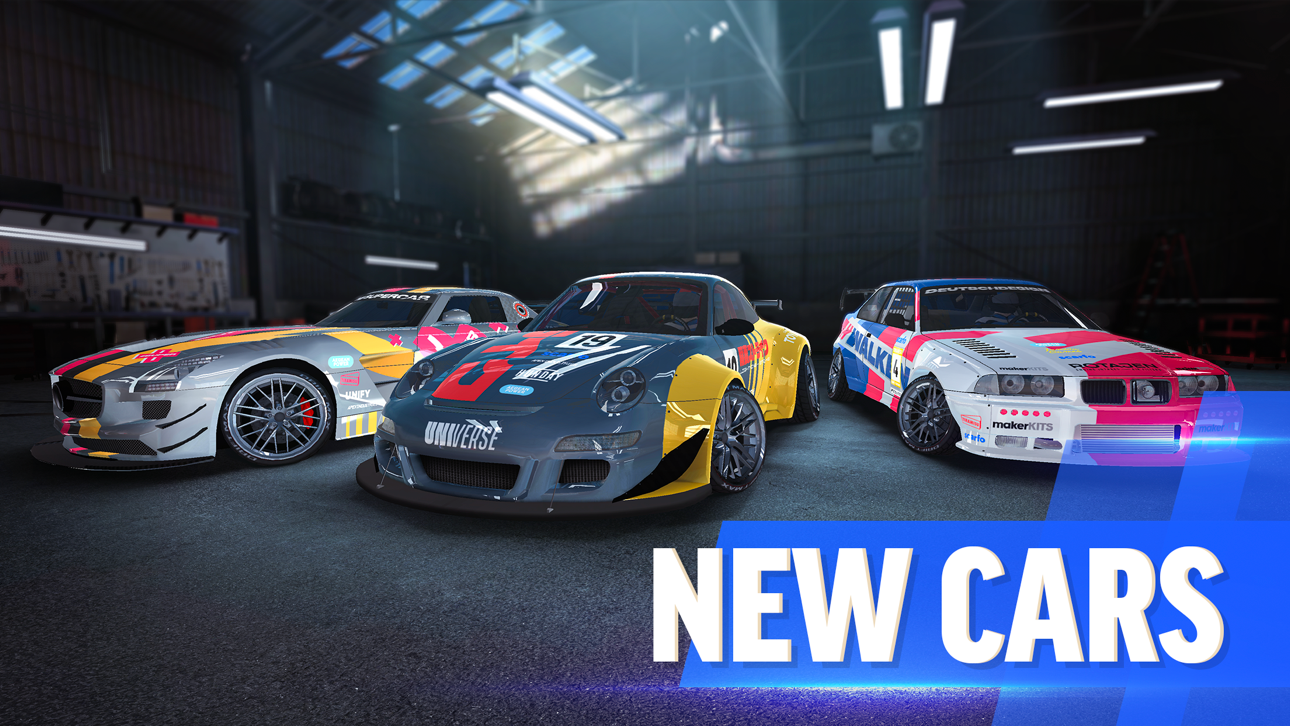
- Two-tone and matte paint colors, exquisite & crazy graphical decals
- Door and hood decals
- Rim model and color
- Window tint
- Caliper color
- Wheel (Camber) angle
- Suspension height
- Racing spoiler models
- Cool neon underglow options
UPGRADE & TUNE & BOOSTER
- Build your racing car with extreme upgrades
- Turbocharger
- Tire Type
- Gearbox
- Sensors
- Choose different tuning modes such as “control, racing or pro”
NOTE: Drift Max Pro is a free to play game and doesn’t require an internet connection after installation! Long live offline games!
CRATE DROP RATES:
Silver Crate: %98 Modification Card / %2 Car Card
Gold Crate: %78 Modification Card / %22 Car Card
WARNING: Drift Max Pro does not have a cloud save feature at this time. All game progress and in-app purchases may be lost upon deletion of the game.
JOIN OUR RACING COMMUNITY
https://www.youtube.com/channel/UCZWFEsHp9hgvmeX106PTdfg
https://www.facebook.com/driftmaxpro/
https://www.instagram.com/driftmaxproofficial/
https://www.tiramisu.game/drift-max-pro
螢幕截圖 © 各自所有者 · App Store


iOSGods 與 Apple Inc.、Google LLC 及此處列出應用程式的開發者並無關聯,亦未獲其認可或贊助。Apple、iOS 與 App Store 為 Apple Inc. 的商標。Android 與 Google Play 為 Google LLC 的商標。其他所有應用程式名稱、圖示、圖片與商標均屬其各自所有者。

- 未越獄/受限或已越獄的 iPhone 或 iPad。
- Sideloadly 或替代方案。
- 執行 Windows/macOS/Linux 且已安裝 iTunes 的電腦。
步驟 1: 透過上方連結將已破解的 .IPA 檔案下載到您的電腦。若要從 iOSGods App 下載,請參閱我們的 iOSGods App IPA 下載教學,其中包含影片範例。
步驟 2: 下載 Sideloadly 並將其安裝在您的 Windows 或 Mac 上。
步驟 3: 在電腦上開啟 Sideloadly,連接您的 iOS 裝置,並等待裝置名稱出現在 Sideloadly 中。
步驟 4: 當 Sideloadly 辨識到您的 iOS 裝置後,將下載好的修改版 .IPA 檔案拖曳並放到 Sideloadly 應用程式中。
步驟 5: 輸入您的 Apple Account 電子郵件,然後按下「Start」。系統會要求您輸入密碼,請依指示提供所需資訊。
步驟 6: 等待 Sideloadly 完成已破解 IPA 的旁載/安裝。如果安裝過程中發生問題,請閱讀下方的注意事項。
步驟 7: 安裝完成並在主畫面上看到該應用程式後,您需要前往 設定 → 一般 → 描述檔 / VPN 與裝置管理。進入後,點選您在步驟 6 中輸入的電子郵件,然後點選「信任 [email protected]」。
步驟 8: 現在回到主畫面並開啟新安裝的應用程式,一切應該都能正常運作。您可能需要依照遊戲內破解彈出視窗中的進一步指示操作。
注意: 在 iOS/iPadOS 16 及更新版本上,您必須 啟用開發者模式。若使用免費的 Apple Developer 帳號,您將需要每 7 天重複此程序。如有任何疑問或問題,請閱讀我們的 主題中的 Sideloadly 常見問題區段。
Game Name iOS Mod IPA is an action adventure game enhanced with powerful gameplay boosts and quality-of-life improvements. Win battles faster, earn rewards quicker, and enjoy uninterrupted play without ads.
- Unlimited Gold - spend freely to unlock premium content
- Damage Multiplier - deal significantly more damage in combat
- Defense Multiplier - take less damage and survive longer
- Reward Multiplier - earn more loot from every battle
- Max Level - instantly reach the highest player rank
- No Ads - play without interruptions or advertisements
This app also comes with iGameGod, giving you access to Auto Touch to automate repetitive tasks, App Speed Manager for adjustable gameplay speed, Memory Engine value editing, and more powerful iOS game tools.
從上方連結下載 Game Name Mod IPA。點選安裝按鈕並依照畫面指示在 iPhone、iPad 或 Apple Silicon 上安裝此 iOS 應用程式修改版。
需要更多協助請查看我們的 iOSGods 應用程式常見問題 以獲得詳細解答與疑難排解。
----------------------------------------------------------
--------------------------------------------------