Login necessário
Entre com sua conta iOSGods para continuar.
Entre com sua conta iOSGods para continuar.
Nunca morra em Survivor Base: Zombie City 3D com este hack gratuito, e veja sua moeda aumentar em vez de diminuir enquanto você enfrenta hordas infinitas de zumbis. Armado com armas poderosas e drones em um jogo de sobrevivência 3D pós-apocalíptico, você pode agora se concentrar puramente em recuperar as ruas sem medo de derrota ou escassez de recursos.
- Nunca Morra → sobreviva a todos os encontros com zumbis
- Moeda Ilimitada (Aumentará em vez de diminuir) → aumente seus recursos com cada ação
Este app também vem com iGameGod, oferecendo acesso ao Auto Touch para automatizar tarefas repetitivas, App Speed Manager para ajustar a velocidade do jogo, edição de valores com Memory Engine e outras ferramentas avançadas para jogos iOS.
Baixe Survivor Base: Zombie City 3D Hack modded IPA dos links acima. Toque no botão de instalação e siga as instruções para instalar este hack iOS no seu iPhone, iPad ou Apple Silicon.
Precisa de mais ajuda? Confira nossas Perguntas frequentes sobre o app iOSGods para respostas detalhadas e dicas de solução de problemas.
Survivor Base: Zombie City 3D
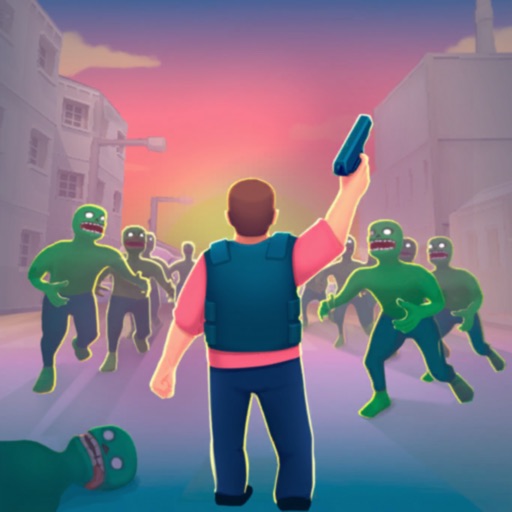
Get ready for the ultimate zombie survival adventure! In Survivor Base: Zombie City 3D, dive into a post-apocalyptic city where you, a brave hero, must fight against endless waves of zombies. Armed with powerful guns and supported by mighty drones, it's your mission to protect humanity and reclaim the streets. This 3D survival game will immerse you in a world where danger lurks around every corner, and every decision can mean the difference between life and death.
Key Features:
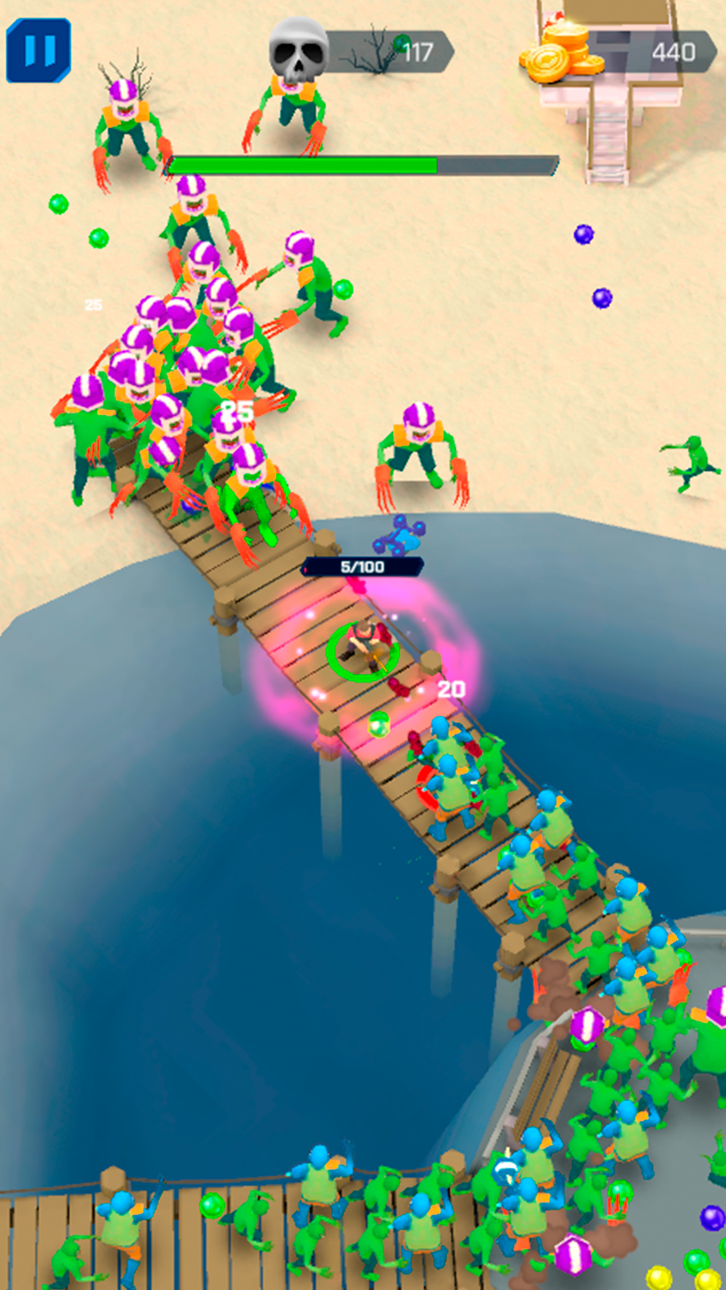
- Epic Zombie Battles: Face off against relentless hordes of zombies in intense, action-packed battles. Each encounter will test your skills and strategy as you fight to survive. Can you win in this war for the future of the human race?
- Powerful Weapons: Choose from a vast arsenal of guns and drones, each with unique abilities and upgrade paths. Boost your combat effectiveness and adapt your strategy to overcome even the toughest enemies. Smash through the crowds of foes with ease!
-Explore the City: Go missions across a stylized 3D cityscape. Navigate through the ruins, uncover hidden secrets, and gather vital resources to aid in your survival.
- Build and Defend: Craft and fortify your base to withstand zombie attacks. Research new technologies, u[grade your arsenal and feed cute chickens! The key to winning the war is to be prepared!
- Strategic Gameplay: Use your wits and reflexes to dodge, shoot, and employ a variety of skills to crush the zombie menace. Each battle requires careful planning and quick thinking to outmaneuver the undead. Don’t let them eat your brain!
- Fast-Paced Action: Experience non-stop action with quick, responsive controls. The fast-paced gameplay keeps you on your toes, ensuring every moment is filled with excitement.
- Level Up: Gain experience from every battle and mission, upgrading your skills and becoming the commander humanity needs. Choose different perks and abilities to enhance your playstyle and make it unique! Tailor your abilities to suit your playstyle and dominate the battlefield. Use your brain and quick reflexes to emerge victorious!
- Boss Fights: Face off against gigantic, mutant zombies in epic boss battles. These formidable foes require all your skills and strategy to defeat, providing a thrilling challenge.
- Drone Support: Launch drones to assist in your fight, providing additional firepower and strategic advantages. These mechanical allies are crucial for turning the tide of battle in your favor. Get ready to mow down undead monsters!
Are you ready to embark on an epic journey of survival, adventure, and action? Download Survivor Base: Zombie City 3D now and lead humanity to victory against the undead!
Capturas © respectivos proprietários · App Store


A iOSGods não é afiliada, endossada nem patrocinada pela Apple Inc., pela Google LLC ou pelos desenvolvedores dos apps listados aqui. Apple, iOS e App Store são marcas da Apple Inc. Android e Google Play são marcas da Google LLC. Todos os demais nomes de apps, ícones, imagens e marcas pertencem aos seus respectivos proprietários.
- iPhone ou iPad sem jailbreak/jailed ou com jailbreak.
- Sideloadly ou alternativas.
- Computador com Windows/macOS/Linux e iTunes instalado.
PASSO 1: Baixe o arquivo .IPA pré-hackeado do link acima para o seu computador. Para baixar pelo iOSGods App, veja nosso Tutorial de download de IPA do iOSGods App, que inclui um exemplo em vídeo.
PASSO 2: Baixe o Sideloadly e instale-o no seu Windows ou Mac.
PASSO 3: Abra o Sideloadly no seu computador, conecte seu dispositivo iOS e aguarde até que o nome do dispositivo apareça no Sideloadly.
PASSO 4: Assim que seu iDevice for reconhecido, arraste o arquivo .IPA modificado que você baixou e solte-o no aplicativo Sideloadly.
PASSO 5: Digite o e-mail da sua Apple Account e pressione “Start”. Em seguida, será solicitada a sua senha. Prossiga e forneça as informações solicitadas.
PASSO 6: Aguarde o Sideloadly finalizar o sideload/instalação do IPA hackeado. Se houver problemas durante a instalação, leia a observação abaixo.
PASSO 7: Quando a instalação estiver concluída e você vir o app na Tela de Início, será necessário acessar Ajustes → Geral → Perfis / Gerenciamento de VPN e Dispositivo. Lá, toque no e-mail que você inseriu no passo 6 e, em seguida, toque em “Confiar em [email protected]”.
PASSO 8: Agora vá para a Tela de Início e abra o app recém-instalado; tudo deve funcionar normalmente. Você pode precisar seguir instruções adicionais específicas no popup do hack dentro do jogo.
OBSERVAÇÃO: No iOS/iPadOS 16 e versões posteriores, você deve ativar o Modo de Desenvolvedor. Para contas Apple Developer gratuitas, será necessário repetir este processo a cada 7 dias. Se tiver dúvidas ou problemas, leia nossa seção de FAQ do Sideloadly no tópico.
Game Name iOS Mod IPA is an action adventure game enhanced with powerful gameplay boosts and quality-of-life improvements. Win battles faster, earn rewards quicker, and enjoy uninterrupted play without ads.
- Unlimited Gold - spend freely to unlock premium content
- Damage Multiplier - deal significantly more damage in combat
- Defense Multiplier - take less damage and survive longer
- Reward Multiplier - earn more loot from every battle
- Max Level - instantly reach the highest player rank
- No Ads - play without interruptions or advertisements
This app also comes with iGameGod, giving you access to Auto Touch to automate repetitive tasks, App Speed Manager for adjustable gameplay speed, Memory Engine value editing, and more powerful iOS game tools.
Baixe Game Name Mod IPA dos links acima. Toque no botão de instalação e siga as instruções para instalar este hack iOS no seu iPhone, iPad ou Apple Silicon.
Precisa de mais ajuda Confira nossas Perguntas frequentes sobre o app iOSGods para respostas detalhadas e dicas de solução de problemas.
----------------------------------------------------------
--------------------------------------------------




![LILA BLACK iOS Mod IPA [ ESP Boxes, Lines ]](https://is1-ssl.mzstatic.com/image/thumb/Purple211/v4/60/ac/c7/60acc76e-15b3-30b9-00e9-ca3c7c90f64b/AppIcon-0-0-1x_U007emarketing-0-8-0-85-220.png/100x100bb.jpg)