로그인 필요
계속하려면 iOSGods 계정으로 로그인하세요.
계속하려면 iOSGods 계정으로 로그인하세요.
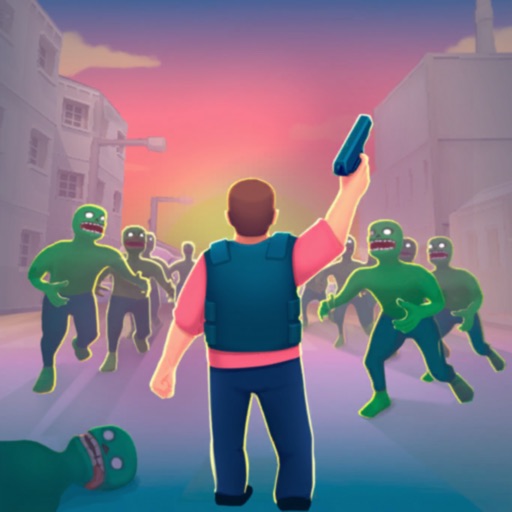
Survivor Base: Zombie City 3D 해킹으로 절대 죽지 않고, 끝없는 좀비 무리와 싸우면서 자원이 줄어드는 대신 증가하는 것을 지켜보세요. 강력한 총과 드론으로 무장한 포스트 아포칼립스 3D 생존 게임에서 패배나 자원 부족의 두려움 없이 거리를 되찾는 데만 집중할 수 있습니다.
- 절대 죽지 않음 → 모든 좀비 전투에서 생존
- 무제한 화폐 (감소 대신 증가) → 모든 행동으로 자원 증가
이 앱에는 iGameGod도 포함되어 있어 반복 작업을 자동화하는 Auto Touch, 게임 속도를 조절할 수 있는 App Speed Manager, Memory Engine 값 편집 등 강력한 iOS 게임 도구를 사용할 수 있습니다.
위의 링크에서 Survivor Base: Zombie City 3D Hack modded IPA을 다운로드합니다. 설치 버튼을 누르고 화면 안내에 따라 iPhone, iPad 또는 Apple Silicon에 이 iOS 앱 해킹을 설치합니다.
더 많은 도움이 필요하신가요? 자세한 답변과 문제 해결 팁은 iOSGods 앱 자주 묻는 질문을 확인하세요.
Survivor Base: Zombie City 3D
Get ready for the ultimate zombie survival adventure! In Survivor Base: Zombie City 3D, dive into a post-apocalyptic city where you, a brave hero, must fight against endless waves of zombies. Armed with powerful guns and supported by mighty drones, it's your mission to protect humanity and reclaim the streets. This 3D survival game will immerse you in a world where danger lurks around every corner, and every decision can mean the difference between life and death.
Key Features:
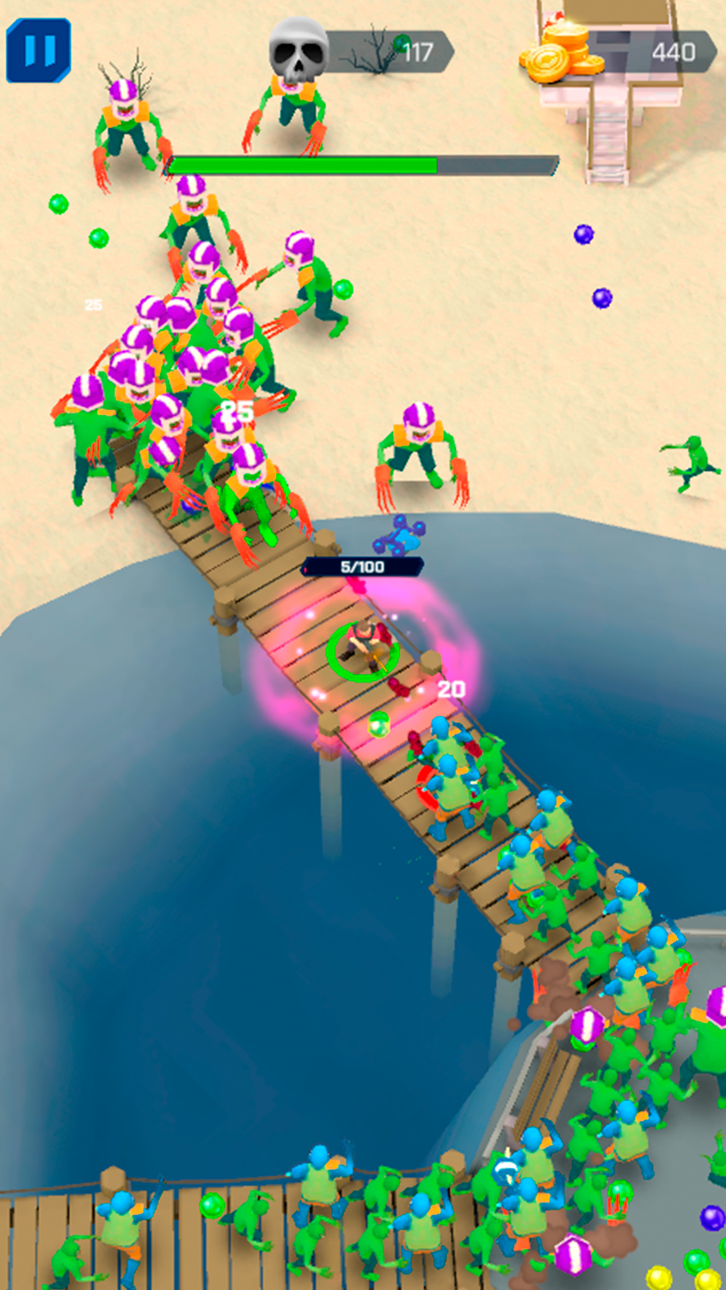
- Epic Zombie Battles: Face off against relentless hordes of zombies in intense, action-packed battles. Each encounter will test your skills and strategy as you fight to survive. Can you win in this war for the future of the human race?
- Powerful Weapons: Choose from a vast arsenal of guns and drones, each with unique abilities and upgrade paths. Boost your combat effectiveness and adapt your strategy to overcome even the toughest enemies. Smash through the crowds of foes with ease!
-Explore the City: Go missions across a stylized 3D cityscape. Navigate through the ruins, uncover hidden secrets, and gather vital resources to aid in your survival.
- Build and Defend: Craft and fortify your base to withstand zombie attacks. Research new technologies, u[grade your arsenal and feed cute chickens! The key to winning the war is to be prepared!
- Strategic Gameplay: Use your wits and reflexes to dodge, shoot, and employ a variety of skills to crush the zombie menace. Each battle requires careful planning and quick thinking to outmaneuver the undead. Don’t let them eat your brain!
- Fast-Paced Action: Experience non-stop action with quick, responsive controls. The fast-paced gameplay keeps you on your toes, ensuring every moment is filled with excitement.
- Level Up: Gain experience from every battle and mission, upgrading your skills and becoming the commander humanity needs. Choose different perks and abilities to enhance your playstyle and make it unique! Tailor your abilities to suit your playstyle and dominate the battlefield. Use your brain and quick reflexes to emerge victorious!
- Boss Fights: Face off against gigantic, mutant zombies in epic boss battles. These formidable foes require all your skills and strategy to defeat, providing a thrilling challenge.
- Drone Support: Launch drones to assist in your fight, providing additional firepower and strategic advantages. These mechanical allies are crucial for turning the tide of battle in your favor. Get ready to mow down undead monsters!
Are you ready to embark on an epic journey of survival, adventure, and action? Download Survivor Base: Zombie City 3D now and lead humanity to victory against the undead!
스크린샷 © 각 소유자 · App Store


iOSGods는 Apple Inc., Google LLC 및 여기에 등록된 앱의 개발사와 제휴 관계가 없으며, 승인이나 후원을 받지 않았습니다. Apple, iOS, App Store는 Apple Inc.의 상표입니다. Android와 Google Play는 Google LLC의 상표입니다. 그 외 모든 앱 이름, 아이콘, 이미지 및 상표는 각 소유자의 재산입니다.
- 탈옥/제일 또는 탈옥된 iPhone 또는 iPad가 필요합니다.
- Sideloadly 또는 대체 도구가 필요합니다.
- iTunes가 설치된 Windows/macOS/Linux 컴퓨터가 필요합니다.
1단계: 위 링크에서 미리 해킹된 .IPA 파일을 컴퓨터에 다운로드합니다. iOSGods App에서 다운로드하려면 동영상 예시가 포함된 iOSGods App IPA 다운로드 튜토리얼를 참고하십시오.
2단계: Sideloadly를 다운로드하여 Windows 또는 Mac에 설치합니다.
3단계: 컴퓨터에서 Sideloadly를 실행하고 iOS 기기를 연결한 후, Sideloadly에 기기 이름이 표시될 때까지 기다립니다.
4단계: iDevice가 인식되면, 다운로드한 모드된 .IPA 파일을 Sideloadly 애플리케이션에 끌어다 놓습니다.
5단계: Apple Account 이메일을 입력한 후 “Start”를 누릅니다. 그러면 비밀번호를 입력하라는 메시지가 표시됩니다. 요청된 정보를 제공해 주십시오.
6단계: Sideloadly가 해킹된 IPA의 사이드로드/설치를 완료할 때까지 기다리십시오. 설치 중 문제가 발생하면 아래 참고 사항을 읽어 주십시오.
7단계: 설치가 완료되어 홈 화면에서 앱이 보이면 설정 → 일반 → 프로파일 / VPN 및 기기 관리 경로로 이동해야 합니다. 그곳에서 6단계에서 입력한 이메일을 탭한 다음 “[email protected] 신뢰”를 탭하십시오.
8단계: 이제 홈 화면으로 돌아가 새로 설치된 앱을 열면 모든 것이 정상적으로 작동할 것입니다. 게임 내 해킹 팝업에서 앱별 추가 안내를 따라야 할 수도 있습니다.
참고: iOS/iPadOS 16 이상에서는 개발자 모드를 활성화해야 합니다. 무료 Apple Developer 계정의 경우 이 과정을 7일마다 반복해야 합니다. 질문이나 문제가 있는 경우 해당 토픽의 Sideloadly FAQ 섹션를 읽어보십시오.
Game Name iOS Mod IPA is an action adventure game enhanced with powerful gameplay boosts and quality-of-life improvements. Win battles faster, earn rewards quicker, and enjoy uninterrupted play without ads.
- Unlimited Gold - spend freely to unlock premium content
- Damage Multiplier - deal significantly more damage in combat
- Defense Multiplier - take less damage and survive longer
- Reward Multiplier - earn more loot from every battle
- Max Level - instantly reach the highest player rank
- No Ads - play without interruptions or advertisements
This app also comes with iGameGod, giving you access to Auto Touch to automate repetitive tasks, App Speed Manager for adjustable gameplay speed, Memory Engine value editing, and more powerful iOS game tools.
위의 링크에서 Game Name Mod IPA을 다운로드합니다. 설치 버튼을 누르고 화면 안내에 따라 iPhone, iPad 또는 Apple Silicon에 이 iOS 앱 해킹을 설치합니다.
더 많은 도움이 필요하신가요 자세한 답변과 문제 해결 팁은 iOSGods 앱 자주 묻는 질문을 확인하세요.
----------------------------------------------------------
--------------------------------------------------




![LILA BLACK iOS Mod IPA [ ESP Boxes, Lines ]](https://is1-ssl.mzstatic.com/image/thumb/Purple211/v4/60/ac/c7/60acc76e-15b3-30b9-00e9-ca3c7c90f64b/AppIcon-0-0-1x_U007emarketing-0-8-0-85-220.png/100x100bb.jpg)