تسجيل الدخول مطلوب
سجّل الدخول بحساب iOSGods للمتابعة.
سجّل الدخول بحساب iOSGods للمتابعة.
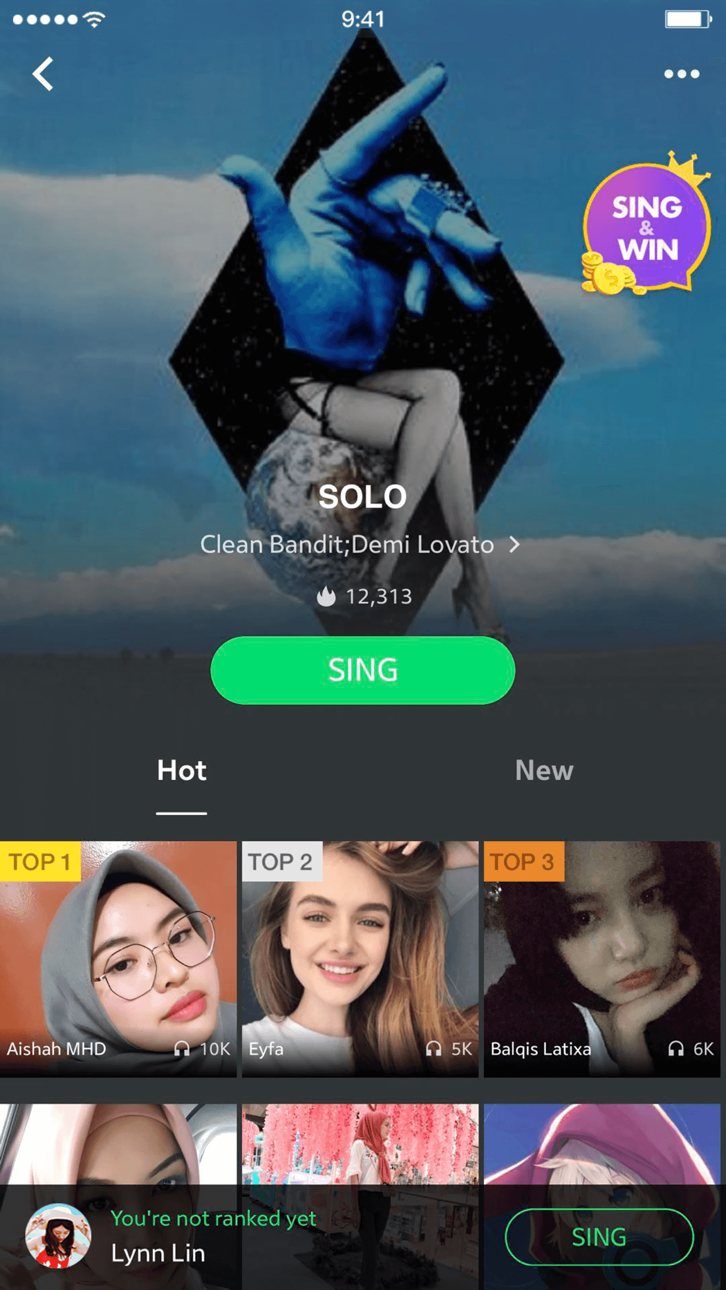
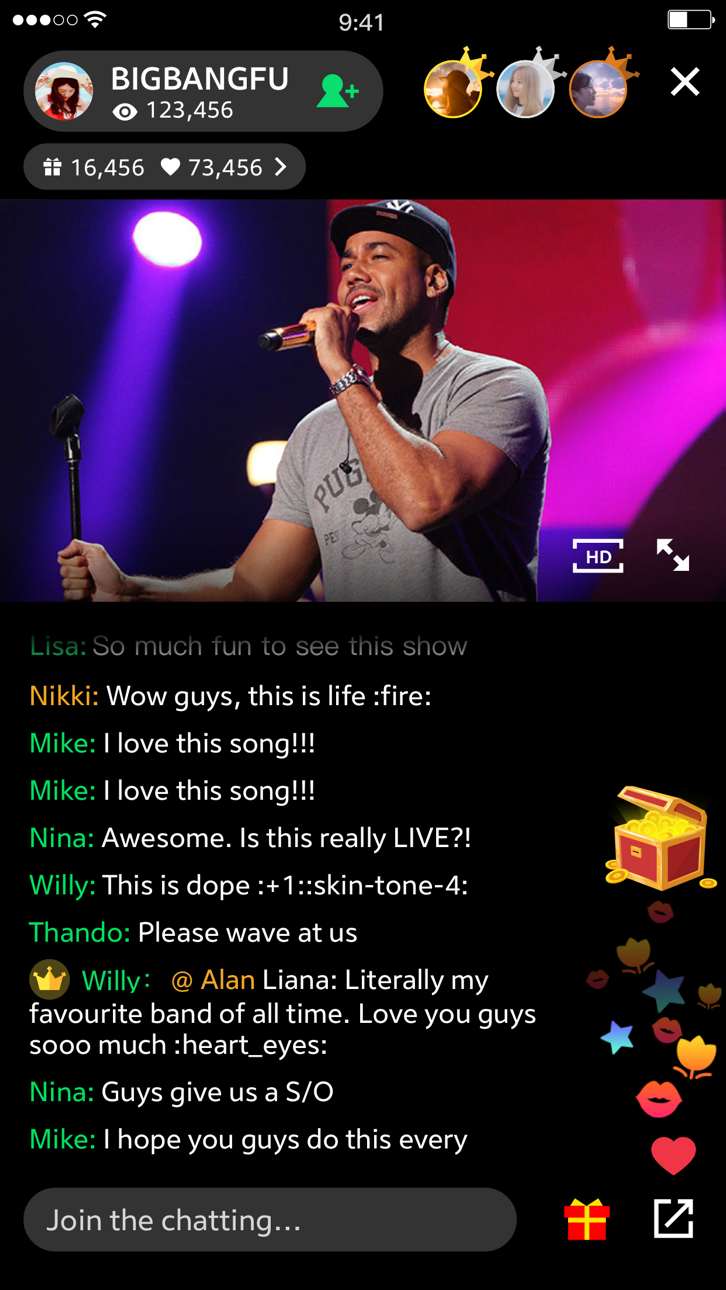
استمع إلى ملايين الأغاني والألبومات ومقاطع الفيديو الموسيقية مع JOOX Music Modded، تطبيق Mod IPA مجاني يفتح ميزات الاشتراك المميز على iOS. استمتع بالاستماع بدون إعلانات، والتنزيلات بدون اتصال مع الكلمات، والكاريوكي، والبث المباشر من أفضل الفنانين، كل ذلك بدون الدفع.
- الاشتراك المميز → مفتوح
يأتي هذا التطبيق أيضًا مع iGameGod، مما يتيح لك الوصول إلى Auto Touch لأتمتة المهام المتكررة، وApp Speed Manager لضبط سرعة اللعب، وتعديل القيم عبر Memory Engine، والمزيد من أدوات ألعاب iOS القوية.
قم بتنزيل JOOX Music Modded modded IPA من الروابط أعلاه. اضغط على زر التثبيت واتبع التعليمات لتثبيت هذا التعديل لـ iOS على iPhone أو iPad أو Apple Silicon.
هل تحتاج إلى مزيد من المساعدة؟ راجع الأسئلة الشائعة لتطبيق iOSGods للحصول على إجابات مفصلة ونصائح لاستكشاف الأخطاء.
JOOX Music brings you a massive collection of licensed songs including K-pop, C-pop, Cantopop, international hits, R&B, EDM, DJ music, and classic favorites.
Enjoy AI music recognition, personalized recommendations, synced lyrics, HiFi audio quality, and custom playlists anytime, anywhere.
Key Features: AI-Powered Music Experience
• AI Music Recommendations
Discover songs, playlists, artists, and trending music tailored to your listening habits.
• AI Music Creation
Create melodies and capture music inspiration with AI-assisted music creation features.
• Music Recognition & Synced Lyrics
Identify songs instantly and enjoy synced lyrics and immersive listening experiences.
Discover More Music
• Personalized Playlists & Radio
Get custom playlists and radio stations based on your favorite genres and artists.
• Trending Music Charts
Explore K-pop, Cantopop, C-pop, international hits, and trending new songs.
• Save Songs & Create Playlists
Build your own playlists and save your favorite songs, albums, and artists.
• Simple Music Player Experience
Manage music, lyrics, and playback queues with an intuitive player interface.
Upgrade to JOOX VIP
• HiFi Audio Quality
Selected content supports HiFi lossless audio and Dolby Atmos.
• Offline Listening
Download songs for offline playback with VIP features.
• More Premium Benefits
Minimize ad interruptions, unlock unlimited on-demand access, and enjoy live interactions with your favorite stars.
----------------------------------------------
[Auto-Renewal VIP Membership Terms]
Subscription Service: JOOX Music VIP Auto-Renewable Weekly / Monthly / Quarterly / Yearly Subscription
Subscription Period: During the subscription period, you can unlock VIP privileges, including unlimited music streaming, high-quality audio downloads, ad-free experience, etc.
Subscription Price: Subject to the local currency price displayed on the actual purchase page within the App.
Payment: Payment will be charged to your iTunes Account upon confirmation of purchase.
Auto-Renewal: Your Apple iTunes Account will be charged within 24 hours prior to the end of the current period. Upon successful payment, the subscription will automatically renew for another cycle.
Canceling Renewal: To cancel the auto-renewal, please manually turn off the auto-renewal feature on your iOS device at least 24 hours before the current subscription period expires.
How to Cancel: Open your iPhone "Settings" -> Go to "iTunes & App Store" -> Tap "Apple ID" -> Select "View Apple ID" -> Enter the "Account Settings" page -> Tap "Subscriptions", and select JOOX Music VIP to cancel the subscription. If you do not cancel the subscription at least 24 hours before the end of the subscription period, it will automatically renew, and no refunds will be issued for any unused time during the active subscription period.
- iPhone أو iPad بجيلبريك أو بدون جيلبريك.
- Sideloadly أو بدائلها.
- كمبيوتر يعمل بنظام Windows/macOS/Linux مع تثبيت iTunes.
الخطوة 1: قم بتنزيل ملف .IPA المعدّل مسبقًا من الرابط أعلاه إلى الكمبيوتر الخاص بك. للتنزيل من تطبيق iOSGods App، اطلع على دليل تنزيل IPA من تطبيق iOSGods App الذي يتضمن مثالًا بالفيديو.
الخطوة 2: قم بتنزيل Sideloadly وتثبيته على جهاز Windows أو Mac.
الخطوة 3: افتح Sideloadly على الكمبيوتر، ووصّل جهاز iOS الخاص بك، وانتظر حتى يظهر اسم جهازك داخل Sideloadly.
الخطوة 4: بمجرد التعرّف على جهاز iDevice الخاص بك، اسحب ملف .IPA المعدّل الذي قمت بتنزيله وأفلِته داخل تطبيق Sideloadly.
الخطوة 5: أدخل البريد الإلكتروني لحساب Apple Account الخاص بك، ثم اضغط على «Start». سيُطلب منك بعد ذلك إدخال كلمة المرور. تابع وأدخل المعلومات المطلوبة.
الخطوة 6: انتظر حتى ينتهي Sideloadly من تحميل/تثبيت ملف IPA المعدّل. في حال واجهت أي مشاكل أثناء التثبيت، يرجى قراءة الملاحظة أدناه.
الخطوة 7: بعد اكتمال التثبيت ورؤية التطبيق على الشاشة الرئيسية، انتقل إلى Settings → General → Profiles / VPN & Device Management. ثم اضغط على البريد الإلكتروني الذي أدخلته في الخطوة 6، ثم اضغط على «الوثوق بـ [email protected]».
الخطوة 8: الآن انتقل إلى الشاشة الرئيسية وافتح التطبيق الذي تم تثبيته للتو وسيعمل كل شيء بشكل صحيح. قد تحتاج إلى اتباع تعليمات إضافية خاصة بكل تطبيق داخل النافذة المنبثقة للتعديل أثناء اللعب.
ملاحظة: بدءًا من iOS/iPadOS 16 وما بعده، يجب تفعيل وضع المطور (Developer Mode). بالنسبة لحسابات Apple Developer المجانية، ستحتاج إلى تكرار هذه العملية كل 7 أيام. إذا كانت لديك أي أسئلة أو مشاكل، يرجى قراءة قسم الأسئلة الشائعة حول Sideloadly في الموضوع.
Hack Features:
- Inf Coins (Spend)
App Installation Instructions:
---------------------------------------------------------
----------------------------------------------------------
If you require more information or help, please read our Frequently Asked Questions topic on iOSGods.com.
----------------------------------------------------------
--------------------------------------------------