Login Diperlukan
Masuk dengan akun iOSGods kamu untuk melanjutkan.
Masuk dengan akun iOSGods kamu untuk melanjutkan.
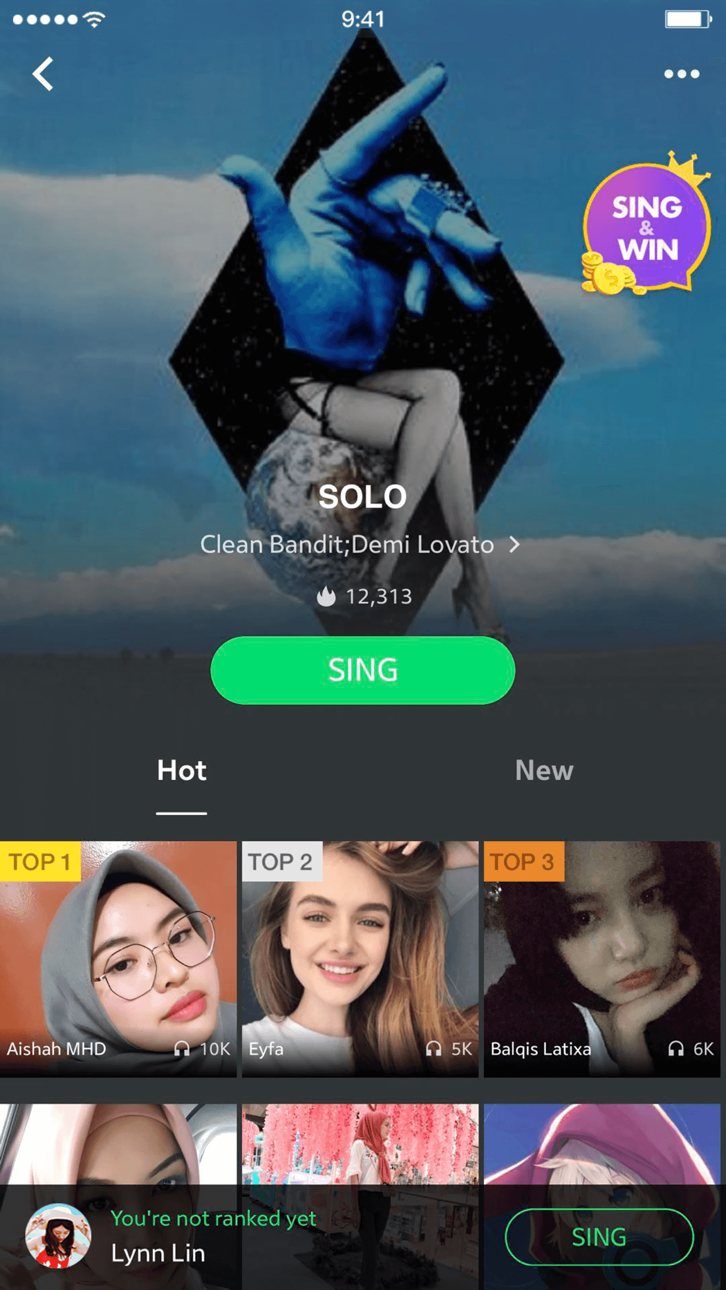
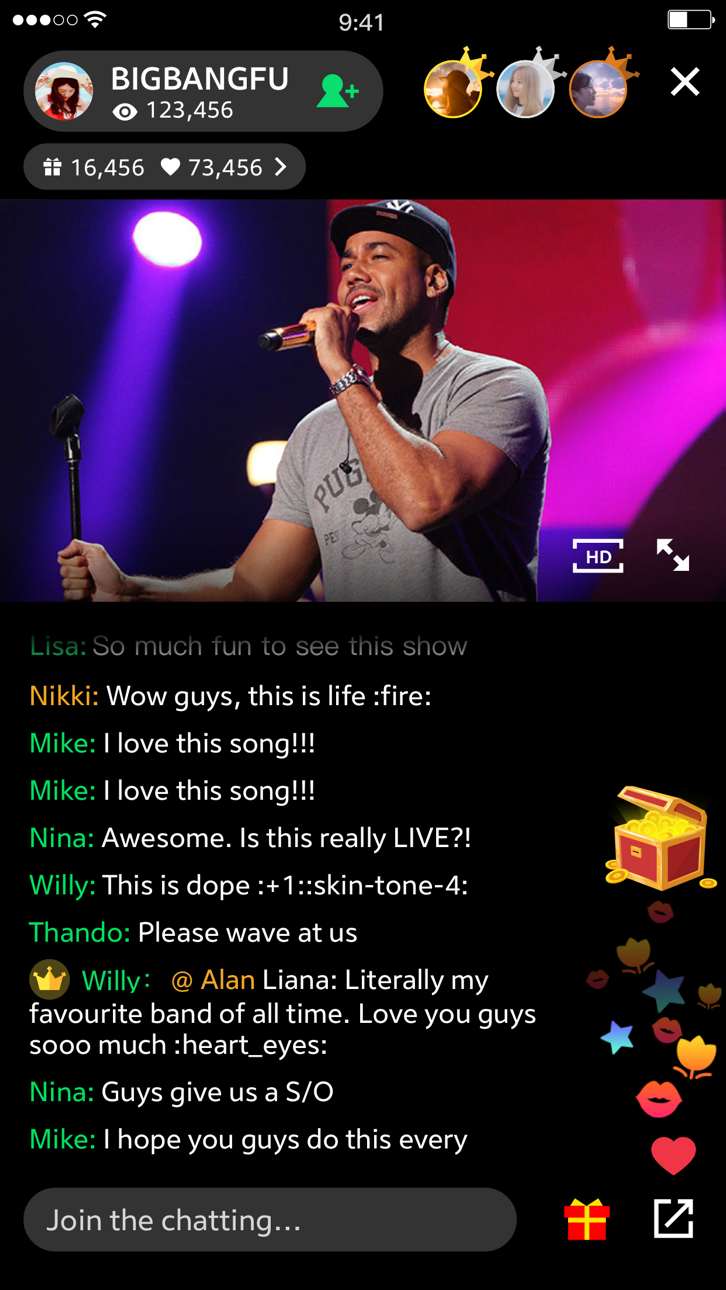
Streaming jutaan lagu, album, dan video musik dengan JOOX Music Modded, Mod IPA gratis yang membuka fitur premium di iOS. Nikmati mendengarkan tanpa iklan, unduhan offline dengan lirik, karaoke, dan siaran langsung dari artis top, semua tanpa paywall.
- Premium → terbuka
Aplikasi ini juga dilengkapi dengan iGameGod, yang memberi Anda akses ke Auto Touch untuk mengotomatiskan tugas berulang, App Speed Manager untuk mengatur kecepatan permainan, pengeditan nilai Memory Engine, dan alat permainan iOS lainnya yang lebih canggih.
Unduh JOOX Music Modded modded IPA dari tautan di atas. Ketuk tombol pasang dan ikuti petunjuk di layar untuk memasang hack iOS ini di iPhone, iPad, atau Apple Silicon.
Butuh bantuan lebih lanjut? Lihat Pertanyaan yang Sering Diajukan untuk Aplikasi iOSGods kami untuk jawaban dan tips lengkap.
JOOX Music brings you a massive collection of licensed songs including K-pop, C-pop, Cantopop, international hits, R&B, EDM, DJ music, and classic favorites.
Enjoy AI music recognition, personalized recommendations, synced lyrics, HiFi audio quality, and custom playlists anytime, anywhere.
Key Features: AI-Powered Music Experience
• AI Music Recommendations
Discover songs, playlists, artists, and trending music tailored to your listening habits.
• AI Music Creation
Create melodies and capture music inspiration with AI-assisted music creation features.
• Music Recognition & Synced Lyrics
Identify songs instantly and enjoy synced lyrics and immersive listening experiences.
Discover More Music
• Personalized Playlists & Radio
Get custom playlists and radio stations based on your favorite genres and artists.
• Trending Music Charts
Explore K-pop, Cantopop, C-pop, international hits, and trending new songs.
• Save Songs & Create Playlists
Build your own playlists and save your favorite songs, albums, and artists.
• Simple Music Player Experience
Manage music, lyrics, and playback queues with an intuitive player interface.
Upgrade to JOOX VIP
• HiFi Audio Quality
Selected content supports HiFi lossless audio and Dolby Atmos.
• Offline Listening
Download songs for offline playback with VIP features.
• More Premium Benefits
Minimize ad interruptions, unlock unlimited on-demand access, and enjoy live interactions with your favorite stars.
----------------------------------------------
[Auto-Renewal VIP Membership Terms]
Subscription Service: JOOX Music VIP Auto-Renewable Weekly / Monthly / Quarterly / Yearly Subscription
Subscription Period: During the subscription period, you can unlock VIP privileges, including unlimited music streaming, high-quality audio downloads, ad-free experience, etc.
Subscription Price: Subject to the local currency price displayed on the actual purchase page within the App.
Payment: Payment will be charged to your iTunes Account upon confirmation of purchase.
Auto-Renewal: Your Apple iTunes Account will be charged within 24 hours prior to the end of the current period. Upon successful payment, the subscription will automatically renew for another cycle.
Canceling Renewal: To cancel the auto-renewal, please manually turn off the auto-renewal feature on your iOS device at least 24 hours before the current subscription period expires.
How to Cancel: Open your iPhone "Settings" -> Go to "iTunes & App Store" -> Tap "Apple ID" -> Select "View Apple ID" -> Enter the "Account Settings" page -> Tap "Subscriptions", and select JOOX Music VIP to cancel the subscription. If you do not cancel the subscription at least 24 hours before the end of the subscription period, it will automatically renew, and no refunds will be issued for any unused time during the active subscription period.
- iPhone atau iPad tanpa Jailbreak atau dengan Jailbreak.
- Sideloadly atau alternatifnya.
- Komputer dengan Windows/macOS/Linux dan iTunes terpasang.
LANGKAH 1: Unduh file .IPA yang sudah di-hack dari tautan di atas ke komputer Anda. Untuk mengunduhnya dari iOSGods App, silakan lihat Tutorial Mengunduh IPA dari iOSGods App kami yang dilengkapi contoh video.
LANGKAH 2: Unduh Sideloadly dan pasang di Windows atau Mac Anda.
LANGKAH 3: Buka Sideloadly di komputer Anda, sambungkan perangkat iOS Anda, dan tunggu hingga nama perangkat Anda muncul di Sideloadly.
LANGKAH 4: Setelah iDevice Anda terdeteksi, seret file .IPA yang sudah dimodifikasi dan lepaskan ke dalam aplikasi Sideloadly.
LANGKAH 5: Masukkan email Apple Account Anda, lalu tekan "Start". Anda kemudian akan diminta memasukkan kata sandi. Silakan isi informasi yang diminta.
LANGKAH 6: Tunggu hingga Sideloadly selesai melakukan sideloading/pemasangan IPA yang di-hack. Jika terjadi masalah saat pemasangan, silakan baca catatan di bawah ini.
LANGKAH 7: Setelah pemasangan selesai dan Anda melihat aplikasi di Layar Beranda, Anda perlu masuk ke Pengaturan → Umum → Profil / VPN & Manajemen Perangkat. Setelah itu, ketuk email yang Anda masukkan pada langkah 6, lalu ketuk "Percayai [email protected]".
LANGKAH 8: Sekarang buka Layar Beranda dan jalankan aplikasi yang baru saja dipasang; semuanya seharusnya berjalan normal. Anda mungkin perlu mengikuti petunjuk tambahan per aplikasi yang muncul di popup hack di dalam game.
CATATAN: Pada iOS/iPadOS 16 dan yang lebih baru, Anda harus mengaktifkan Mode Pengembang. Untuk akun Apple Developer gratis, Anda perlu mengulangi proses ini setiap 7 hari. Jika Anda memiliki pertanyaan atau masalah, silakan baca bagian FAQ Sideloadly di topik tersebut kami.
Hack Features:
- Inf Coins (Spend)
App Installation Instructions:
---------------------------------------------------------
----------------------------------------------------------
If you require more information or help, please read our Frequently Asked Questions topic on iOSGods.com.
----------------------------------------------------------
--------------------------------------------------