Accesso richiesto
Accedi con il tuo account iOSGods per continuare.
Hack Features
- Banana Multiplier
- Score Multiplier
- Token Multiplier
- Puzzle Multiplier
- Speed Multiplier
- Field of View Multiplier
- No Clip
- Fly Mode
- All Costumes Unlocked
Scarica Minion Rush: Running game iOS Mod IPA dai link sopra. Tocca il pulsante di installazione e segui le istruzioni per installare questo hack iOS sul tuo iPhone, iPad o Mac con Apple Silicon.
Hai bisogno di altro aiuto? Consulta le nostre Domande frequenti sull'app iOSGods per risposte dettagliate e consigli per la risoluzione dei problemi.
Step into the New Generation of Minion Rush!
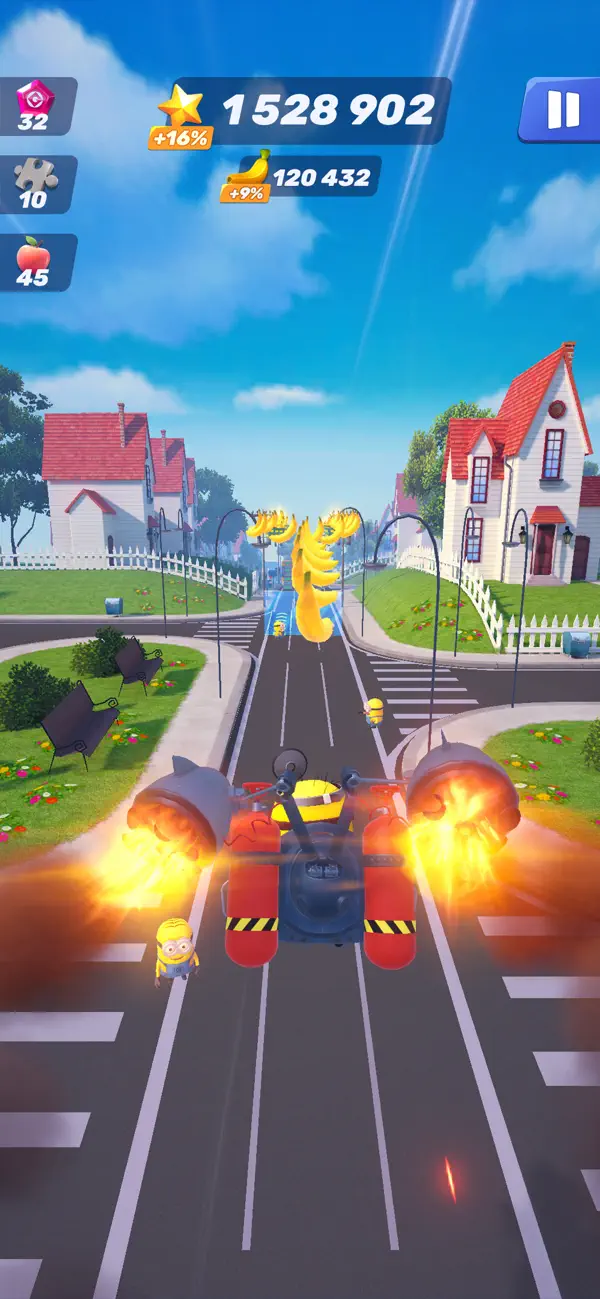
Get ready to experience new adventures in Minion Rush, the ultimate endless running game! Packed with updated features, exciting challenges, and nonstop fun from Illumination's beloved Minions franchise, this refreshed experience is bigger, bolder, and better than ever!
Brought to you by Gameloft, in collaboration with Illumination and Universal Products & Experiences, Minion Rush delivers endless action, mischief, and surprises that you can play anytime, anywhere. Dive into a refreshed game and discover the despicable fun that only the Minions can bring!
A Fresh New Look
Explore a revamped game with updated visuals, sleek UI, and modern designs. From reimagined locations to brand-new adventures, the design has been updated to keep the fun flowing!
Endless Run Action
Jump right into the action with the brand-new endless run mode! Push your skills to the limit, break records, and collect incredible rewards. Every run is a chance to chase glory!
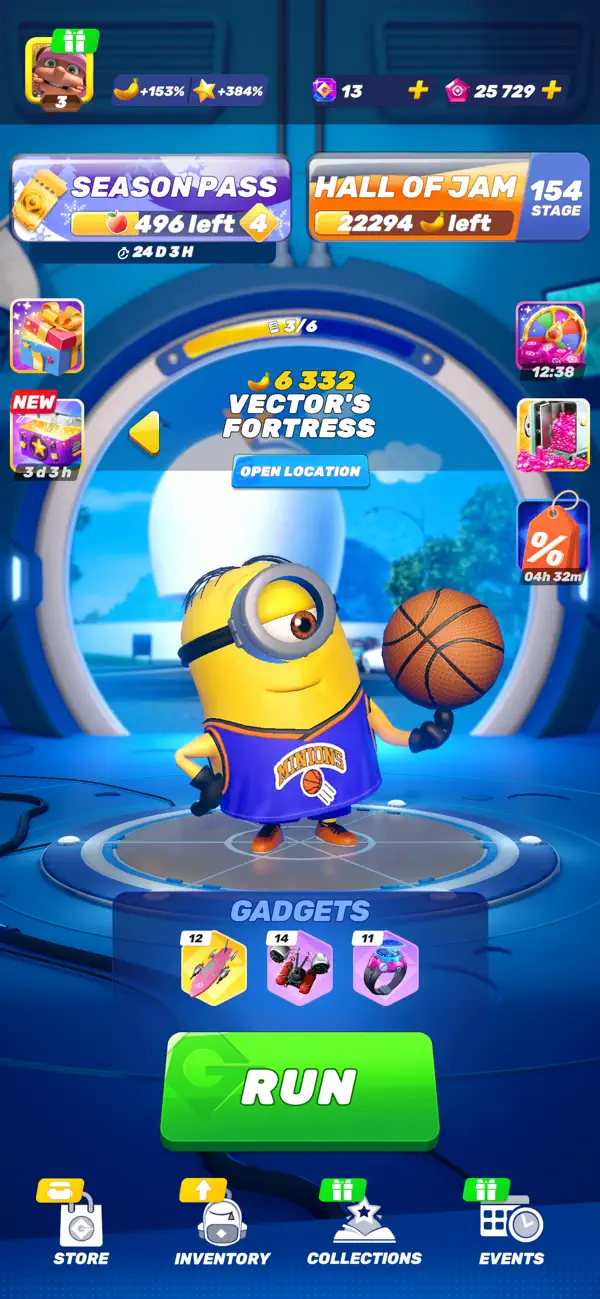
Progress with the Hall of Jam
Collect bananas during your runs to unlock exciting rewards like new locations, Minion costumes, and fun features.
Collect and Upgrade Minion Costumes
Run in style with an ever-expanding wardrobe of themed Minion costumes! Unlock Costume Collections packed with unique outfits and special bonuses to supercharge your runs. Collect exclusive themed stickers to bring your Minions to life with personality and flair!
Unique Gadgets for Extra Fun
Boost your gameplay with clever Gadgets! Pair them with your favorite costumes to customize your runs and discover endless possibilities.
Power-Up Your Runs
Go farther and faster with powerful power-ups! Unlock special abilities to maximize your performance and make every run unforgettable.
Exciting Tournaments
Unleash your competitive side with daily and weekly tournaments! Rise through the ranks, claim legendary rewards, and prove you're the ultimate Minion runner. Challenge players from around the globe and dominate the leaderboards!
Solve Story Puzzles
Dive into the Minions universe with Story Puzzles! Inspired by the iconic movies, Story Puzzles let you relive your favorite moments with your favorite Minions. It's puzzle fun you won't want to miss!
Personalize Your Player Profile
Showcase your achievements with customizable Player Profiles! Create your unique in-game identity with personalized nicknames, avatars, and frames. Compete with flair and climb the leaderboards in style.
Join more than a billion players worldwide and experience the mischief, mayhem, and nonstop fun of Minion Rush!
___________________
You can download and play this game for free. Please note that it also allows play using virtual currency, which can be acquired as you progress through the game, by watching certain ads, or by paying with real money. Purchases of virtual currency using real money are made via a credit card or another payment method linked to your account, when you input your iTunes password. You will not be asked to re-enter your credit card number or PIN. Once your iTunes password is entered, your account will allow in-app purchases for 15 minutes. To restrict or disable in-app purchases, you can change your device settings.
This game contains ads for Gameloft products or third parties, which may redirect you to a third-party site. You can disable your device's ad identifier for interest-based ads in your device settings, under Settings -> Privacy -> Apple Advertising.
Certain aspects of this game will require players to connect to the Internet.
Visit our official site at http://gmlft.co/website_EN
Check out the new blog at http://gmlft.co/central
Privacy Policy: http://www.gameloft.com/en/privacy-notice
Terms of Use: http://www.gameloft.com/en/conditions-of-use
End-User License Agreement: http://www.gameloft.com/en/eula
- iPhone o iPad non jailbroken/jailed oppure jailbroken.
- Sideloadly o alternative.
- Computer con Windows/macOS/Linux con iTunes installato.
PASSO 1: Scarica il file .IPA pre-modificato dal link sopra sul tuo computer. Per scaricarlo dall'iOSGods App, consulta il nostro Tutorial download IPA dell'iOSGods App, che include un esempio video.
PASSO 2: Scarica Sideloadly e installalo sul tuo Windows o Mac.
PASSO 3: Apri Sideloadly sul tuo computer, collega il tuo dispositivo iOS e attendi finché il nome del dispositivo non appare in Sideloadly.
PASSO 4: Una volta riconosciuto il tuo iDevice, trascina il file .IPA moddato che hai scaricato e rilascialo nell'applicazione Sideloadly.
PASSO 5: Inserisci l'email del tuo Apple Account, poi premi “Start”. Ti verrà quindi chiesto di inserire la password. Procedi e fornisci le informazioni richieste.
PASSO 6: Attendi che Sideloadly completi il sideload/installazione dell'IPA modificata. Se ci sono problemi durante l'installazione, leggi la nota qui sotto.
PASSO 7: Una volta completata l'installazione e vista l'app sulla schermata Home, dovrai andare in Impostazioni → Generali → Profili / Gestione VPN e dispositivi. Una volta lì, tocca l'email inserita al passo 6 e poi tocca “Autorizza [email protected]”.
PASSO 8: Ora vai sulla schermata Home e apri l'app appena installata: tutto dovrebbe funzionare correttamente. Potrebbe essere necessario seguire ulteriori istruzioni specifiche all'interno del popup dell'hack nel gioco.
NOTA: Per iOS/iPadOS 16 e versioni successive, devi attivare la Modalità sviluppatore. Per gli account Apple Developer gratuiti, dovrai ripetere questa procedura ogni 7 giorni. Se hai domande o problemi, leggi la nostra sezione FAQ Sideloadly del topic.