Connexion requise
Connectez-vous avec votre compte iOSGods pour continuer.
Hack Features
- Banana Multiplier
- Score Multiplier
- Token Multiplier
- Puzzle Multiplier
- Speed Multiplier
- Field of View Multiplier
- No Clip
- Fly Mode
- All Costumes Unlocked
Cette app est livrée avec iGameGod, qui vous donne accès à Auto Touch pour automatiser les tâches répétitives, App Speed Manager pour ajuster la vitesse de jeu, à l'édition de valeurs avec Memory Engine, et à d'autres outils puissants pour les jeux iOS.
Téléchargez Minion Rush: Running game iOS Mod IPA depuis les liens ci-dessus. Appuyez sur le bouton d'installation et suivez les instructions pour installer ce hack iOS sur votre iPhone, iPad ou Apple Silicon.
Besoin de plus d'aide ? Consultez notre FAQ de l'app iOSGods pour des réponses détaillées et des conseils de dépannage.
Step into the New Generation of Minion Rush!
Get ready to experience new adventures in Minion Rush, the ultimate endless running game! Packed with updated features, exciting challenges, and nonstop fun from Illumination's beloved Minions franchise, this refreshed experience is bigger, bolder, and better than ever!
Brought to you by Gameloft, in collaboration with Illumination and Universal Products & Experiences, Minion Rush delivers endless action, mischief, and surprises that you can play anytime, anywhere. Dive into a refreshed game and discover the despicable fun that only the Minions can bring!
A Fresh New Look
Explore a revamped game with updated visuals, sleek UI, and modern designs. From reimagined locations to brand-new adventures, the design has been updated to keep the fun flowing!
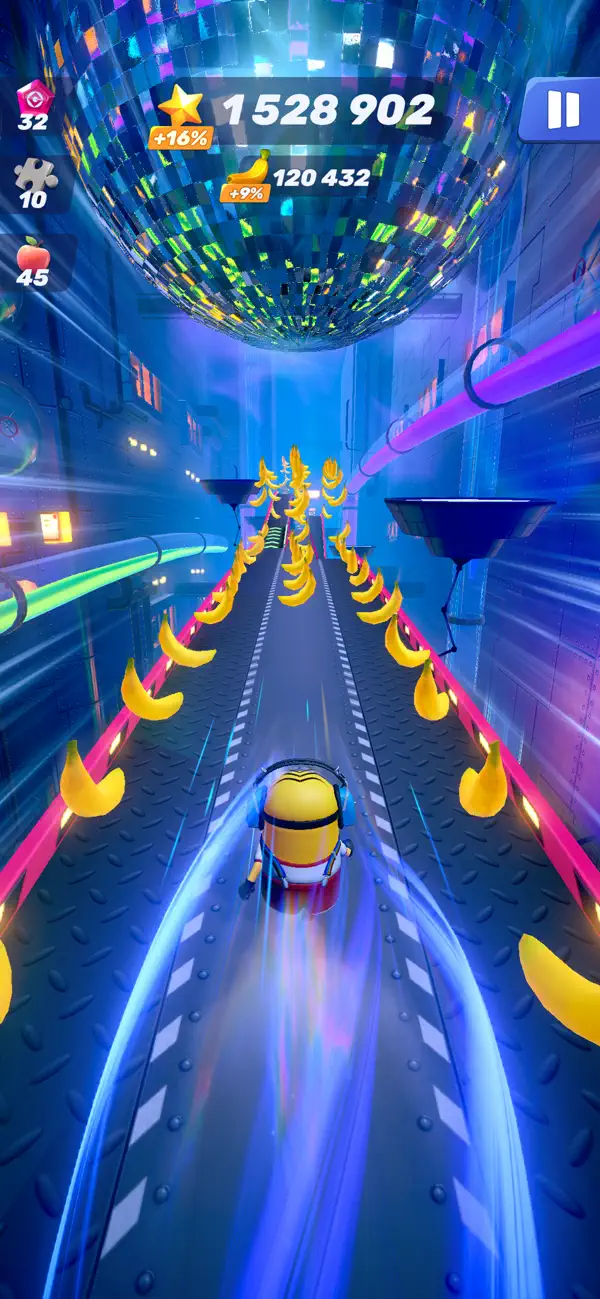
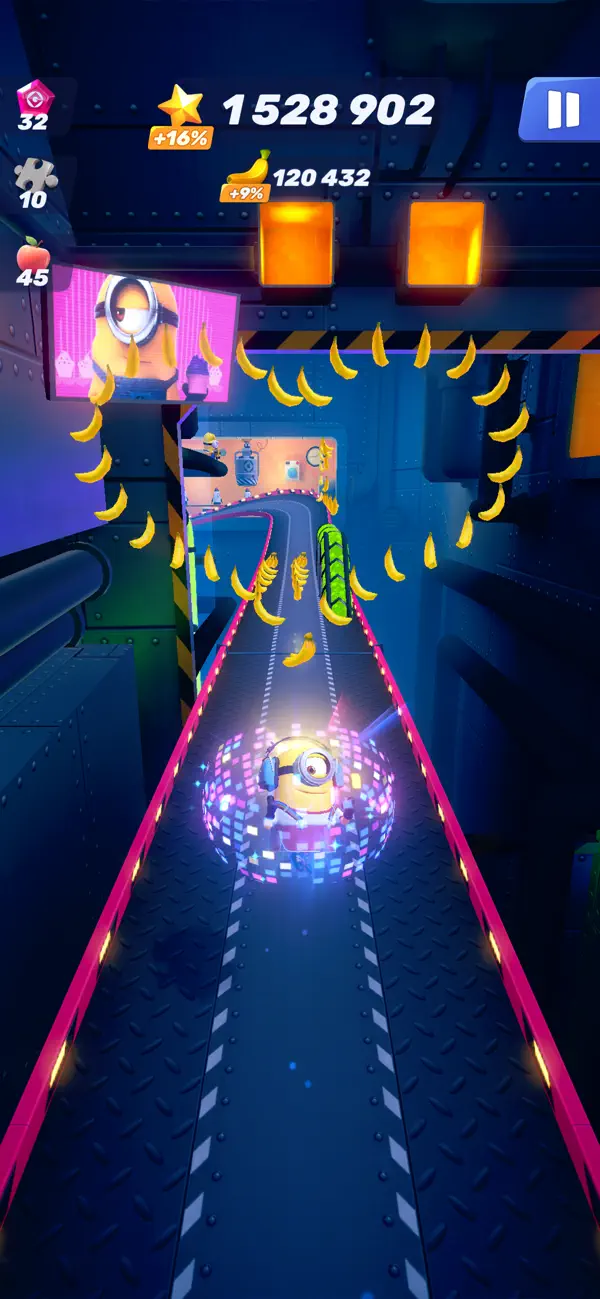
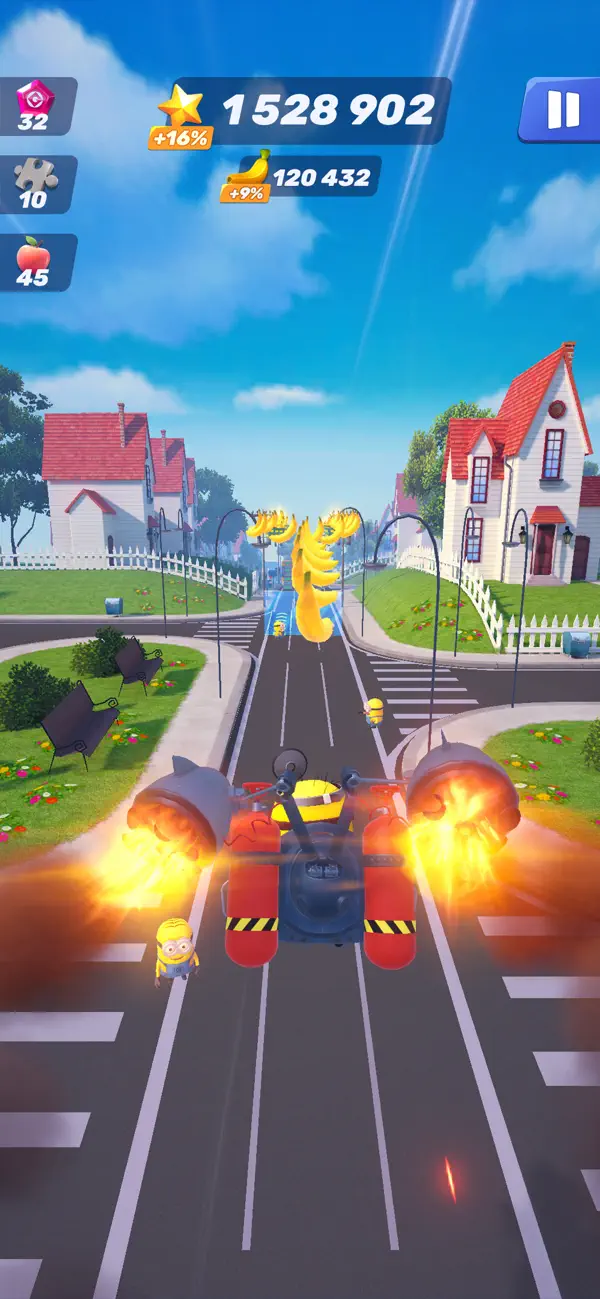
Endless Run Action
Jump right into the action with the brand-new endless run mode! Push your skills to the limit, break records, and collect incredible rewards. Every run is a chance to chase glory!
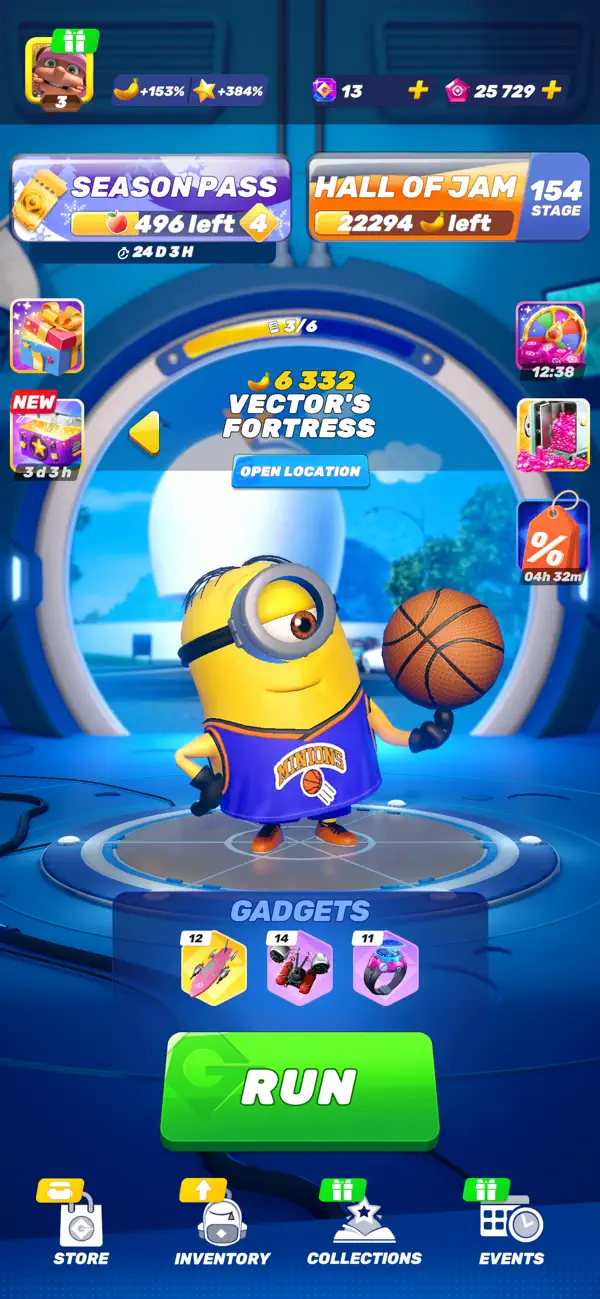
Progress with the Hall of Jam
Collect bananas during your runs to unlock exciting rewards like new locations, Minion costumes, and fun features.
Collect and Upgrade Minion Costumes
Run in style with an ever-expanding wardrobe of themed Minion costumes! Unlock Costume Collections packed with unique outfits and special bonuses to supercharge your runs. Collect exclusive themed stickers to bring your Minions to life with personality and flair!
Unique Gadgets for Extra Fun
Boost your gameplay with clever Gadgets! Pair them with your favorite costumes to customize your runs and discover endless possibilities.
Power-Up Your Runs
Go farther and faster with powerful power-ups! Unlock special abilities to maximize your performance and make every run unforgettable.
Exciting Tournaments
Unleash your competitive side with daily and weekly tournaments! Rise through the ranks, claim legendary rewards, and prove you're the ultimate Minion runner. Challenge players from around the globe and dominate the leaderboards!
Solve Story Puzzles
Dive into the Minions universe with Story Puzzles! Inspired by the iconic movies, Story Puzzles let you relive your favorite moments with your favorite Minions. It's puzzle fun you won't want to miss!
Personalize Your Player Profile
Showcase your achievements with customizable Player Profiles! Create your unique in-game identity with personalized nicknames, avatars, and frames. Compete with flair and climb the leaderboards in style.
Join more than a billion players worldwide and experience the mischief, mayhem, and nonstop fun of Minion Rush!
___________________
You can download and play this game for free. Please note that it also allows play using virtual currency, which can be acquired as you progress through the game, by watching certain ads, or by paying with real money. Purchases of virtual currency using real money are made via a credit card or another payment method linked to your account, when you input your iTunes password. You will not be asked to re-enter your credit card number or PIN. Once your iTunes password is entered, your account will allow in-app purchases for 15 minutes. To restrict or disable in-app purchases, you can change your device settings.
This game contains ads for Gameloft products or third parties, which may redirect you to a third-party site. You can disable your device's ad identifier for interest-based ads in your device settings, under Settings -> Privacy -> Apple Advertising.
Certain aspects of this game will require players to connect to the Internet.
Visit our official site at http://gmlft.co/website_EN
Check out the new blog at http://gmlft.co/central
Privacy Policy: http://www.gameloft.com/en/privacy-notice
Terms of Use: http://www.gameloft.com/en/conditions-of-use
End-User License Agreement: http://www.gameloft.com/en/eula
- iPhone ou iPad avec ou sans Jailbreak.
- Sideloadly ou alternatives.
- Ordinateur sous Windows/macOS/Linux avec iTunes installé.
ÉTAPE 1: Téléchargez le fichier .IPA pré-modifié depuis le lien ci-dessus sur votre ordinateur. Pour le télécharger depuis l'iOSGods App, consultez notre Tutoriel de téléchargement de l'IPA depuis l'iOSGods App qui comprend un exemple en vidéo.
ÉTAPE 2: Téléchargez Sideloadly et installez-le sur votre Windows ou Mac.
ÉTAPE 3: Ouvrez Sideloadly sur votre ordinateur, connectez votre appareil iOS et attendez que le nom de votre appareil apparaisse dans Sideloadly.
ÉTAPE 4: Une fois votre iDevice reconnu, glissez le fichier .IPA modifié que vous avez téléchargé et déposez-le dans l'application Sideloadly.
ÉTAPE 5: Saisissez l'adresse e-mail de votre Apple Account, puis appuyez sur « Start ». Il vous sera ensuite demandé d'entrer votre mot de passe. Fournissez les informations requises.
ÉTAPE 6: Attendez que Sideloadly termine le sideloading/l'installation de l'IPA modifié. En cas de problème durant l'installation, veuillez lire la remarque ci-dessous.
ÉTAPE 7: Une fois l'installation terminée et l'app visible sur votre écran d'accueil, vous devez aller dans Réglages → Général → Profils / VPN et gestion de l'appareil. Là, appuyez sur l'adresse e-mail saisie à l'étape 6, puis appuyez sur « Faire confiance à [email protected] ».
ÉTAPE 8: Allez maintenant sur votre écran d'accueil et ouvrez l'app nouvellement installée ; tout devrait fonctionner correctement. Vous devrez peut-être suivre des instructions supplémentaires propres à chaque app, dans la fenêtre du hack en jeu.
REMARQUE : À partir d'iOS/iPadOS 16, vous devez activer le mode Développeur. Pour les comptes Apple Developer gratuits, vous devrez répéter ce processus tous les 7 jours. Pour toute question ou problème, lisez notre section FAQ Sideloadly du sujet.