تسجيل الدخول مطلوب
سجّل الدخول بحساب iOSGods للمتابعة.
Hack Features:
- unlimited gems
- unlimited coins
- unlimited energy
قم بتنزيل Merge City - Design Mansion Hack modded IPA من الروابط أعلاه. اضغط على زر التثبيت واتبع التعليمات لتثبيت هذا التعديل لـ iOS على iPhone أو iPad أو Apple Silicon.
هل تحتاج إلى مزيد من المساعدة؟ راجع الأسئلة الشائعة لتطبيق iOSGods للحصول على إجابات مفصلة ونصائح لاستكشاف الأخطاء.
The story is about Angela - a well-known interior designer who has been living and working abroad for years, decided to return to her hometown and visit family on her holiday.
Angela came back home when an earthquake just hit the city a week ago. Houses, restaurants and shops were totally destroyed, trees and branches fallen and were blocking all the ways out. Angela was quite reluctant and she could not leave the town. Now that staying in the city is her only option, Angela decided to give a hand with the city renovation and design, and helped her neighbours to rebuild the city of their dreams.
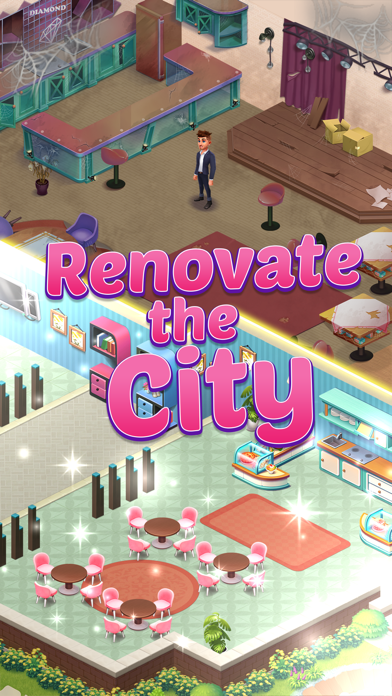
Your mission is to help Angela to fix everything that's broken, restore the shops and buildings and give the city a glamorous look like it was before. Start from renovating the bakery and you will enjoy this addictive merge design game.
Game features
Easy and quick gameplay with more challenges to discover
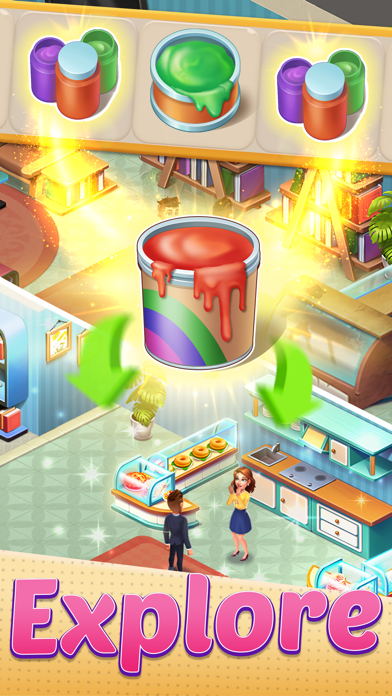
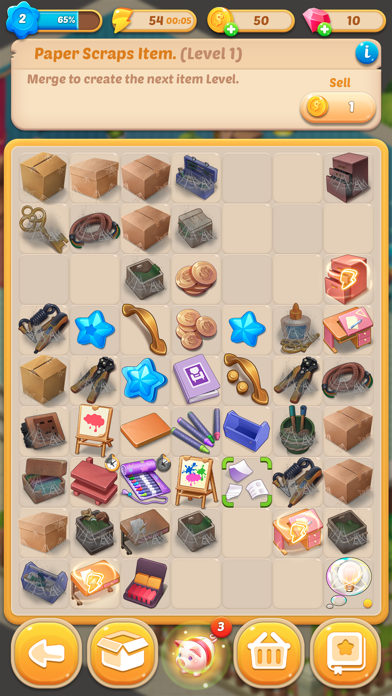
Merge items to create useful tools and build a city of your dream
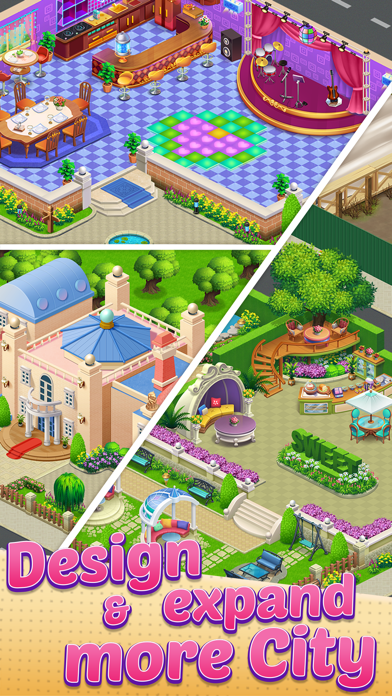
Hundreds of decorating options and styles to choose from
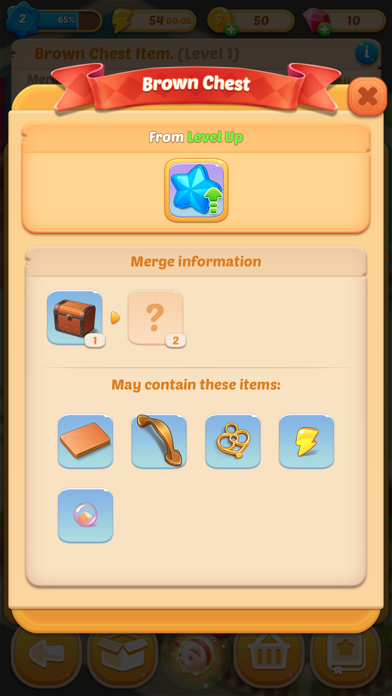
Unlock special items and treasure chests along the game
Get extra gems and coins to help you complete the tasks and more
Design the city your own way
Merge resources to create a toolbox that can help you design the dream city. Learn tips and get more inspirations from the latest decorating trends, pick your favorite styles from a variety of choices and decorate the city to your liking, there is a lot to repair.
Discover hidden items and create a new collection
Find and collect objects that've been hidden in the city, they might come in handy later. More items will be discovered as you expand the city. Use them to repair the stores, houses, or sell extra items to make sure every shop has the best look.
More rewards are awaiting
Complete the gameplay, earn more rewards and get gratitude from people in the city. It's time for you to give the city an exquisite makeover. You will be surprised by your creativity and design talent in this renovation game challenge.
Make Angela’s dream come true in this merge city design game, renovate the city and join her journey to discover new and more exciting adventures.
- iPhone أو iPad بجيلبريك أو بدون جيلبريك.
- Sideloadly أو بدائلها.
- كمبيوتر يعمل بنظام Windows/macOS/Linux مع تثبيت iTunes.
الخطوة 1: قم بتنزيل ملف .IPA المعدّل مسبقًا من الرابط أعلاه إلى الكمبيوتر الخاص بك. للتنزيل من تطبيق iOSGods App، اطلع على دليل تنزيل IPA من تطبيق iOSGods App الذي يتضمن مثالًا بالفيديو.
الخطوة 2: قم بتنزيل Sideloadly وتثبيته على جهاز Windows أو Mac.
الخطوة 3: افتح Sideloadly على الكمبيوتر، ووصّل جهاز iOS الخاص بك، وانتظر حتى يظهر اسم جهازك داخل Sideloadly.
الخطوة 4: بمجرد التعرّف على جهاز iDevice الخاص بك، اسحب ملف .IPA المعدّل الذي قمت بتنزيله وأفلِته داخل تطبيق Sideloadly.
الخطوة 5: أدخل البريد الإلكتروني لحساب Apple Account الخاص بك، ثم اضغط على «Start». سيُطلب منك بعد ذلك إدخال كلمة المرور. تابع وأدخل المعلومات المطلوبة.
الخطوة 6: انتظر حتى ينتهي Sideloadly من تحميل/تثبيت ملف IPA المعدّل. في حال واجهت أي مشاكل أثناء التثبيت، يرجى قراءة الملاحظة أدناه.
الخطوة 7: بعد اكتمال التثبيت ورؤية التطبيق على الشاشة الرئيسية، انتقل إلى Settings → General → Profiles / VPN & Device Management. ثم اضغط على البريد الإلكتروني الذي أدخلته في الخطوة 6، ثم اضغط على «الوثوق بـ [email protected]».
الخطوة 8: الآن انتقل إلى الشاشة الرئيسية وافتح التطبيق الذي تم تثبيته للتو وسيعمل كل شيء بشكل صحيح. قد تحتاج إلى اتباع تعليمات إضافية خاصة بكل تطبيق داخل النافذة المنبثقة للتعديل أثناء اللعب.
ملاحظة: بدءًا من iOS/iPadOS 16 وما بعده، يجب تفعيل وضع المطور (Developer Mode). بالنسبة لحسابات Apple Developer المجانية، ستحتاج إلى تكرار هذه العملية كل 7 أيام. إذا كانت لديك أي أسئلة أو مشاكل، يرجى قراءة قسم الأسئلة الشائعة حول Sideloadly في الموضوع.