Inicio de sesión requerido
Inicia sesión con tu cuenta de iOSGods para continuar.

Hack Features:
- PREMIUM
Esta app incluye iGameGod, que te ofrece acceso a Auto Touch para automatizar tareas repetitivas, App Speed Manager para ajustar la velocidad del juego, edición de valores con Memory Engine y más potentes herramientas para juegos de iOS.
Descarga Assembly: Graphic Design & Art Modded modded IPA desde los enlaces de arriba. Toca el botón de instalación y sigue las instrucciones para instalar este hack iOS en tu iPhone, iPad o Mac con Apple Silicon.
¿Necesitas más ayuda? Consulta nuestras Preguntas frecuentes de la app iOSGods para respuestas detalladas y consejos de solución de problemas.
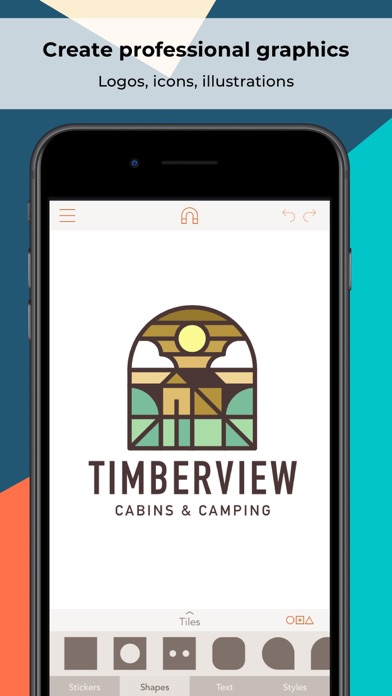
Create logos, icons, illustrations, and more using powerful, easy to use features usually only found in professional desktop software. Assembly is the revolutionary vector design tool that lets you imagine and produce quality work in half the time.
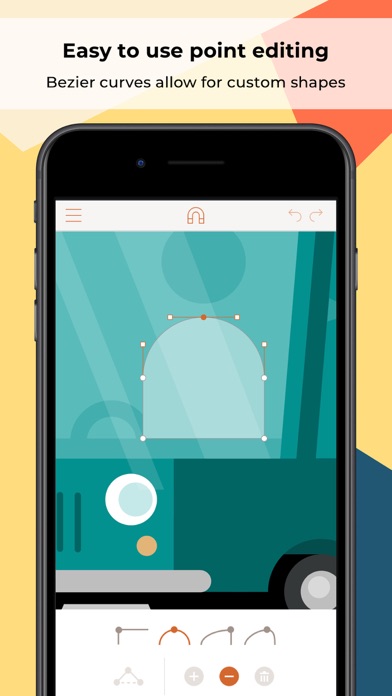
Skip the sketch book and rough out designs by quickly combining predesigned elements. From basic primitives to ornate illustrations, cut, combine and intersect shapes creating complex groups of graphics. Dive a layer deeper to manipulate your designs further with the powerful point editing system using industry standard bezier curves.
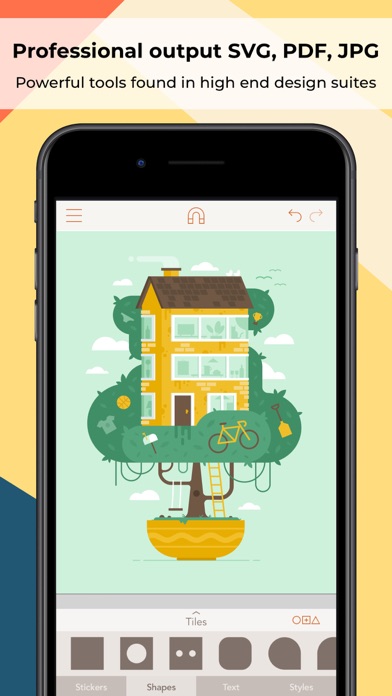
Get professional results using powerful tools found in high-end graphic design suites. Design quickly and easily using a simple interface that provides only the features you need as you need them. Output in high resolution JPG and PNG as well as popular vector formats SVG and PDF.
Powerful yet intuitive, Assembly is the perfect creative tool. Simple professional vector design for artists of any background or skill level. Just the tools you need without all the bloat you don’t. Design anything, anywhere.
= = = = =
FEATURES:
- Point editing with bezier curves
- Combine, cut-out and intersect shapes
- Import SVG / PNG / JPG and export SVG / PNG / PDF / JPG up to 8192 x 8192
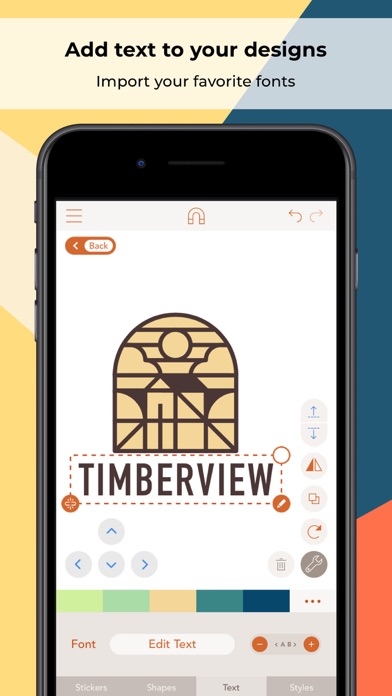
- Complete text engine with 25 versatile, hand-selected fonts or import your own
- Multi-select and nested grouping
- Copy, flip and rotate shapes and groups
- Save groups and projects to the custom shape pack
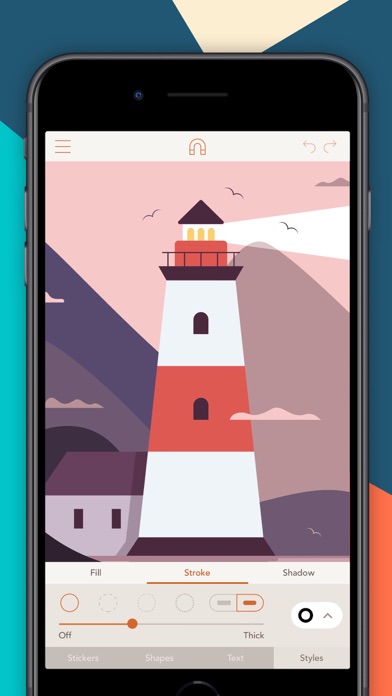
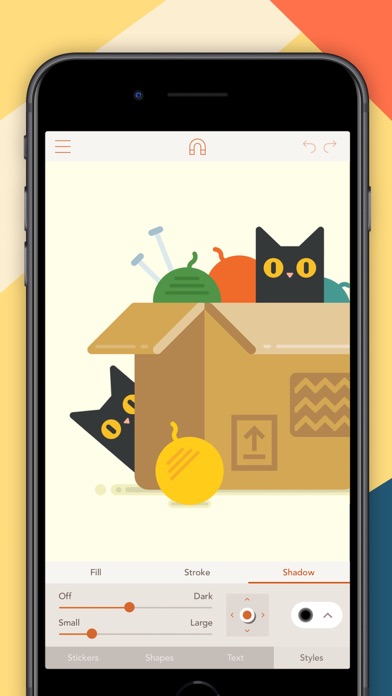
- Fill, stroke, and shadow options
- Convert strokes to fills
- Intelligent snapping system for easy shape placement
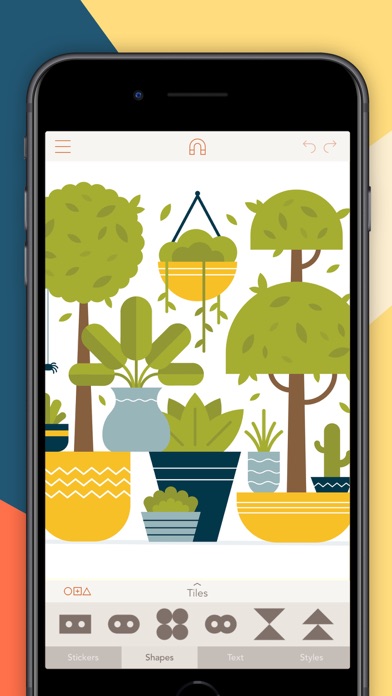
- 21 themed shape packs with over 1,000 shapes
- Over 250 fully finished stickers that can be customized, reused and remixed
- Create and save your own custom stickers
- Share stickers in iMessage
- 35 pre-made color palettes
- Create and save your own custom color palettes
- Eyedropper color sampling tool
- Optional use of color or photo backgrounds
- Save as transparent PNG
- Assembly project file output
- Sync projects across devices with iCloud
= = = = =
ASSEMBLY PRO
Assembly Pro is an auto-renewing subscription service that provides professional features to elevate your work to the next level.
You can get Assembly Pro for free for 7-days with a free trial. After the free trial you will be automatically renewed to the weekly subscription which you can cancel at any time. The paid subscription costs $2.99 USD per week for the weekly plan, $4.99 USD per month for the monthly plan, and $29.99 USD per year (50% discount off the monthly plan) for the yearly plan. Prices are subject to change. Assembly Pro automatically renews unless auto-renew is turned off at least 24-hours before the end of the current period. Your account will be charged for renewal within 24-hours prior to the end of the current period.
Payment will be charged to your iTunes account at confirmation of purchase. You may manage Assembly Pro subscriptions and turn off auto-renewal by going to your Account Settings after purchase. Any unused portion of a free trial period will be forfeited when you purchase a Assembly Pro subscription.
Privacy Policy
http://pixiteapps.com/privacy-policy/
Terms of Use
http://pixiteapps.com/terms-of-use/
- iPhone o iPad con o sin Jailbreak.
- Sideloadly u otras alternativas.
- Ordenador con Windows/macOS/Linux e iTunes instalado.
PASO 1: Descargue el archivo .IPA pre-modificado desde el enlace de arriba a su ordenador. Para descargarlo desde la iOSGods App, consulte nuestro Tutorial de descarga del IPA desde la iOSGods App, que incluye un ejemplo en vídeo.
PASO 2: Descargue Sideloadly e instálelo en su Windows o Mac.
PASO 3: Abra Sideloadly en su ordenador, conecte su dispositivo iOS y espere hasta que el nombre del dispositivo aparezca en Sideloadly.
PASO 4: Una vez que su iDevice sea reconocido, arrastre el archivo .IPA modificado que descargó y suéltelo en la aplicación Sideloadly.
PASO 5: Introduzca el correo electrónico de su Apple Account y, a continuación, pulse «Start». Le pedirá que introduzca su contraseña. Proporcione la información solicitada.
PASO 6: Espere a que Sideloadly termine de hacer sideload/instalar el IPA modificado. Si surgen problemas durante la instalación, por favor lea la nota a continuación.
PASO 7: Una vez completada la instalación y al ver la app en la pantalla de inicio, deberá ir a Ajustes → General → Perfiles / VPN y Gestión de Dispositivos. Una vez allí, toque el correo electrónico que introdujo en el paso 6 y, después, toque en «Confiar en [email protected]».
PASO 8: Ahora vaya a la pantalla de inicio y abra la app recién instalada; todo debería funcionar correctamente. Es posible que tenga que seguir instrucciones adicionales específicas de cada app dentro del popup del hack en el juego.
NOTA: En iOS/iPadOS 16 y posteriores, debe activar el Modo Desarrollador. Para cuentas gratuitas de Apple Developer, deberá repetir este proceso cada 7 días. Si tiene alguna pregunta o problema, lea nuestra sección de Preguntas Frecuentes de Sideloadly del tema.