Cần đăng nhập
Đăng nhập bằng tài khoản iOSGods để tiếp tục.
Hack Features:
- PREMIUM
Tải 1998 Cam - Vintage Camera Modded modded IPA từ các liên kết ở trên. Nhấn nút cài đặt và làm theo hướng dẫn để cài bản hack iOS lên iPhone, iPad hoặc Apple Silicon.
Cần thêm trợ giúp? Hãy xem Câu hỏi thường gặp ứng dụng iOSGods để có câu trả lời chi tiết và mẹo khắc phục sự cố.
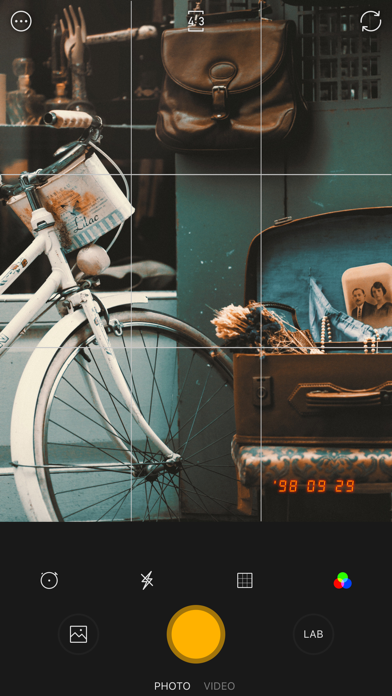
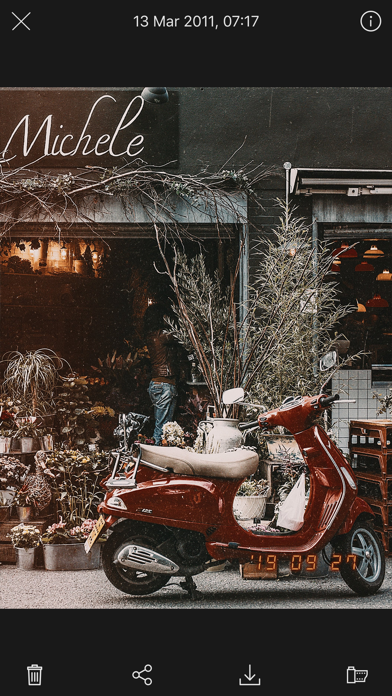
1998 Cam is a disposable camera with a date stamp that gives your beautiful photos and videos the precious retro feel of the analog film. It's the vintage camera that was the most popular in the 90s. This app offers popular film filters and also the cam, film, kiosk, light leak, dust, and grainy filter effects.
The 1998 Camera is a trendy camera app. It's useful for young people and even professional photographers who like taking, editing and sharing photos and videos on social media.
◆ Features: ◆
- 100+ filters: film, vintage, retro, black & white, cinematic, portrait, pro, mood, landscape, color boost
- Instant preview
- Realistic 3D effect
- Classic date time stamp
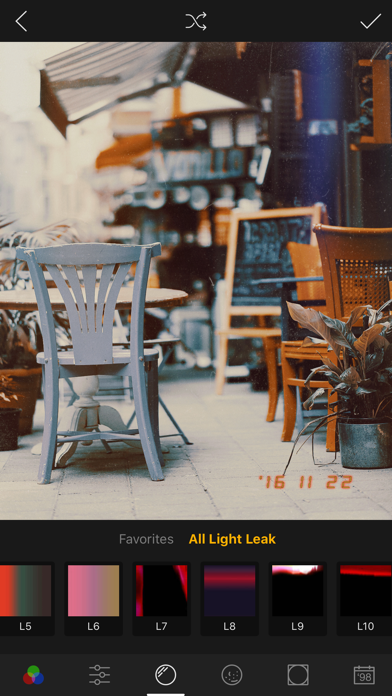
- Film dust, grainy filters, random light leak filters
- Portrait and landscape
- Self-timer
- Edit and add a filter or effect after taking a picture in the photo editor
- Change filters, effects, and their intensity in real-time when capturing photos and videos
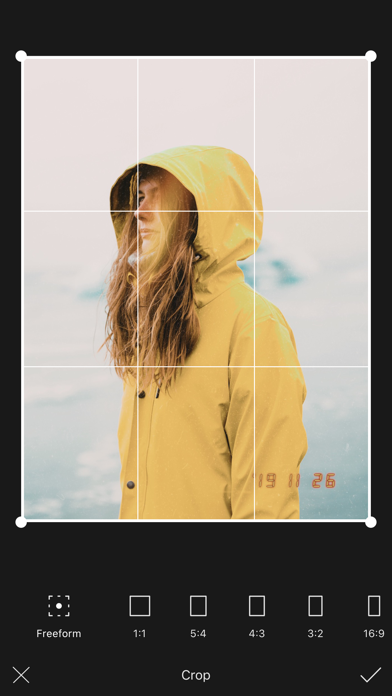
- Advanced cut/crop feature: crop, skew, straighten the image
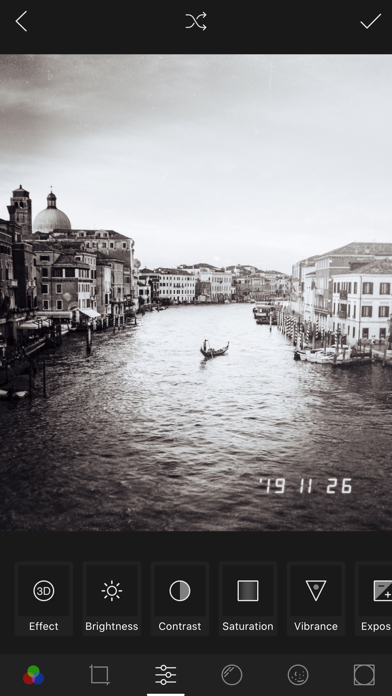
- Advanced Photo and video editor able to change all image and video properties: brightness, contrast, saturation, vibrancy, exposure, fade, warmth, tone, sharpness, grain
- Autosave photos to the gallery
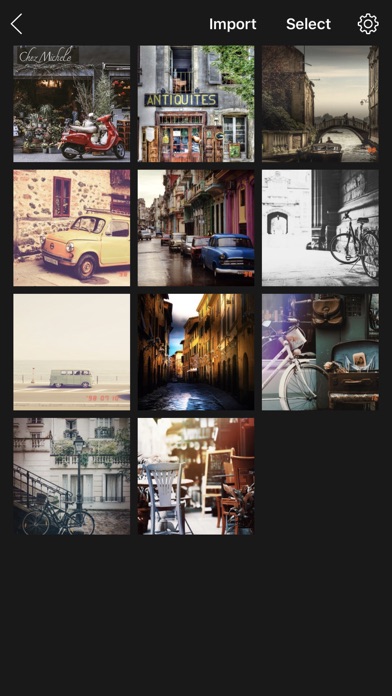
- Import photos and videos from the gallery
- No watermark
Pro Features
- Access all features
- No Ads and more
Follow us on Instagram
Instagram: @app1998cam
◆ Photography and selfie trend of 2019 ◆
◇ 1998 Cam - Vintage Camera is the top-rated free selfie camera app of 2019 for making 90s retro-looking or grainy images and video clips with light streaks and the classic date and time stamp that look like they were taken on old school disposable cameras.
◇ Vintage Camera is also the best camera app with the best photo and video editor to change all the filters and effects after taking the photo.
◇ Vintage Editor can edit your photos and videos in the gallery and share them with other apps and social networks like Instagram, Facebook, WhatsApp, Tik Tok, Twitter, Pinterest, Tumblr, etc. to make your news feed look cool again.
► Download now! The best camera app and retro photo editor with the most famous film filter in 2019 only for you.
Take and edit photos and videos with the 1998 Cam photo and video editor. Share and enjoy your life!
Terms and conditions
https://ffff.studio/apps/1998cam/term
Privacy policy
https://ffff.studio/apps/1998cam/privacy
- iPhone hoặc iPad chưa jailbreak/đã đóng hoặc đã jailbreak.
- Sideloadly hoặc các lựa chọn thay thế.
- Máy tính chạy Windows/macOS/Linux đã cài iTunes.
BƯỚC 1: Tải tệp .IPA đã được hack sẵn từ liên kết phía trên về máy tính của bạn. Để tải từ iOSGods App, hãy xem Hướng dẫn tải IPA bằng iOSGods App của chúng tôi, có kèm ví dụ bằng video.
BƯỚC 2: Tải Sideloadly và cài đặt trên Windows hoặc Mac của bạn.
BƯỚC 3: Mở Sideloadly trên máy tính, kết nối thiết bị iOS của bạn và chờ cho đến khi tên thiết bị hiển thị trong Sideloadly.
BƯỚC 4: Khi thiết bị iOS của bạn đã được nhận diện, hãy kéo tệp .IPA đã chỉnh sửa mà bạn tải về và thả vào ứng dụng Sideloadly.
BƯỚC 5: Nhập email Apple Account của bạn, sau đó nhấn "Start." Bạn sẽ được yêu cầu nhập mật khẩu. Hãy cung cấp các thông tin cần thiết.
BƯỚC 6: Chờ Sideloadly hoàn tất quá trình sideload/cài đặt tệp IPA đã hack. Nếu gặp sự cố trong quá trình cài đặt, vui lòng đọc lưu ý bên dưới.
BƯỚC 7: Khi cài đặt hoàn tất và bạn thấy ứng dụng trên Màn hình chính, bạn cần truy cập Cài đặt → Cài đặt chung → Hồ sơ / VPN & Quản lý thiết bị. Tại đó, nhấn vào email bạn đã nhập ở bước 6, rồi nhấn "Tin cậy [email protected]".
BƯỚC 8: Bây giờ hãy về Màn hình chính và mở ứng dụng vừa cài đặt, mọi thứ sẽ hoạt động bình thường. Bạn có thể cần làm theo hướng dẫn riêng của từng ứng dụng trong cửa sổ popup của bản hack trong game.
LƯU Ý: Trên iOS/iPadOS 16 trở lên, bạn phải bật Chế độ nhà phát triển. Với tài khoản Apple Developer miễn phí, bạn sẽ cần lặp lại quy trình này mỗi 7 ngày. Nếu bạn có thắc mắc hoặc gặp sự cố, hãy đọc mục FAQ về Sideloadly trong chủ đề của chúng tôi.