需要登入
請使用您的 iOSGods 帳戶登入以繼續。
請使用您的 iOSGods 帳戶登入以繼續。
使用 1998 Cam 這款復古相機應用程式,以真實的 90 年代懷舊風格拍攝照片和影片,應用復古膠片濾鏡和類比效果。這個修改版本解鎖了高級功能,讓您無限制地完整存取應用程式的廣泛濾鏡庫和編輯工具。
- 高級版解鎖 → 存取所有濾鏡和功能
此應用程式也內建 iGameGod,讓你可以使用 Auto Touch 自動執行重複操作、透過 App Speed Manager 調整遊戲速度、使用 Memory Engine 修改記憶體數值,以及更多強大的 iOS 遊戲工具。
從上方連結下載 1998 Cam - Vintage Camera Modded modded IPA。點選安裝按鈕並依照畫面指示在 iPhone、iPad 或 Apple Silicon 上安裝此 iOS 應用程式修改版。
需要更多協助?請查看我們的 iOSGods 應用程式常見問題 以獲得詳細解答與疑難排解。
1998 Cam - Vintage Camera
Turn every moment into a memory straight out of the ’90s
Do you remember that warm rush you felt opening a paper envelope of freshly developed prints? The tiny scratches, the dreamy light leaks, the date stamp that proved you were there? 1998 Cam brings that feeling back in one tap – no waiting, no darkroom, just instant nostalgia every time you press the shutter.
Why people fall in love with 1998 Cam
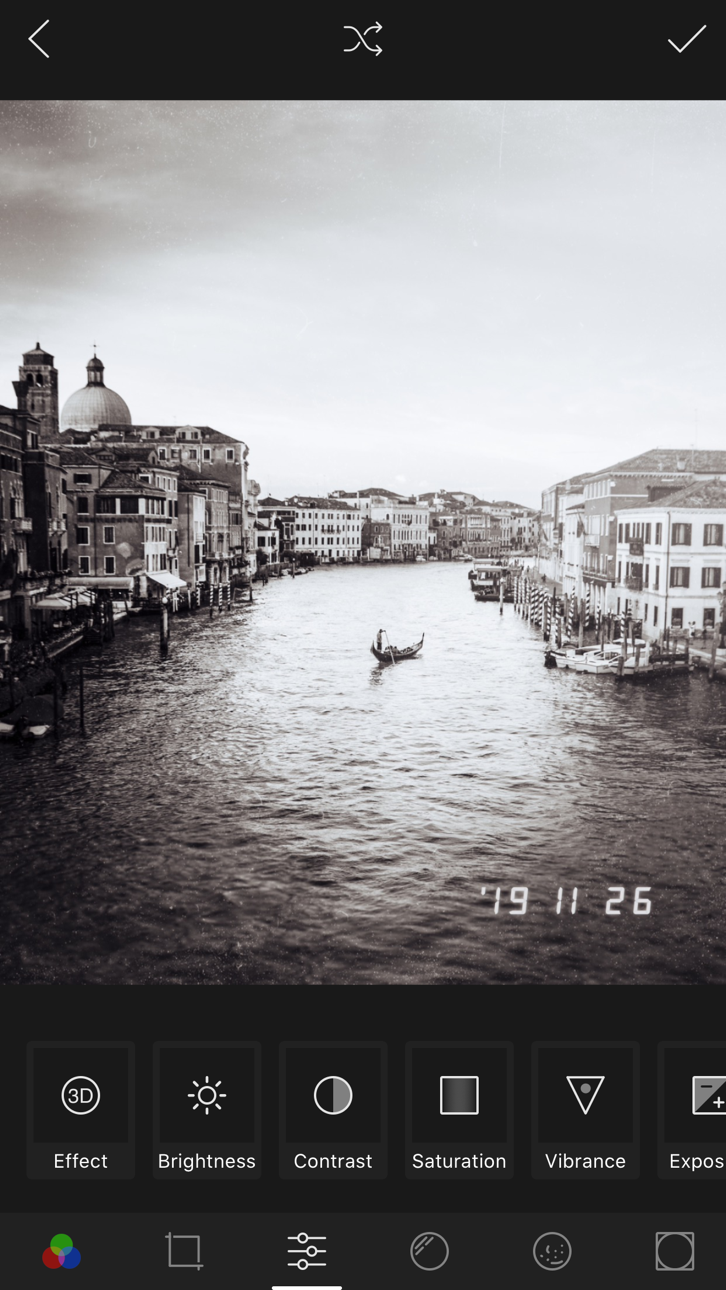
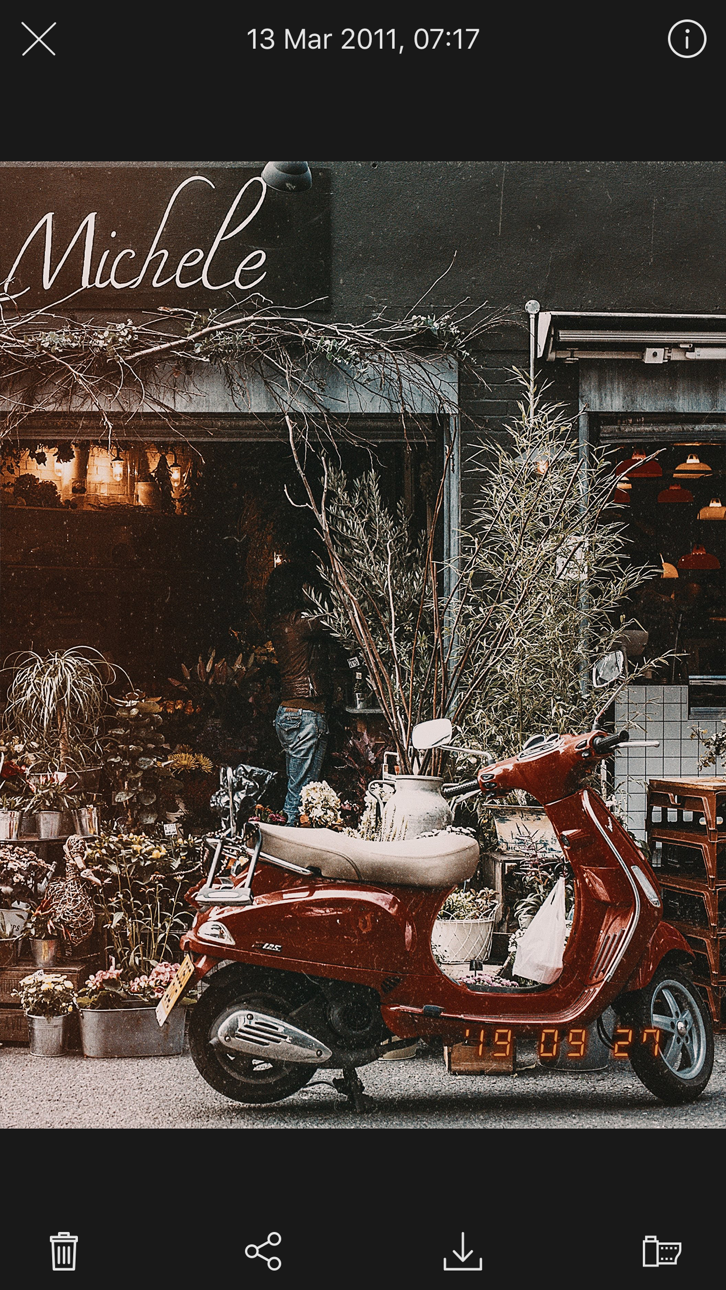
Films, not filters – 100 + authentic film stocks with dust, grain and light‑leak overlays that look lived‑in, not layered on.
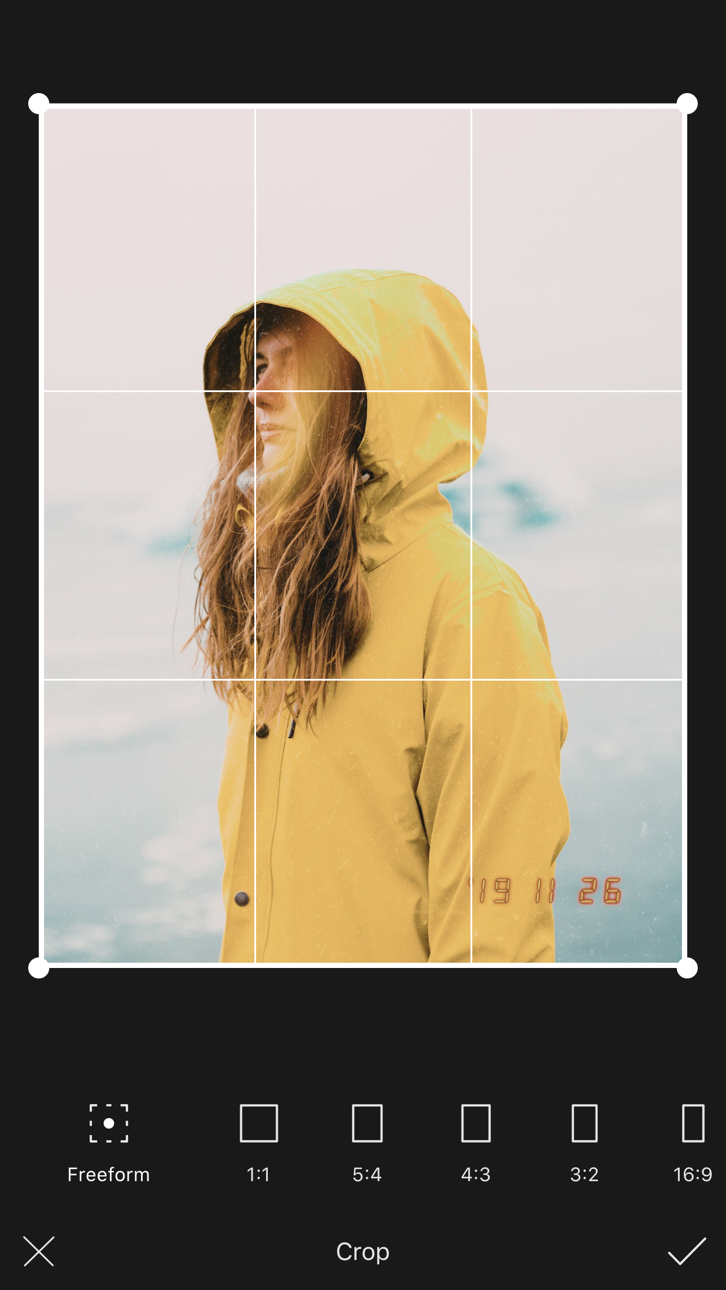
Shoot first, tweak later – real‑time preview while you’re framing the shot, plus a powerful editor to perfect the vibe after.
Retro video, too – give clips the soft flicker of home‑movie VHS or the warm fade of Super 8.
Zero watermarks – your story, your branding.
Delightfully simple – open, swipe, shoot, smile. That’s it.
What our UK community says
“It nails that disposable‑camera look without the faff.”
“My Insta grid finally feels cohesive and me.”
“I’m hooked – every photo feels like a memory already.”
Try it yourself
Snap your first throwback photo in seconds. Keep scrolling your camera roll and watch it turn into a ’90s time capsule – birthday parties, pub nights, stadium gigs and quiet Sunday mornings all wrapped in warm, grainy goodness.
► Download 1998 Cam now and let your everyday life look legendary.
Need the full darkroom? Go Pro.
Unlock the complete film library, premium effects and advanced edit tools with a flexible subscription. Cancel anytime in your Apple ID settings.
At a glance
• 100 + vintage films & FX • Live preview • Date‑time stamp
• Photo & video editor (brightness, contrast, grain, colour, more)
• Portrait & landscape modes • Self‑timer • Autosave & library import
• No ads, no watermarks – ever
Terms & Conditions • https://1998cam.com/term
Privacy Policy • https://1998cam.com/privacy
螢幕截圖 © 各自所有者 · App Store


iOSGods 與 Apple Inc.、Google LLC 及此處列出應用程式的開發者並無關聯,亦未獲其認可或贊助。Apple、iOS 與 App Store 為 Apple Inc. 的商標。Android 與 Google Play 為 Google LLC 的商標。其他所有應用程式名稱、圖示、圖片與商標均屬其各自所有者。
- 未越獄/受限或已越獄的 iPhone 或 iPad。
- Sideloadly 或替代方案。
- 執行 Windows/macOS/Linux 且已安裝 iTunes 的電腦。
步驟 1: 透過上方連結將已破解的 .IPA 檔案下載到您的電腦。若要從 iOSGods App 下載,請參閱我們的 iOSGods App IPA 下載教學,其中包含影片範例。
步驟 2: 下載 Sideloadly 並將其安裝在您的 Windows 或 Mac 上。
步驟 3: 在電腦上開啟 Sideloadly,連接您的 iOS 裝置,並等待裝置名稱出現在 Sideloadly 中。
步驟 4: 當 Sideloadly 辨識到您的 iOS 裝置後,將下載好的修改版 .IPA 檔案拖曳並放到 Sideloadly 應用程式中。
步驟 5: 輸入您的 Apple Account 電子郵件,然後按下「Start」。系統會要求您輸入密碼,請依指示提供所需資訊。
步驟 6: 等待 Sideloadly 完成已破解 IPA 的旁載/安裝。如果安裝過程中發生問題,請閱讀下方的注意事項。
步驟 7: 安裝完成並在主畫面上看到該應用程式後,您需要前往 設定 → 一般 → 描述檔 / VPN 與裝置管理。進入後,點選您在步驟 6 中輸入的電子郵件,然後點選「信任 [email protected]」。
步驟 8: 現在回到主畫面並開啟新安裝的應用程式,一切應該都能正常運作。您可能需要依照遊戲內破解彈出視窗中的進一步指示操作。
注意: 在 iOS/iPadOS 16 及更新版本上,您必須 啟用開發者模式。若使用免費的 Apple Developer 帳號,您將需要每 7 天重複此程序。如有任何疑問或問題,請閱讀我們的 主題中的 Sideloadly 常見問題區段。
Game Name iOS Mod IPA is an action adventure game enhanced with powerful gameplay boosts and quality-of-life improvements. Win battles faster, earn rewards quicker, and enjoy uninterrupted play without ads.
- Unlimited Gold - spend freely to unlock premium content
- Damage Multiplier - deal significantly more damage in combat
- Defense Multiplier - take less damage and survive longer
- Reward Multiplier - earn more loot from every battle
- Max Level - instantly reach the highest player rank
- No Ads - play without interruptions or advertisements
This app also comes with iGameGod, giving you access to Auto Touch to automate repetitive tasks, App Speed Manager for adjustable gameplay speed, Memory Engine value editing, and more powerful iOS game tools.
從上方連結下載 Game Name Mod IPA。點選安裝按鈕並依照畫面指示在 iPhone、iPad 或 Apple Silicon 上安裝此 iOS 應用程式修改版。
需要更多協助請查看我們的 iOSGods 應用程式常見問題 以獲得詳細解答與疑難排解。
----------------------------------------------------------
--------------------------------------------------