Accesso richiesto
Accedi con il tuo account iOSGods per continuare.
Accedi con il tuo account iOSGods per continuare.
VSCO è un'app professionale di editing fotografico e video con oltre 200 filtri e strumenti alimentati da intelligenza artificiale, ora disponibile come Mod IPA gratuita con tutte le funzioni premium sbloccate. Modifica foto e video con preset di qualità professionale, crea gallerie straordinarie e accedi alle funzionalità di editing avanzate senza limitazioni.
- Premium → tutte le funzioni premium sbloccate
Questa app include anche iGameGod, che ti offre accesso ad Auto Touch per automatizzare attività ripetitive, App Speed Manager per regolare la velocità di gioco, modifica dei valori con Memory Engine e altri potenti strumenti per giochi iOS.
Scarica VSCO: Photo & Video Editor iOS Mod IPA dai link sopra. Tocca il pulsante di installazione e segui le istruzioni per installare questo hack iOS sul tuo iPhone, iPad o Mac con Apple Silicon.
Hai bisogno di altro aiuto? Consulta le nostre Domande frequenti sull'app iOSGods per risposte dettagliate e consigli per la risoluzione dei problemi.
VSCO is a place where expression matters most. We offer creative photo and video editing tools, inspiration, and a place for you to be you.
Share your photos and videos with #VSCO for a chance to be curated by VSCO. We can’t wait to see what you create.
FREE PHOTO EDITOR
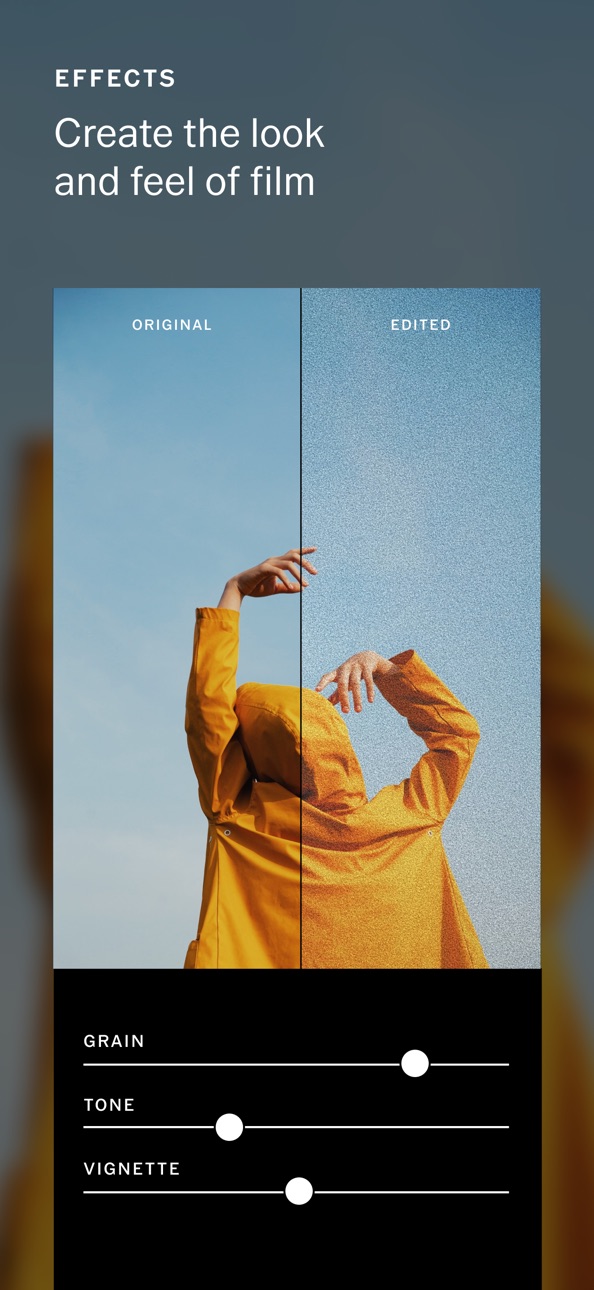
Take your photography to the next level with 10 free VSCO presets. Easily import and edit your RAW photos. Use editing tools like Contrast and Saturation to make your photos pop or use Grain and Fade to add texture and mimic analog film effects. Adjust or play around with your photo perspectives with Crop and Skew. Save and recreate your favorite edits with Recipes.
ADVANCED PHOTO EDITING TOOLS
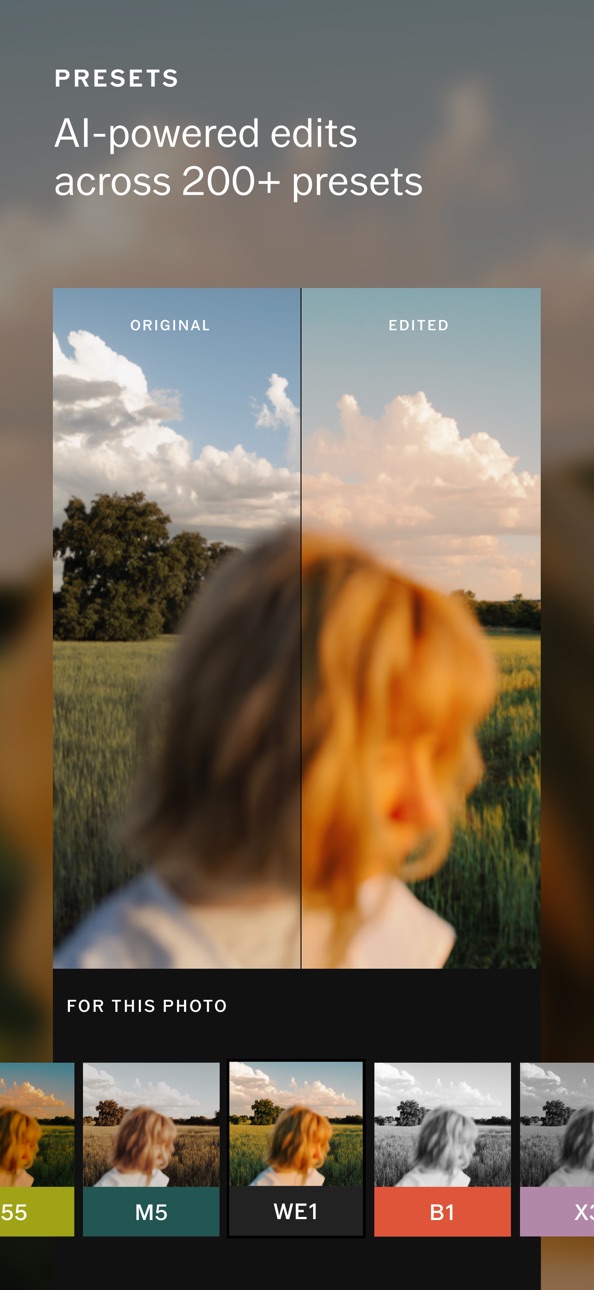
Join VSCO Membership to access VSCO’s complete preset library with over 200+ presets. Recreate vintage film looks by Kodak, Fuji, Agfa, and others with Film X. Use advanced photo editing tools like HSL and Split Tone. Frame your images with a touch of color using Borders.
VIDEO EDITOR
Transform your videos on mobile with the same premium VSCO presets and advanced editing tools from our photo editor. Adjust white balance and experiment with color control with HSL. Easily create short video GIFs with DSCO.
VSCO MONTAGE
Tell a video story and make a moving collage by layering videos, images, and shapes. Celebrate moments, illustrate a mood, or experiment with photos and videos you already have in your Studio. Adjust the opacity of any media layered in to create an eclectic range of customized gel colors and double exposures.
CONNECT WITH A CREATIVE COMMUNITY
Explore inspiring photos, videos, and editorial in Discover. Find people you know and connect with friends already on VSCO. Create with Journals. Try something new with weekly photo Challenges exclusive to your VSCO membership.
MEMBERSHIP TRIAL AND SUBSCRIPTION TERMS
Start your VSCO membership with a free 7-day trial. Once the trial is over, you’ll be charged an annual subscription fee. Your VSCO membership will automatically renew unless auto-renew is turned off at least 24 hours before the end of the current period. You can go to your Settings > iTunes Account & App Store > Apple ID > Subscriptions to manage your membership and turn auto-renew off. Your iTunes Account will be charged when the purchase is confirmed.
Read more about our terms and conditions here —
http://vsco.co/about/terms_of_use
Read more about our privacy policy here —
http://vsco.co/about/privacy_policy
Screenshot © rispettivi proprietari · App Store


iOSGods non è affiliata, approvata né sponsorizzata da Apple Inc., Google LLC o dagli sviluppatori delle app elencate qui. Apple, iOS e App Store sono marchi di Apple Inc. Android e Google Play sono marchi di Google LLC. Tutti gli altri nomi delle app, icone, immagini e marchi appartengono ai rispettivi proprietari.

- iPhone o iPad non jailbroken/jailed oppure jailbroken.
- Sideloadly o alternative.
- Computer con Windows/macOS/Linux con iTunes installato.
PASSO 1: Scarica il file .IPA pre-modificato dal link sopra sul tuo computer. Per scaricarlo dall'iOSGods App, consulta il nostro Tutorial download IPA dell'iOSGods App, che include un esempio video.
PASSO 2: Scarica Sideloadly e installalo sul tuo Windows o Mac.
PASSO 3: Apri Sideloadly sul tuo computer, collega il tuo dispositivo iOS e attendi finché il nome del dispositivo non appare in Sideloadly.
PASSO 4: Una volta riconosciuto il tuo iDevice, trascina il file .IPA moddato che hai scaricato e rilascialo nell'applicazione Sideloadly.
PASSO 5: Inserisci l'email del tuo Apple Account, poi premi “Start”. Ti verrà quindi chiesto di inserire la password. Procedi e fornisci le informazioni richieste.
PASSO 6: Attendi che Sideloadly completi il sideload/installazione dell'IPA modificata. Se ci sono problemi durante l'installazione, leggi la nota qui sotto.
PASSO 7: Una volta completata l'installazione e vista l'app sulla schermata Home, dovrai andare in Impostazioni → Generali → Profili / Gestione VPN e dispositivi. Una volta lì, tocca l'email inserita al passo 6 e poi tocca “Autorizza [email protected]”.
PASSO 8: Ora vai sulla schermata Home e apri l'app appena installata: tutto dovrebbe funzionare correttamente. Potrebbe essere necessario seguire ulteriori istruzioni specifiche all'interno del popup dell'hack nel gioco.
NOTA: Per iOS/iPadOS 16 e versioni successive, devi attivare la Modalità sviluppatore. Per gli account Apple Developer gratuiti, dovrai ripetere questa procedura ogni 7 giorni. Se hai domande o problemi, leggi la nostra sezione FAQ Sideloadly del topic.
Hack Features:
- Inf Coins (Spend)
App Installation Instructions:
---------------------------------------------------------
----------------------------------------------------------
If you require more information or help, please read our Frequently Asked Questions topic on iOSGods.com.
----------------------------------------------------------
--------------------------------------------------