ต้องเข้าสู่ระบบ
เข้าสู่ระบบด้วยบัญชี iOSGods เพื่อดำเนินการต่อ
เข้าสู่ระบบด้วยบัญชี iOSGods เพื่อดำเนินการต่อ
สร้าง ประดิษฐ์ และอยู่รอดในโลกเปิดที่เต็มไปด้วยความเป็นไปได้ไม่สิ้นสุดด้วย Minecraft Mod IPA ฟรีสำหรับ iOS นี้ ไม่จำเป็นต้องเข้าสู่ระบบ iOSGods ดังนั้นคุณสามารถเล่นออฟไลน์และเพลิดเพลินกับเกมเต็มรูปแบบโดยไม่มีข้อจำกัด รวบรวมทรัพยากร สร้างโครงสร้างในฝันของคุณ เผชิญหน้ากับศัตรูลึกลับ และสำรวจโลกเปิดที่สมบูรณ์ซึ่งจินตนาการของคุณเป็นเพียงขีดจำกัดเท่านั้น
แอปนี้ยังมาพร้อมกับ iGameGod ซึ่งช่วยให้คุณเข้าถึง Auto Touch สำหรับการทำงานซ้ำ ๆ โดยอัตโนมัติ, App Speed Manager สำหรับปรับความเร็วของเกม, การแก้ไขค่าด้วย Memory Engine และเครื่องมือสำหรับเกม iOS ที่ทรงพลังอื่น ๆ อีกมากมาย
ดาวน์โหลด Minecraft modded IPA จากลิงก์ด้านบน แตะปุ่มติดตั้งและทำตามคำแนะนำบนหน้าจอเพื่อติดตั้งแฮ็กแอป iOS นี้บน iPhone, iPad หรือ Apple Silicon
ต้องการความช่วยเหลือเพิ่มเติม? ดู คำถามที่พบบ่อยของแอป iOSGods สำหรับคำตอบโดยละเอียดและเคล็ดลับการแก้ไขปัญหา
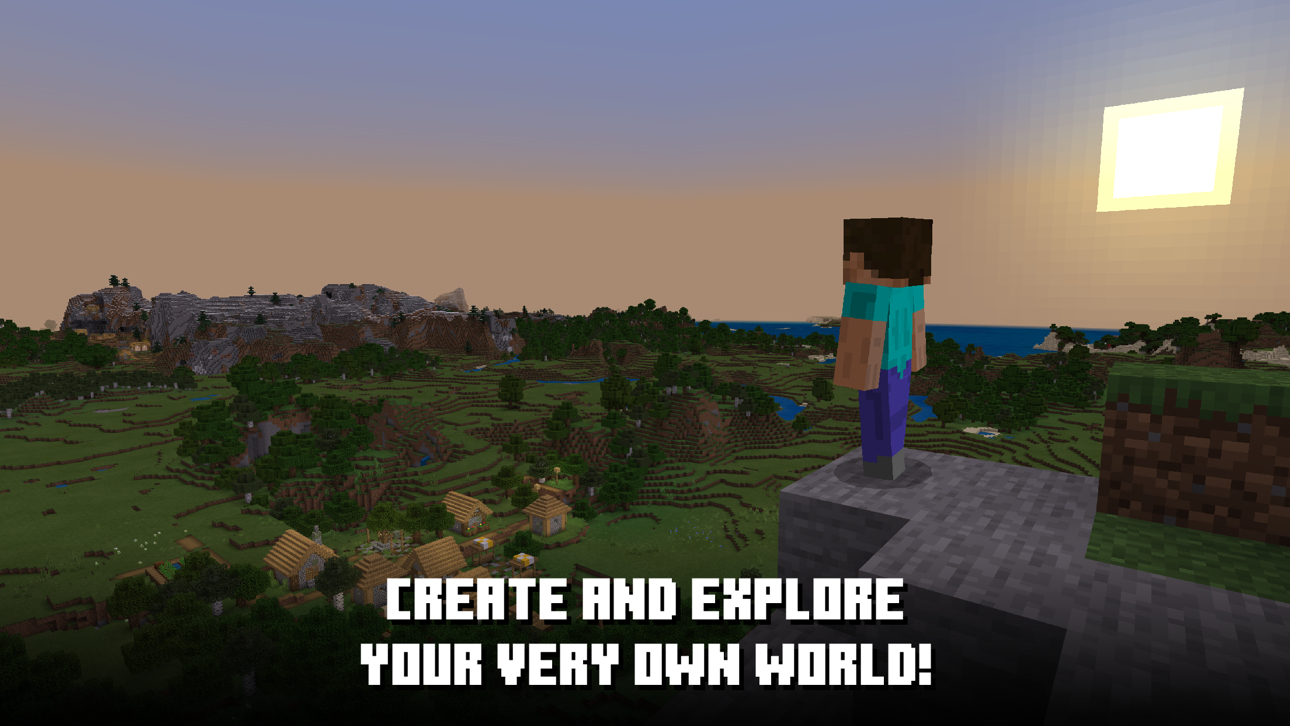
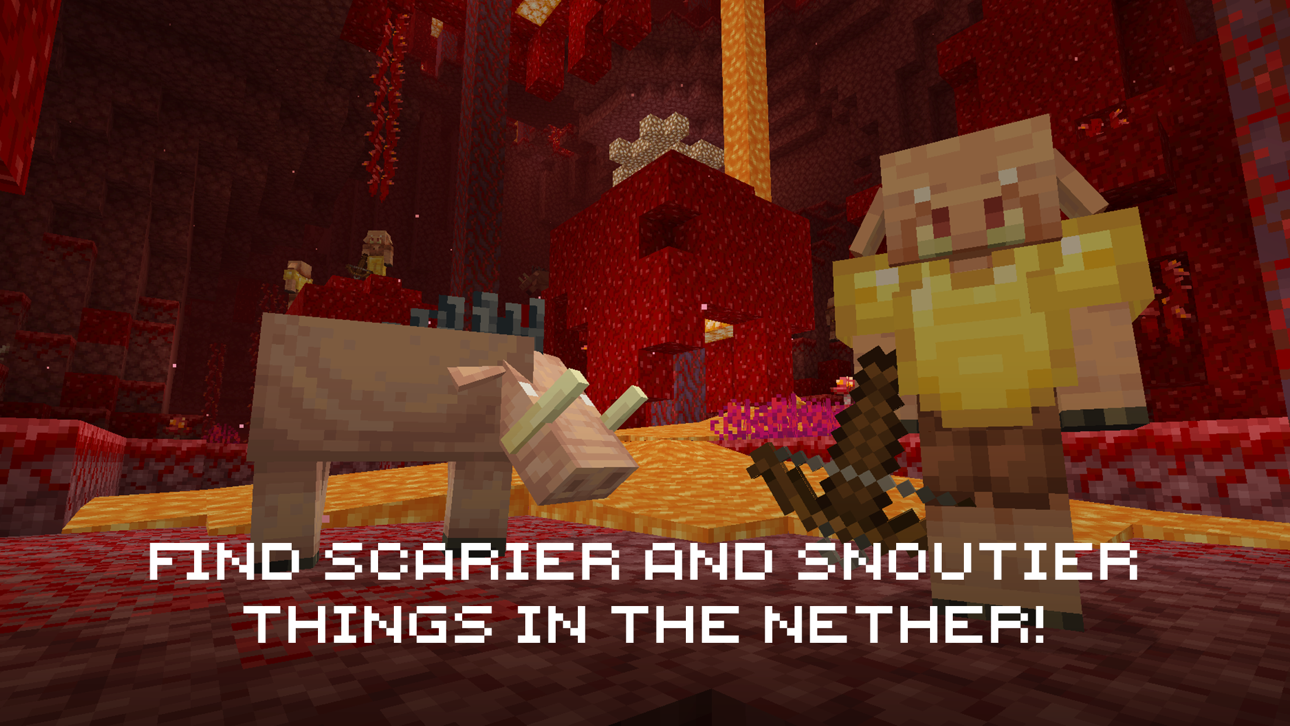
Dive into an open world of building, crafting and survival. Gather resources, survive the night, and build whatever you can imagine one block at a time. Explore and craft your way through a completely open world where you can play with friends, build a city, start a farm, mine deep into the ground, face mysterious enemies, or just experiment to the limits of your imagination!
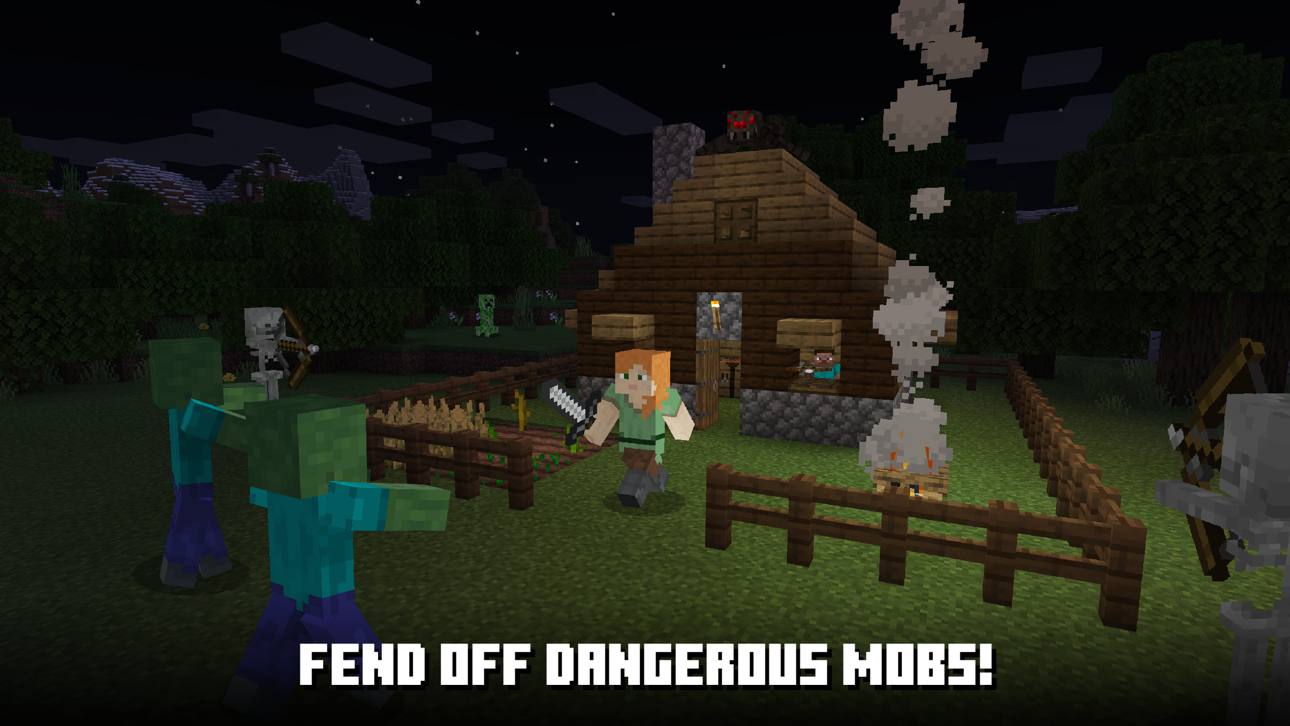
The possibilities are endless. Embark on an epic adventure and play with friends, building from the ground up. Build and expand in Creative mode, where you can craft from unlimited resources. Survive the night, face intense battles, craft tools, and fend off danger in Survival mode. With seamless cross-platform and multiplayer gameplay on Minecraft: Bedrock Edition, you can adventure solo or with friends, and discover an infinite, randomly generated world filled with blocks to mine, biomes to explore, and mobs to befriend (or battle)!
In Minecraft, the world is yours to shape!
CREATE YOUR WORLD
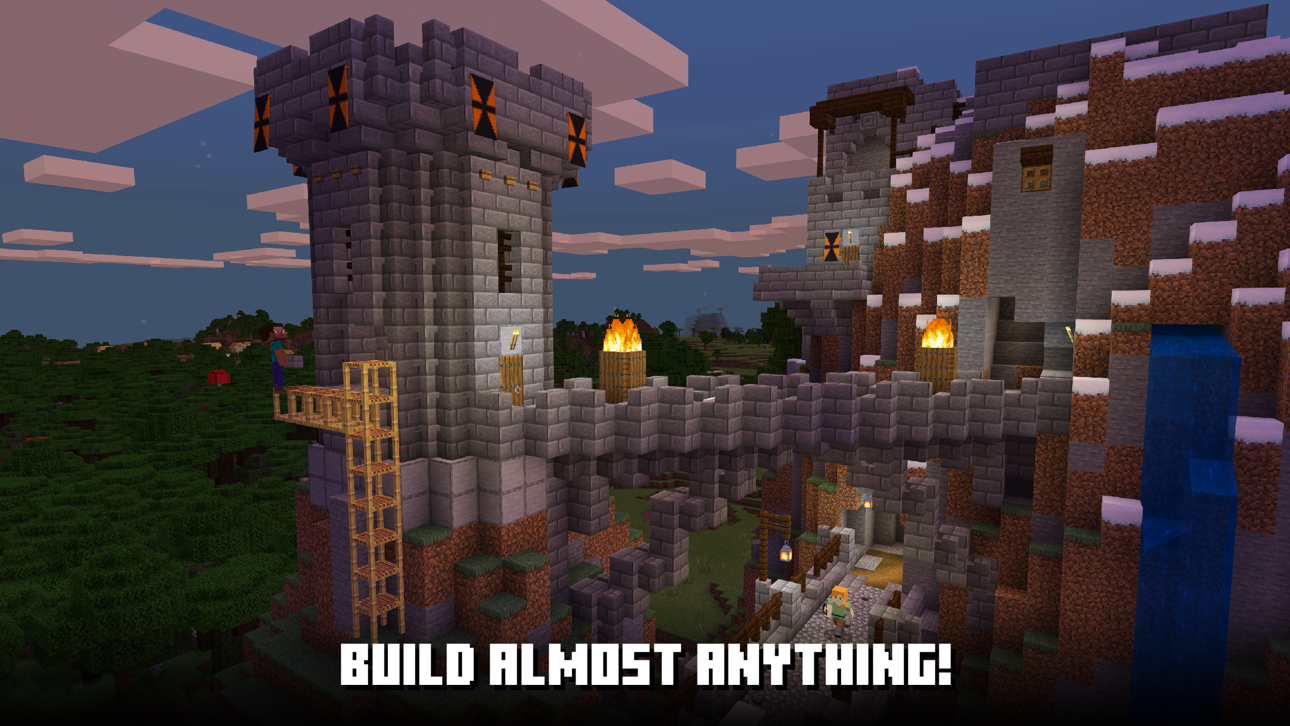
• Build anything from the ground up
• Craft from special resources and tools to create brand new structures and landscapes
• Explore an endless open world full of different biomes and creatures
• Minecraft Marketplace – Get creator-made add-ons, thrilling worlds, and stylish cosmetics on Minecraft Marketplace
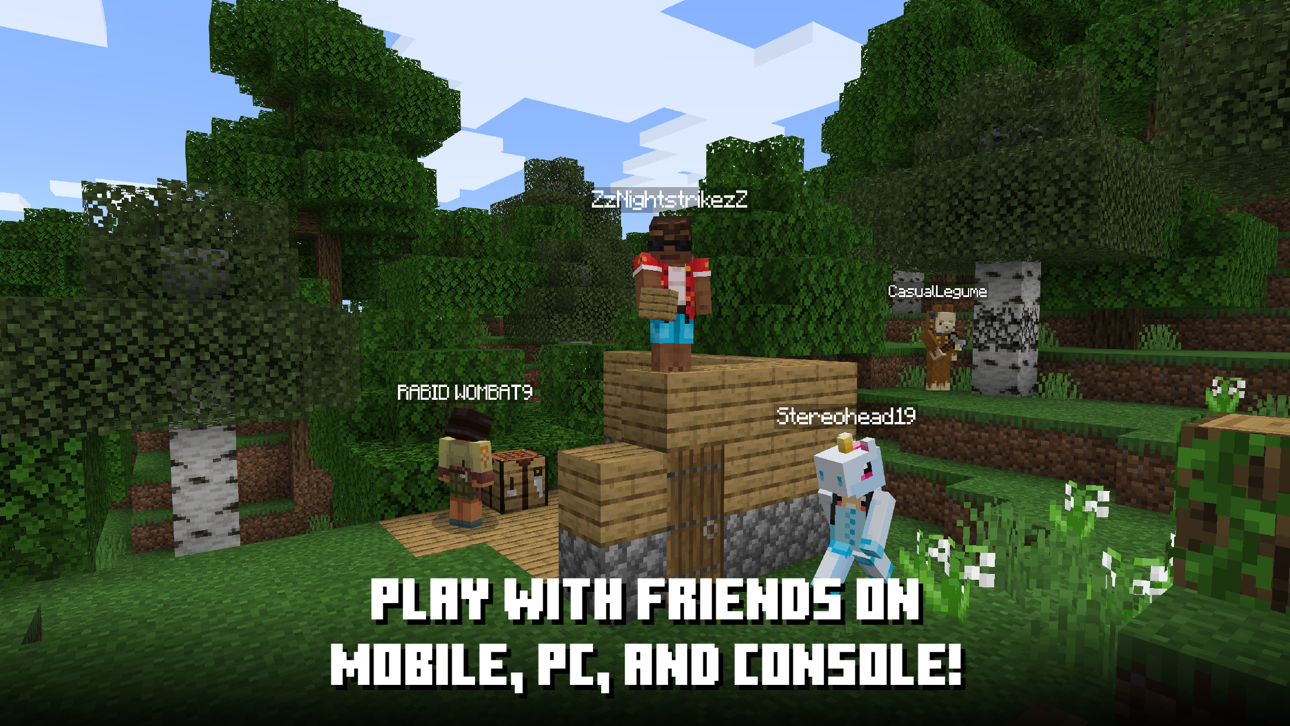
• Connect with millions of players on community servers, or subscribe to Realms Plus to cross-play with up to 10 friends on your own private server
• Slash commands – Tweak how the game plays: you can change the weather, summon mobs, change the time of day, and more
• Add-ons – Customize your experience even further with add-ons! If you're more tech-inclined, you can modify your game to create new resource packs
MULTIPLAYER ONLINE GAMES
• Join free massive multiplayer servers and play with thousands of others
• Multiplayer servers allow you to play with up to 4 players online with a free Xbox Live account
• Build, battle and explore other realms. With Realms and Realms Plus, you can play with up to 10 friends cross-platform, anytime, anywhere on Realms, your own private server that we host for you
• With Realms Plus, get instant access to over 150 Marketplace items with new additions each month. Share with friends on your own private Realms server*
• Connect and play with players across the world, wherever they are, and join in on MMO battles for survival in other worlds
• Discover gigantic community-run worlds, compete in unique mini-games and socialize in lobbies full of fellow Minecrafters
SUPPORT: https://www.minecraft.net/help
LEARN MORE: https://www.minecraft.net/
Here are the links to our Privacy Policy and Terms and Conditions:
MINIMUM RECOMMENDED SPECIFICATION
To check the requirements for your device visit: https://help.minecraft.net/hc/en-us/articles/4409172223501
*Realms & Realms Plus: Try a free 30-day trial in-app.
Minecraft may request the following optional permissions, which require your consent. You can continue to use Minecraft without granting these permissions; however, some features may be limited or unavailable.
For more information, please see below:
• Local Network: To find other devices on the same Wi‑Fi network for multiplayer gameplay.
• App Tracking: To deliver personalized ads and improve application experience
ภาพหน้าจอ © เจ้าของแต่ละราย · App Store


iOSGods ไม่มีความเกี่ยวข้อง ไม่ได้รับการรับรอง และไม่ได้รับการสนับสนุนจาก Apple Inc., Google LLC หรือผู้พัฒนาแอปที่แสดงไว้ที่นี่ Apple, iOS และ App Store เป็นเครื่องหมายการค้าของ Apple Inc. Android และ Google Play เป็นเครื่องหมายการค้าของ Google LLC ชื่อแอป ไอคอน ภาพ และเครื่องหมายการค้าอื่นทั้งหมดเป็นทรัพย์สินของเจ้าของแต่ละราย

- iPhone หรือ iPad ที่ไม่ได้เจลเบรก/ไม่ได้เจลเบรก หรือเจลเบรกแล้ว
- Sideloadly หรือทางเลือกอื่น
- คอมพิวเตอร์ที่ใช้ Windows/macOS/Linux และติดตั้ง iTunes ไว้
ขั้นตอนที่ 1: ดาวน์โหลดไฟล์ .IPA ที่แฮกไว้ล่วงหน้าจากลิงก์ด้านบนลงในคอมพิวเตอร์ของคุณ หากต้องการดาวน์โหลดจากแอป iOSGods โปรดดู วิธีดาวน์โหลด IPA ในแอป iOSGods ซึ่งมีตัวอย่างวิดีโอประกอบ
ขั้นตอนที่ 2: ดาวน์โหลด Sideloadly แล้วติดตั้งบน Windows หรือ Mac ของคุณ
ขั้นตอนที่ 3: เปิด Sideloadly บนคอมพิวเตอร์ เชื่อมต่ออุปกรณ์ iOS แล้วรอจนกว่าชื่ออุปกรณ์ของคุณจะปรากฏใน Sideloadly
ขั้นตอนที่ 4: เมื่อ iDevice ของคุณถูกตรวจพบแล้ว ให้ลากไฟล์ .IPA ที่ม็อดมาวางลงในโปรแกรม Sideloadly
ขั้นตอนที่ 5: กรอกอีเมล Apple Account ของคุณ จากนั้นกด "Start" ระบบจะถามรหัสผ่าน กรอกข้อมูลที่จำเป็นให้เรียบร้อย
ขั้นตอนที่ 6: รอจนกว่า Sideloadly จะ sideload/ติดตั้งไฟล์ IPA ที่แฮกเสร็จ หากเกิดปัญหาระหว่างติดตั้ง โปรดอ่านหมายเหตุด้านล่าง
ขั้นตอนที่ 7: เมื่อการติดตั้งเสร็จสิ้นและเห็นแอปบนหน้าจอหลักแล้ว ให้ไปที่ การตั้งค่า → ทั่วไป → โปรไฟล์ / VPN และการจัดการอุปกรณ์ จากนั้นแตะที่อีเมลที่คุณกรอกในขั้นตอนที่ 6 แล้วแตะ "เชื่อถือ [email protected]"
ขั้นตอนที่ 8: จากนั้นไปที่หน้าจอหลักและเปิดแอปที่ติดตั้งใหม่ ทุกอย่างควรทำงานได้ปกติ คุณอาจต้องทำตามคำแนะนำเพิ่มเติมเฉพาะแอปในป๊อปอัปของม็อดในเกม
หมายเหตุ: สำหรับ iOS/iPadOS 16 ขึ้นไป คุณต้อง เปิดโหมดนักพัฒนา (Developer Mode) สำหรับบัญชี Apple Developer แบบฟรี คุณต้องทำขั้นตอนนี้ซ้ำทุก 7 วัน หากมีคำถามหรือพบปัญหา โปรดอ่าน หัวข้อ FAQ ของ Sideloadly ในกระทู้
Game Name iOS Mod IPA is an action adventure game enhanced with powerful gameplay boosts and quality-of-life improvements. Win battles faster, earn rewards quicker, and enjoy uninterrupted play without ads.
- Unlimited Gold - spend freely to unlock premium content
- Damage Multiplier - deal significantly more damage in combat
- Defense Multiplier - take less damage and survive longer
- Reward Multiplier - earn more loot from every battle
- Max Level - instantly reach the highest player rank
- No Ads - play without interruptions or advertisements
This app also comes with iGameGod, giving you access to Auto Touch to automate repetitive tasks, App Speed Manager for adjustable gameplay speed, Memory Engine value editing, and more powerful iOS game tools.
ดาวน์โหลด Game Name Mod IPA จากลิงก์ด้านบน แตะปุ่มติดตั้งและทำตามคำแนะนำบนหน้าจอเพื่อติดตั้งแฮ็กแอป iOS นี้บน iPhone, iPad หรือ Apple Silicon
ต้องการความช่วยเหลือเพิ่มเติม ดู คำถามที่พบบ่อยของแอป iOSGods สำหรับคำตอบโดยละเอียดและเคล็ดลับการแก้ไขปัญหา
----------------------------------------------------------
--------------------------------------------------