ต้องเข้าสู่ระบบ
เข้าสู่ระบบด้วยบัญชี iOSGods เพื่อดำเนินการต่อ
เข้าสู่ระบบด้วยบัญชี iOSGods เพื่อดำเนินการต่อ
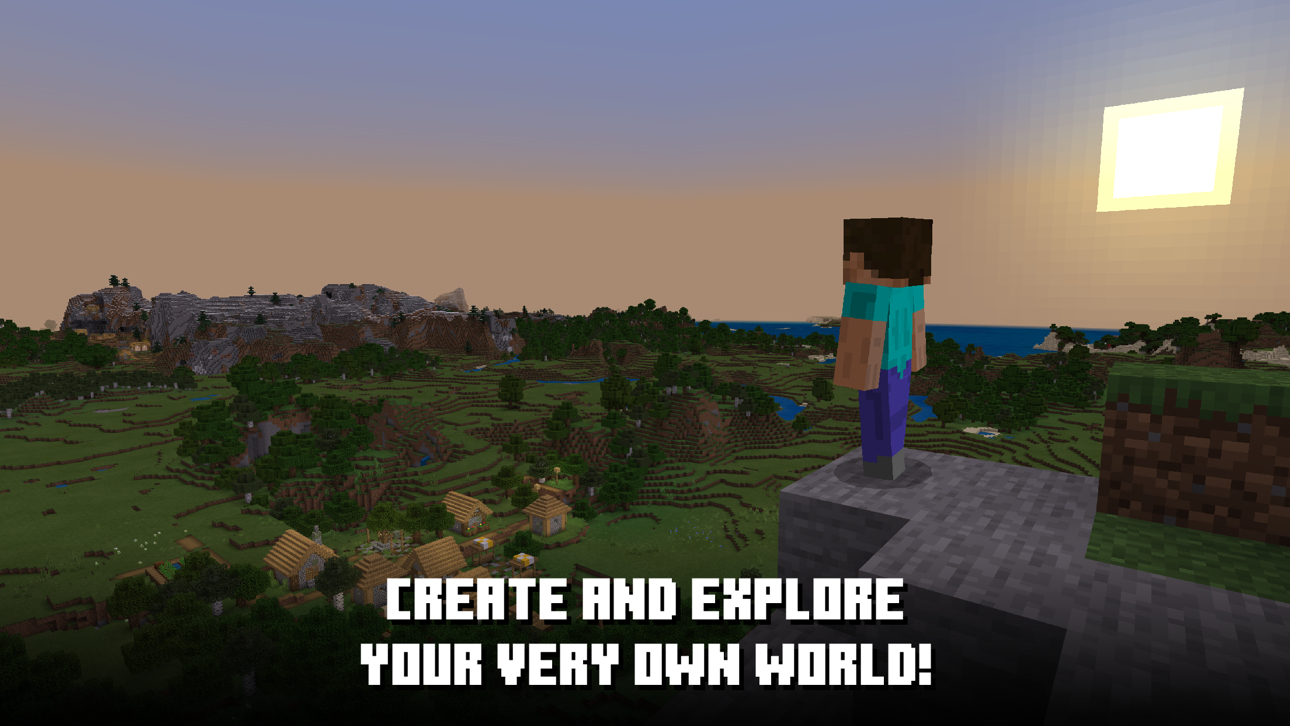
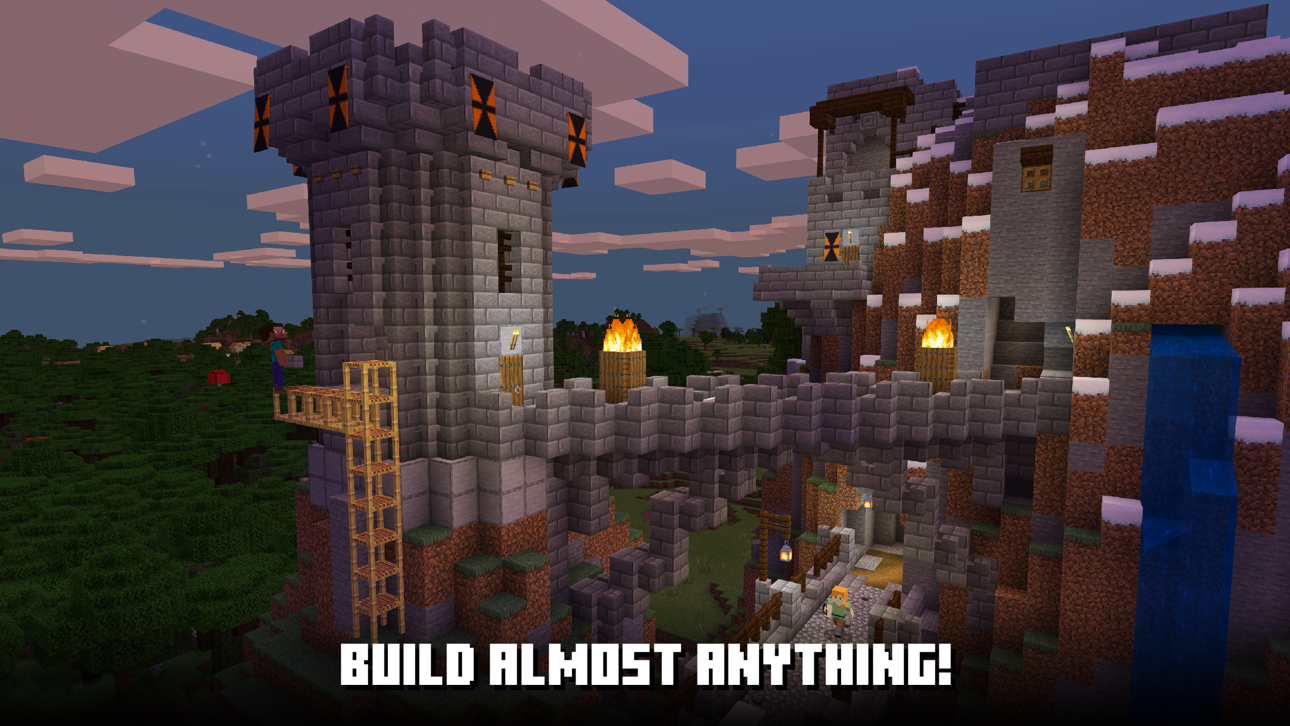
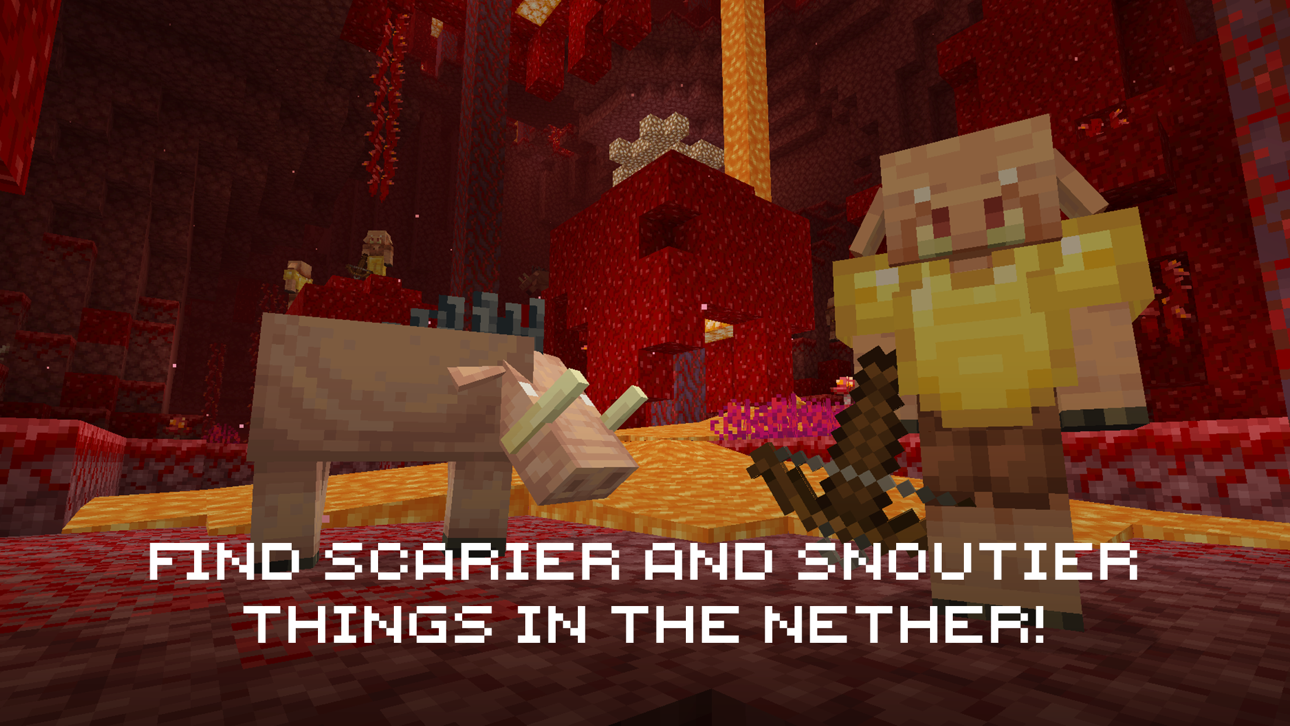
สร้าง ประดิษฐ์ และอยู่รอดในโลกเปิดที่เต็มไปด้วยความเป็นไปได้ไม่สิ้นสุดด้วย Minecraft Mod IPA ฟรีสำหรับ iOS นี้ ไม่จำเป็นต้องเข้าสู่ระบบ iOSGods ดังนั้นคุณสามารถเล่นออฟไลน์และเพลิดเพลินกับเกมเต็มรูปแบบโดยไม่มีข้อจำกัด รวบรวมทรัพยากร สร้างโครงสร้างในฝันของคุณ เผชิญหน้ากับศัตรูลึกลับ และสำรวจโลกเปิดที่สมบูรณ์ซึ่งจินตนาการของคุณเป็นเพียงขีดจำกัดเท่านั้น
แอปนี้ยังมาพร้อมกับ iGameGod ซึ่งช่วยให้คุณเข้าถึง Auto Touch สำหรับการทำงานซ้ำ ๆ โดยอัตโนมัติ, App Speed Manager สำหรับปรับความเร็วของเกม, การแก้ไขค่าด้วย Memory Engine และเครื่องมือสำหรับเกม iOS ที่ทรงพลังอื่น ๆ อีกมากมาย
ดาวน์โหลด Minecraft modded IPA จากลิงก์ด้านบน แตะปุ่มติดตั้งและทำตามคำแนะนำบนหน้าจอเพื่อติดตั้งแฮ็กแอป iOS นี้บน iPhone, iPad หรือ Apple Silicon
ต้องการความช่วยเหลือเพิ่มเติม? ดู คำถามที่พบบ่อยของแอป iOSGods สำหรับคำตอบโดยละเอียดและเคล็ดลับการแก้ไขปัญหา
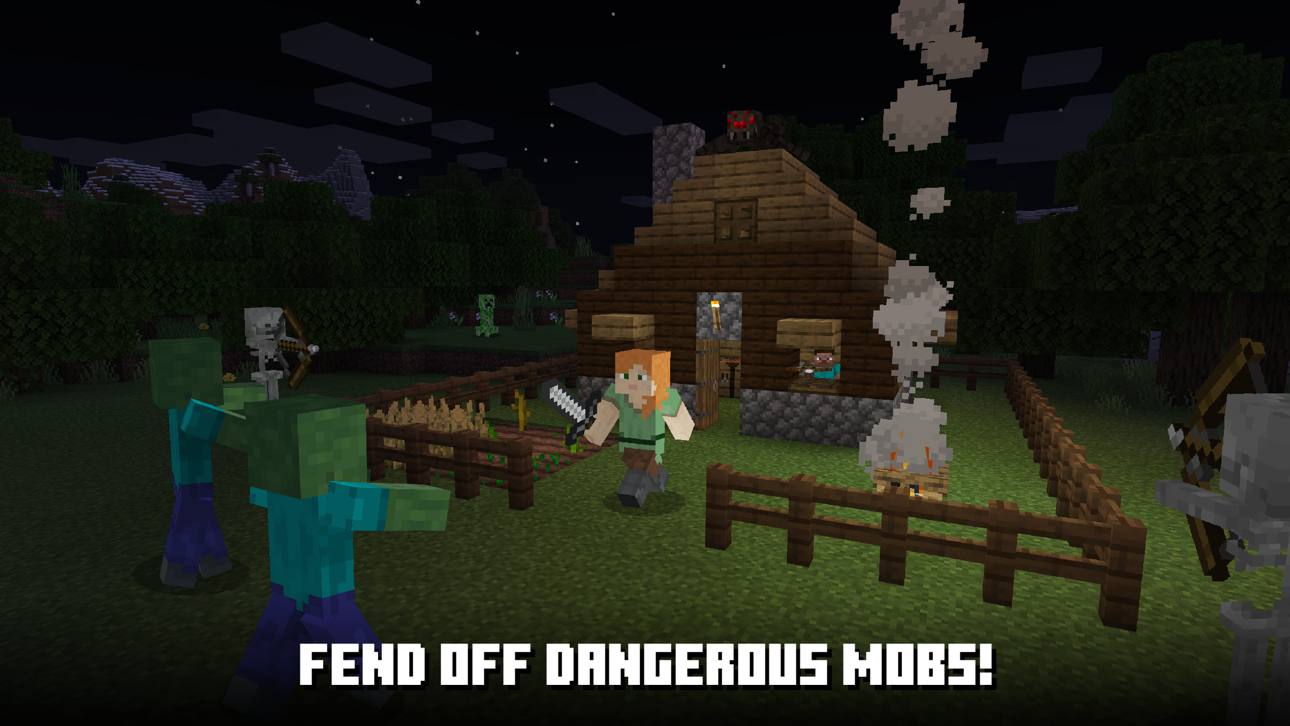
Explora mundos infinitos y construye de todo, desde las casas más sencillas hasta los castillos más fastuosos. Juega en el modo creativo con recursos ilimitados o excava hasta las profundidades del mundo en el modo de supervivencia y fabrica armas y armaduras para defenderte de peligrosas criaturas.
Crea, explora y sobrevive en solitario o juega con amigos en dispositivos diferentes. Escala escarpadas montañas, descubre intrincadas cuevas y excava grandes vetas de minerales. Descubre los biomas de cuevas frondosas y cuevas de espeleotema. ¡Llena de luz tu mundo para demostrar que eres un espeleólogo profesional y un maestro de la montaña!
Información sobre la renovación automática de la suscripción a Minecraft Realms:
Minecraft ofrece ahora la opción de adquirir Minecraft Realms, un servicio de suscripción mensual que te permite crear tu propio mundo de Minecraft online.
Actualmente, hay dos opciones de suscripción disponibles que varían en función de la gente a la que quieras invitar a jugar en tu Realm de forma simultánea: un Realm para ti y 2 amigos más cuesta 3,99 USD al mes (o tu equivalente local), mientras que un Realm para ti y 10 amigos más cuesta 7,99 USD al mes (o tu equivalente local).
Existe una versión de prueba de 30 días de Minecraft Realms disponible para ti y 10 amigos más. El tiempo de prueba gratuito que no utilices se perderá al adquirir una suscripción.
El pago se cargará a tu cuenta de iTunes al confirmar la compra y la suscripción se renovará automáticamente salvo que se cancele con al menos 24 horas de antelación al final del periodo. La renovación de tu cuenta se cobrará durante las 24 horas previas al final del periodo y en función del precio de suscripción que hayas seleccionado.
Puedes administrar tu suscripción con tu usuario y anular la renovación automática accediendo a los ajustes de tu cuenta tras adquirirla. También hay un botón dentro del juego para acceder a este apartado. Si cancelas tu suscripción una vez adquirida no se te reembolsará por el resto del periodo activo de la misma.
A continuación dispones de enlaces a nuestra política de privacidad y términos de uso:
Política de privacidad: https://www.minecraft.net/privacy/gdpr
Términos de uso: https://account.mojang.com/terms
ภาพหน้าจอ © เจ้าของแต่ละราย · App Store


iOSGods ไม่มีความเกี่ยวข้อง ไม่ได้รับการรับรอง และไม่ได้รับการสนับสนุนจาก Apple Inc., Google LLC หรือผู้พัฒนาแอปที่แสดงไว้ที่นี่ Apple, iOS และ App Store เป็นเครื่องหมายการค้าของ Apple Inc. Android และ Google Play เป็นเครื่องหมายการค้าของ Google LLC ชื่อแอป ไอคอน ภาพ และเครื่องหมายการค้าอื่นทั้งหมดเป็นทรัพย์สินของเจ้าของแต่ละราย

- iPhone หรือ iPad ที่ไม่ได้เจลเบรก/ไม่ได้เจลเบรก หรือเจลเบรกแล้ว
- Sideloadly หรือทางเลือกอื่น
- คอมพิวเตอร์ที่ใช้ Windows/macOS/Linux และติดตั้ง iTunes ไว้
ขั้นตอนที่ 1: ดาวน์โหลดไฟล์ .IPA ที่แฮกไว้ล่วงหน้าจากลิงก์ด้านบนลงในคอมพิวเตอร์ของคุณ หากต้องการดาวน์โหลดจากแอป iOSGods โปรดดู วิธีดาวน์โหลด IPA ในแอป iOSGods ซึ่งมีตัวอย่างวิดีโอประกอบ
ขั้นตอนที่ 2: ดาวน์โหลด Sideloadly แล้วติดตั้งบน Windows หรือ Mac ของคุณ
ขั้นตอนที่ 3: เปิด Sideloadly บนคอมพิวเตอร์ เชื่อมต่ออุปกรณ์ iOS แล้วรอจนกว่าชื่ออุปกรณ์ของคุณจะปรากฏใน Sideloadly
ขั้นตอนที่ 4: เมื่อ iDevice ของคุณถูกตรวจพบแล้ว ให้ลากไฟล์ .IPA ที่ม็อดมาวางลงในโปรแกรม Sideloadly
ขั้นตอนที่ 5: กรอกอีเมล Apple Account ของคุณ จากนั้นกด "Start" ระบบจะถามรหัสผ่าน กรอกข้อมูลที่จำเป็นให้เรียบร้อย
ขั้นตอนที่ 6: รอจนกว่า Sideloadly จะ sideload/ติดตั้งไฟล์ IPA ที่แฮกเสร็จ หากเกิดปัญหาระหว่างติดตั้ง โปรดอ่านหมายเหตุด้านล่าง
ขั้นตอนที่ 7: เมื่อการติดตั้งเสร็จสิ้นและเห็นแอปบนหน้าจอหลักแล้ว ให้ไปที่ การตั้งค่า → ทั่วไป → โปรไฟล์ / VPN และการจัดการอุปกรณ์ จากนั้นแตะที่อีเมลที่คุณกรอกในขั้นตอนที่ 6 แล้วแตะ "เชื่อถือ [email protected]"
ขั้นตอนที่ 8: จากนั้นไปที่หน้าจอหลักและเปิดแอปที่ติดตั้งใหม่ ทุกอย่างควรทำงานได้ปกติ คุณอาจต้องทำตามคำแนะนำเพิ่มเติมเฉพาะแอปในป๊อปอัปของม็อดในเกม
หมายเหตุ: สำหรับ iOS/iPadOS 16 ขึ้นไป คุณต้อง เปิดโหมดนักพัฒนา (Developer Mode) สำหรับบัญชี Apple Developer แบบฟรี คุณต้องทำขั้นตอนนี้ซ้ำทุก 7 วัน หากมีคำถามหรือพบปัญหา โปรดอ่าน หัวข้อ FAQ ของ Sideloadly ในกระทู้
Game Name iOS Mod IPA is an action adventure game enhanced with powerful gameplay boosts and quality-of-life improvements. Win battles faster, earn rewards quicker, and enjoy uninterrupted play without ads.
- Unlimited Gold - spend freely to unlock premium content
- Damage Multiplier - deal significantly more damage in combat
- Defense Multiplier - take less damage and survive longer
- Reward Multiplier - earn more loot from every battle
- Max Level - instantly reach the highest player rank
- No Ads - play without interruptions or advertisements
This app also comes with iGameGod, giving you access to Auto Touch to automate repetitive tasks, App Speed Manager for adjustable gameplay speed, Memory Engine value editing, and more powerful iOS game tools.
ดาวน์โหลด Game Name Mod IPA จากลิงก์ด้านบน แตะปุ่มติดตั้งและทำตามคำแนะนำบนหน้าจอเพื่อติดตั้งแฮ็กแอป iOS นี้บน iPhone, iPad หรือ Apple Silicon
ต้องการความช่วยเหลือเพิ่มเติม ดู คำถามที่พบบ่อยของแอป iOSGods สำหรับคำตอบโดยละเอียดและเคล็ดลับการแก้ไขปัญหา
----------------------------------------------------------
--------------------------------------------------