Inloggen vereist
Log in met je iOSGods-account om door te gaan.
Hack Features:
- No ADS
- Unlimited Gems
- Unlimited Gold
- Units Unlocked
- Battle Pass Active
- Drop Units Unlimited [ Easy To Win ]
Download Grunt Rush: Battle & Conquer iOS Mod IPA via de bovenstaande links. Tik op de installatieknop en volg de instructies om deze iOS-app-hack op je iPhone, iPad of Apple Silicon te installeren.
Meer hulp nodig? Bekijk onze Veelgestelde vragen over de iOSGods-app voor uitgebreide antwoorden en probleemoplossingstips.
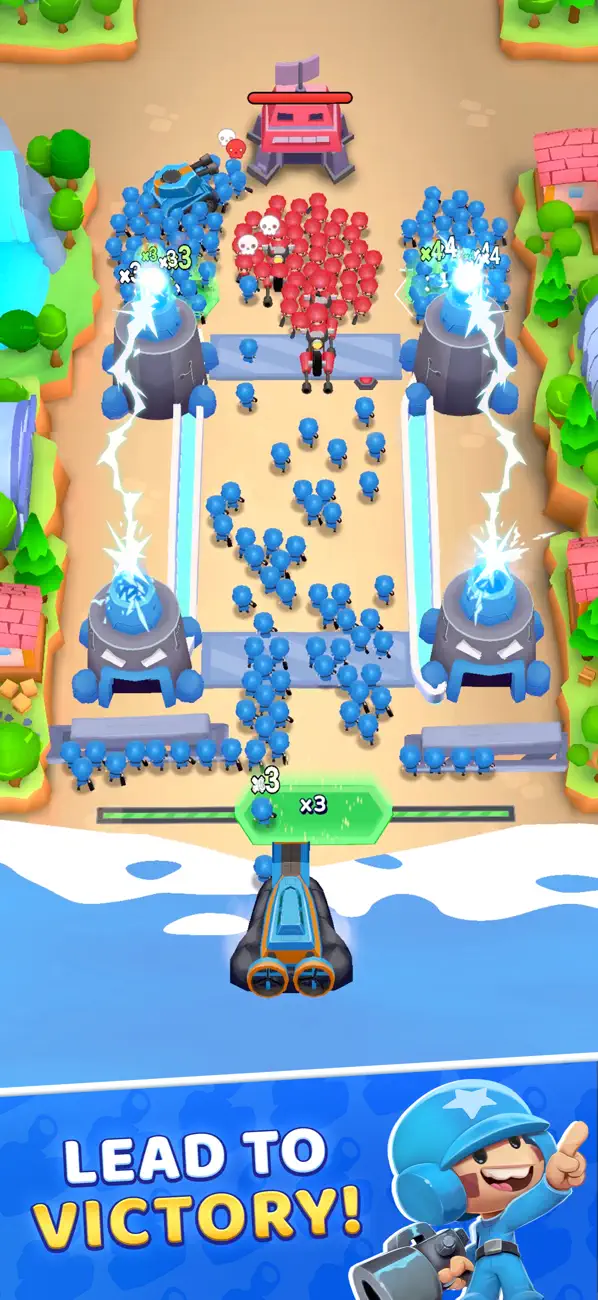
Lead your army to victory in Grunt Rush, a tactical strategy game built around fast decisions, smart control, and satisfying growth. Multiply your troops, take control of the map, and conquer territory through nonstop battle. Capture every base across more maps in one of the most satisfying strategy games for quick battle decisions and strong control.
Game Features:
Strategic Command & Control: Plan your attacks, choose the right moments to engage, and keep tight control of your army as you push forward. Every move is part of your strategy, and every mistake can cost you the battle. Keep control of the map to win each battle and take the next base.
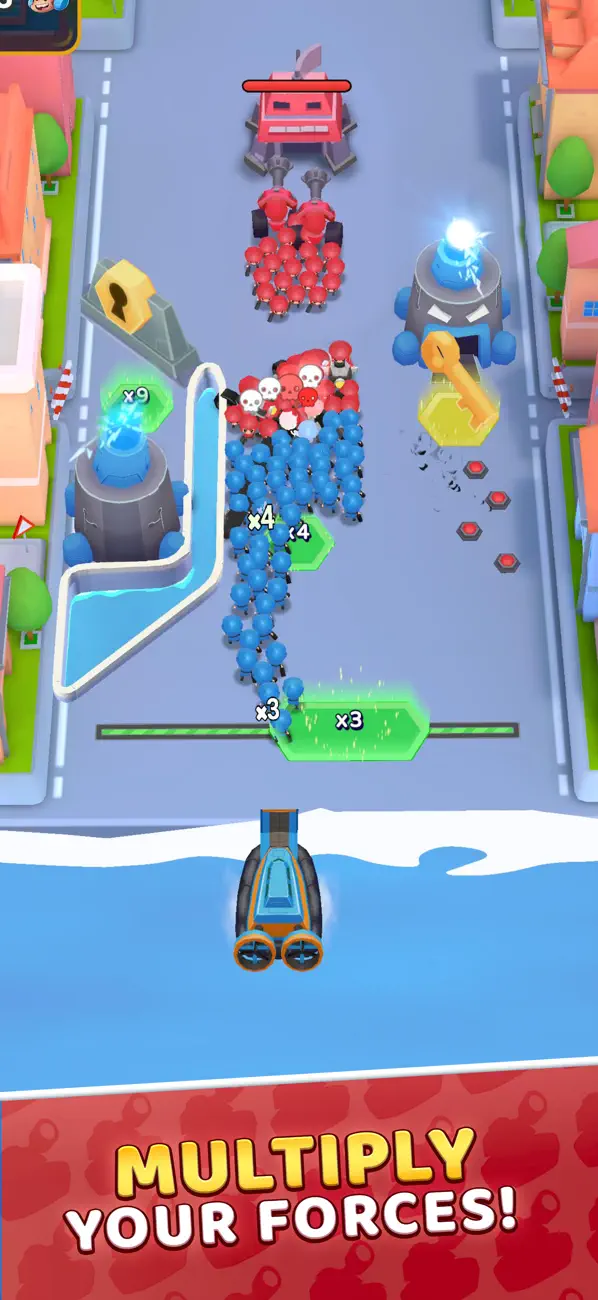
Multiplier Tiles & Army Growth: Rush through multiplier tiles to grow your army fast. Turn a small squad into a huge force, then use that advantage to win the next battle and keep your strategy rolling across the maps.
Raid & Conquer Bases: Deploy your troops, break through defenses, and conquer each base. The better your control, the cleaner your battle wins, and the faster you dominate the map—take a base, keep control, and push to the next base across the maps.
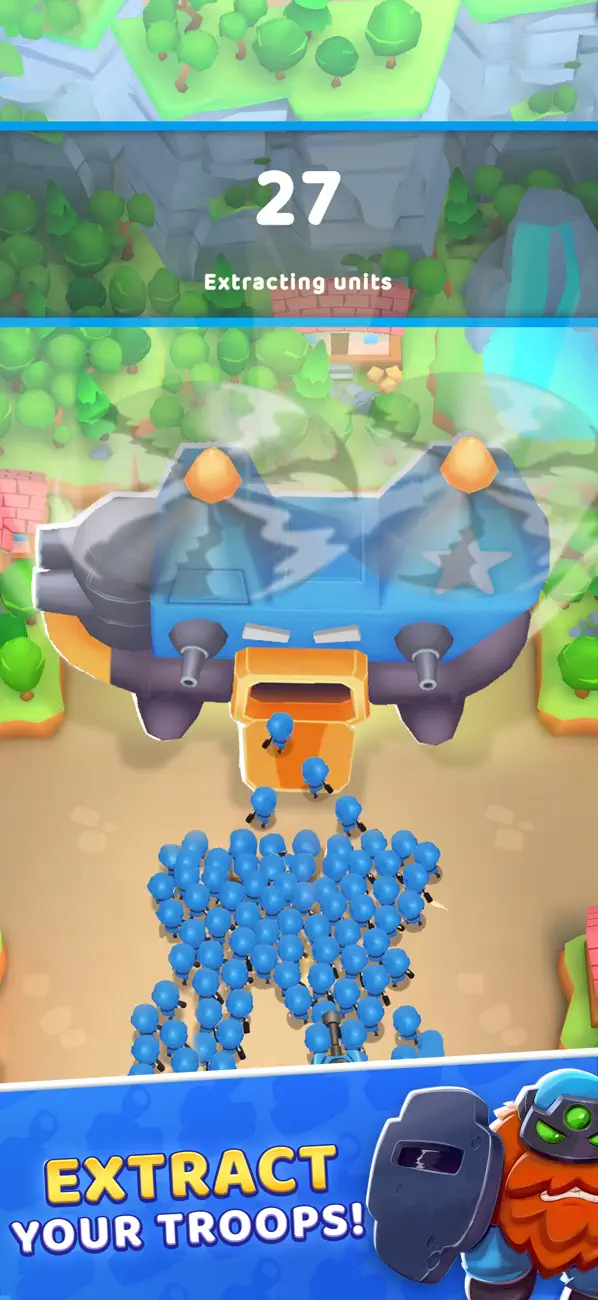
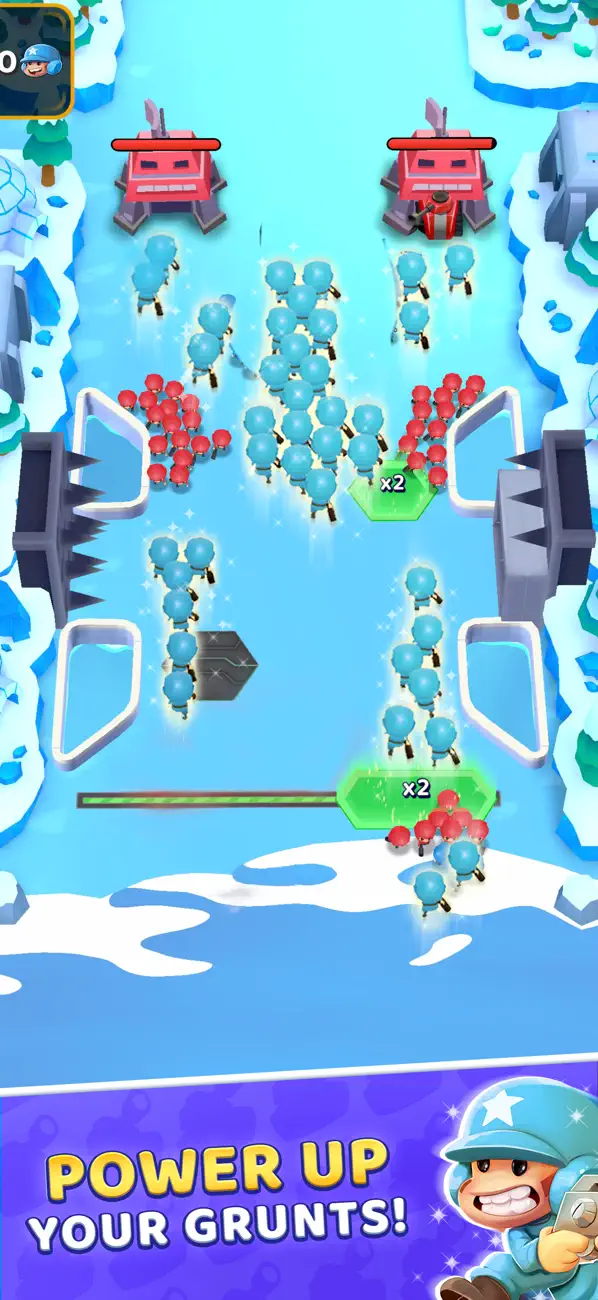
Upgrade Your Army: Unlock and upgrade troops and armored vehicles. Customize your army for each map, adapt your strategy, and keep your control strong as fights get tougher. Build the right strategy to take every base on every map.
Diverse Maps & Challenges: Explore new environments and face harder opponents. Change your strategy, maintain control, and conquer every map with smarter battle decisions. Master new maps, secure each base, and keep control.
Offline Play: Enjoy the full game anytime, anywhere. No Wi-Fi? No problem—if you’re looking for no Wi-Fi games, Grunt Rush is one of those no Wi-Fi games you can play offline. Keep control, clear the maps, take the base, and conquer the map anywhere.
Why Play Grunt Rush?
If you like strategy games with constant action, Grunt Rush delivers. Grow your army, take control of the battlefield, and win each battle by making the right calls. Multiply your troops, conquer each base, and progress through increasingly intense maps—a great pick for fans of strategy games and games you can enjoy as no Wi-Fi games.
Ready to Take Control?
Download Grunt Rush and jump into a tactical strategy game where your army, your control, and your decisions decide every battle. Build momentum, conquer the map, capture every base, and prove your strategy under pressure.
- Niet-jailbroken/jailed of jailbroken iPhone of iPad.
- Sideloadly of alternatieven.
- Computer met Windows/macOS/Linux en iTunes geïnstalleerd.
STAP 1: Download het vooraf gehackte .IPA-bestand via de link hierboven naar uw computer. Om het te downloaden vanuit de iOSGods App, bekijk onze iOSGods App IPA-downloadhandleiding met een videovoorbeeld.
STAP 2: Download Sideloadly en installeer het op uw Windows of Mac.
STAP 3: Open Sideloadly op uw computer, sluit uw iOS-apparaat aan en wacht tot de naam van uw apparaat in Sideloadly verschijnt.
STAP 4: Zodra uw iDevice is herkend, sleept u het gedownloade gemodde .IPA-bestand naar de Sideloadly-applicatie.
STAP 5: Voer het e-mailadres van uw Apple Account in en druk op “Start”. U wordt vervolgens gevraagd om uw wachtwoord in te voeren. Geef de gevraagde informatie op.
STAP 6: Wacht tot Sideloadly het sideloaden/installeren van de gehackte IPA heeft voltooid. Als er problemen zijn tijdens de installatie, lees dan onderstaande opmerking.
STAP 7: Zodra de installatie is voltooid en u de app op uw beginscherm ziet, gaat u naar Instellingen → Algemeen → Profielen / VPN- en apparaatbeheer. Tik daar op het e-mailadres dat u in stap 6 hebt ingevoerd en tik vervolgens op “Vertrouw [email protected]”.
STAP 8: Ga nu naar uw beginscherm en open de zojuist geïnstalleerde app; alles zou correct moeten werken. Mogelijk moet u verdere app-specifieke instructies volgen in de hack-popup in het spel.
OPMERKING: Op iOS/iPadOS 16 en later moet u Ontwikkelaarsmodus inschakelen. Voor gratis Apple Developer-accounts moet u dit proces elke 7 dagen herhalen. Als u vragen of problemen hebt, lees dan onze Sideloadly FAQ-sectie van het onderwerp.