需要登入
請使用您的 iOSGods 帳戶登入以繼續。
請使用您的 iOSGods 帳戶登入以繼續。
Grunt Rush: Battle & Conquer Mod IPA 中的無限寶石和黃金讓你立即升級部隊,在每場戰術戰鬥中佔據優勢,無需磨練或花費真實金錢。跳過廣告、從一開始就解鎖每個單位,並啟動戰鬥通行證以存取高級獎勵,同時指揮你的軍隊在地圖上征戰。
這個修改破解版轉變了策略體驗:你可以在戰鬥中投放無限單位,使即使是困難的遭遇戰也能透過純粹的戰術控制而非時間投資來贏得勝利。非常適合想要專注於聰明決策和地圖征服,而不想受免費遊戲限制困擾的玩家。
- 無廣告 → 不間斷的遊戲體驗
- 無限寶石 → 無限制的高級貨幣
- 無限黃金 → 即時升級和購買
- 單位已解鎖 → 所有部隊從一開始就可用
- 戰鬥通行證已啟動 → 存取所有高級獎勵
- 投放單位無限 [ 輕鬆獲勝 ] → 自由部署部隊以獲得戰術優勢
此應用程式也內建 iGameGod,讓你可以使用 Auto Touch 自動執行重複操作、透過 App Speed Manager 調整遊戲速度、使用 Memory Engine 修改記憶體數值,以及更多強大的 iOS 遊戲工具。
從上方連結下載 Grunt Rush: Battle & Conquer iOS Mod IPA。點選安裝按鈕並依照畫面指示在 iPhone、iPad 或 Apple Silicon 上安裝此 iOS 應用程式修改版。
需要更多協助?請查看我們的 iOSGods 應用程式常見問題 以獲得詳細解答與疑難排解。
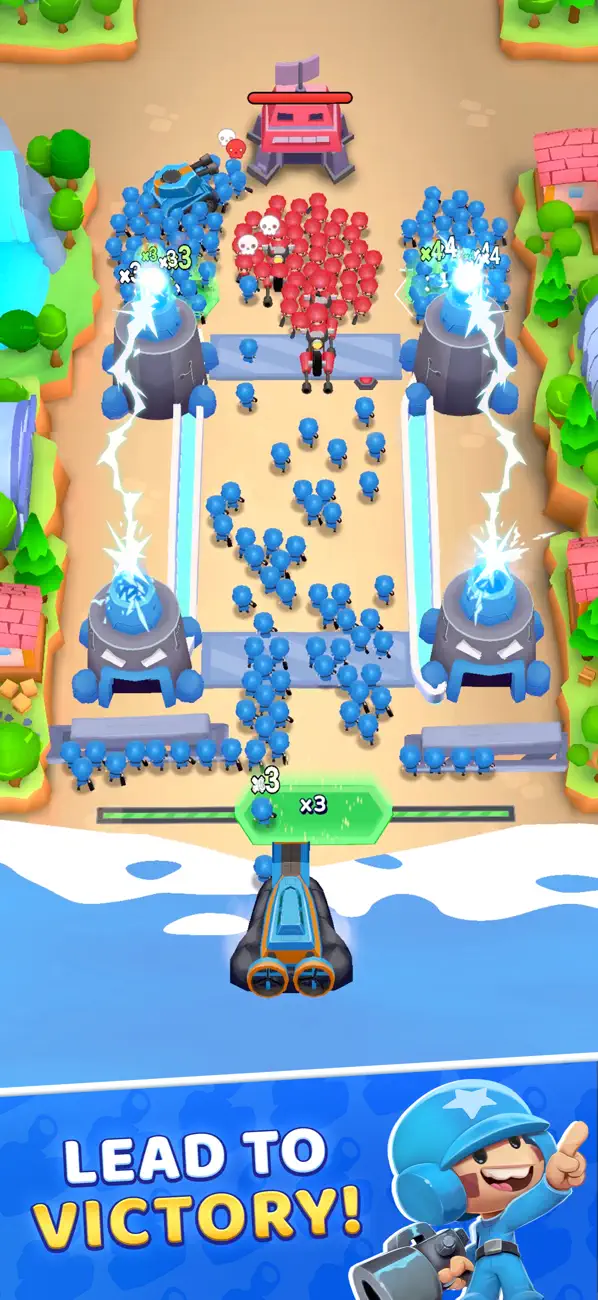
Lead your army to victory in Grunt Rush, a tactical strategy game built around fast decisions, smart control, and satisfying growth. Multiply your troops, take control of the map, and conquer enemy territory through nonstop battle.
Game Features:
- Strategic Command & Control: Plan your attacks, choose the right moments to engage, and keep tight control of your army as you push forward. Every move is part of your strategy, and every mistake can cost you the battle.
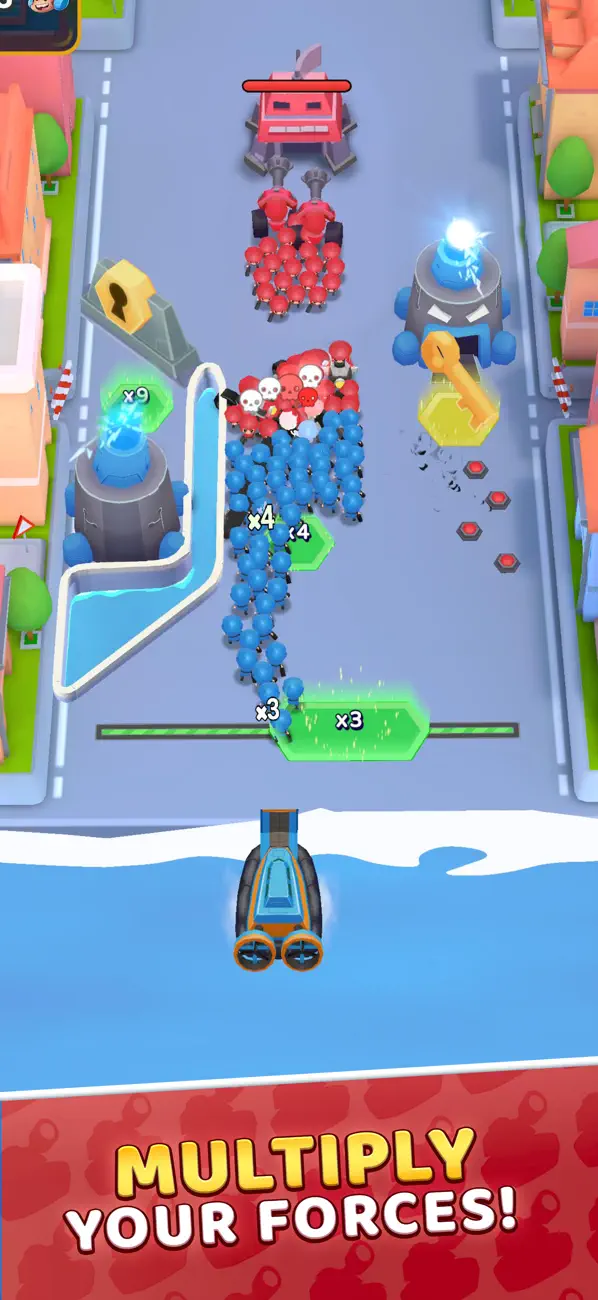
- Multiplier Tiles & Army Growth: Rush through multiplier tiles to grow your army fast. Turn a small squad into a huge force, then use that advantage to win the next battle and keep your strategy rolling.
- Raid & Conquer Enemy Bases: Deploy your troops, break through defenses, and conquer enemy bases. The better your control, the cleaner your battle wins, and the faster you dominate the map.
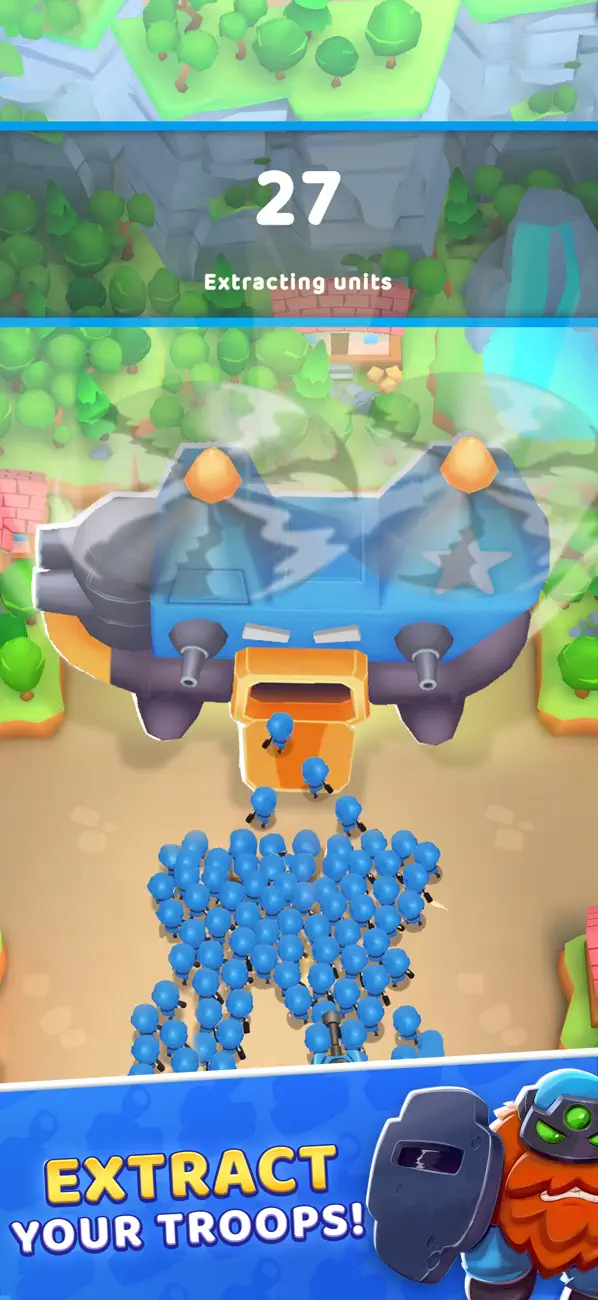
- Upgrade Your Army: Unlock and upgrade troops and armored vehicles. Customize your army for each map, adapt your strategy, and keep your control strong as the fights get tougher.
- Diverse Maps & Challenges: Explore new environments and face harder opponents. Change your strategy, maintain control, and conquer every map with smarter battle decisions.
- Offline Play: Enjoy the full game anytime, anywhere. No Wi-Fi? No problem, take control and keep your army moving offline.
Why Play Grunt Rush?
If you like strategy games with constant action, Grunt Rush delivers. Grow your army, take control of the battlefield, and win each battle by making the right calls. Multiply your troops, outplay enemy forces, and conquer bases to progress through increasingly intense levels.
Ready to Take Control?
Download Grunt Rush and jump into a tactical strategy game where your army, your control, and your decisions decide every battle. Build momentum, conquer the map, and prove your strategy under pressure.

- 未越獄/受限或已越獄的 iPhone 或 iPad。
- Sideloadly 或替代方案。
- 執行 Windows/macOS/Linux 且已安裝 iTunes 的電腦。
步驟 1: 透過上方連結將已破解的 .IPA 檔案下載到您的電腦。若要從 iOSGods App 下載,請參閱我們的 iOSGods App IPA 下載教學,其中包含影片範例。
步驟 2: 下載 Sideloadly 並將其安裝在您的 Windows 或 Mac 上。
步驟 3: 在電腦上開啟 Sideloadly,連接您的 iOS 裝置,並等待裝置名稱出現在 Sideloadly 中。
步驟 4: 當 Sideloadly 辨識到您的 iOS 裝置後,將下載好的修改版 .IPA 檔案拖曳並放到 Sideloadly 應用程式中。
步驟 5: 輸入您的 Apple Account 電子郵件,然後按下「Start」。系統會要求您輸入密碼,請依指示提供所需資訊。
步驟 6: 等待 Sideloadly 完成已破解 IPA 的旁載/安裝。如果安裝過程中發生問題,請閱讀下方的注意事項。
步驟 7: 安裝完成並在主畫面上看到該應用程式後,您需要前往 設定 → 一般 → 描述檔 / VPN 與裝置管理。進入後,點選您在步驟 6 中輸入的電子郵件,然後點選「信任 [email protected]」。
步驟 8: 現在回到主畫面並開啟新安裝的應用程式,一切應該都能正常運作。您可能需要依照遊戲內破解彈出視窗中的進一步指示操作。
注意: 在 iOS/iPadOS 16 及更新版本上,您必須 啟用開發者模式。若使用免費的 Apple Developer 帳號,您將需要每 7 天重複此程序。如有任何疑問或問題,請閱讀我們的 主題中的 Sideloadly 常見問題區段。