SOLDIERS!
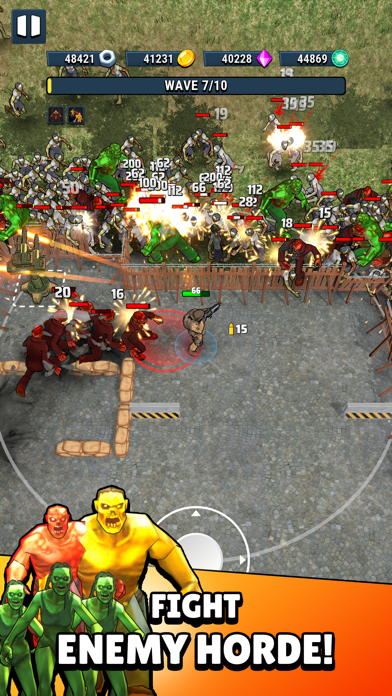
Enter a world where existence itself is out to eliminate you! You are the last man standing, the only force able to resist and defeat the oncoming waves of enemies.
Step up, stack up awesome skills and fight like your life depends on it.
Enjoy creating countless combinations of unique skills all designed to help you survive.
Key Features:
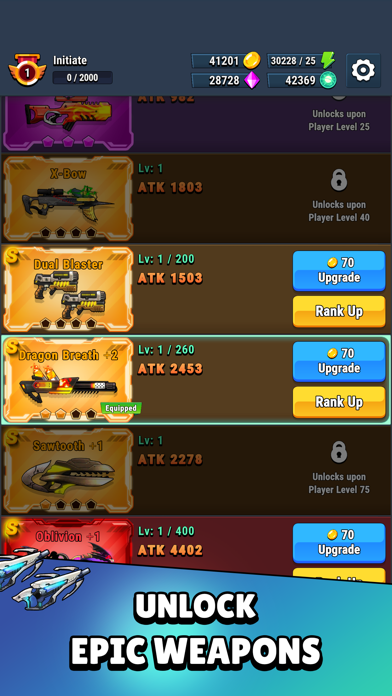
• DUAL WEAPONS & DRONES!
• Random and unique skills to help you fight with enemies.
• Epic boss fights!
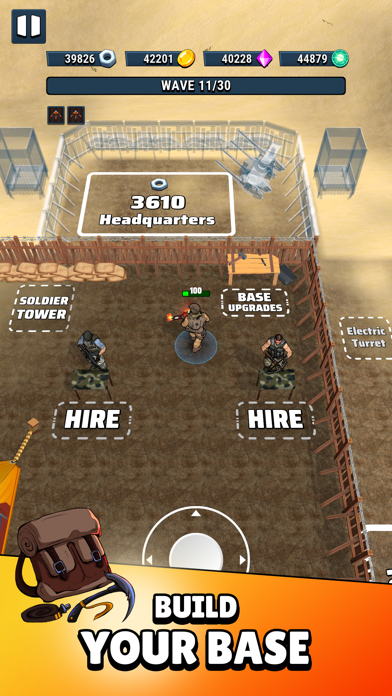
• Explore beautiful chapters and build your base.
• Enjoy the thrilling zombie fights.
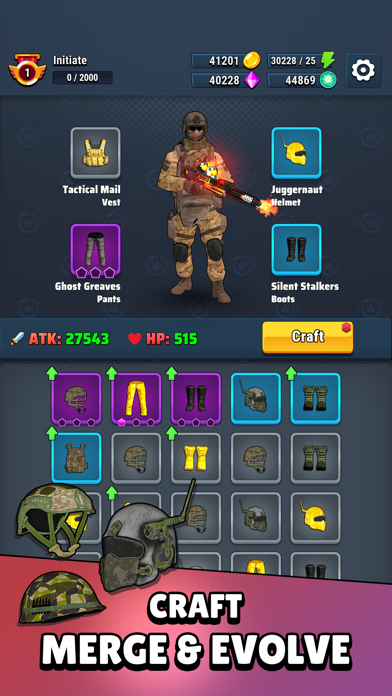
• Level-up and equip yourself with powerful equipment to increase your stats.
IAP & Subscription Technical Integration
PART I - IAPs
3 Basic rules for IAPs before starting their integrations:
“Remember that IAPs take time to pass the AppStore review”
“They always need to be submitted for review with a new build”
” The IAP bundle id should be the same on both platform”
To have a smooth integration we recommend you to carefully follow this article: https://voodoo.zendesk.com/hc/en-us/articles/360007590839-In-App-Purchases
The documentation is ALL you should follow. It us up to date and fairly simple to follow.
HOWEVER: Remember IAPs are NOT subscriptions. It has to be a ONE TIME PURCHASE otherwise your account can be banned permanently.
PART II - SUBSCRIPTIONS
Subscriptions are harder to implement.
Regarding the integration with VoodooSauce the best first step is to follow as much as possible:
This Voodoo documentation:
https://voodoo.zendesk.com/hc/en-us/articles/360007590899-Subscriptions
You will also need a specific Apple Set Up:
“App-Specific Shared secret” on AppstoreConnect game page.
In order to find it, you can navigate to App information -> App-Specific Shared secret -> Manage.
If you don’t have permission to retrieve it, please ping the Publishing Ops team. They will be able to retrieve it for you.
For iOS, make sure to link https://www.apple.com/legal/internet-services/itunes/dev/stdeula/
For iOS, the AppStore requires to have information about subscriptions on the app’s description so do not forget about this. If you don’t know what to use, feel free to copy and paste the one below:
SUBSCRIPTION PRICING AND TERMS
Your subscription will be charged to your Account at confirmation of purchase.
Subscription automatically renews unless auto-renew is turned off at least 24-hours before the end of the current period.
Account will be charged for renewal within 24-hours prior to the end of the current period, and identify the cost of the renewal.
Subscriptions may be managed by the user and auto-renewal may be turned off by going to the user’s Account Settings after purchase.
Any unused portion of a free trial period, if offered, will be forfeited when the user purchases a subscription to that publication, where applicable.
You can turn off the auto-renew for the subscription whenever you want to through iTunes. Check https://support.apple.com/HT202039. When your current trial/subscription period expires, you will be unsubscribed. The current active subscription period can not be canceled. After your subscription expires, you will lose VIP membership benefits.
If you have any questions or comments, feel free to contact us at https://www.voodoo.io/
Privacy Policy: https://www.voodoo.io/privacy/
Term of use: https://www.voodoo.io/purchase/
For any other questions, please contact: mailto:[email protected]
在 iOS App Store 中查看