Login necessário
Entre com sua conta iOSGods para continuar.
Hack Features:
- PREMIUM
Baixe Photoshop Express Photo Editor Hack modded IPA dos links acima. Toque no botão de instalação e siga as instruções para instalar este hack iOS no seu iPhone, iPad ou Apple Silicon.
Precisa de mais ajuda? Confira nossas Perguntas frequentes sobre o app iOSGods para respostas detalhadas e dicas de solução de problemas.
ENHANCE, TRANSFORM, AND SHARE YOUR PHOTOS WITH EASE.
Have fun and easily edit, retouch, collage, and combine photos for high-quality pictures. Create photos that will help you stand out on social media with powerful one-touch transformations. Tap into your creativity on the go with Photoshop Express–the fast and easy photo editor–used by millions.
Photoshop Express delivers a full selection of free photo effects and editing features. Personalize your experiences with borders and text, enhance color and imagery, create picture collages, make quick fixes and enhance your share-worthy moments.
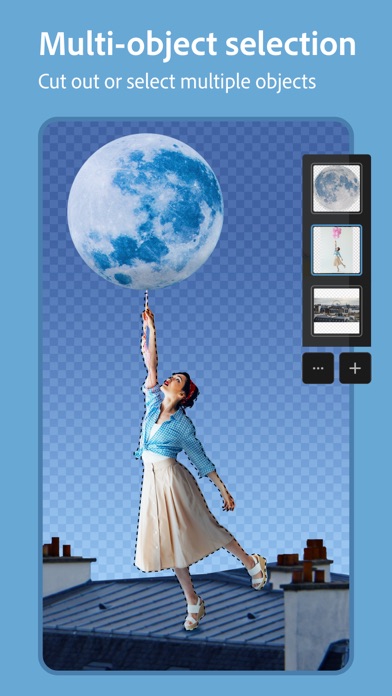
DETECTING AND MASKING OBJECTS
Innovative multi-object selection bringing selective editing to the next level.
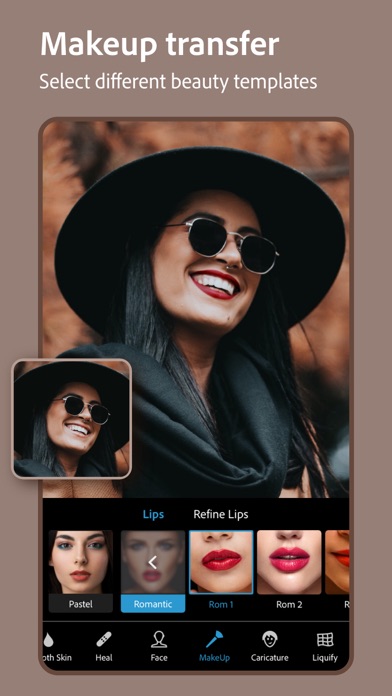
MAKEUP TRANSFER
Transfer makeup from a wide selection of beauty templates onto your own image.
PHOTO FILTERS AND EFFECTS
• Work on a single part of an image while the rest remains untouched with Selective Editing.
• Easily remove or replace the background of your image with automatic and smart cutouts.
• Combine photos to creatively transform your image.
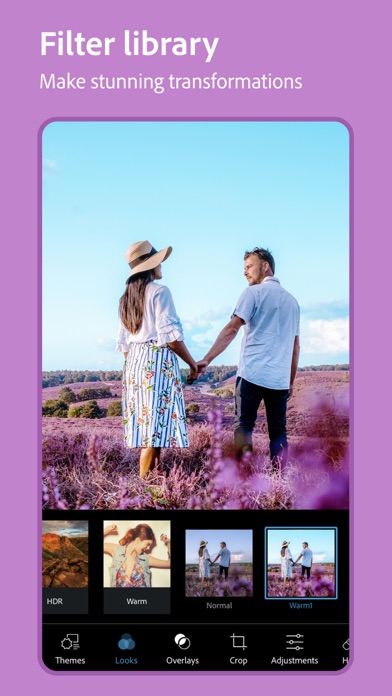
• Achieve your dream aesthetic with our Looks filters: Charm, Matte, Black & White, Portrait, Duo Tone, and more.
• Enhance your photo with new Overlays, including light-leaks, bokeh, and raindrops.
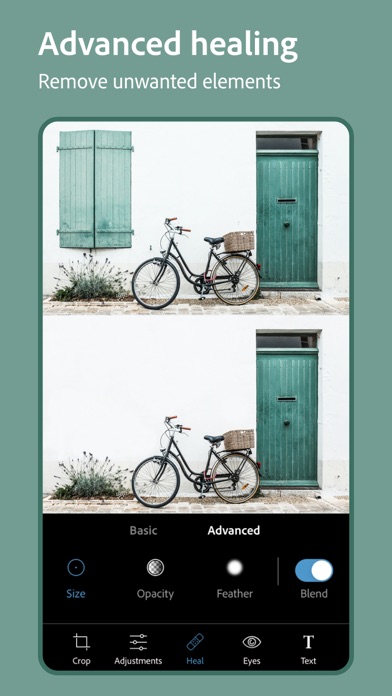
• Remove any unwanted elements from your photos to create share-ready photos with Advanced Healing.
• Explore Color Temperature, Vibrance and other effects with an easy adjustment slider.
• Remove fog with Dehaze for clear, detail-rich scenery.
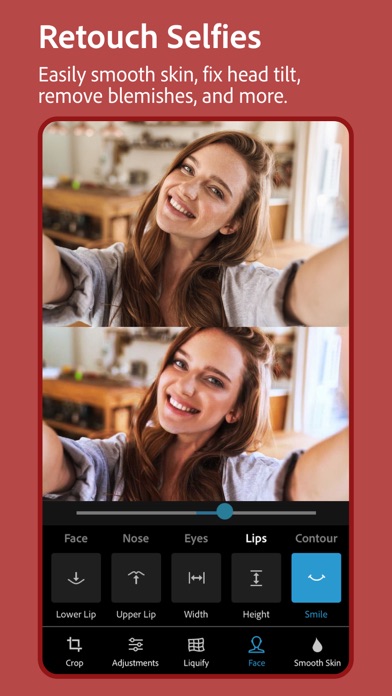
RETOUCH
• Adjust the angle of your head or facial orientation.
• Remove blemishes and smooth skin for a flawless finish.
• Transform your selfie into a caricature with fun sliders.
• Retouch your face with sliders that recognize face shape and features.
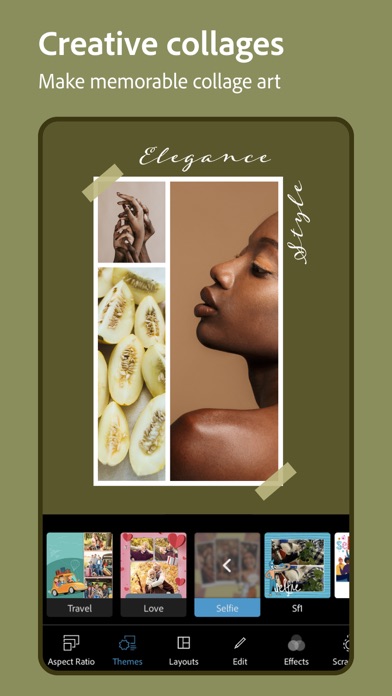
STUNNING PHOTO COLLAGES
• Create fun and unique photo collages by adding ready-to-use backgrounds, gradients and layouts.
• Use the Style Transfer feature to easily apply the same look and feel across all the images in your collage.
• Highlight color themes with the Pop-Color Tool.
• Unleash creativity with the scrapbook feature or photo collage maker.
ADD BORDERS AND TEXT
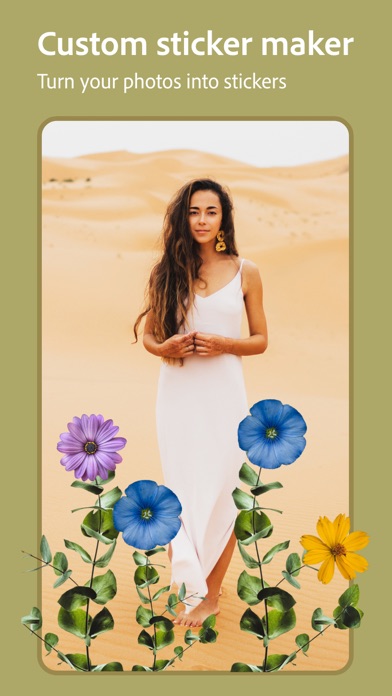
• Customize stickers, memes and captions.
• Add fun text to your photos with a wide array of fonts, colors and opacity controls.
• Bring your photos to the next level with photo color matching borders or unique custom frames.
• Fine-tune text placement with pan, zoom and rotate settings.
• Add watermarks easily by adding custom text or logos.
QUICK FIXES
• Crop, straighten, rotate, and flip your photos.
• Use Auto-Fix options for one-touch adjustments to Contrast, Exposure, and White Balance.
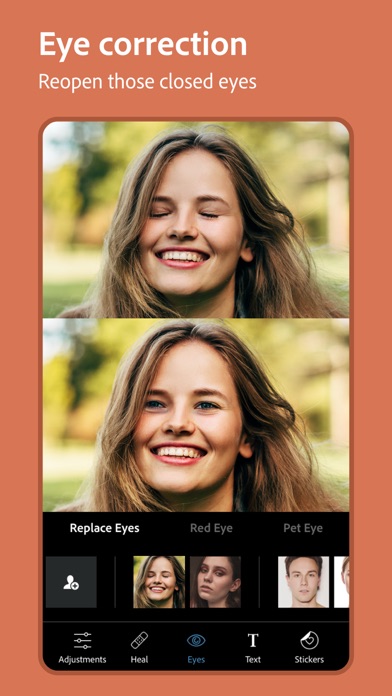
• Reopen closed eyes to create the perfect shot.
• Add emphasis on your subject with simple vignettes.
APPLY BLUR
• Shift focus to blend backgrounds with Radial Blur.
• Enhance imagery with the Full Blur features.
REMOVE NOISE
• Smooth out graininess or Reduce Color Noise.
• Sharpen details to make your photos look their best.
PERSPECTIVE CORRECTION
• Fix crooked images with Auto Settings.
• Correct distorted camera angles with the Transform Tool.
Photoshop Express now includes all the best tools from Photoshop Mix and Photoshop Fix including liquify, smart cut outs and layers, face aware liquify, and more. Adobe’s best-in-class healing technology recognizes facial features for a smooth but realistic finish.
NOW SAVE AS PNG
• You can now save your detailed, high-contrast images in the PNG file format. This is ideal for digital photographs and images with transparent backgrounds that can be layered over other images.
Photoshop Express is brought to you by Adobe, proud makers of the Photoshop family.
Terms & Conditions:
Your use of this application is governed by the Adobe General Terms of Use http://www.adobe.com/go/terms_linkfree_en and the Adobe Privacy Policy http://www.adobe.com/go/privacy_policy_linkfree_en
Do Not Sell My Personal Information: www.adobe.com/go/ca-rights-linkfree
- iPhone ou iPad sem jailbreak/jailed ou com jailbreak.
- Sideloadly ou alternativas.
- Computador com Windows/macOS/Linux e iTunes instalado.
PASSO 1: Baixe o arquivo .IPA pré-hackeado do link acima para o seu computador. Para baixar pelo iOSGods App, veja nosso Tutorial de download de IPA do iOSGods App, que inclui um exemplo em vídeo.
PASSO 2: Baixe o Sideloadly e instale-o no seu Windows ou Mac.
PASSO 3: Abra o Sideloadly no seu computador, conecte seu dispositivo iOS e aguarde até que o nome do dispositivo apareça no Sideloadly.
PASSO 4: Assim que seu iDevice for reconhecido, arraste o arquivo .IPA modificado que você baixou e solte-o no aplicativo Sideloadly.
PASSO 5: Digite o e-mail da sua Apple Account e pressione “Start”. Em seguida, será solicitada a sua senha. Prossiga e forneça as informações solicitadas.
PASSO 6: Aguarde o Sideloadly finalizar o sideload/instalação do IPA hackeado. Se houver problemas durante a instalação, leia a observação abaixo.
PASSO 7: Quando a instalação estiver concluída e você vir o app na Tela de Início, será necessário acessar Ajustes → Geral → Perfis / Gerenciamento de VPN e Dispositivo. Lá, toque no e-mail que você inseriu no passo 6 e, em seguida, toque em “Confiar em [email protected]”.
PASSO 8: Agora vá para a Tela de Início e abra o app recém-instalado; tudo deve funcionar normalmente. Você pode precisar seguir instruções adicionais específicas no popup do hack dentro do jogo.
OBSERVAÇÃO: No iOS/iPadOS 16 e versões posteriores, você deve ativar o Modo de Desenvolvedor. Para contas Apple Developer gratuitas, será necessário repetir este processo a cada 7 dias. Se tiver dúvidas ou problemas, leia nossa seção de FAQ do Sideloadly no tópico.