Cần đăng nhập
Đăng nhập bằng tài khoản iOSGods để tiếp tục.
Hack Features:
- PREMIUM
Tải Photoshop Express Photo Editor Hack modded IPA từ các liên kết ở trên. Nhấn nút cài đặt và làm theo hướng dẫn để cài bản hack iOS lên iPhone, iPad hoặc Apple Silicon.
Cần thêm trợ giúp? Hãy xem Câu hỏi thường gặp ứng dụng iOSGods để có câu trả lời chi tiết và mẹo khắc phục sự cố.
ENHANCE, TRANSFORM, AND SHARE YOUR PHOTOS WITH EASE.
Have fun and easily edit, retouch, collage, and combine photos for high-quality pictures. Create photos that will help you stand out on social media with powerful one-touch transformations. Tap into your creativity on the go with Photoshop Express–the fast and easy photo editor–used by millions.
Photoshop Express delivers a full selection of free photo effects and editing features. Personalize your experiences with borders and text, enhance color and imagery, create picture collages, make quick fixes and enhance your share-worthy moments.
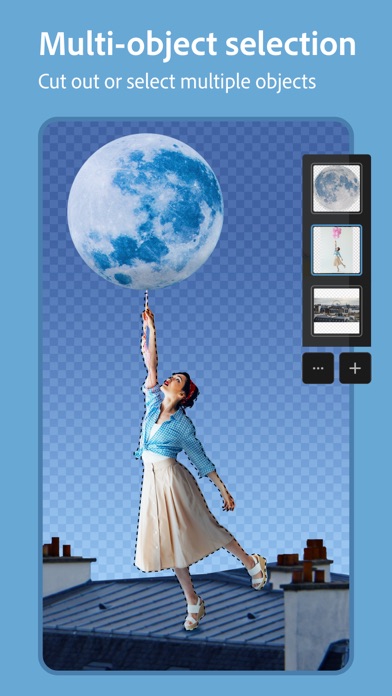
DETECTING AND MASKING OBJECTS
Innovative multi-object selection bringing selective editing to the next level.
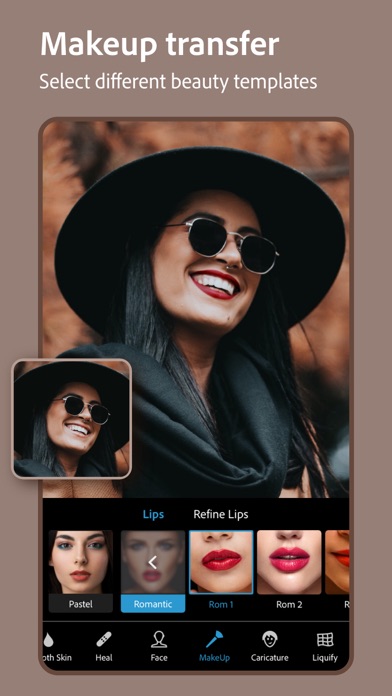
MAKEUP TRANSFER
Transfer makeup from a wide selection of beauty templates onto your own image.
PHOTO FILTERS AND EFFECTS
• Work on a single part of an image while the rest remains untouched with Selective Editing.
• Easily remove or replace the background of your image with automatic and smart cutouts.
• Combine photos to creatively transform your image.
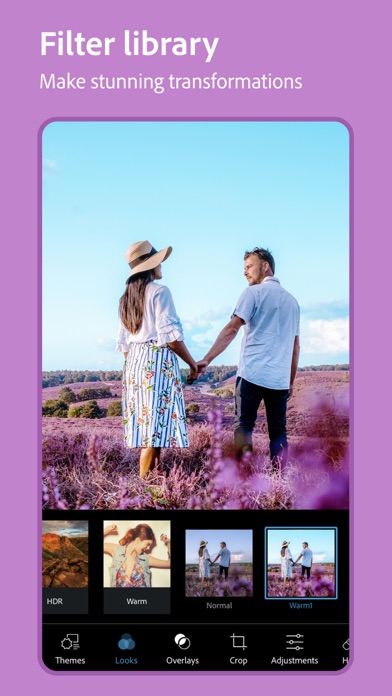
• Achieve your dream aesthetic with our Looks filters: Charm, Matte, Black & White, Portrait, Duo Tone, and more.
• Enhance your photo with new Overlays, including light-leaks, bokeh, and raindrops.
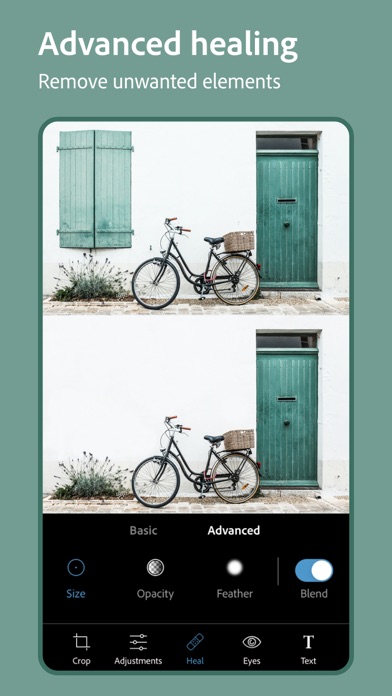
• Remove any unwanted elements from your photos to create share-ready photos with Advanced Healing.
• Explore Color Temperature, Vibrance and other effects with an easy adjustment slider.
• Remove fog with Dehaze for clear, detail-rich scenery.
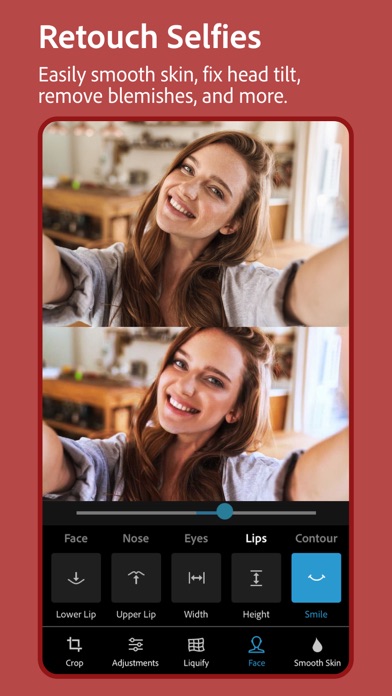
RETOUCH
• Adjust the angle of your head or facial orientation.
• Remove blemishes and smooth skin for a flawless finish.
• Transform your selfie into a caricature with fun sliders.
• Retouch your face with sliders that recognize face shape and features.
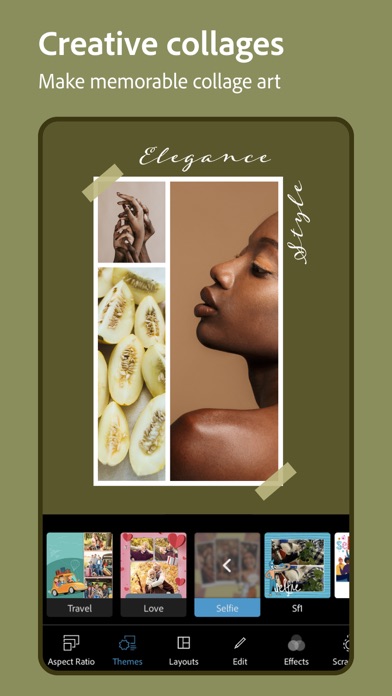
STUNNING PHOTO COLLAGES
• Create fun and unique photo collages by adding ready-to-use backgrounds, gradients and layouts.
• Use the Style Transfer feature to easily apply the same look and feel across all the images in your collage.
• Highlight color themes with the Pop-Color Tool.
• Unleash creativity with the scrapbook feature or photo collage maker.
ADD BORDERS AND TEXT
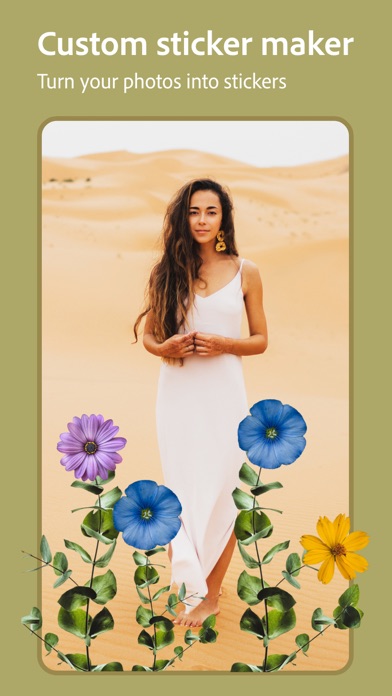
• Customize stickers, memes and captions.
• Add fun text to your photos with a wide array of fonts, colors and opacity controls.
• Bring your photos to the next level with photo color matching borders or unique custom frames.
• Fine-tune text placement with pan, zoom and rotate settings.
• Add watermarks easily by adding custom text or logos.
QUICK FIXES
• Crop, straighten, rotate, and flip your photos.
• Use Auto-Fix options for one-touch adjustments to Contrast, Exposure, and White Balance.
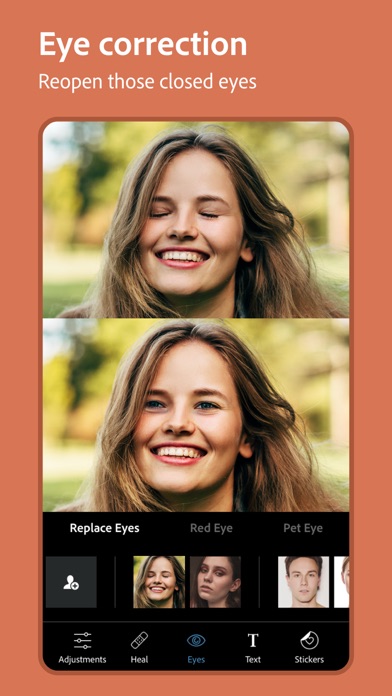
• Reopen closed eyes to create the perfect shot.
• Add emphasis on your subject with simple vignettes.
APPLY BLUR
• Shift focus to blend backgrounds with Radial Blur.
• Enhance imagery with the Full Blur features.
REMOVE NOISE
• Smooth out graininess or Reduce Color Noise.
• Sharpen details to make your photos look their best.
PERSPECTIVE CORRECTION
• Fix crooked images with Auto Settings.
• Correct distorted camera angles with the Transform Tool.
Photoshop Express now includes all the best tools from Photoshop Mix and Photoshop Fix including liquify, smart cut outs and layers, face aware liquify, and more. Adobe’s best-in-class healing technology recognizes facial features for a smooth but realistic finish.
NOW SAVE AS PNG
• You can now save your detailed, high-contrast images in the PNG file format. This is ideal for digital photographs and images with transparent backgrounds that can be layered over other images.
Photoshop Express is brought to you by Adobe, proud makers of the Photoshop family.
Terms & Conditions:
Your use of this application is governed by the Adobe General Terms of Use http://www.adobe.com/go/terms_linkfree_en and the Adobe Privacy Policy http://www.adobe.com/go/privacy_policy_linkfree_en
Do Not Sell My Personal Information: www.adobe.com/go/ca-rights-linkfree
- iPhone hoặc iPad chưa jailbreak/đã đóng hoặc đã jailbreak.
- Sideloadly hoặc các lựa chọn thay thế.
- Máy tính chạy Windows/macOS/Linux đã cài iTunes.
BƯỚC 1: Tải tệp .IPA đã được hack sẵn từ liên kết phía trên về máy tính của bạn. Để tải từ iOSGods App, hãy xem Hướng dẫn tải IPA bằng iOSGods App của chúng tôi, có kèm ví dụ bằng video.
BƯỚC 2: Tải Sideloadly và cài đặt trên Windows hoặc Mac của bạn.
BƯỚC 3: Mở Sideloadly trên máy tính, kết nối thiết bị iOS của bạn và chờ cho đến khi tên thiết bị hiển thị trong Sideloadly.
BƯỚC 4: Khi thiết bị iOS của bạn đã được nhận diện, hãy kéo tệp .IPA đã chỉnh sửa mà bạn tải về và thả vào ứng dụng Sideloadly.
BƯỚC 5: Nhập email Apple Account của bạn, sau đó nhấn "Start." Bạn sẽ được yêu cầu nhập mật khẩu. Hãy cung cấp các thông tin cần thiết.
BƯỚC 6: Chờ Sideloadly hoàn tất quá trình sideload/cài đặt tệp IPA đã hack. Nếu gặp sự cố trong quá trình cài đặt, vui lòng đọc lưu ý bên dưới.
BƯỚC 7: Khi cài đặt hoàn tất và bạn thấy ứng dụng trên Màn hình chính, bạn cần truy cập Cài đặt → Cài đặt chung → Hồ sơ / VPN & Quản lý thiết bị. Tại đó, nhấn vào email bạn đã nhập ở bước 6, rồi nhấn "Tin cậy [email protected]".
BƯỚC 8: Bây giờ hãy về Màn hình chính và mở ứng dụng vừa cài đặt, mọi thứ sẽ hoạt động bình thường. Bạn có thể cần làm theo hướng dẫn riêng của từng ứng dụng trong cửa sổ popup của bản hack trong game.
LƯU Ý: Trên iOS/iPadOS 16 trở lên, bạn phải bật Chế độ nhà phát triển. Với tài khoản Apple Developer miễn phí, bạn sẽ cần lặp lại quy trình này mỗi 7 ngày. Nếu bạn có thắc mắc hoặc gặp sự cố, hãy đọc mục FAQ về Sideloadly trong chủ đề của chúng tôi.