Login Diperlukan
Masuk dengan akun iOSGods kamu untuk melanjutkan.
Masuk dengan akun iOSGods kamu untuk melanjutkan.
- Freeze Currencies
- Cheap Training
- God Mode
- One Hit Kill
- PREMIUM
Aplikasi ini juga dilengkapi dengan iGameGod, yang memberi Anda akses ke Auto Touch untuk mengotomatiskan tugas berulang, App Speed Manager untuk mengatur kecepatan permainan, pengeditan nilai Memory Engine, dan alat permainan iOS lainnya yang lebih canggih.
Unduh Lucky Guy! Defense Game Hack modded IPA dari tautan di atas. Ketuk tombol pasang dan ikuti petunjuk di layar untuk memasang hack iOS ini di iPhone, iPad, atau Apple Silicon.
Butuh bantuan lebih lanjut? Lihat Pertanyaan yang Sering Diajukan untuk Aplikasi iOSGods kami untuk jawaban dan tips lengkap.
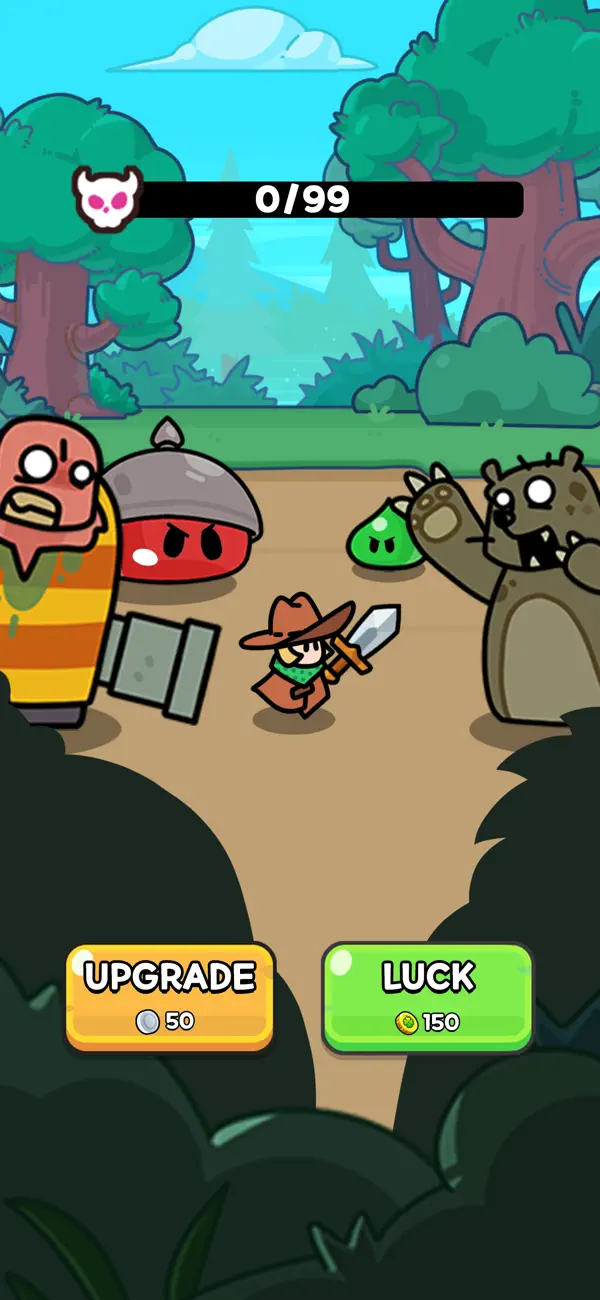
How far will your luck carry you?
To survive until the end, you’ll need a mix of pure luck and brilliant strategy!
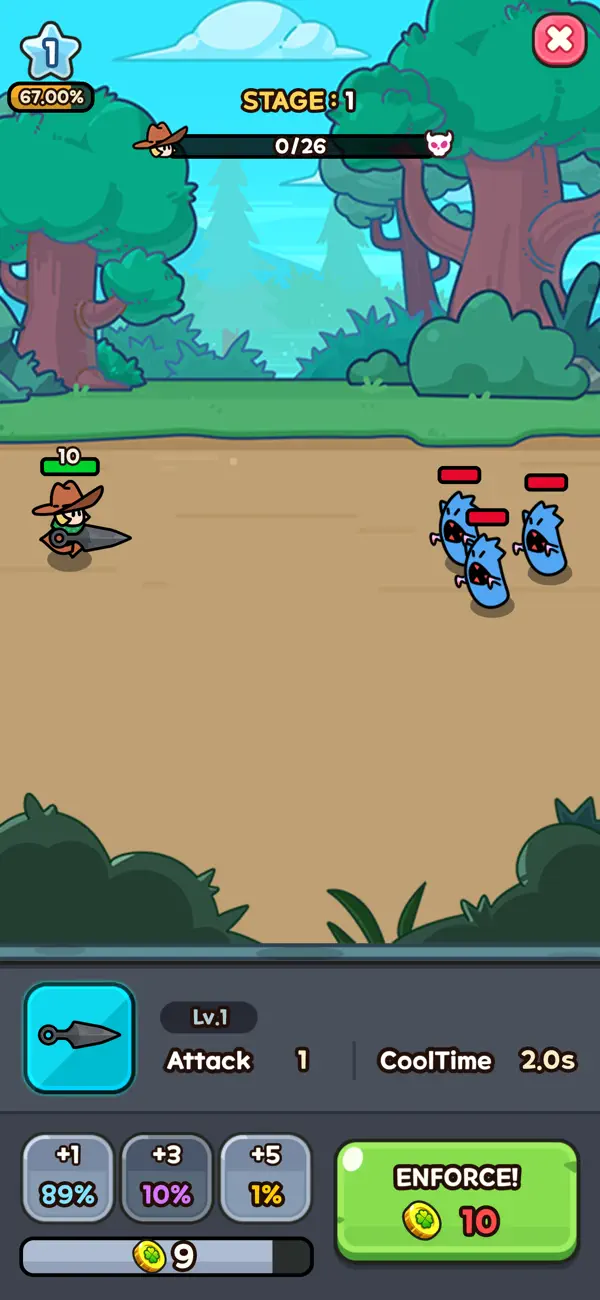
Hit jackpots, grow stronger with immense power, and fight for survival in a world filled with zombies, monsters, and bosses!
Features of Lucky Guy
► Luck-Based Battles
Enhancement success? Jackpot!
Top-tier weapon? Mega jackpot!
Experience unpredictable and thrilling roguelike battles!
As time passes, enemies grow stronger—use your luck wisely to survive waves and eliminate monsters in this survival adventure!
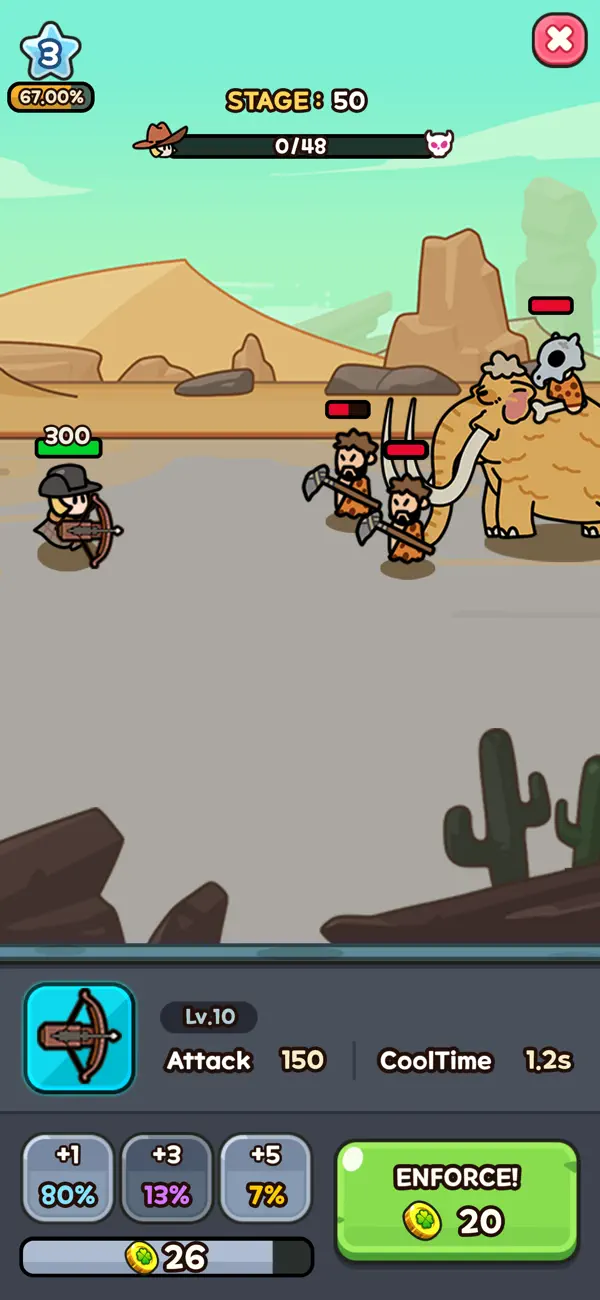
► Strategic Wave Defense
Defend against relentless waves of monsters and put your luck to the test.
With quick decisions and the best strategies, immerse yourself in action-packed battle where you’ll upgrade your abilities to face stronger foes, including mighty bosses!
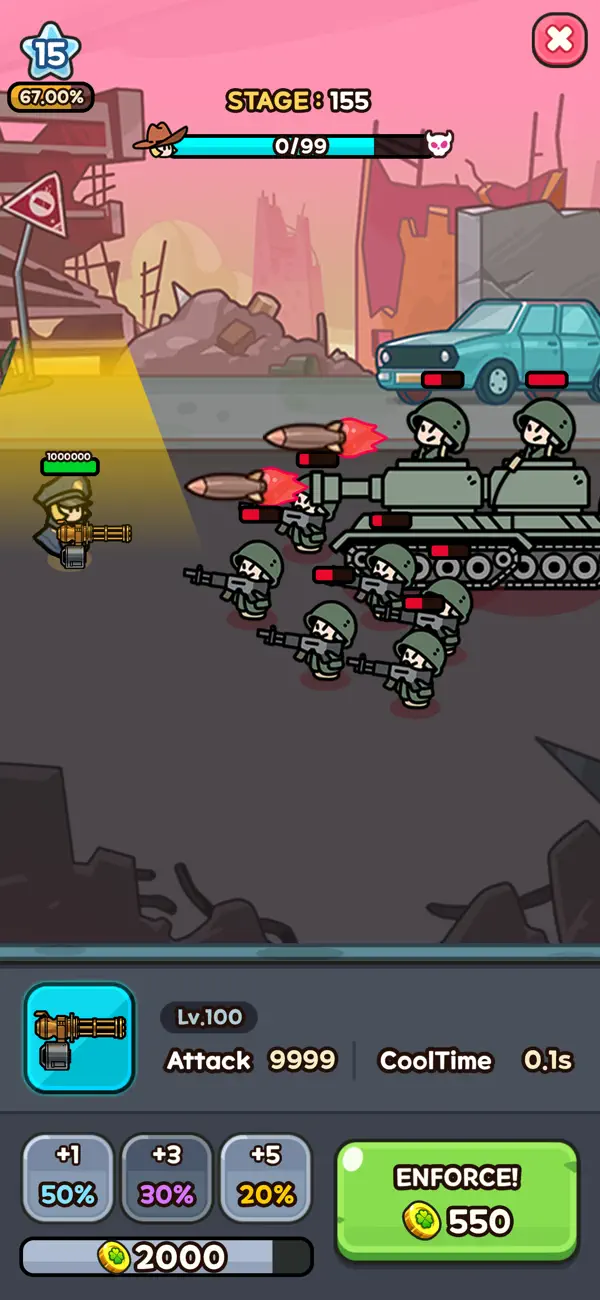
► Upgrade Your Abilities
Gather loot, collect coins, and unlock powerful abilities essential for survival.
Upgrade and grow stronger to survive rush attacks and eliminate every monster in your path!
► Heroes & Adventures
From wandering travelers to battlefield commanders, assemble a team of unique heroes!
Collect powerful heroes, embark on the ultimate adventure of fate, and claim legendary artifacts to prepare for war.
► Strategic Defense
Combine luck and strategy to create the ultimate build!
Utilize powerful weapons, abilities, and heroes to dominate the battle and survive waves of monsters!
► Offline Play
Battle for survival anytime, anywhere—no internet required!
Enjoy a full-fledged offline combat experience without worrying about data usage.
Join the battle now in Lucky Guy and push your luck to the limit!
Everything depends on your luck and strategy to survive and defeat powerful bosses!
----
- Contact Us: [email protected]
- Terms of Service: https://termsofservice.treeplla.com/
- Privacy Policy: https://privacy.treeplla.com/language

- iPhone atau iPad tanpa Jailbreak atau dengan Jailbreak.
- Sideloadly atau alternatifnya.
- Komputer dengan Windows/macOS/Linux dan iTunes terpasang.
LANGKAH 1: Unduh file .IPA yang sudah di-hack dari tautan di atas ke komputer Anda. Untuk mengunduhnya dari iOSGods App, silakan lihat Tutorial Mengunduh IPA dari iOSGods App kami yang dilengkapi contoh video.
LANGKAH 2: Unduh Sideloadly dan pasang di Windows atau Mac Anda.
LANGKAH 3: Buka Sideloadly di komputer Anda, sambungkan perangkat iOS Anda, dan tunggu hingga nama perangkat Anda muncul di Sideloadly.
LANGKAH 4: Setelah iDevice Anda terdeteksi, seret file .IPA yang sudah dimodifikasi dan lepaskan ke dalam aplikasi Sideloadly.
LANGKAH 5: Masukkan email Apple Account Anda, lalu tekan "Start". Anda kemudian akan diminta memasukkan kata sandi. Silakan isi informasi yang diminta.
LANGKAH 6: Tunggu hingga Sideloadly selesai melakukan sideloading/pemasangan IPA yang di-hack. Jika terjadi masalah saat pemasangan, silakan baca catatan di bawah ini.
LANGKAH 7: Setelah pemasangan selesai dan Anda melihat aplikasi di Layar Beranda, Anda perlu masuk ke Pengaturan → Umum → Profil / VPN & Manajemen Perangkat. Setelah itu, ketuk email yang Anda masukkan pada langkah 6, lalu ketuk "Percayai [email protected]".
LANGKAH 8: Sekarang buka Layar Beranda dan jalankan aplikasi yang baru saja dipasang; semuanya seharusnya berjalan normal. Anda mungkin perlu mengikuti petunjuk tambahan per aplikasi yang muncul di popup hack di dalam game.
CATATAN: Pada iOS/iPadOS 16 dan yang lebih baru, Anda harus mengaktifkan Mode Pengembang. Untuk akun Apple Developer gratis, Anda perlu mengulangi proses ini setiap 7 hari. Jika Anda memiliki pertanyaan atau masalah, silakan baca bagian FAQ Sideloadly di topik tersebut kami.


![[The Battle Cats JP] にゃんこ大戦争 iOS Mod IPA](https://is1-ssl.mzstatic.com/image/thumb/Purple221/v4/d5/5d/5e/d55d5ecc-9bbd-3446-2092-56eef81db097/AppIcon-0-0-1x_U007epad-0-1-85-220.png/100x100bb.jpg)


