Anmeldung erforderlich
Melden Sie sich mit Ihrem iOSGods-Konto an, um fortzufahren.
Melden Sie sich mit Ihrem iOSGods-Konto an, um fortzufahren.

- Freeze Currencies
- Cheap Training
- God Mode
- One Hit Kill
- PREMIUM
Diese App wird zusätzlich mit iGameGod geliefert und bietet Ihnen Zugriff auf Auto Touch zur Automatisierung sich wiederholender Aufgaben, App Speed Manager für eine anpassbare Spielgeschwindigkeit, Memory Engine zur Wertbearbeitung und weitere leistungsstarke iOS-Spielwerkzeuge.
Laden Sie Lucky Guy! Defense Game Hack modded IPA über die obigen Links herunter. Tippen Sie auf den Installations-Button und folgen Sie den Anweisungen, um diese iOS-App auf Ihrem iPhone, iPad oder Apple Silicon zu installieren.
Brauchen Sie mehr Hilfe? In unseren iOSGods App häufig gestellten Fragen finden Sie ausführliche Antworten und Tipps zur Fehlerbehebung.
Wie weit bringt dich dein Glück?
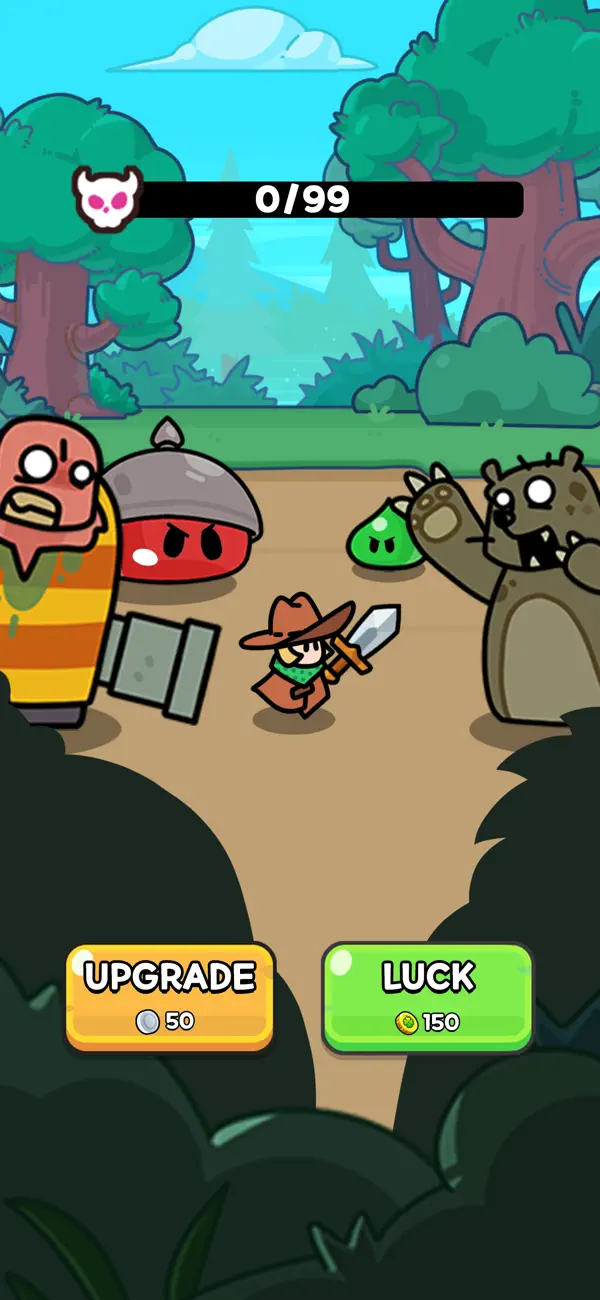
Um bis zum Ende zu überleben, brauchst du eine Mischung aus reinem Glück, kluger Strategie und dem Mut, dich dem Krieg gegen Zombies, Monster und Boss-Gegner zu stellen.
Triff den Jackpot, sammle Münzen, führe clevere Upgrades durch und stürze dich in den Kampf ums Überleben in einer Welt voller Wellen von Zombies, Schießen und Chaos!
Features von Lucky Guy
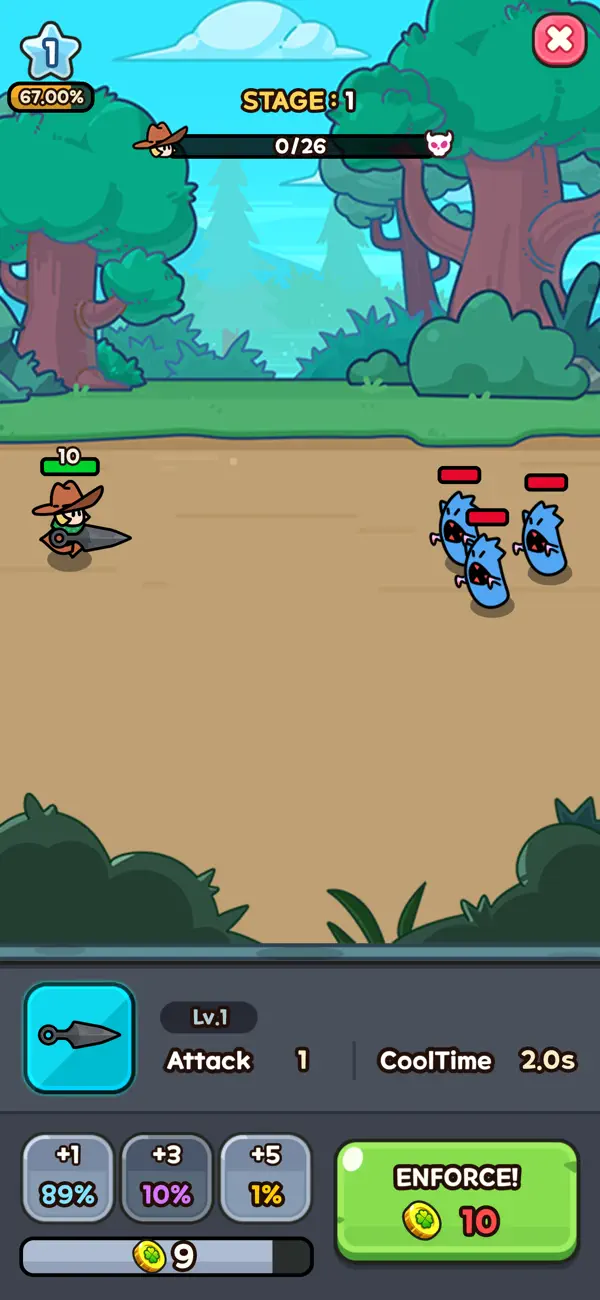
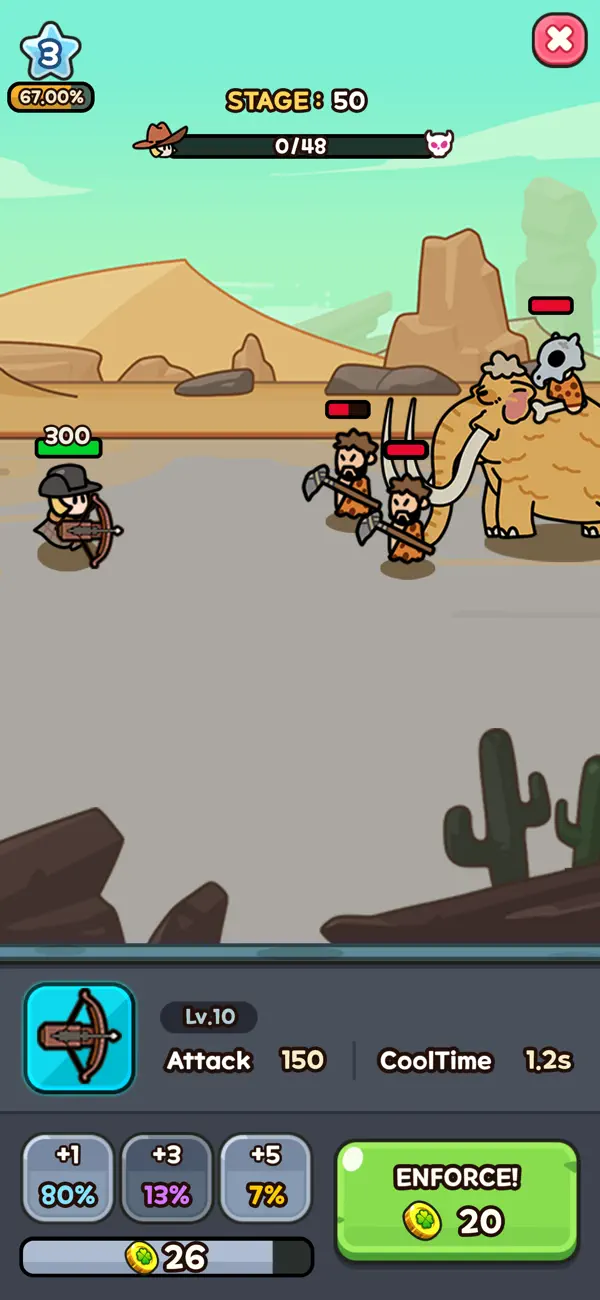
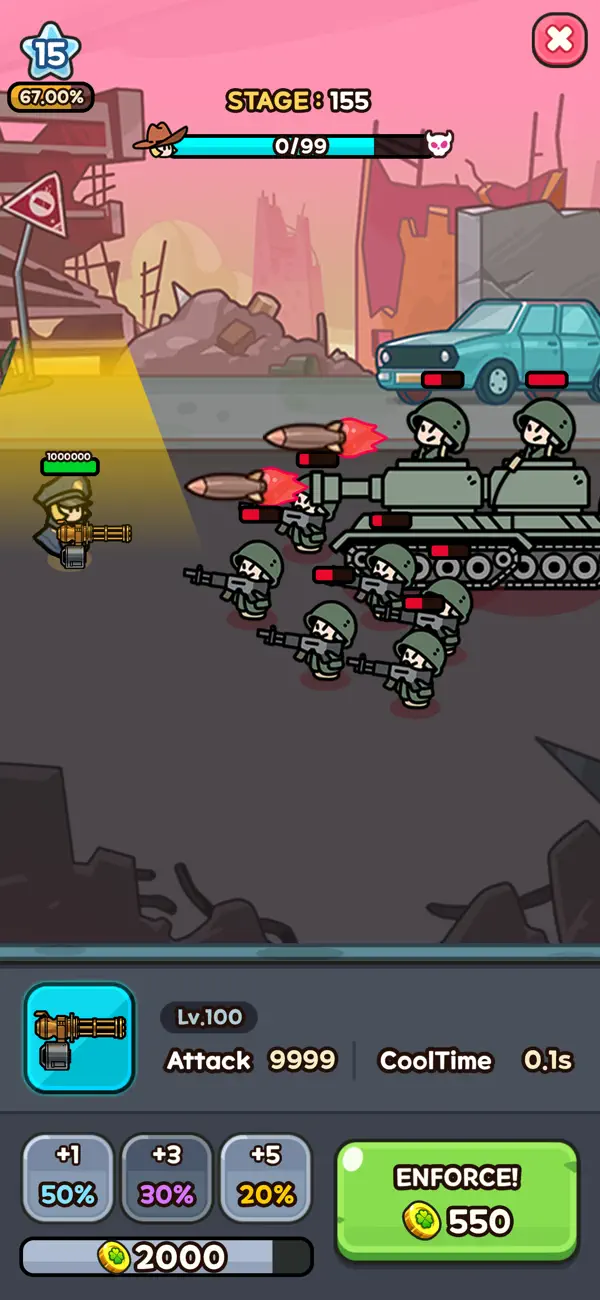
► Glücksgesteuerte Roguelike-Kämpfe
Verbesserung geglückt? Jackpot!
Waffe der Spitzenklasse? Mega-Jackpot!
Erlebe das Beste aus Roguelike, Glück und Schießen in actiongeladenen Schlachten.
Je länger du überlebst, desto stärker werden Monster und Boss-Gegner – nutze dein Glück mit Taktik, um jede Welle zu überstehen.
► Strategische Verteidigung in Wellen
Verteidige dich gegen endlose Wellen von Monstern und stelle deine Strategie und dein Glück auf die Probe.
Schnelle Entscheidungen und taktischer Verstand sind gefragt, um im Kampf zu bestehen und selbst den härtesten Boss zu besiegen.
► Fähigkeiten verbessern & Münzen sammeln
Sammle Münzen, rüste deine Fähigkeiten auf und finde neue Wege zum Upgrade.
Nur mit kontinuierlichem Upgrade kannst du den Rush der Gegner überleben und jeden Zombie ausschalten.
► Helden & epische Abenteuer
Vom reisenden Kämpfer bis zum Held der Frontlinie – stelle ein Team einzigartiger Helden zusammen.
Erkunde eine Roguelike-Welt voller Gefahren und finde legendäre Ausrüstung für den bevorstehenden Krieg.
► Taktik trifft Glück
Kombiniere Glück, Upgrade und Strategie, um dein perfektes Build zu gestalten.
Nutze mächtige Waffen, starke Helden und gezieltes Schießen, um im Kampf gegen jeden Boss, jede Welle und jedes Monster zu bestehen.
► Offline spielbar
Erlebe intensiven Kampf und taktisches Schießen auch im Offline-Modus!
Genieße ein vollständiges Offline-Erlebnis, ideal für unterwegs – kein Internet nötig!
Bist du bereit für den ultimativen Rush?
Stürze dich jetzt in den Kampf in Lucky Guy und teste dein Glück bis ans Limit!
Dein Überleben im Krieg gegen Zombies, Monster, Boss-Gegner und endlose Wellen hängt nur von deinem Mut, deinem Upgrade – und natürlich deinem Glück ab.
-----
- Support: [email protected]
- Nutzungsbedingungen: https://termsofservice.treeplla.com/
- Datenschutzrichtlinie: https://privacy.treeplla.com/language
- Nicht-Jailbroken/Jailed oder Jailbroken iPhone oder iPad.
- Sideloadly oder Alternativen.
- Computer mit Windows/macOS/Linux und installiertem iTunes.
SCHRITT 1: Laden Sie die vorinstallierte .IPA-Datei über den obigen Link auf Ihren Computer herunter. Zum Herunterladen aus der iOSGods-App siehe unser iOSGods App IPA Download-Tutorial mit Videobeispiel.
SCHRITT 2: Laden Sie Sideloadly herunter und installieren Sie es auf Ihrem Windows oder Mac.
SCHRITT 3: Öffnen Sie Sideloadly auf Ihrem Computer, verbinden Sie Ihr iOS-Gerät und warten Sie, bis Ihr Gerätename in Sideloadly erscheint.
SCHRITT 4: Sobald Ihr iDevice erkannt wird, ziehen Sie die heruntergeladene gemoddete .IPA-Datei in die Sideloadly-Anwendung.
SCHRITT 5: Geben Sie Ihre Apple-Account-E-Mail ein und drücken Sie „Start". Sie werden dann nach Ihrem Passwort gefragt. Geben Sie die erforderlichen Informationen ein.
SCHRITT 6: Warten Sie, bis Sideloadly das Sideloading/Installieren der gehackten IPA abgeschlossen hat. Bei Problemen während der Installation lesen Sie bitte den Hinweis unten.
SCHRITT 7: Sobald die Installation abgeschlossen ist und die App auf Ihrem Home-Bildschirm angezeigt wird, müssen Sie zu Einstellungen → Allgemein → Profile / VPN & Geräteverwaltung gehen. Tippen Sie dort auf die E-Mail, die Sie in Schritt 6 eingegeben haben, und dann auf „Trust [email protected]".
SCHRITT 8: Gehen Sie nun zu Ihrem Home-Bildschirm und öffnen Sie die neu installierte App – alles sollte einwandfrei funktionieren. Möglicherweise müssen Sie weitere App-spezifische Anweisungen im Hack-Popup im Spiel befolgen.
HINWEIS: iOS/iPadOS 16 und höher: Sie müssen den Entwicklermodus aktivieren. Bei kostenlosen Apple Developer-Accounts müssen Sie diesen Vorgang alle 7 Tage wiederholen. Bei Fragen oder Problemen lesen Sie bitte unsere Sideloadly-FAQ-Sektion im Thema.


![[The Battle Cats JP] にゃんこ大戦争 iOS Mod IPA](https://is1-ssl.mzstatic.com/image/thumb/Purple221/v4/d5/5d/5e/d55d5ecc-9bbd-3446-2092-56eef81db097/AppIcon-0-0-1x_U007epad-0-1-85-220.png/100x100bb.jpg)


