Inloggen vereist
Log in met je iOSGods-account om door te gaan.
Log in met je iOSGods-account om door te gaan.

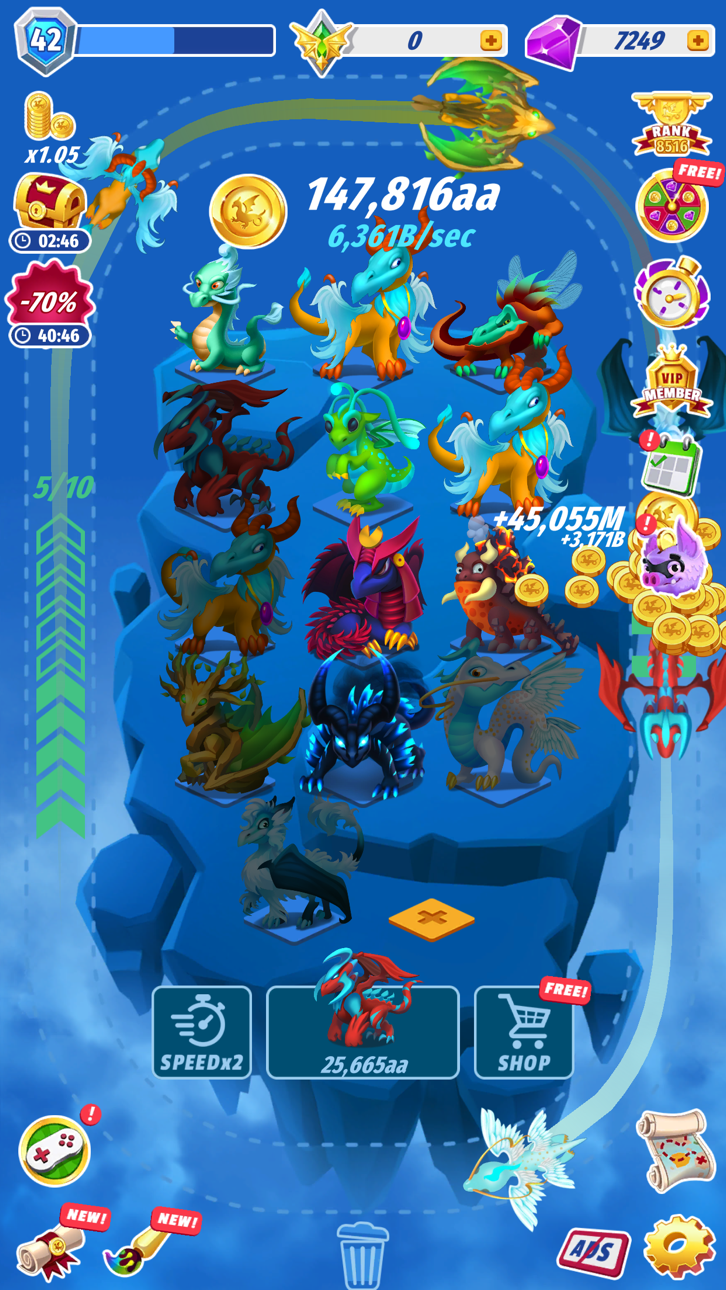
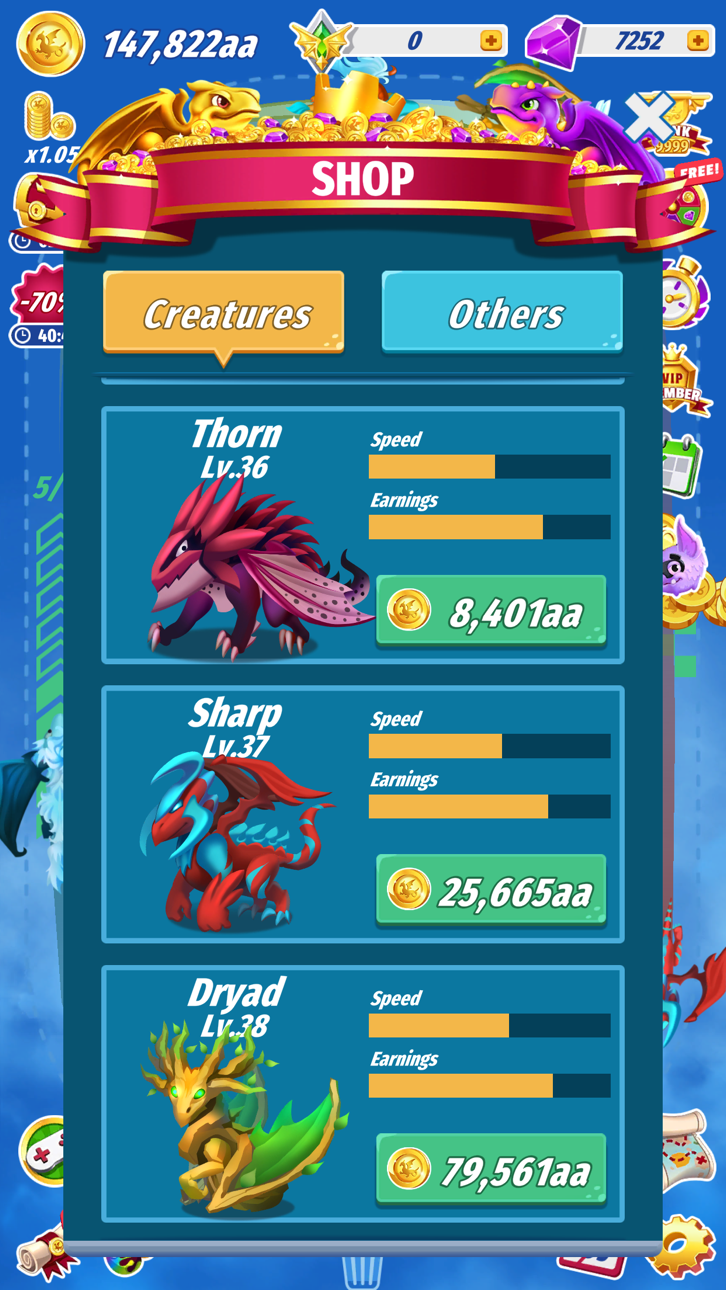
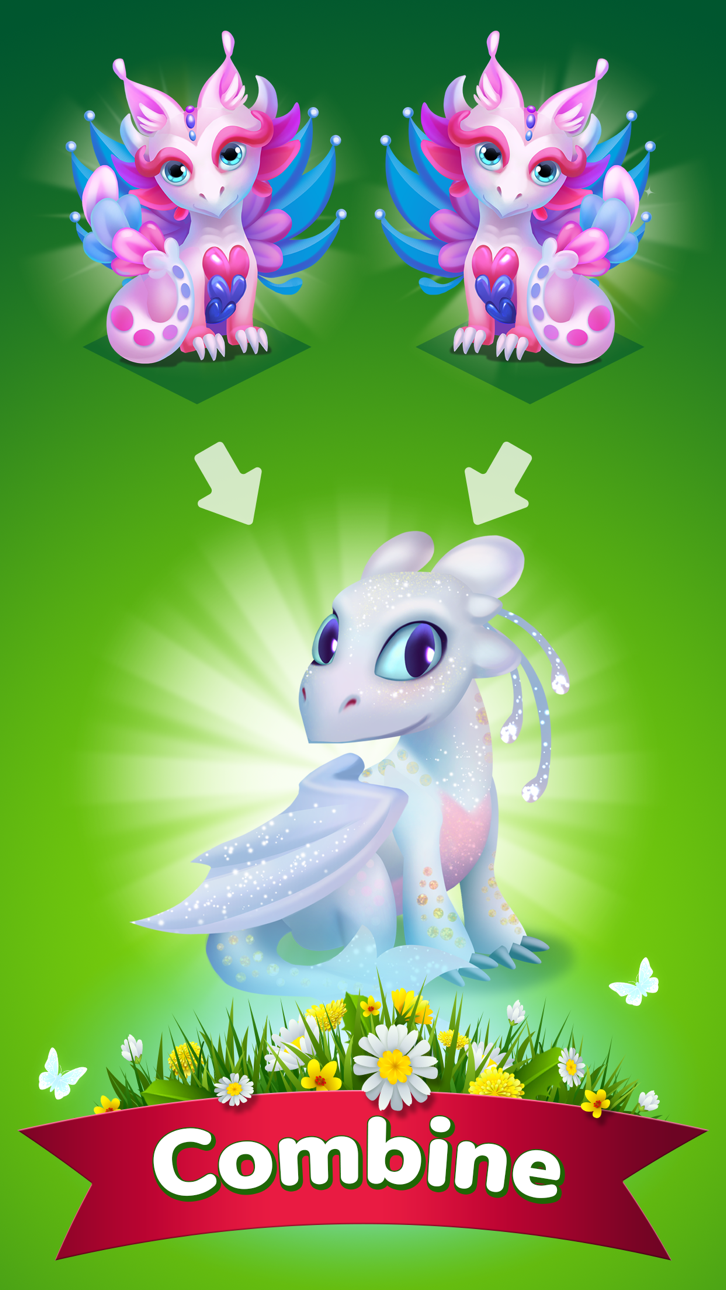
Verzamel mystieke wezens en bouw je eilandimperium in dit verslavende strategiespel, nu met een gratis Mod IPA hack die al het geslepen werk verwijdert. Dragons: Miracle Collection laat je eilanden upgraden, unieke wezens fokken en offline beloningen verdienen, maar deze gemodificeerde versie geeft je onbeperkte diamanten en verwijdert advertenties zodat je je puur op het plezier van verzamelen en strategiseren kunt concentreren zonder onderbreking.
- Onbeperkte diamanten → besteed vrij aan upgrades en wezens
- Geen advertenties → ononderbroken gameplay
Deze app bevat ook iGameGod, waarmee je toegang krijgt tot Auto Touch om repetitieve taken te automatiseren, App Speed Manager voor een aanpasbare spelsnelheid, het bewerken van waarden met Memory Engine en andere krachtige iOS-gametools.
Download Dragons: Miracle Collection Hack modded IPA via de bovenstaande links. Tik op de installatieknop en volg de instructies om deze iOS-app-hack op je iPhone, iPad of Apple Silicon te installeren.
Meer hulp nodig? Bekijk onze Veelgestelde vragen over de iOSGods-app voor uitgebreide antwoorden en probleemoplossingstips.
Hoeveel mystieke wezens kun jij verzamelen?
Kom om het meest verslavende spel op je telefoon te spelen! Kies de slimste strategie om als eerste alle wezens te verzamelen. Upgrade je Eilanden, verzamel nog meer unieke wezens. Upgrade ze om meer geld te verdienen. Wezens kunnen vliegen, zodat je geld kunt krijgen, zelfs als je in de offline modus bent. Verzamel alle mysterieuze wezens en heers over de hemel!
Functie:
- gloednieuw scène ontwerp.
- kaart met ongewone eilanden;
- drie soorten wezens.
Gold Membership biedt een wekelijks abonnement, je hebt een gratis proefperiode van 3 dagen, na deze periode worden de kosten van het abonnement in rekening gebracht.
Abonnement Kennisgeving:
- Betaling wordt in rekening gebracht op iTunes-Account bij bevestiging van aankoop
- Abonnement wordt automatisch verlengd, tenzij auto-renew ten minste 24 uur voor het einde van de huidige periode is uitgeschakeld
- Rekening wordt in rekening gebracht voor verlenging binnen 24 uur voor het einde van de huidige periode, en de kosten van de verlenging te identificeren
- Abonnementen kunnen door de gebruiker worden beheerd en automatische verlenging kan worden uitgeschakeld door na aankoop naar de Accountinstellingen van de gebruiker te gaan
- Elk ongebruikt deel van een gratis proefperiode, indien aangeboden, wordt verbeurd wanneer de gebruiker een abonnement op die publicatie koopt, indien van toepassing
Andere dingen die u moet weten:
Onze Facebook: https://www.facebook.com/Merge-Dragons-Collection-374507656688452/
Ondersteuning: [email protected]
Privacybeleid: http://gamedevsource.com/privacy-policy/
Termijn van de dienst: https://docs.google.com/document/d/1HfQdVgz1jItvNmsrmQdHBIZDsxJsLl8c/edit
Screenshots © respectieve eigenaren · App Store



iOSGods is niet verbonden aan, onderschreven door of gesponsord door Apple Inc., Google LLC of de ontwikkelaars van de hier vermelde apps. Apple, iOS en App Store zijn handelsmerken van Apple Inc. Android en Google Play zijn handelsmerken van Google LLC. Alle overige app-namen, iconen, afbeeldingen en handelsmerken behoren toe aan hun respectieve eigenaren.
- Niet-jailbroken/jailed of jailbroken iPhone of iPad.
- Sideloadly of alternatieven.
- Computer met Windows/macOS/Linux en iTunes geïnstalleerd.
STAP 1: Download het vooraf gehackte .IPA-bestand via de link hierboven naar uw computer. Om het te downloaden vanuit de iOSGods App, bekijk onze iOSGods App IPA-downloadhandleiding met een videovoorbeeld.
STAP 2: Download Sideloadly en installeer het op uw Windows of Mac.
STAP 3: Open Sideloadly op uw computer, sluit uw iOS-apparaat aan en wacht tot de naam van uw apparaat in Sideloadly verschijnt.
STAP 4: Zodra uw iDevice is herkend, sleept u het gedownloade gemodde .IPA-bestand naar de Sideloadly-applicatie.
STAP 5: Voer het e-mailadres van uw Apple Account in en druk op “Start”. U wordt vervolgens gevraagd om uw wachtwoord in te voeren. Geef de gevraagde informatie op.
STAP 6: Wacht tot Sideloadly het sideloaden/installeren van de gehackte IPA heeft voltooid. Als er problemen zijn tijdens de installatie, lees dan onderstaande opmerking.
STAP 7: Zodra de installatie is voltooid en u de app op uw beginscherm ziet, gaat u naar Instellingen → Algemeen → Profielen / VPN- en apparaatbeheer. Tik daar op het e-mailadres dat u in stap 6 hebt ingevoerd en tik vervolgens op “Vertrouw [email protected]”.
STAP 8: Ga nu naar uw beginscherm en open de zojuist geïnstalleerde app; alles zou correct moeten werken. Mogelijk moet u verdere app-specifieke instructies volgen in de hack-popup in het spel.
OPMERKING: Op iOS/iPadOS 16 en later moet u Ontwikkelaarsmodus inschakelen. Voor gratis Apple Developer-accounts moet u dit proces elke 7 dagen herhalen. Als u vragen of problemen hebt, lees dan onze Sideloadly FAQ-sectie van het onderwerp.
Hack Features:
- Inf Coins (Spend)
App Installation Instructions:
---------------------------------------------------------
----------------------------------------------------------
If you require more information or help, please read our Frequently Asked Questions topic on iOSGods.com.
----------------------------------------------------------
--------------------------------------------------