Login necessário
Entre com sua conta iOSGods para continuar.
Entre com sua conta iOSGods para continuar.
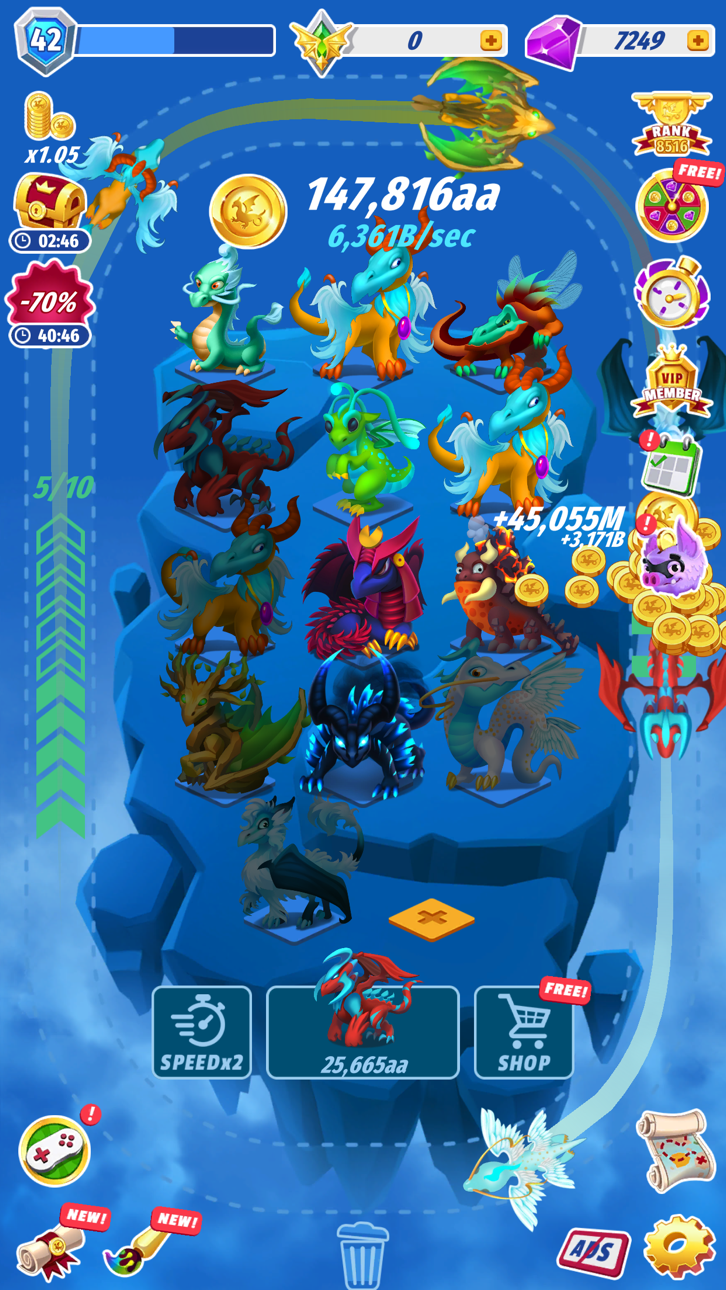
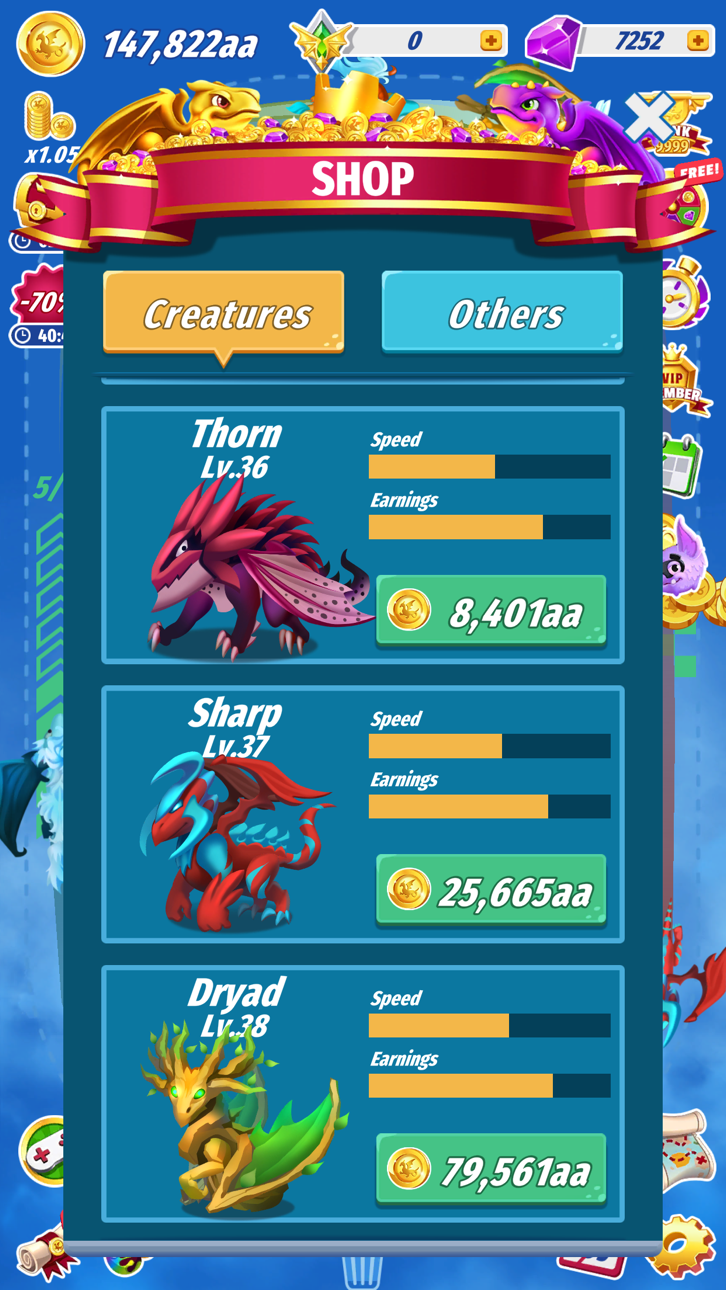
Colete criaturas místicas e construa seu império insular neste jogo de estratégia viciante, agora com um Mod IPA gratuito que remove toda a repetição. Dragons: Miracle Collection permite que você atualize ilhas, reproduza criaturas únicas e ganhe recompensas offline, mas esta versão modificada oferece diamantes ilimitados e remove anúncios para que você possa se concentrar puramente na diversão de coletar e estrategizar sem interrupções.
- Diamantes Ilimitados → gaste livremente em atualizações e criaturas
- Sem Anúncios → gameplay ininterrupto
Este app também vem com iGameGod, oferecendo acesso ao Auto Touch para automatizar tarefas repetitivas, App Speed Manager para ajustar a velocidade do jogo, edição de valores com Memory Engine e outras ferramentas avançadas para jogos iOS.
Baixe Dragons: Miracle Collection Hack modded IPA dos links acima. Toque no botão de instalação e siga as instruções para instalar este hack iOS no seu iPhone, iPad ou Apple Silicon.
Precisa de mais ajuda? Confira nossas Perguntas frequentes sobre o app iOSGods para respostas detalhadas e dicas de solução de problemas.
Quantas criaturas místicas você pode coletar?
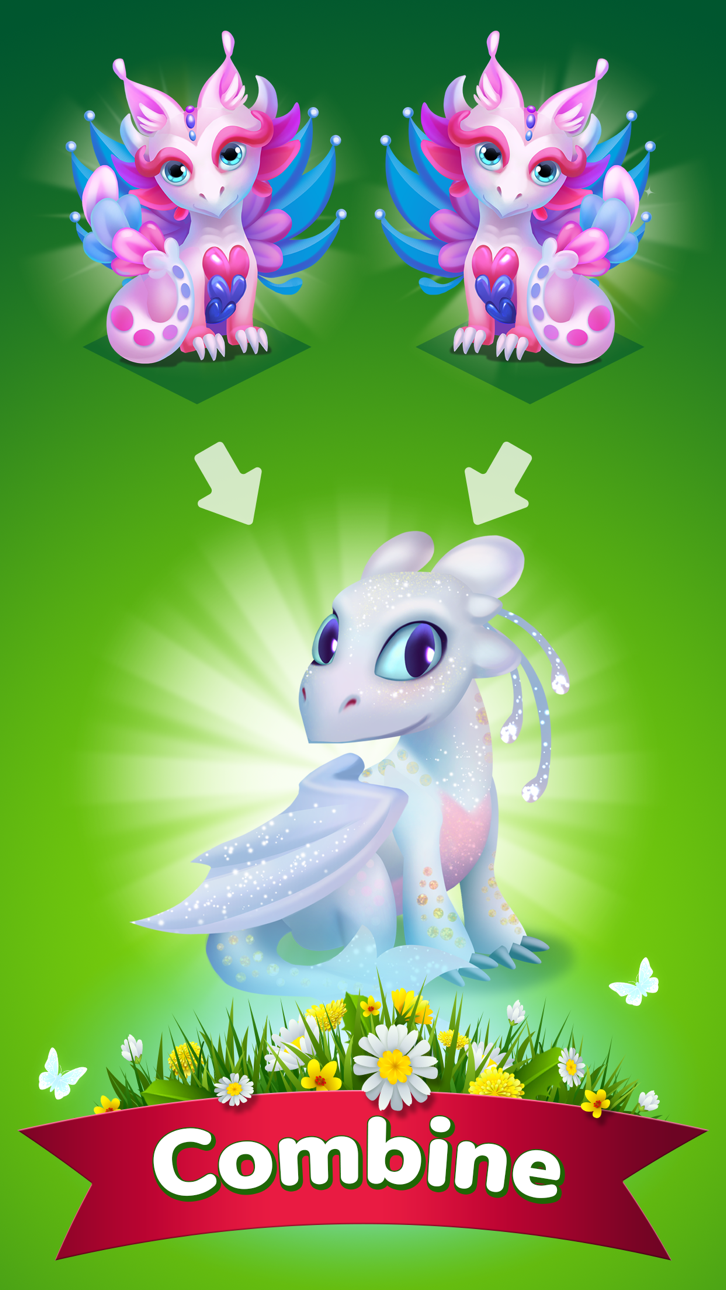
Venha jogar o jogo mais viciante no seu telemóvel! Escolha a estratégia mais inteligente para ser o primeiro a recolher todas as criaturas. Atualize suas ilhas, colete criaturas ainda mais únicas. Atualize - os para ganhar mais dinheiro. Criaturas podem voar para que você possa ganhar dinheiro mesmo se estiver no modo offline. Colete todas as criaturas misteriosas e domine o céu!
Características:
- novo design de cena.
- mapa com ilhas incomuns;
- três tipos de criaturas.
A Associação Gold oferece uma assinatura semanal, você terá um período de teste gratuito de 3 dias, após esse período, será cobrado o custo da Assinatura.
Aviso De Subscrição:
- O pagamento será cobrado na conta iTunes na confirmação da compra
- A Assinatura é renovada automaticamente, a menos que a renovação automática seja desativada pelo menos 24 horas antes do final do período atual
- A conta será cobrada pela renovação dentro de 24 horas antes do final do período atual e identificará o custo da renovação
- As subscrições podem ser geridas pelo utilizador e a renovação automática pode ser desativada acedendo às Definições da Conta do Utilizador após a compra
- Qualquer parte não utilizada de um período de teste gratuito, se oferecido, será perdida quando o usuário adquirir uma assinatura dessa publicação, quando aplicável
Outras coisas que você precisa saber:
Nosso Facebook: https://www.facebook.com/Merge-Dragons-Collection-374507656688452/
Apoio: [email protected]
Política de Privacidade: http://gamedevsource.com/privacy-policy/
Termo de serviço: https://docs.google.com/document/d/1HfQdVgz1jItvNmsrmQdHBIZDsxJsLl8c/edit
Capturas © respectivos proprietários · App Store



A iOSGods não é afiliada, endossada nem patrocinada pela Apple Inc., pela Google LLC ou pelos desenvolvedores dos apps listados aqui. Apple, iOS e App Store são marcas da Apple Inc. Android e Google Play são marcas da Google LLC. Todos os demais nomes de apps, ícones, imagens e marcas pertencem aos seus respectivos proprietários.

- iPhone ou iPad sem jailbreak/jailed ou com jailbreak.
- Sideloadly ou alternativas.
- Computador com Windows/macOS/Linux e iTunes instalado.
PASSO 1: Baixe o arquivo .IPA pré-hackeado do link acima para o seu computador. Para baixar pelo iOSGods App, veja nosso Tutorial de download de IPA do iOSGods App, que inclui um exemplo em vídeo.
PASSO 2: Baixe o Sideloadly e instale-o no seu Windows ou Mac.
PASSO 3: Abra o Sideloadly no seu computador, conecte seu dispositivo iOS e aguarde até que o nome do dispositivo apareça no Sideloadly.
PASSO 4: Assim que seu iDevice for reconhecido, arraste o arquivo .IPA modificado que você baixou e solte-o no aplicativo Sideloadly.
PASSO 5: Digite o e-mail da sua Apple Account e pressione “Start”. Em seguida, será solicitada a sua senha. Prossiga e forneça as informações solicitadas.
PASSO 6: Aguarde o Sideloadly finalizar o sideload/instalação do IPA hackeado. Se houver problemas durante a instalação, leia a observação abaixo.
PASSO 7: Quando a instalação estiver concluída e você vir o app na Tela de Início, será necessário acessar Ajustes → Geral → Perfis / Gerenciamento de VPN e Dispositivo. Lá, toque no e-mail que você inseriu no passo 6 e, em seguida, toque em “Confiar em [email protected]”.
PASSO 8: Agora vá para a Tela de Início e abra o app recém-instalado; tudo deve funcionar normalmente. Você pode precisar seguir instruções adicionais específicas no popup do hack dentro do jogo.
OBSERVAÇÃO: No iOS/iPadOS 16 e versões posteriores, você deve ativar o Modo de Desenvolvedor. Para contas Apple Developer gratuitas, será necessário repetir este processo a cada 7 dias. Se tiver dúvidas ou problemas, leia nossa seção de FAQ do Sideloadly no tópico.
Hack Features:
- Inf Coins (Spend)
App Installation Instructions:
---------------------------------------------------------
----------------------------------------------------------
If you require more information or help, please read our Frequently Asked Questions topic on iOSGods.com.
----------------------------------------------------------
--------------------------------------------------