Inicio de sesión requerido
Inicia sesión con tu cuenta de iOSGods para continuar.
Inicia sesión con tu cuenta de iOSGods para continuar.
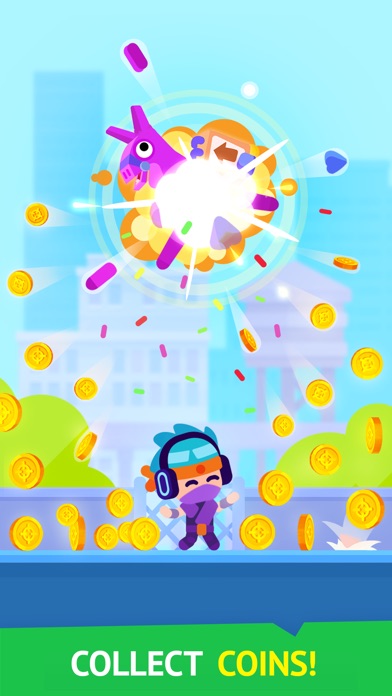
Obtén monedas y gemas ilimitadas que aumentan en lugar de disminuir en este hack gratuito de Pinatamasters - Free Hack para iOS, además acceso premium permanente para eliminar todos los anuncios y duplicar tus ganancias. Rompe pinatas coloridas en todo el mundo con recursos al máximo y desbloquea la experiencia completa del juego sin gastar dinero real.
- Monedas Ilimitadas → aumentarán en lugar de disminuir
- Gemas Ilimitadas → aumentarán en lugar de disminuir
- Premium Habilitado → elimina anuncios y duplica ganancias
Esta app también incluye iGameGod, que te ofrece acceso a Auto Touch para automatizar tareas repetitivas, App Speed Manager para ajustar la velocidad del juego, edición de valores con Memory Engine y más potentes herramientas para juegos de iOS.
Descarga Pinatamasters - Free Hack modded IPA desde los enlaces de arriba. Toca el botón de instalación y sigue las instrucciones para instalar este hack iOS en tu iPhone, iPad o Mac con Apple Silicon.
¿Necesitas más ayuda? Consulta nuestras Preguntas frecuentes de la app iOSGods para respuestas detalladas y consejos de solución de problemas.
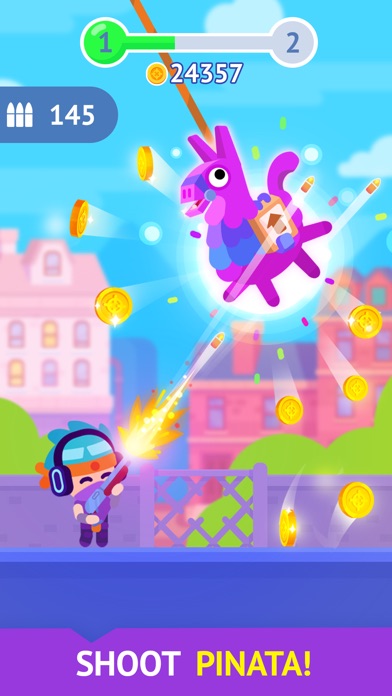
¡Dale a la piñata!
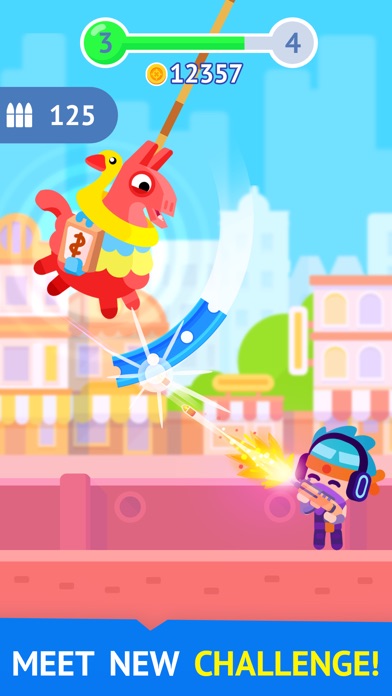
¡Explora el mundo!
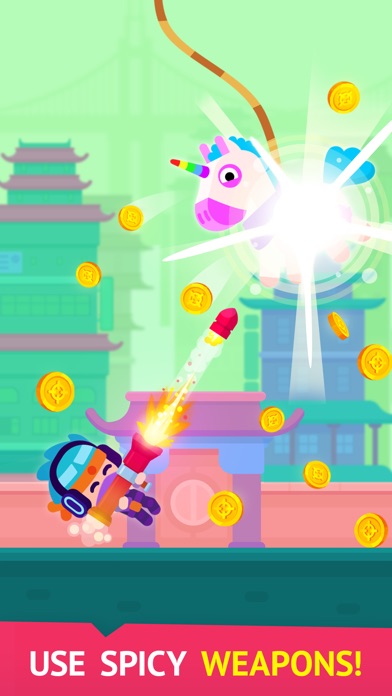
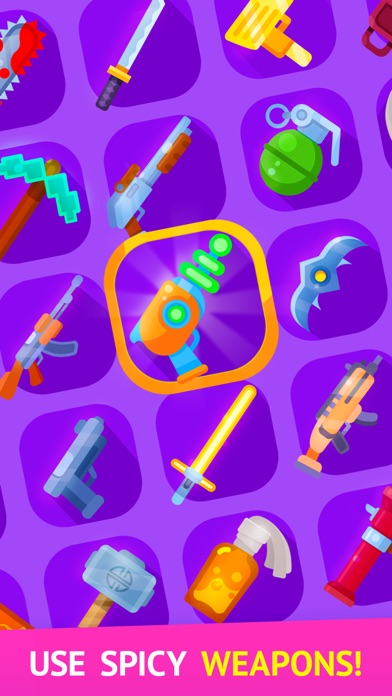
Elige entre una variedad de armas y mejóralas. ¡Sácales todos los centavos que puedas a las piñatas!
Opciones de la suscripción:
1. La suscripción Weekly Premium por una semana tiene un coste de 7,99 $ después del periodo de prueba gratuita de 3 días.Elimina todos los anuncios y pantallas emergentes. Además, multiplicaremos por dos tus ganancias y tu recompensa offline para que tengas una mejor experiencia de juego.
2. La suscripción Monthly Premium por una mes tiene un coste de 19,99 $. Elimina todos los anuncios y pantallas emergentes. Además, multiplicaremos por dos tus ganancias y tu recompensa offline para que tengas una mejor experiencia de juego.
3. La suscripción Yearly Premium por una año tiene un coste de 99,99 $. Elimina todos los anuncios y pantallas emergentes. Además, multiplicaremos por dos tus ganancias y tu recompensa offline para que tengas una mejor experiencia de juego.
Fin de la prueba y renovación de la suscripción
Estos precios son aplicables a clientes de los Estados Unidos. Los precios para el resto de los países pueden variar y el cargo real puede convertirse a tu divisa local según el país de residencia.
El pago se cargará a la Cuenta iTunes al confirmar la compra.
La suscripción se renueva automáticamente a menos que se desactive la función de renovación automática al menos 24 horas antes del final de período actual.
La renovación se cargará a la cuenta 24 horas antes del fin del período actual, y la cuenta identificará el coste de la renovación.
El usuario puede gestionar las suscripciones y desactivar la renovación automática en los ajustes de cuenta del usuario posteriormente a la compra.
Si se ha ofrecido un período de prueba gratuito, cualquier parte restante de este período se perderá cuando el usuario compra una suscripción para esa edición, allí donde sea aplicable.
Cancelar la prueba o suscripción
La renovación automática de la suscripción se puede desactivar en cualquier momento a través de iTunes. Comprueba https://support.apple.com/HT202039. Cuando termine el período actual de prueba/suscripción, estarás dado de baja. El período de suscripción activo no se puede cancelar. Después de que la suscripción finalice, ya no podrás utilizar los paquetes de adhesivos con la etiqueta Premium.
- iPhone o iPad con o sin Jailbreak.
- Sideloadly u otras alternativas.
- Ordenador con Windows/macOS/Linux e iTunes instalado.
PASO 1: Descargue el archivo .IPA pre-modificado desde el enlace de arriba a su ordenador. Para descargarlo desde la iOSGods App, consulte nuestro Tutorial de descarga del IPA desde la iOSGods App, que incluye un ejemplo en vídeo.
PASO 2: Descargue Sideloadly e instálelo en su Windows o Mac.
PASO 3: Abra Sideloadly en su ordenador, conecte su dispositivo iOS y espere hasta que el nombre del dispositivo aparezca en Sideloadly.
PASO 4: Una vez que su iDevice sea reconocido, arrastre el archivo .IPA modificado que descargó y suéltelo en la aplicación Sideloadly.
PASO 5: Introduzca el correo electrónico de su Apple Account y, a continuación, pulse «Start». Le pedirá que introduzca su contraseña. Proporcione la información solicitada.
PASO 6: Espere a que Sideloadly termine de hacer sideload/instalar el IPA modificado. Si surgen problemas durante la instalación, por favor lea la nota a continuación.
PASO 7: Una vez completada la instalación y al ver la app en la pantalla de inicio, deberá ir a Ajustes → General → Perfiles / VPN y Gestión de Dispositivos. Una vez allí, toque el correo electrónico que introdujo en el paso 6 y, después, toque en «Confiar en [email protected]».
PASO 8: Ahora vaya a la pantalla de inicio y abra la app recién instalada; todo debería funcionar correctamente. Es posible que tenga que seguir instrucciones adicionales específicas de cada app dentro del popup del hack en el juego.
NOTA: En iOS/iPadOS 16 y posteriores, debe activar el Modo Desarrollador. Para cuentas gratuitas de Apple Developer, deberá repetir este proceso cada 7 días. Si tiene alguna pregunta o problema, lea nuestra sección de Preguntas Frecuentes de Sideloadly del tema.