需要登入
請使用您的 iOSGods 帳戶登入以繼續。
請使用您的 iOSGods 帳戶登入以繼續。

無限貨幣和免費應用內購買讓你即時獲得這款塔防遊戲的所有升級。Tower vs Goblins Mod APK 讓你無需磨練就能建造和升級堡壘,專注於對抗無盡的哥布林波浪的策略。
- 無限貨幣 → 自由花費在升級和防禦上
- 免費應用內購買(用於移除廣告) → 無需付款即可解鎖高級物品
從上方按鈕下載 Tower vs Goblins Mod APK。點選下載後,只需依照畫面指示將修改版 APK 安裝到您的 Android 裝置或模擬器上。
需要協助?請查看我們的 Android 常見問題 以獲得詳細解答與疑難排解。
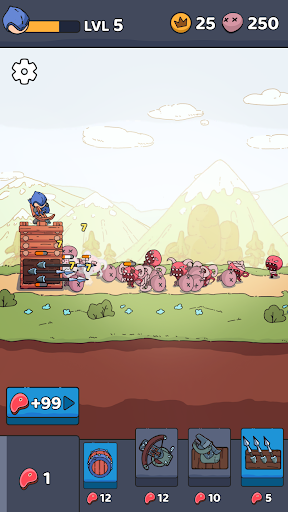
Show your strategy skills in a unique tower defense game and protect your base against waves of goblins wielding the goblin sword.
Discover an unforgettable gaming experience of TD games with interesting levels, improvements and strategic challenges. Encounter various enemy raids on your difficult path, upgrade your hero and base to stop them all!
Endless fun is waiting for you in Spire vs Goblins: Tower Defense game — download right now absolutely free.
🏗️ BUILD AND DEFEND
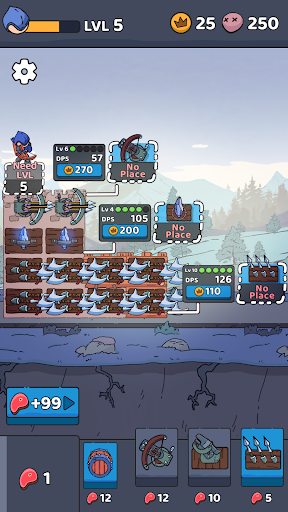
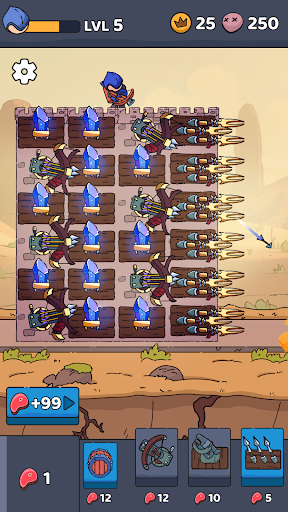
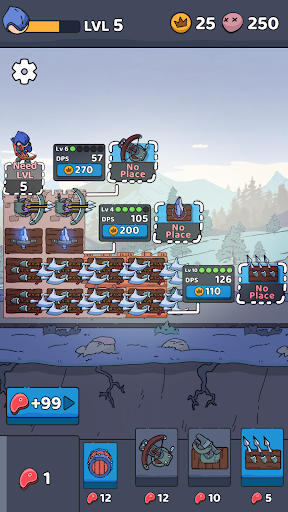
To turn your tower into an impenetrable fortress, with each reflected wave, collect a reward that can be used to add new blocks and a variety of weapons: a spear, a ballista or a magic crystal. Each type of weapon unlocks special skills that will help you stay safe, destroy the enemy base and waves of goblins. You need to build wisely – a lot depends on the position of the blocks in your survival.
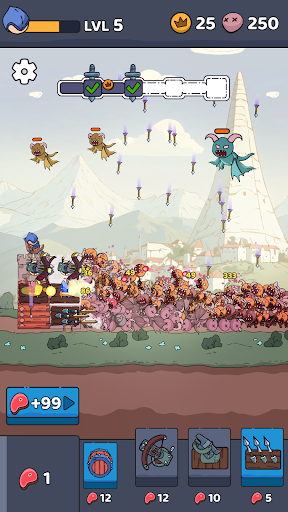
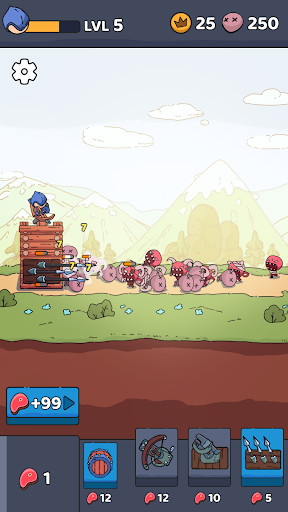
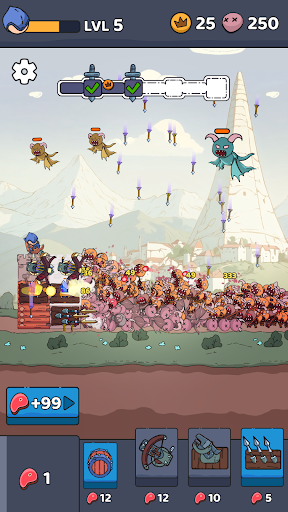
🎯 Aim and shoot – the goblins are attacking! This RPG shooter will constantly keep you in suspense, be ready to skillfully use your bow to protect the tower from flying monsters, dark magicians, terrible demons. Some of them are even armed with the legendary goblin sword, so be sure you’ve properly upgraded your hero and defensive structure to become an epic invincible archer.
🧠 Strategic – Use your sharp wits to fight off enemies as you wander around looking for blocks to add to your tower. It may seem that everything is simple in Tower vs Goblins: RPG Shooter, as in many idle games, but you need to plan ahead and think about how to properly display all the weapons in your fortress. Another important detail is the strategic use of resources and unique abilities.
💪 Level Up – Go through the levels in this TD RPG shooter game and discover awesome upgrades, weapons, and other improvements. After defeating each wave, you are given the opportunity to choose the leveling of the hero to your heart's content: attack power and speed, damage crit, number of arrows and much more! After completing the level, upgrade your fortress: it's up to you to upgrade your defenses and be an impregnable defender or upgrade your weapons and not even let the enemies near you.
😍 Catchy – it's about the gameplay and especially about the graphics. The cute design and attention to detail makes Tower vs Goblins: Aim and Shoot a very visually appealing adventure that mesmerizes and maintains a chill vibe. The animation of waves of enemies is a special work of art!
🏰 MEDIEVAL EPIC WORLD 🏰
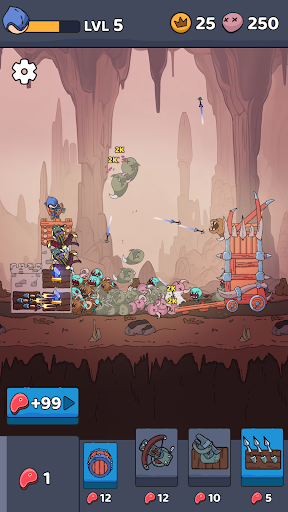
So come on, build your mighty tower, survive and wage war against goblins with the deadly goblin sword in this exciting RPG tower defense game. Travel through different areas to explore new opportunities to protect your fortress and ways to destroy an ever-increasing number of enemies! Dive into the world of non-stop fun TD games full of dangerous monsters, magic, goblin sword duels and castles.