Inicio de sesión requerido
Inicia sesión con tu cuenta de iOSGods para continuar.
Inicia sesión con tu cuenta de iOSGods para continuar.

Descarga Only One iOS Mod IPA desde los enlaces de arriba. Toca el botón de instalación y sigue las instrucciones para instalar este hack iOS en tu iPhone, iPad o Mac con Apple Silicon.
¿Necesitas más ayuda? Consulta nuestras Preguntas frecuentes de la app iOSGods para respuestas detalladas y consejos de solución de problemas.
Empuña una espada mágica y lucha en lo alto del Pilar del Sacrificio.
Domina el tiempo y la posición para empujar a los enemigos al vacío.
Cuánto tiempo puedes sobrevivir para convertirte en el único que queda en pie?
TouchArcade - 4.5/5 "un juego con la profundidad más allá de lo que se puede esperar”
PocketGamer - 9/10 "una ventaja combativa con un ritmo brillante"
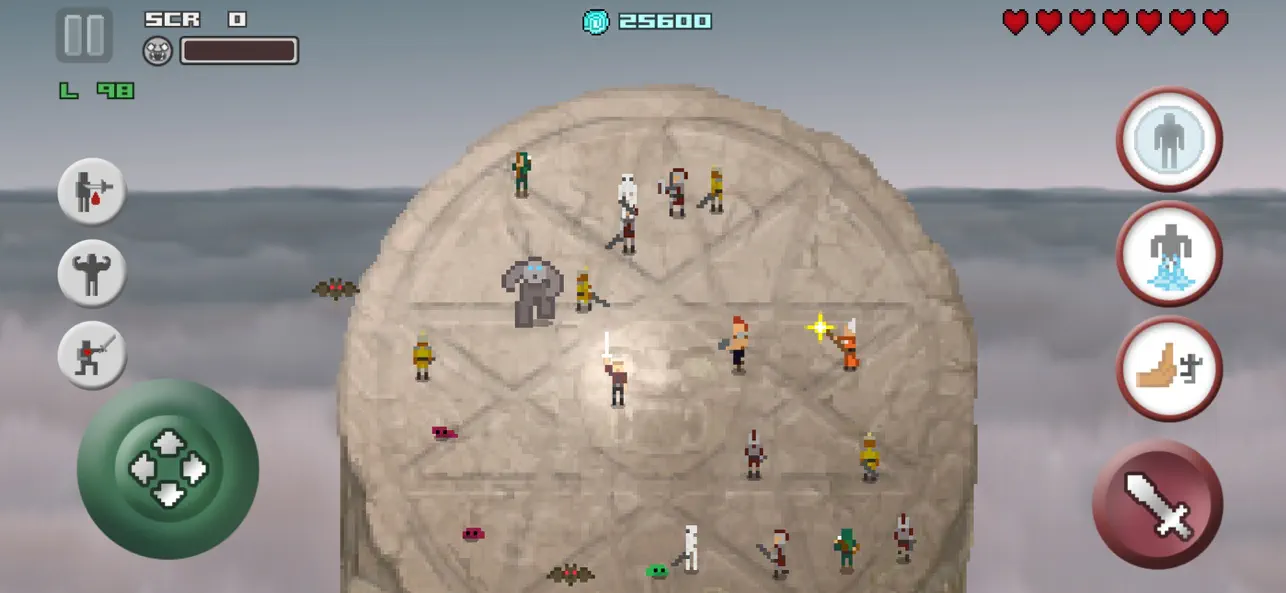
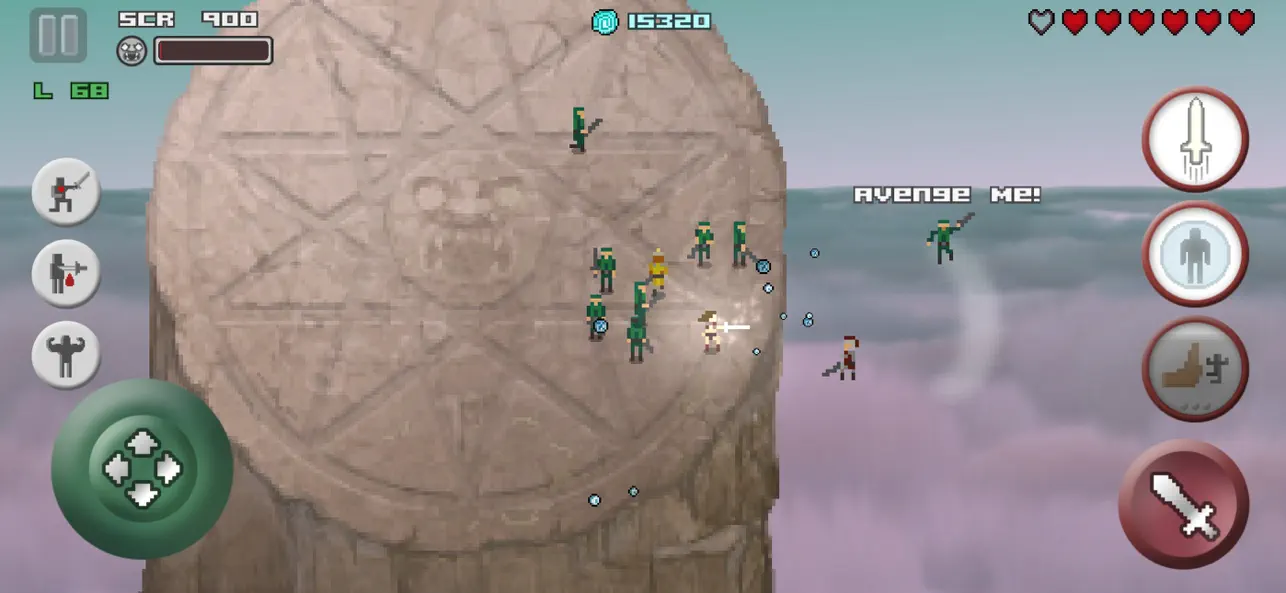
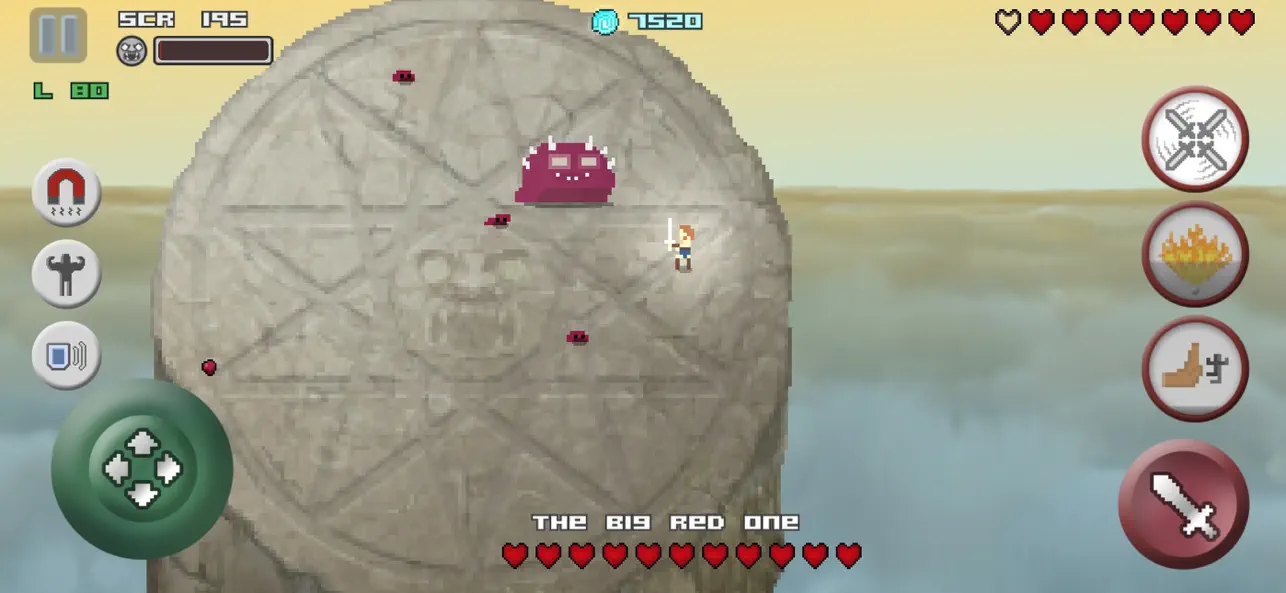
Uno de los mejores juegos hack and slash en móvil, Only One es un épico juego de combate con espada en arena donde luchas y empujas oleadas de enemigos desde un pilar en el cielo con tu espada mágica. No luchas por gloria, luchas por sobrevivir.
Combate cuerpo a cuerpo basado en habilidad
- Combate con físicas, con mecánicas de bloqueo y empuje
- Lucha contra espadachines, arqueros, slimes, esqueletos, murciélagos, berserkers, duendes de botín, magos y más
- Derrota enemigos por su botín o empújalos para eliminaciones instantáneas y puntos extra
- Recoge vida para sobrevivir y escudos para bloquear ataques
- Absorbe el poder de enemigos caídos para volverte más fuerte
- 6 habilidades activas: empuje, congelar, dardo, torbellino, burbuja e infierno
- 8 habilidades pasivas: última resistencia, poder, imán, debilitar, reflector, sed de sangre, regeneración y puñalada
Modos de juego
- Modo historia: 100 niveles con jefes cada 10 etapas
- Infinito: sobrevive el mayor tiempo posible contra oleadas sin fin
- Desafíos: supera pruebas intensas, consigue estrellas y desbloquea nuevos retos
Desbloquea la experiencia completa
- La compra dentro de la app “Ultimate Power” desbloquea todo el juego
Desbloquea clases únicas como bárbaro, ninja, valquiria, enano y Only One con habilidades y debilidades únicas
Gráficos retro pixel art y música
Marcadores y logros de Game Center
Controles personalizables: joystick flotante o fijo
Modo sin conexión
Compatible con gamepad
- iPhone o iPad con o sin Jailbreak.
- Sideloadly u otras alternativas.
- Ordenador con Windows/macOS/Linux e iTunes instalado.
PASO 1: Descargue el archivo .IPA pre-modificado desde el enlace de arriba a su ordenador. Para descargarlo desde la iOSGods App, consulte nuestro Tutorial de descarga del IPA desde la iOSGods App, que incluye un ejemplo en vídeo.
PASO 2: Descargue Sideloadly e instálelo en su Windows o Mac.
PASO 3: Abra Sideloadly en su ordenador, conecte su dispositivo iOS y espere hasta que el nombre del dispositivo aparezca en Sideloadly.
PASO 4: Una vez que su iDevice sea reconocido, arrastre el archivo .IPA modificado que descargó y suéltelo en la aplicación Sideloadly.
PASO 5: Introduzca el correo electrónico de su Apple Account y, a continuación, pulse «Start». Le pedirá que introduzca su contraseña. Proporcione la información solicitada.
PASO 6: Espere a que Sideloadly termine de hacer sideload/instalar el IPA modificado. Si surgen problemas durante la instalación, por favor lea la nota a continuación.
PASO 7: Una vez completada la instalación y al ver la app en la pantalla de inicio, deberá ir a Ajustes → General → Perfiles / VPN y Gestión de Dispositivos. Una vez allí, toque el correo electrónico que introdujo en el paso 6 y, después, toque en «Confiar en [email protected]».
PASO 8: Ahora vaya a la pantalla de inicio y abra la app recién instalada; todo debería funcionar correctamente. Es posible que tenga que seguir instrucciones adicionales específicas de cada app dentro del popup del hack en el juego.
NOTA: En iOS/iPadOS 16 y posteriores, debe activar el Modo Desarrollador. Para cuentas gratuitas de Apple Developer, deberá repetir este proceso cada 7 días. Si tiene alguna pregunta o problema, lea nuestra sección de Preguntas Frecuentes de Sideloadly del tema.