Inicio de sesión requerido
Inicia sesión con tu cuenta de iOSGods para continuar.
Inicia sesión con tu cuenta de iOSGods para continuar.

- Spend to Increase
Esta app también incluye iGameGod, que te ofrece acceso a Auto Touch para automatizar tareas repetitivas, App Speed Manager para ajustar la velocidad del juego, edición de valores con Memory Engine y más potentes herramientas para juegos de iOS.
Descarga Sand Loop iOS Mod IPA desde los enlaces de arriba. Toca el botón de instalación y sigue las instrucciones para instalar este hack iOS en tu iPhone, iPad o Mac con Apple Silicon.
¿Necesitas más ayuda? Consulta nuestras Preguntas frecuentes de la app iOSGods para respuestas detalladas y consejos de solución de problemas.
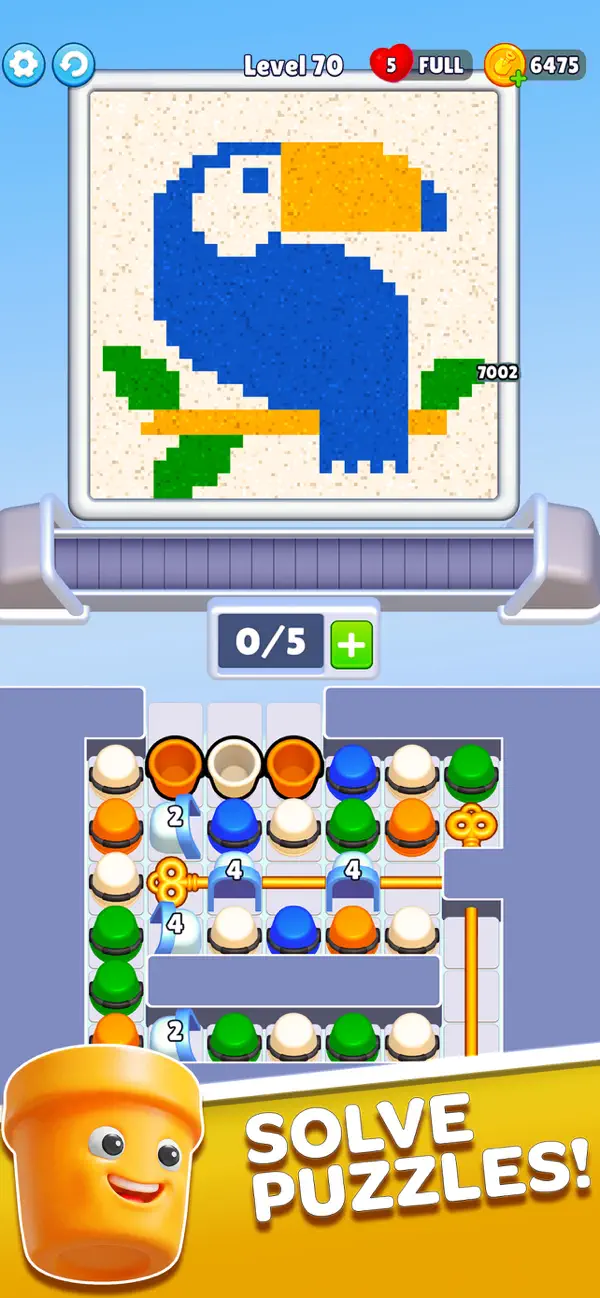
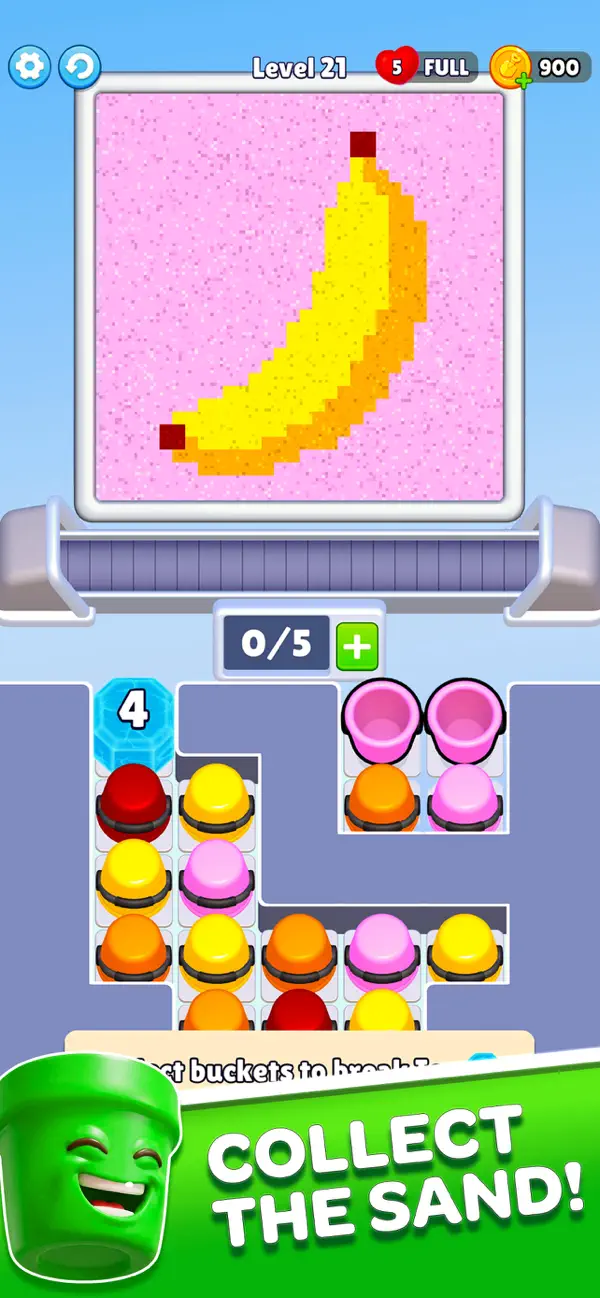
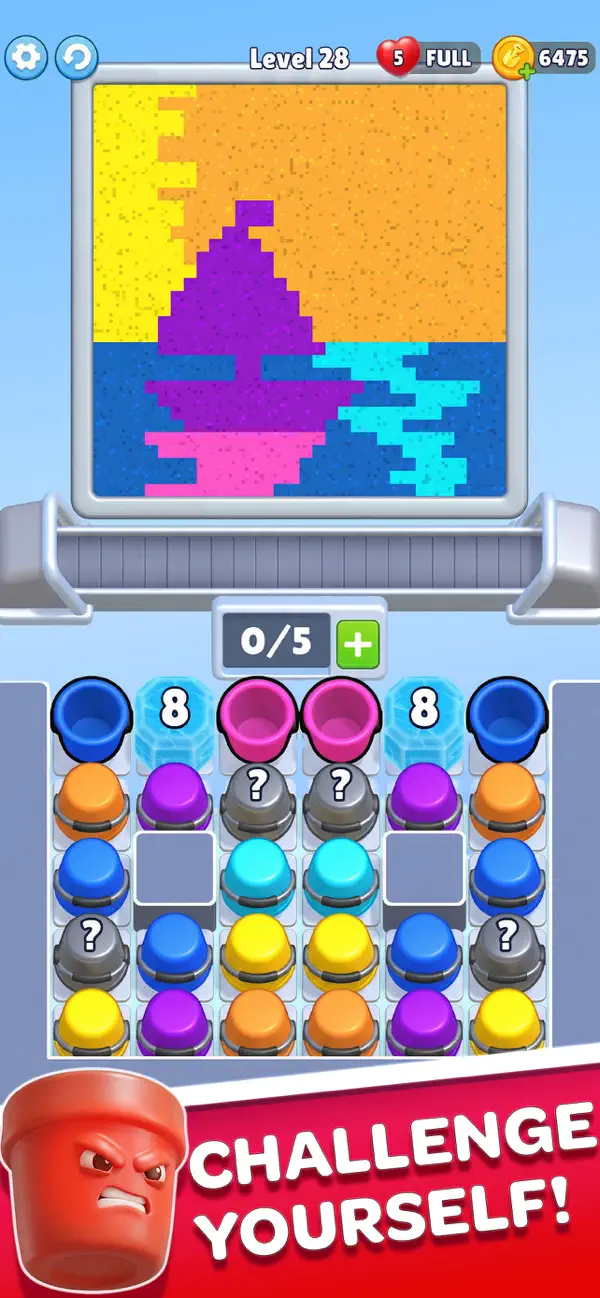
Discover Sand Loop, a uniquely relaxing puzzle experience where you collect the sand from the beautiful sand art which is very satisfying to watch and play. Guide moving buckets along a conveyor belt, collect sand by color, and watch as each level comes to life in a smooth cascade of motion. Every grain falls with realistic physics, creating a mesmerizing and satisfying visual journey.
Whether you’re looking to unwind after a long day or enjoy a simple yet engaging puzzle, Sand Loop delivers a calming escape with every tap.
How to Play:
- Tap to release and guide buckets along the conveyor
- Collect the right color sand in the right place
- Fill each section to gradually reveal the hidden artwork
- Adapt to new obstacles and level layouts as you progress
- Complete the picture and enjoy the satisfying finish
Easy to learn, but increasingly engaging as new challenges appear!
Why You’ll Love Sand Loop:
Feel the perfect balance between relaxation and puzzle-solving. Each level is designed to provide a steady sense of progress, where simple actions lead to beautiful results. With smooth animations and soothing effects, the experience is both calming and rewarding.
Game Features:
- Unique sand-flow puzzle gameplay with intuitive tap controls
- Visually satisfying sand physics and fluid motion
- Hundreds of handcrafted levels with increasing challenge
- Creative level designs with new mechanics and obstacles
- Stunning artworks revealed piece by piece
- Relaxing sound effects and calming visual style
- Smooth performance for a seamless experience
- Play anytime, anywhere at your own pace
Take a moment for yourself.
Let the sand flow, complete each design, and enjoy a truly relaxing puzzle experience.
Download Sand Loop now and start your journey.
- iPhone o iPad con o sin Jailbreak.
- Sideloadly u otras alternativas.
- Ordenador con Windows/macOS/Linux e iTunes instalado.
PASO 1: Descargue el archivo .IPA pre-modificado desde el enlace de arriba a su ordenador. Para descargarlo desde la iOSGods App, consulte nuestro Tutorial de descarga del IPA desde la iOSGods App, que incluye un ejemplo en vídeo.
PASO 2: Descargue Sideloadly e instálelo en su Windows o Mac.
PASO 3: Abra Sideloadly en su ordenador, conecte su dispositivo iOS y espere hasta que el nombre del dispositivo aparezca en Sideloadly.
PASO 4: Una vez que su iDevice sea reconocido, arrastre el archivo .IPA modificado que descargó y suéltelo en la aplicación Sideloadly.
PASO 5: Introduzca el correo electrónico de su Apple Account y, a continuación, pulse «Start». Le pedirá que introduzca su contraseña. Proporcione la información solicitada.
PASO 6: Espere a que Sideloadly termine de hacer sideload/instalar el IPA modificado. Si surgen problemas durante la instalación, por favor lea la nota a continuación.
PASO 7: Una vez completada la instalación y al ver la app en la pantalla de inicio, deberá ir a Ajustes → General → Perfiles / VPN y Gestión de Dispositivos. Una vez allí, toque el correo electrónico que introdujo en el paso 6 y, después, toque en «Confiar en [email protected]».
PASO 8: Ahora vaya a la pantalla de inicio y abra la app recién instalada; todo debería funcionar correctamente. Es posible que tenga que seguir instrucciones adicionales específicas de cada app dentro del popup del hack en el juego.
NOTA: En iOS/iPadOS 16 y posteriores, debe activar el Modo Desarrollador. Para cuentas gratuitas de Apple Developer, deberá repetir este proceso cada 7 días. Si tiene alguna pregunta o problema, lea nuestra sección de Preguntas Frecuentes de Sideloadly del tema.