Login Required
Sign in with your iOSGods account to continue.
Sign in with your iOSGods account to continue.
Enjoy unlimited resources in Sand Loop iOS Mod IPA, a relaxing puzzle hack where you collect sand by color with satisfying physics. This modded version removes spending limits, letting you progress through levels without resource constraints.
- Spend to Increase → unlimited resources for progression
This app also comes with iGameGod, giving you access to Auto Touch to automate repetitive tasks, App Speed Manager for adjustable gameplay speed, Memory Engine value editing, and more powerful iOS game tools.
Download Sand Loop iOS Mod IPA from the links above. Tap the install button and follow the on-screen instructions to install this iOS app hack on your iPhone, iPad, or Apple Silicon.
Need more help? Check out our iOSGods App Frequently Asked Questions for detailed answers and troubleshooting tips.
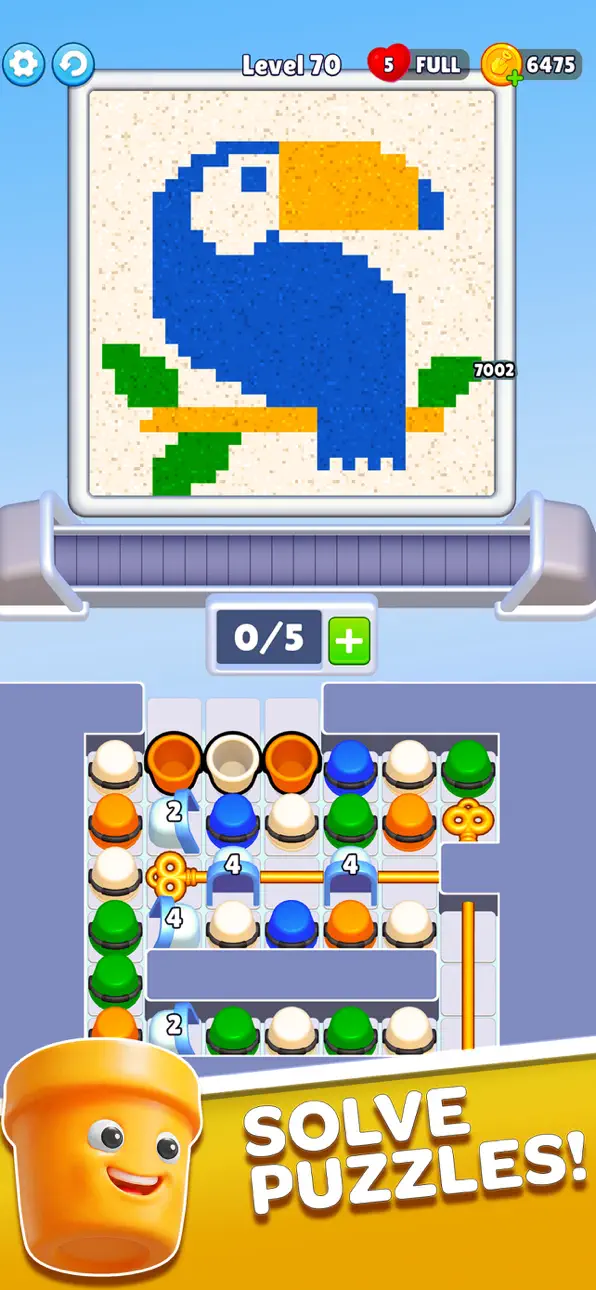
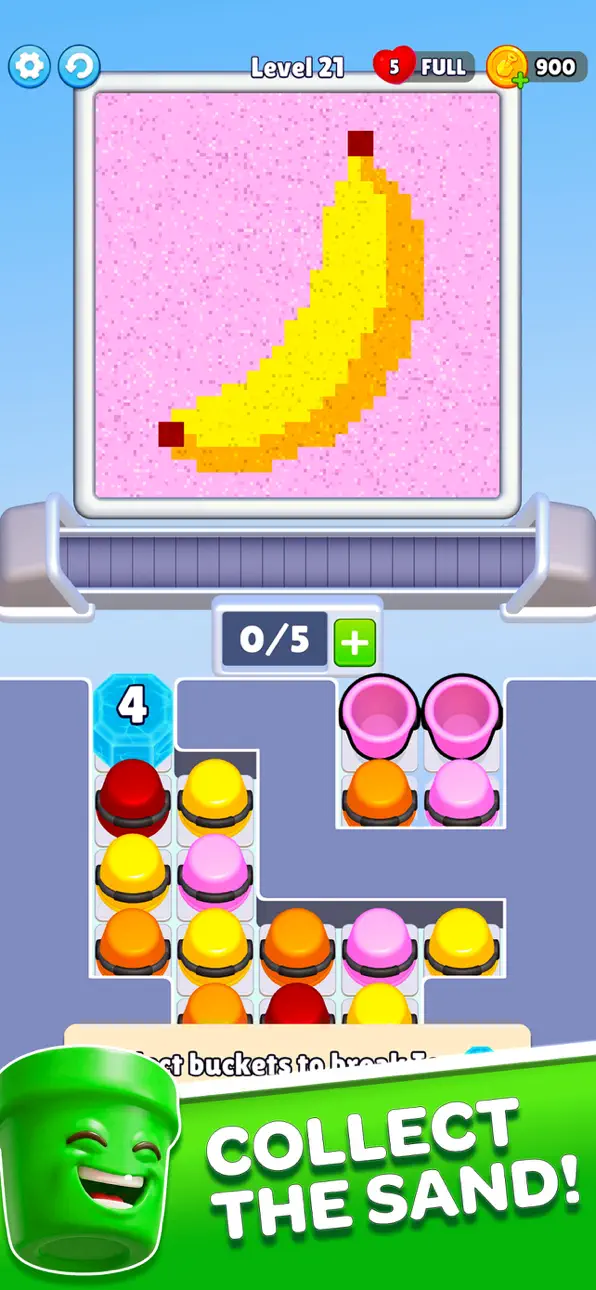
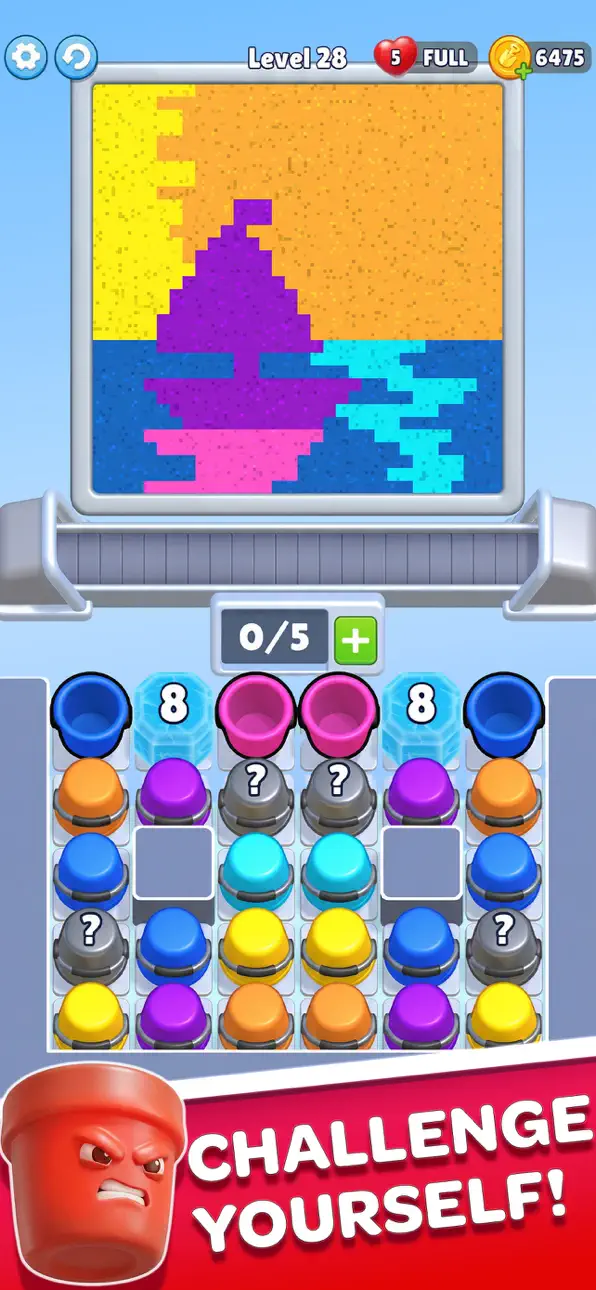
Discover Sand Loop, a uniquely relaxing puzzle experience where you collect the sand from the beautiful sand art which is very satisfying to watch and play. Guide moving buckets along a conveyor belt, collect sand by color, and watch as each level comes to life in a smooth cascade of motion. Every grain falls with realistic physics, creating a mesmerizing and satisfying visual journey.
Whether you’re looking to unwind after a long day or enjoy a simple yet engaging puzzle, Sand Loop delivers a calming escape with every tap.
How to Play:
- Tap to release and guide buckets along the conveyor
- Collect the right color sand in the right place
- Fill each section to gradually reveal the hidden artwork
- Adapt to new obstacles and level layouts as you progress
- Complete the picture and enjoy the satisfying finish
Easy to learn, but increasingly engaging as new challenges appear!
Why You’ll Love Sand Loop:
Feel the perfect balance between relaxation and puzzle-solving. Each level is designed to provide a steady sense of progress, where simple actions lead to beautiful results. With smooth animations and soothing effects, the experience is both calming and rewarding.
Game Features:
- Unique sand-flow puzzle gameplay with intuitive tap controls
- Visually satisfying sand physics and fluid motion
- Hundreds of handcrafted levels with increasing challenge
- Creative level designs with new mechanics and obstacles
- Stunning artworks revealed piece by piece
- Relaxing sound effects and calming visual style
- Smooth performance for a seamless experience
- Play anytime, anywhere at your own pace
Take a moment for yourself.
Let the sand flow, complete each design, and enjoy a truly relaxing puzzle experience.
Download Sand Loop now and start your journey.
Screenshots © their respective owners · App Store


iOSGods is not affiliated with, endorsed by, or sponsored by Apple Inc., Google LLC, or the developers of the apps listed here. Apple, iOS and App Store are trademarks of Apple Inc. Android and Google Play are trademarks of Google LLC. All other app names, icons, artwork and trademarks belong to their respective owners.

- Non-Jailbroken/Jailed or Jailbroken iPhone or iPad.
- Sideloadly or alternatives.
- Computer running Windows/macOS/Linux with iTunes installed.
STEP 1: Download the pre-hacked .IPA file from the link above to your computer. To download from the iOSGods App, see our iOSGods App IPA Download Tutorial which includes a video example.
STEP 2: Download Sideloadly and install it on your Windows or Mac.
STEP 3: Open Sideloadly on your computer, connect your iOS device, and wait until your device name appears in Sideloadly.
STEP 4: Once your iDevice is recognized, drag the modded .IPA file you downloaded and drop it into the Sideloadly application.
STEP 5: Enter your Apple Account email, then press “Start.” You’ll then be asked to enter your password. Go ahead and provide the required information.
STEP 6: Wait for Sideloadly to finish sideloading/installing the hacked IPA. If there are issues during installation, please read the note below.
STEP 7: Once the installation is complete and you see the app on your Home Screen, you will need to go to Settings → General → Profiles / VPN & Device Management. Once there, tap on the email you entered from step 6, and then tap on “Trust [email protected]”.
STEP 8: Now go to your Home Screen and open the newly installed app and everything should work fine. You may need to follow further per app instructions inside the hack's popup in-game.
NOTE: iOS/iPadOS 16 and later, you must enable Developer Mode. For free Apple Developer accounts, you will need to repeat this process every 7 days. If you have any questions or problems, read our Sideloadly FAQ section of the topic.
Hack Features:
- Inf Coins (Spend)
App Installation Instructions:
---------------------------------------------------------
----------------------------------------------------------
If you require more information or help, please read our Frequently Asked Questions topic on iOSGods.com.
----------------------------------------------------------
--------------------------------------------------