Inicio de sesión requerido
Inicia sesión con tu cuenta de iOSGods para continuar.
Inicia sesión con tu cuenta de iOSGods para continuar.

Convierte tus caminatas y carreras diarias en una conquista de construcción de imperios con Run An Empire Mod IPA, un hack de estrategia basado en ubicación que recompensa cada paso que das en el mundo real. Captura lugares a tu alrededor, compite con vecinos y progresa a través de la historia mientras te mantienes activo.
Esta versión modificada potencia tu juego con enormes aumentos de recursos y almacenamiento ilimitado, permitiéndote enfocarte en la exploración y conquista sin necesidad de grindear. Ya seas un caminante casual o un corredor serio que busca dominar las clasificaciones más rápido, este hack elimina los cuellos de botella de progresión y te permite experimentar con configuraciones de asalto personalizadas que se adapten a tu ritmo.
- Obtén una Cantidad Insana de Recursos → acelera la construcción del imperio y mejoras
- Capacidad de Almacén Infinita → sin límites de inventario
- Obtén una Cantidad Insana de XP (Experiencia) → sube de nivel más rápido a través de la historia
- El Globo Siempre Ataca → oportunidades de asalto continuo
- [BETA] Bypass Anti-Trampa (Funciona a veces) → evita la detección en versiones compatibles
- [BETA] Datos de Asalto desde STRAVA (Funciona la mayoría de las veces) → importa datos de actividad desde tu rastreador de fitness
- [BETA] Distancia de Asalto Personalizada (Funciona la mayoría de las veces) → establece tus propios parámetros de distancia
- [BETA] Velocidad Personalizada (Determina cuánto tiempo duró la carrera... | Funciona la mayoría de las veces) → ajusta los cálculos de velocidad para asaltos
Esta app también incluye iGameGod, que te ofrece acceso a Auto Touch para automatizar tareas repetitivas, App Speed Manager para ajustar la velocidad del juego, edición de valores con Memory Engine y más potentes herramientas para juegos de iOS.
Descarga Run An Empire Hack modded IPA desde los enlaces de arriba. Toca el botón de instalación y sigue las instrucciones para instalar este hack iOS en tu iPhone, iPad o Mac con Apple Silicon.
¿Necesitas más ayuda? Consulta nuestras Preguntas frecuentes de la app iOSGods para respuestas detalladas y consejos de solución de problemas.
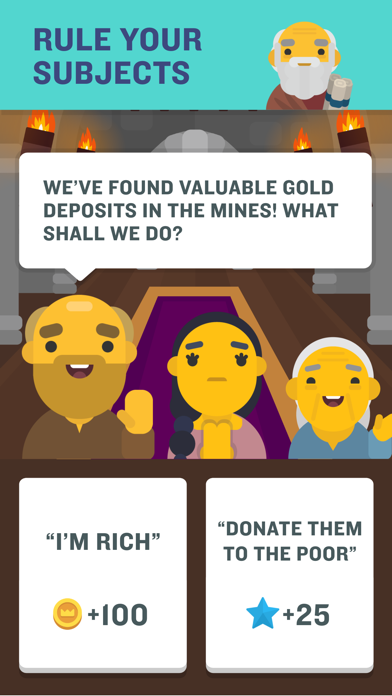
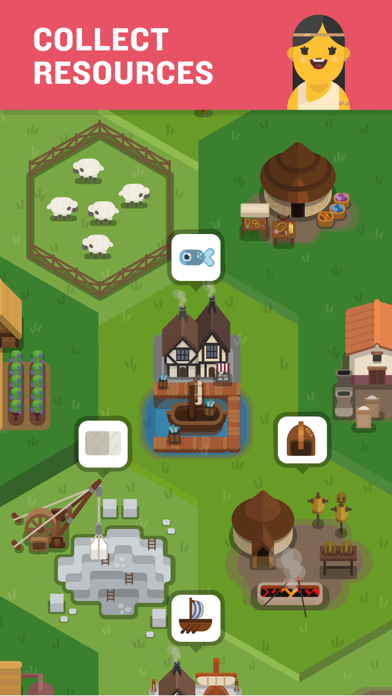
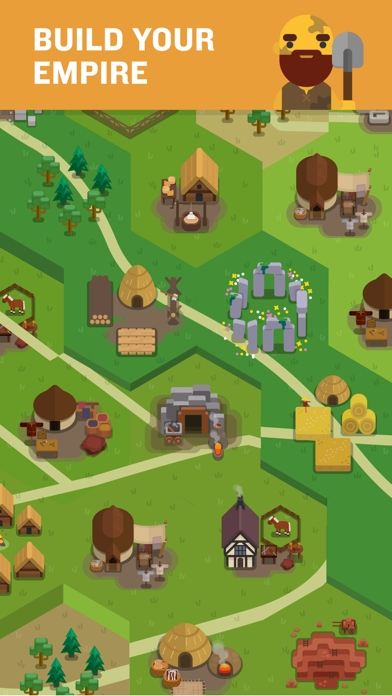
NEW! A fun, free motivation to move further! Capture real world places and compete against neighbors with every step you take. Whether walking to your workplace or running a marathon, capture the places you move through to build a formidable empire. Explore further to collect resources and earn great fortunes. Lead your people from the dawn of time to the Space Age.
“Don a pair of sneakers and run (jog, or walk) to victory” - Engadget
“If you’re getting bored of your run-commute, try this” - Runner’s World
“Run An Empire fits into existing exercise routines, whilst giving new runners an incentive to get started” - Variety
_______________
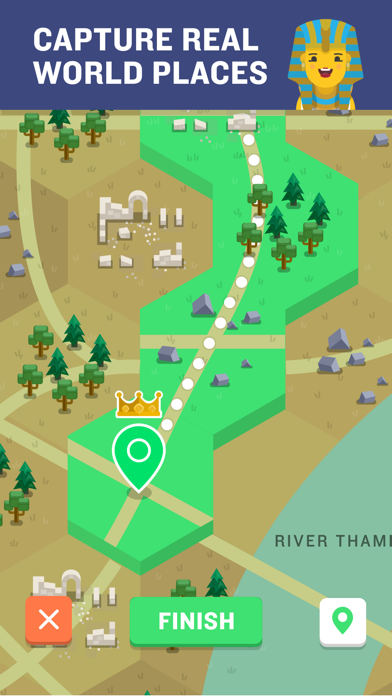
◆ CAPTURE and own your street, your neighborhood or your city as you travel on foot or now by BIKE!
◆ TRACK and map your activity from your pocket, using your phone’s GPS.
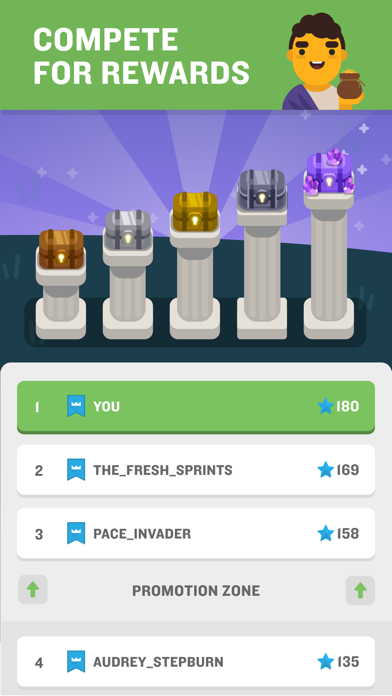
◆ COMPETE in the Arena. Win leagues for extra valuable chests.
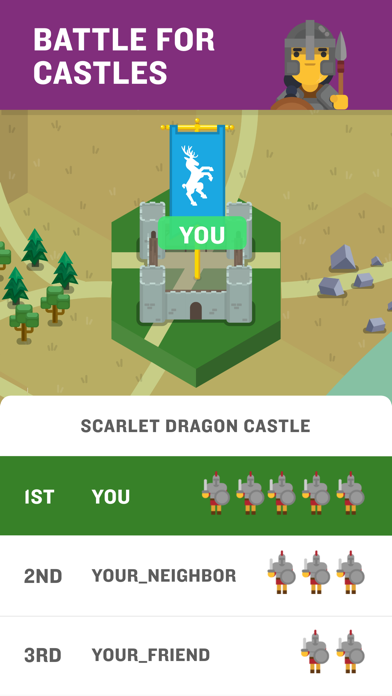
◆ BATTLE neighbors and friends to capture nearby castles.
◆ Get STATS like distance, calories, speed and see your performance improve.
◆ CUSTOMIZE your banner to fly over your mighty empire.
◆ Connect with STRAVA and leave your phone at home.
Run An Empire uses HealthKit to export your Run An Empire activities into the Apple Health app and to import your activities, route, heart rate and calorie data from the Health app into Run An Empire.
It's time to turn your activity into an adventure. Play NOW!
_______________
***** If you like this app, please give us 5*****
Having problems? Contact us at [email protected] and we will try our best to help.
Subscription Notes:
- Run An Empire offers monthly and annually auto renewing subscriptions.
- Subscriptions will automatically renew unless cancelled within 24-hours before the end of the current period.
- Account will be charged for renewal within 24-hours prior to the end of the current period.
- Subscriptions may be managed by you and auto-renewal may be turned off at any time by going to your iPhone Settings after purchase.
- Any unused portion of a free trial period, if offered, will be forfeited if you purchase a subscription.
_______________
End User License Agreement: http://www.runanempire.com/legal/eula/
Privacy Policy: http://www.runanempire.com/legal/privacy-policy/
User Content Guidelines: http://www.runanempire.com/legal/user-content-guidelines/
- iPhone o iPad con o sin Jailbreak.
- Sideloadly u otras alternativas.
- Ordenador con Windows/macOS/Linux e iTunes instalado.
PASO 1: Descargue el archivo .IPA pre-modificado desde el enlace de arriba a su ordenador. Para descargarlo desde la iOSGods App, consulte nuestro Tutorial de descarga del IPA desde la iOSGods App, que incluye un ejemplo en vídeo.
PASO 2: Descargue Sideloadly e instálelo en su Windows o Mac.
PASO 3: Abra Sideloadly en su ordenador, conecte su dispositivo iOS y espere hasta que el nombre del dispositivo aparezca en Sideloadly.
PASO 4: Una vez que su iDevice sea reconocido, arrastre el archivo .IPA modificado que descargó y suéltelo en la aplicación Sideloadly.
PASO 5: Introduzca el correo electrónico de su Apple Account y, a continuación, pulse «Start». Le pedirá que introduzca su contraseña. Proporcione la información solicitada.
PASO 6: Espere a que Sideloadly termine de hacer sideload/instalar el IPA modificado. Si surgen problemas durante la instalación, por favor lea la nota a continuación.
PASO 7: Una vez completada la instalación y al ver la app en la pantalla de inicio, deberá ir a Ajustes → General → Perfiles / VPN y Gestión de Dispositivos. Una vez allí, toque el correo electrónico que introdujo en el paso 6 y, después, toque en «Confiar en [email protected]».
PASO 8: Ahora vaya a la pantalla de inicio y abra la app recién instalada; todo debería funcionar correctamente. Es posible que tenga que seguir instrucciones adicionales específicas de cada app dentro del popup del hack en el juego.
NOTA: En iOS/iPadOS 16 y posteriores, debe activar el Modo Desarrollador. Para cuentas gratuitas de Apple Developer, deberá repetir este proceso cada 7 días. Si tiene alguna pregunta o problema, lea nuestra sección de Preguntas Frecuentes de Sideloadly del tema.