Inicio de sesión requerido
Inicia sesión con tu cuenta de iOSGods para continuar.
Inicia sesión con tu cuenta de iOSGods para continuar.

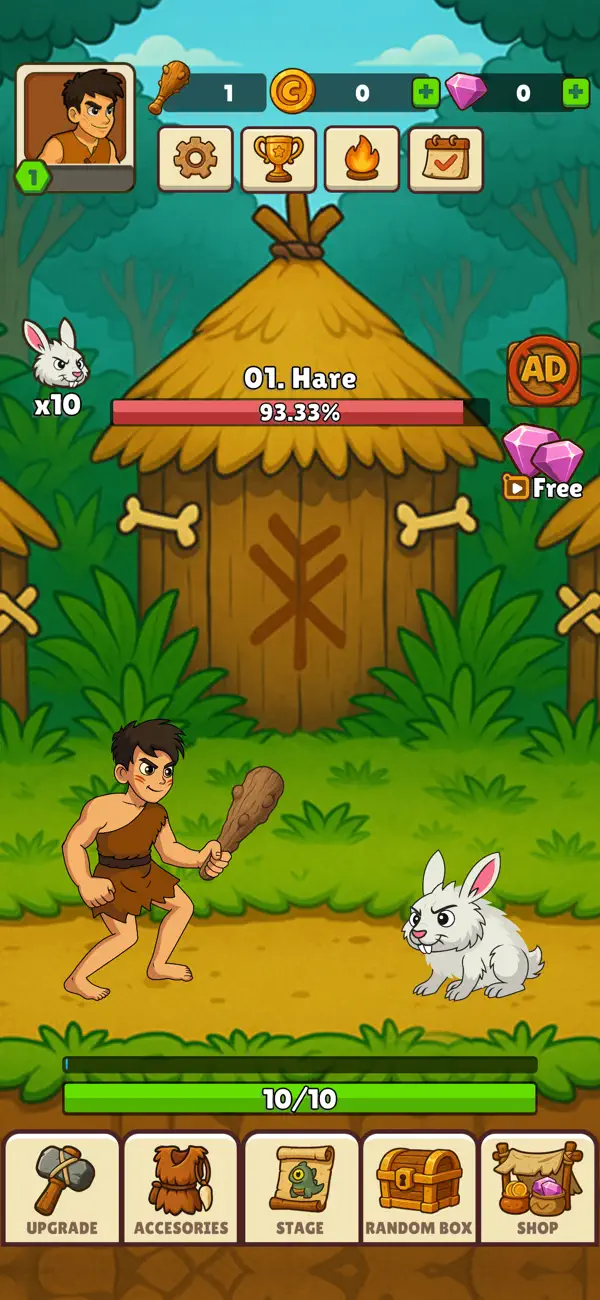
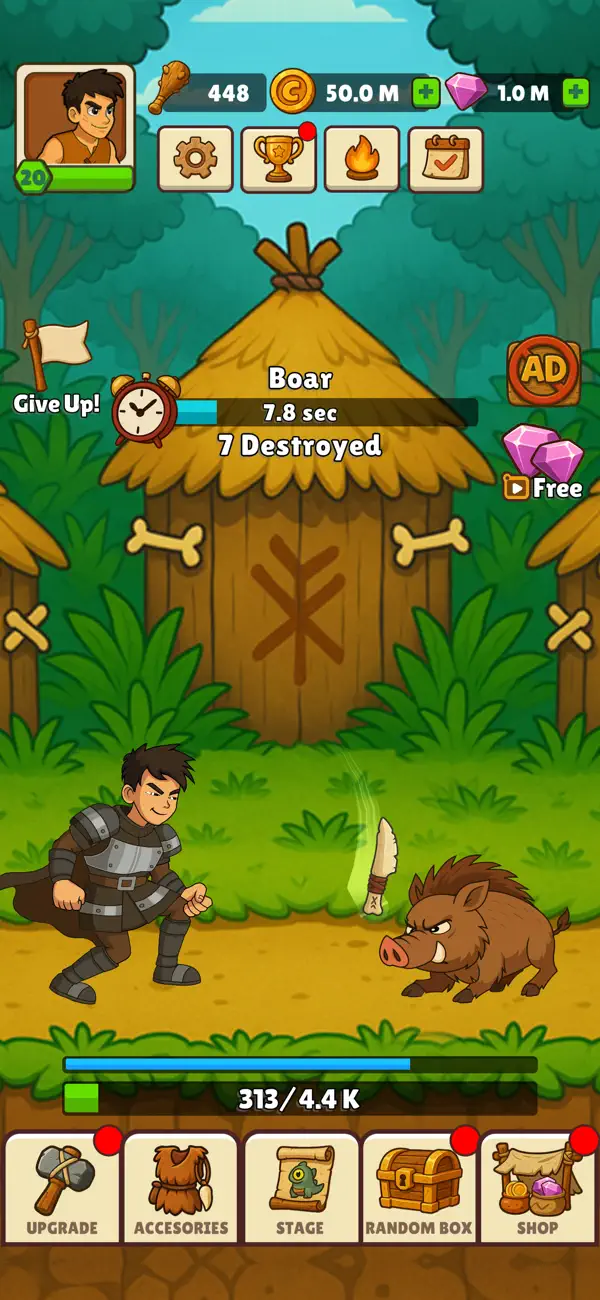
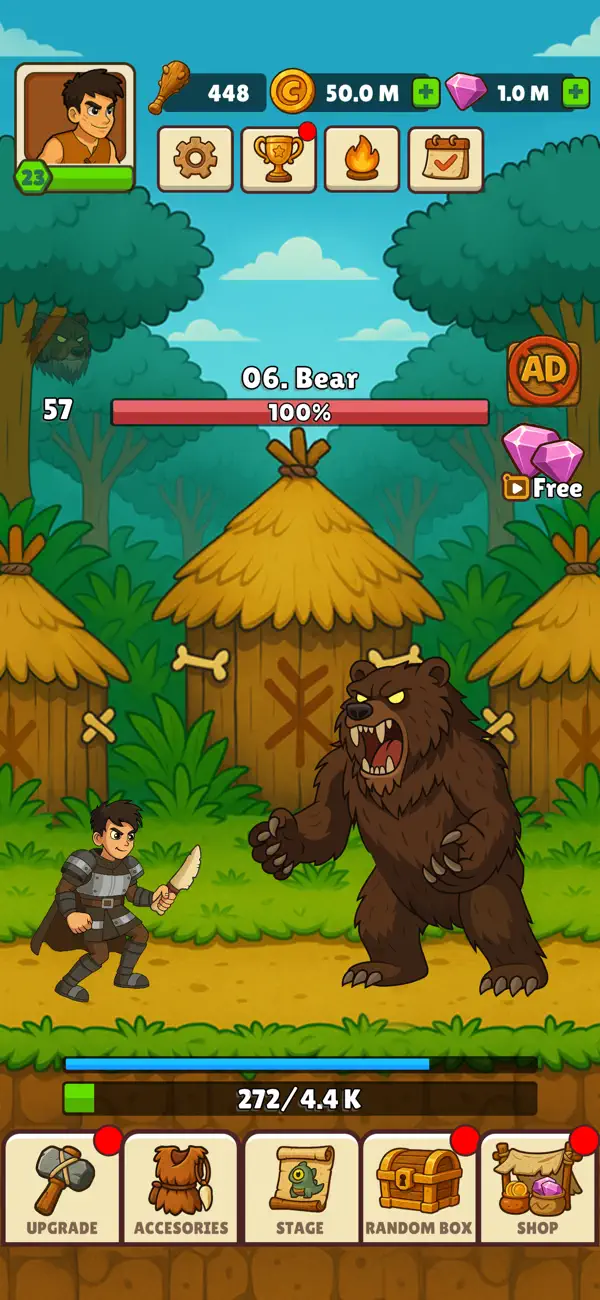
Hunt Master 3D es un juego de caza inactivo donde tocas para lanzar armas, mejoras tu equipo y luchas contra criaturas cada vez más mitológicas, y este Mod IPA te proporciona trucos poderosos para acelerar la evolución de tu cazador a través de los tiempos.
Una vez que actives el hack, aumentarás instantáneamente tu resistencia, recuperación y estadísticas de ataque, permitiéndote progresar más rápido a través de los niveles prehistóricos y enfrentar enemigos más difíciles sin tener que hacer grinding. Usa el menú de modificación para activar y desactivar cada mejora según alcances tu nivel objetivo, luego desactívalo para seguir jugando naturalmente.
- Mejorar Resistencia → aumenta la resistencia de tu cazador
- Mejorar Recuperación de Resistencia → regenera resistencia más rápido entre ataques
- Mejorar Poder de Ataque Especial → aumenta el daño de tus golpes especiales
- Mejorar Probabilidad de Ataque Especial → eleva la probabilidad de activar ataques especiales
- Mejorar Poder de Arma → mejora el daño base de tu arma
Nota: Activa y luego desactiva una vez que alcances tu nivel deseado; no mantengas el interruptor activo.
Esta app también incluye iGameGod, que te ofrece acceso a Auto Touch para automatizar tareas repetitivas, App Speed Manager para ajustar la velocidad del juego, edición de valores con Memory Engine y más potentes herramientas para juegos de iOS.
Descarga Hunt Master 3D Hack modded IPA desde los enlaces de arriba. Toca el botón de instalación y sigue las instrucciones para instalar este hack iOS en tu iPhone, iPad o Mac con Apple Silicon.
¿Necesitas más ayuda? Consulta nuestras Preguntas frecuentes de la app iOSGods para respuestas detalladas y consejos de solución de problemas.
Ready to become the ultimate hunter?
Start small, grow stronger, and take down legendary creatures in Legend Of Hunter – the addictive idle hunting game loved by players worldwide!
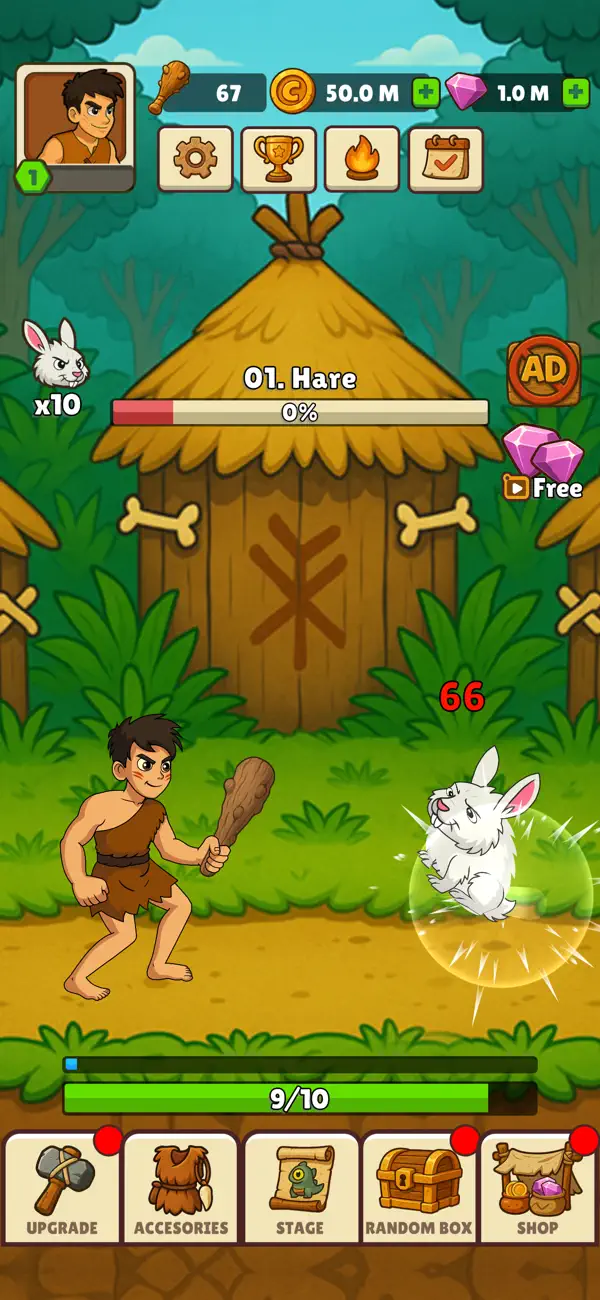
In this action-packed idle adventure, you control a prehistoric hunter who rises through the ages. Begin with nothing but a wooden stick… then upgrade your weapons, evolve your gear, and face enemies that grow larger, stronger, and more mythical at every stage. From rabbits and boars to mammoths, stone giants, and fire-breathing dragons — the hunt never ends!
▶ Easy & Addictive Idle Gameplay
Tap the screen to throw weapons and deal damage.
Simple mechanics, endless satisfaction.
▶ Epic Enemy Progression
Hunt over 10 unique creatures: from prehistoric beasts to legendary dragons.
Each enemy comes with massive HP bars — can your weapons break through?
▶ Weapon Evolution
Start with a stick, unlock slingshots, bows, hammers, spears, and more!
Every weapon upgrade brings new power, animations, and effects.
▶ Character Outfits & Upgrades
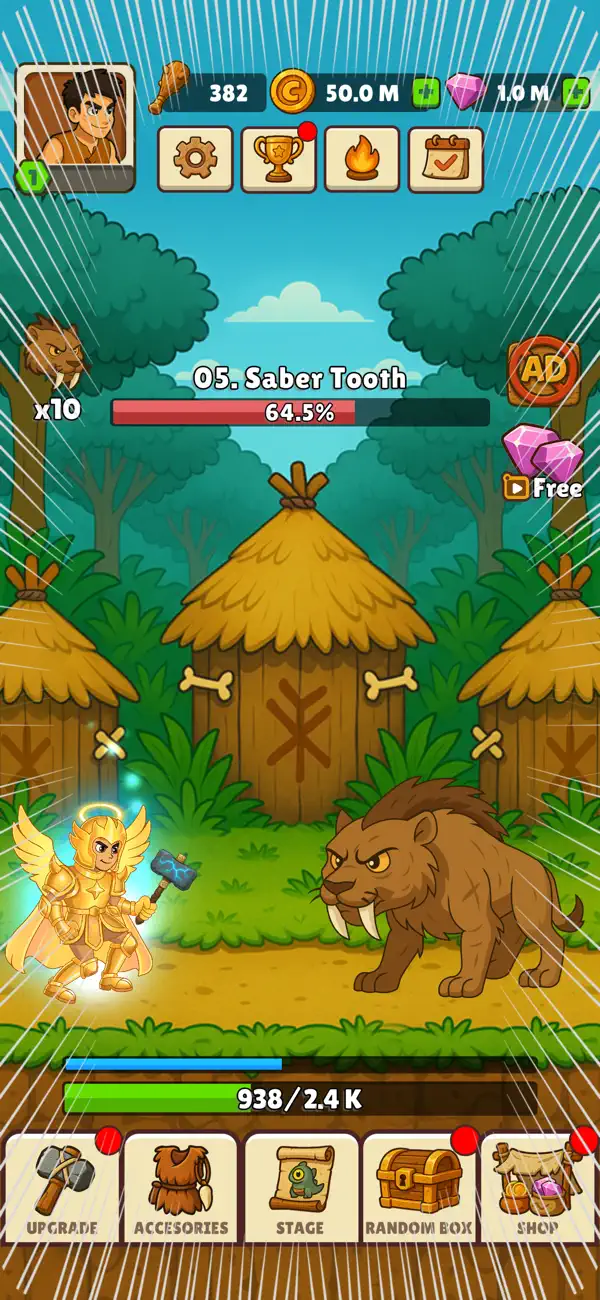
Transform your hunter from caveman → medieval warrior → knight → legendary god.
Each outfit unlocks multipliers, stamina boosts, and epic visuals.
▶ Satisfying Attack System
Normal attacks keep the action flowing.
Fast attacks give you speed bursts.
Super attacks deliver insane critical hits with explosive effects.
▶ Loot, Rewards & Progression
Collect gold and XP after every hunt.
Open loot boxes for weapons, costumes, and relics.
Merge items to unlock rare and legendary gear.
▶ Challenges & Stages
Complete challenges to unlock new enemies.
Beat the stage, move to the next biome, and face tougher creatures.
▶ Play Anytime, Anywhere
Idle system lets you progress even when you’re offline.
Perfect for short sessions or long playtimes.
Why Players Can’t Stop Playing:
The thrill of upgrading from weak stick throws to godlike lightning spears.
The satisfaction of crushing massive HP bars with every tap.
The excitement of unlocking new enemies and seeing what comes next.
The endless loop of hunt → upgrade → conquer → prestige.
Hunter’s Legend is designed to keep you hooked with satisfying gameplay, long-term progression, and huge upgrade payoffs.
Play for FREE today!
Think you can survive against a dragon with 999,999 HP?
Only 1% of hunters can… will you be one of them?
Download Legend Of Hunter now and prove your skills!
- iPhone o iPad con o sin Jailbreak.
- Sideloadly u otras alternativas.
- Ordenador con Windows/macOS/Linux e iTunes instalado.
PASO 1: Descargue el archivo .IPA pre-modificado desde el enlace de arriba a su ordenador. Para descargarlo desde la iOSGods App, consulte nuestro Tutorial de descarga del IPA desde la iOSGods App, que incluye un ejemplo en vídeo.
PASO 2: Descargue Sideloadly e instálelo en su Windows o Mac.
PASO 3: Abra Sideloadly en su ordenador, conecte su dispositivo iOS y espere hasta que el nombre del dispositivo aparezca en Sideloadly.
PASO 4: Una vez que su iDevice sea reconocido, arrastre el archivo .IPA modificado que descargó y suéltelo en la aplicación Sideloadly.
PASO 5: Introduzca el correo electrónico de su Apple Account y, a continuación, pulse «Start». Le pedirá que introduzca su contraseña. Proporcione la información solicitada.
PASO 6: Espere a que Sideloadly termine de hacer sideload/instalar el IPA modificado. Si surgen problemas durante la instalación, por favor lea la nota a continuación.
PASO 7: Una vez completada la instalación y al ver la app en la pantalla de inicio, deberá ir a Ajustes → General → Perfiles / VPN y Gestión de Dispositivos. Una vez allí, toque el correo electrónico que introdujo en el paso 6 y, después, toque en «Confiar en [email protected]».
PASO 8: Ahora vaya a la pantalla de inicio y abra la app recién instalada; todo debería funcionar correctamente. Es posible que tenga que seguir instrucciones adicionales específicas de cada app dentro del popup del hack en el juego.
NOTA: En iOS/iPadOS 16 y posteriores, debe activar el Modo Desarrollador. Para cuentas gratuitas de Apple Developer, deberá repetir este proceso cada 7 días. Si tiene alguna pregunta o problema, lea nuestra sección de Preguntas Frecuentes de Sideloadly del tema.